

Follow up question. Will they do this while idle? or is a command script or event only thing?
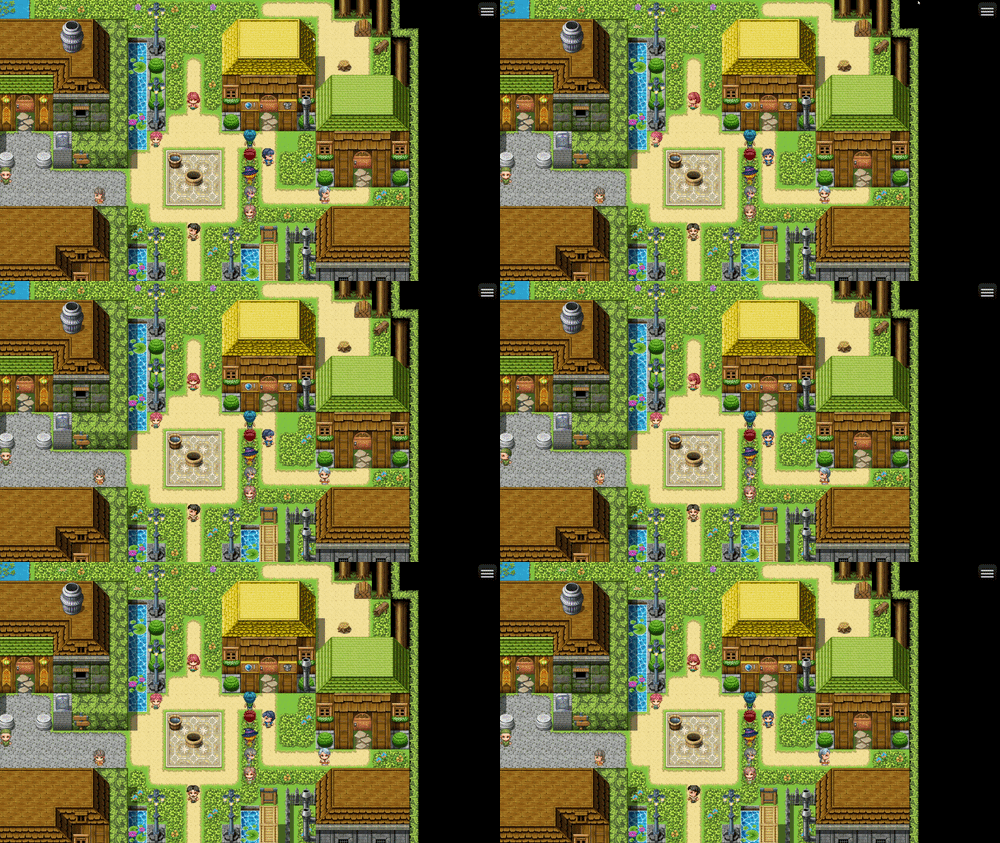
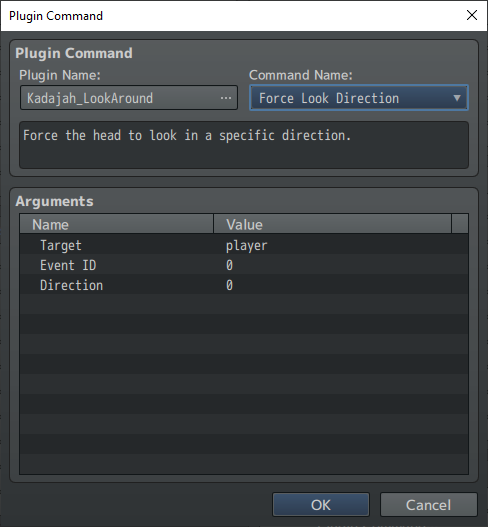
As you can see in the plugin command screen above, it's possible to manually determine the viewing direction for the sprites. As long as you have your character facing sideways in the spritesheet, simply map the head and body areas in the editor, and the plugin will do the rest.
It's possible to make your events look in the direction another event or player is facing (react), but this isn't a native function of my plugin. You'll need to do some logic to achieve this result.
1- Map the position of the point of attention.
2- Orientation logic relative to the point of attention (whether it's left, right, up, or down).
3- Positioning logic for the event that will turn its head (where it's facing) and where it should look, whether it should change body position before turning its head (to avoid turning its neck backward).
4- Several conditions are used to filter the data above and define the plugin command configuration that will turn the character's head.
With this, any event can react and turn in the direction of the point of attention, whether it's a player or another event, but it's a bit laborious, and it's not very scalable because it depends on the direction from which the interaction is coming, but answering your question, it is possible.