

worst case scenario, if you cant load at all, just overwrite your save with the save to slot1 button, and start again. if it still doesn't work, you can go into %appdata% and delete the "saved" folder inside local CandyBoxU folder. sorry for the bad experience, i hope you're able to enjoy the game despite the hiccup!
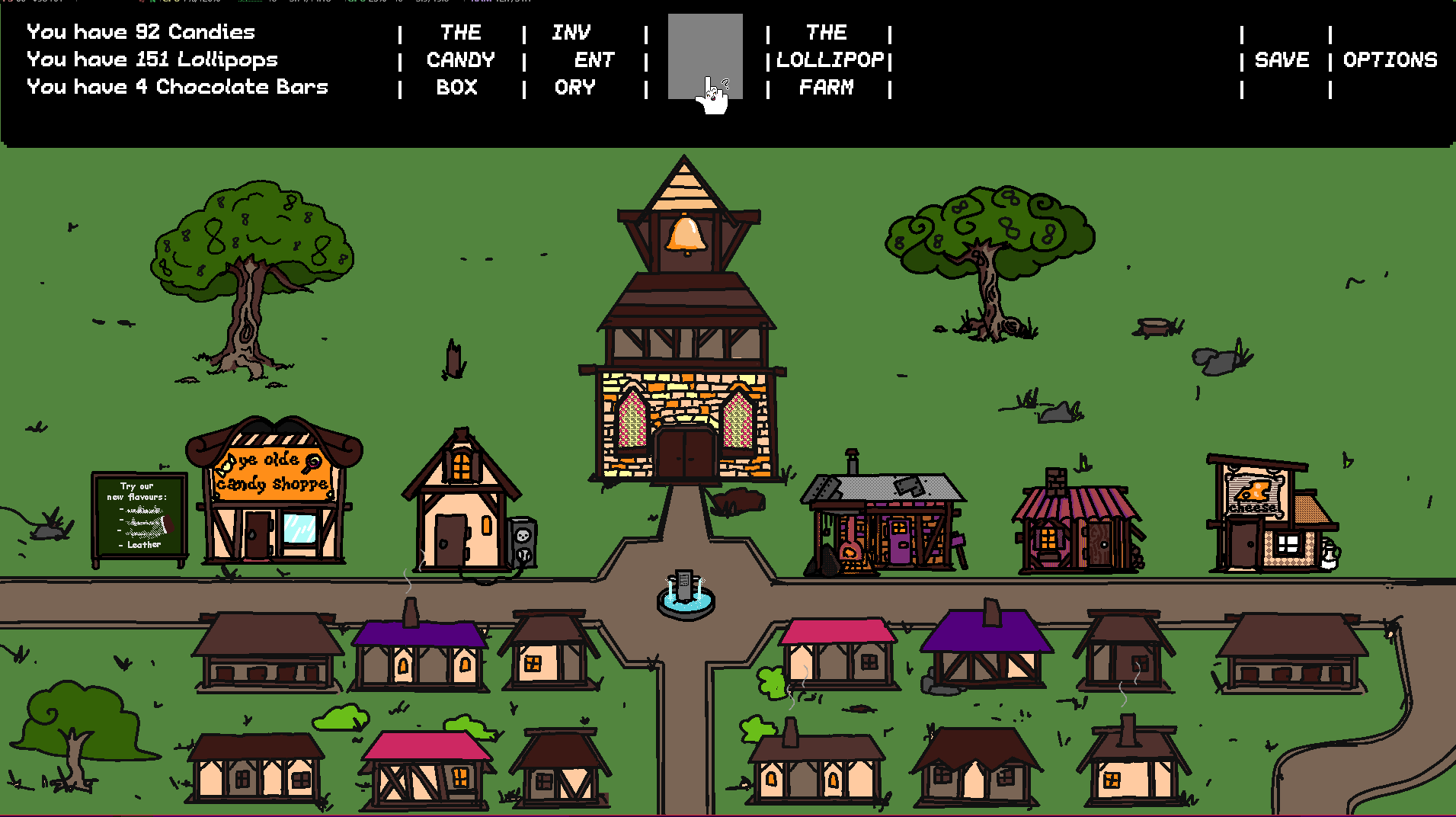 Doesn't seem like I'm able to defeat the rats again. The "World Map" item is still in my inventory, but the spot on the status bar for the map is blank and clicking it just brings me to the town.
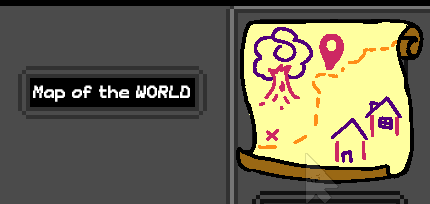
Back in "The Candy Box" the option to buy more features with candy is back, and doing that brought back "The World Map" dialogue, but clicking it still only brings me to the town, no world map.
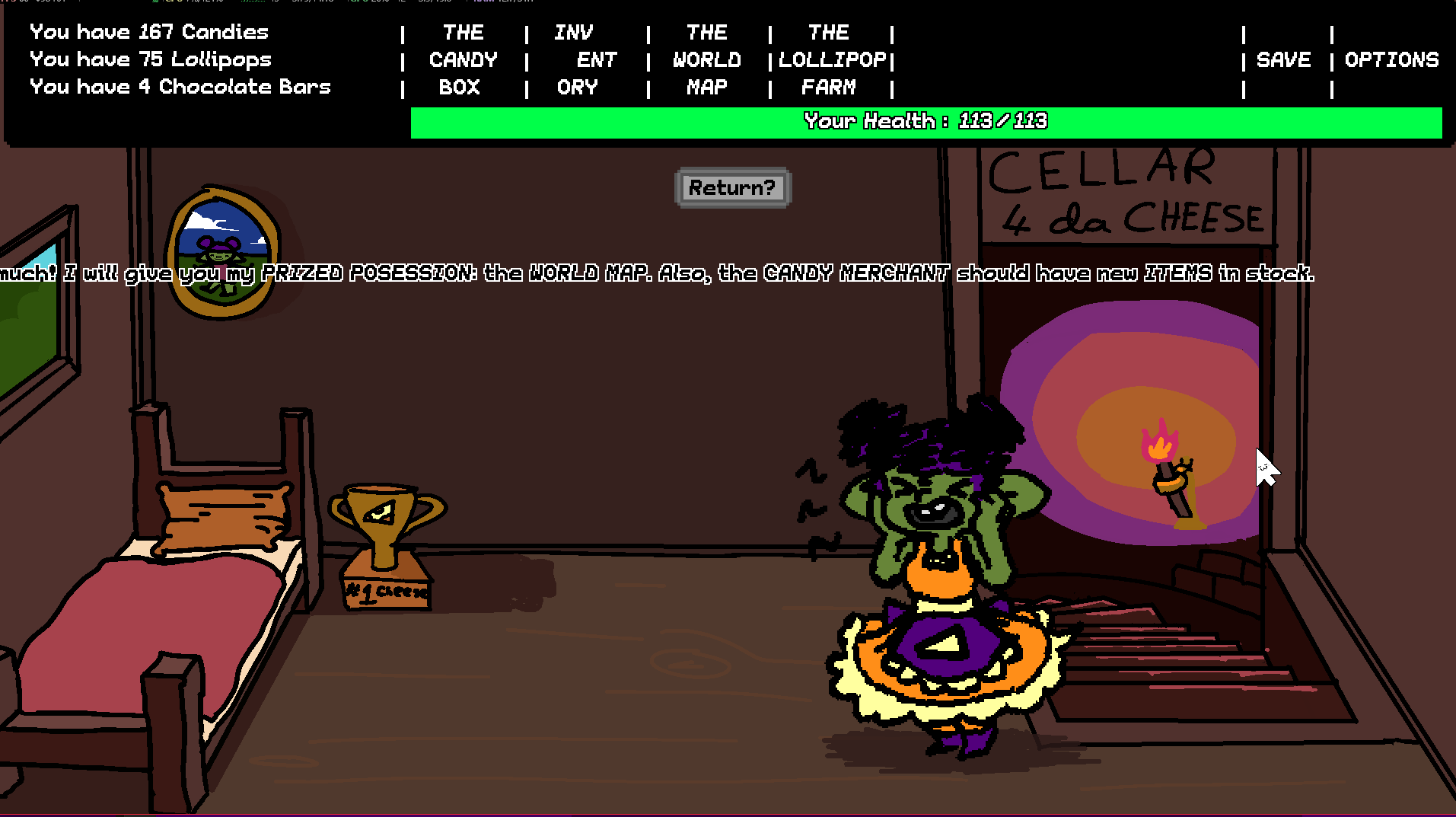
I tried to start the game over again, did the exact same stuff, and had the exact same problem. The world map just stops working for me after I save and quit.
https://streamable.com/d2rfut
Edit: Tried one more time after clearing the Local save folder, issue persists.
84 days ago(+1)
thanks for the really detailed breakdown!
i know what is wrong, and will fix that tomorrow!
83 days ago(+1)
i have fixed the bug. you should be able to load your save properly now!
thank you for letting me know!