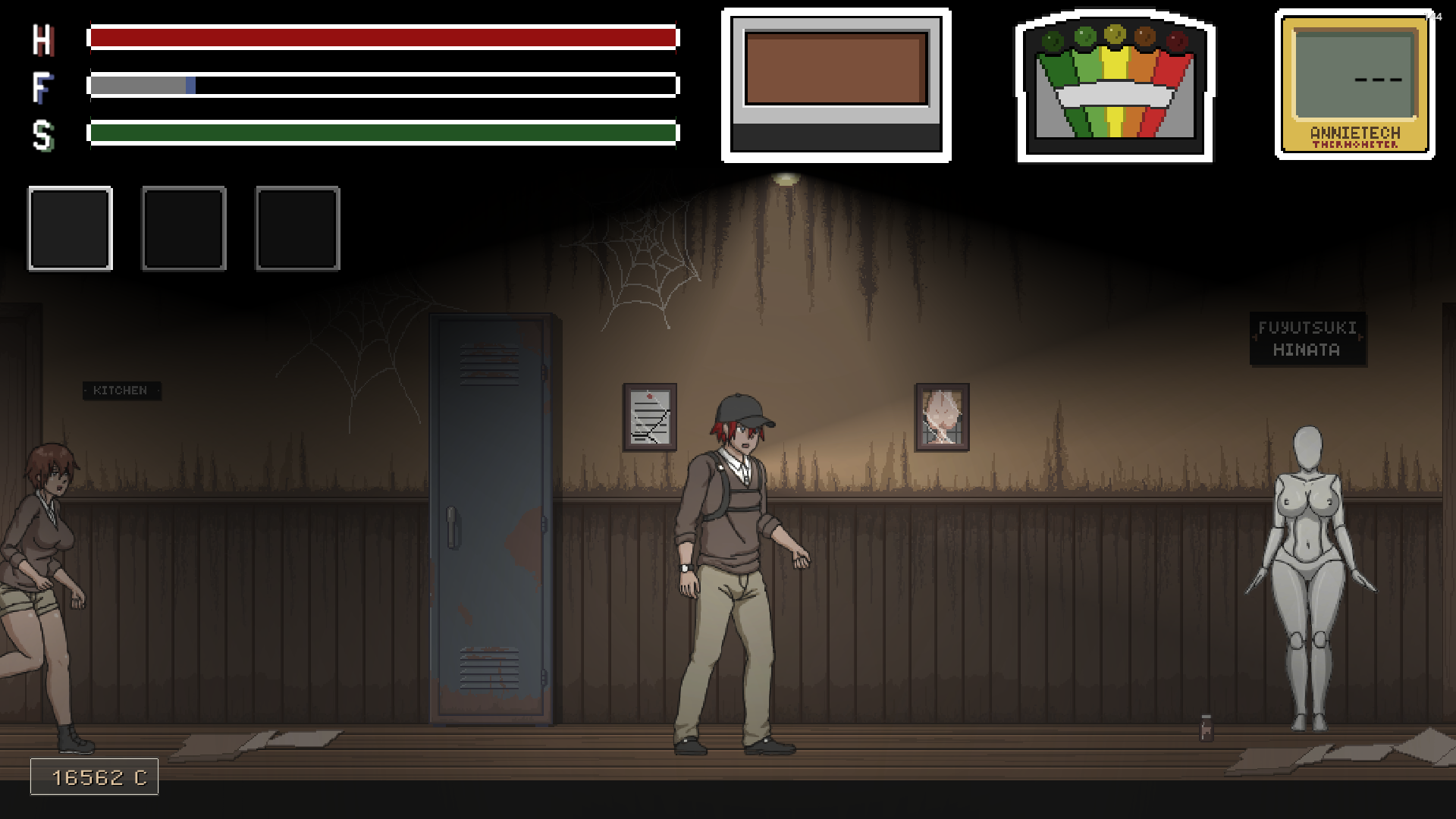
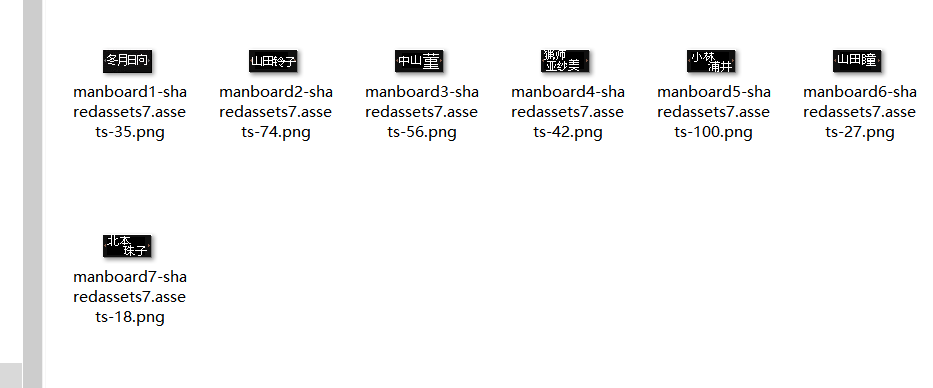
On what cn8059 said about the mannequin puzzle, you can edit names above each mannequins. All you will need is AssetBundleExtractor (3.0 which is I'm using) and a image editing software.
As always, make a backup of "sharedassets7.assets" file in "Lustful Spirit Hunt_Data" folder. Then follow these steps.
- Launch AssetBundleExtractor software and open up 'sharedassets7.assets' file (not sharedassets7.assets.resS).
- Look for file named manboard1. There should be two with same name. Click on the one with Texture2D type. Click on it. You will see Plugins button on your right side. Click and choose "Export to .png". Once a window pops up, make sure you rename it and add .png extension and save it somewhere to edit.
- Open the png file in a image editing software and make 7 files with all 7 nurses.
- Now to replace original files with edited ones go back in AssetBundleExtractor. Click on manboard1 file with Texture2D type, click on Plugin button and this time you will click on Edit. A window should appear. Don't edit anything. Just click on Load and select the respective files.
- Once you do that with all files, select sharedasset7, go to File-----> Apply and save selection. When a window pops up name it as 'sharedassets7.assets' and save it somewhere. Once you did that close the application. Copy and paste newly created sharedassets7.assets to Lustful Spirit Hunt_Data.
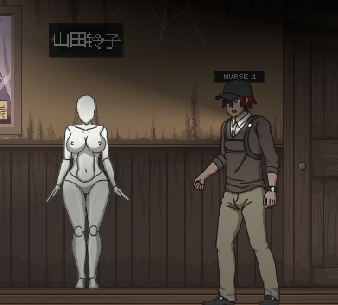
If done right you should see something like this. I have used files from LSH Ringman game.