Hi,
Thank you again for your detailed feedback - it’s very helpful to us.
The asset packs have now been fully updated and re-checked to improve compatibility across RPG Maker VX Ace, MV and MZ. We reviewed all the reported issues, including file formats, transparency, and general structure.
For best results, we recommend placing the files directly into the corresponding Graphics folders instead of importing through the editor, especially for VX Ace.
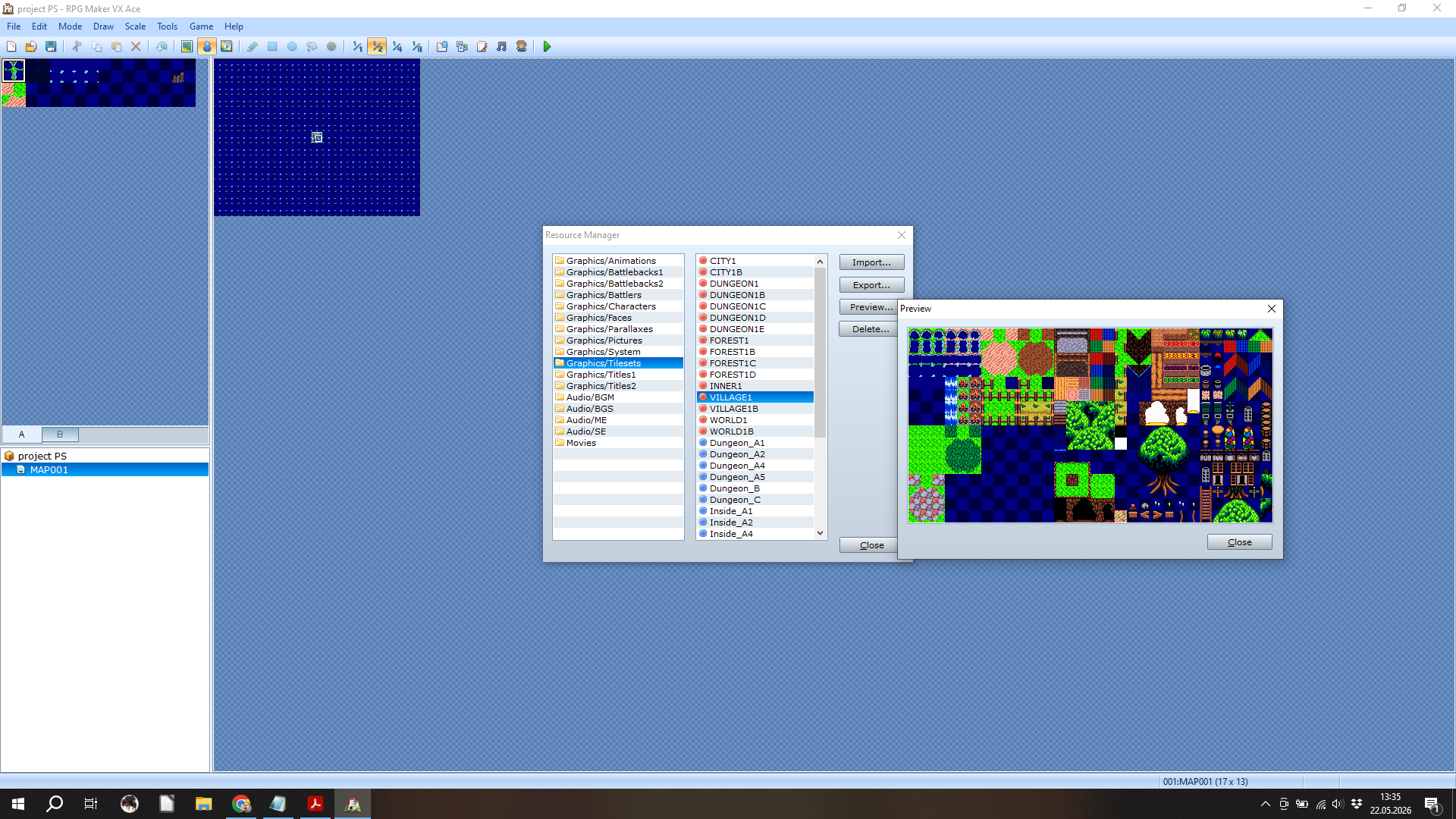
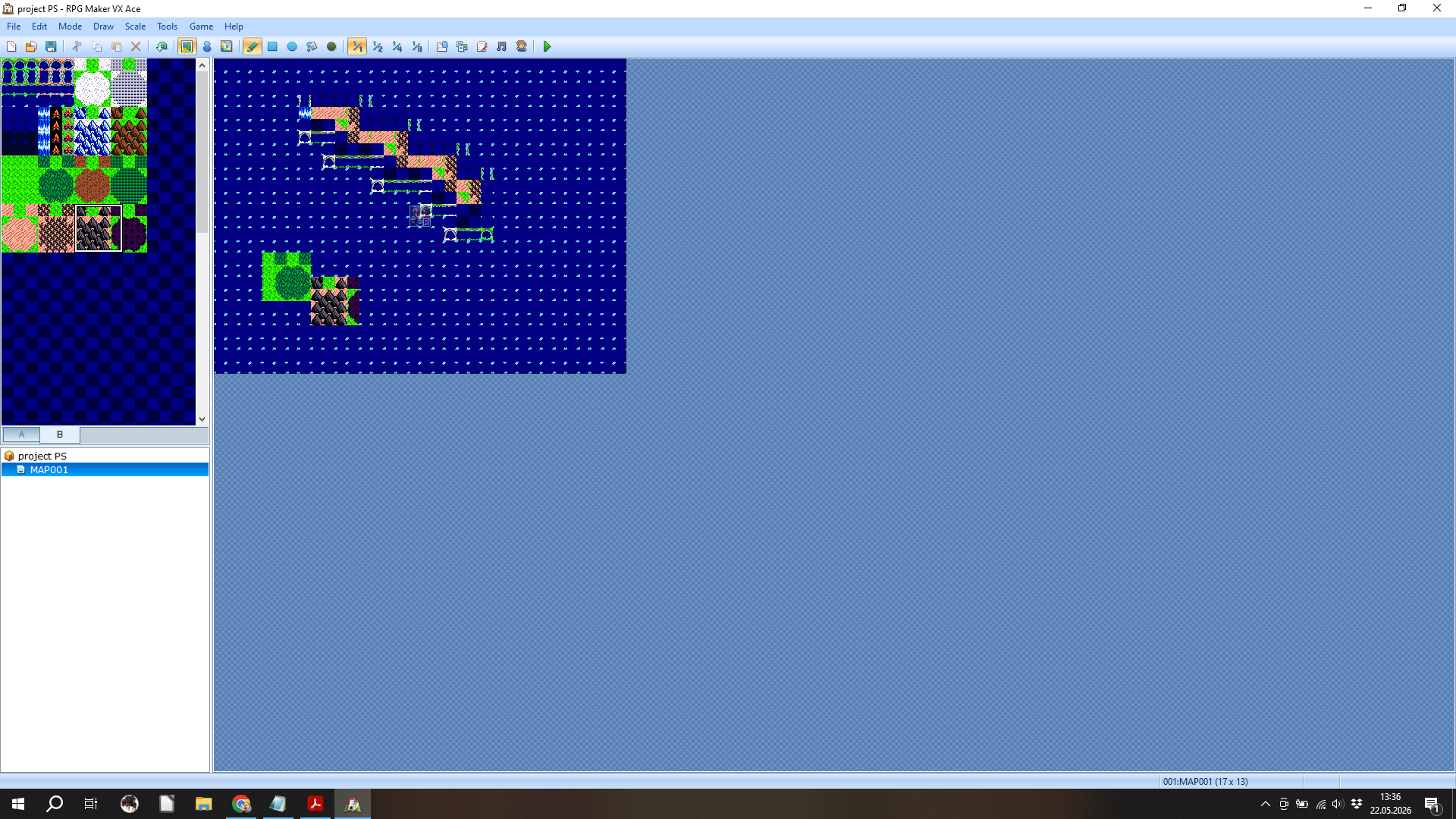
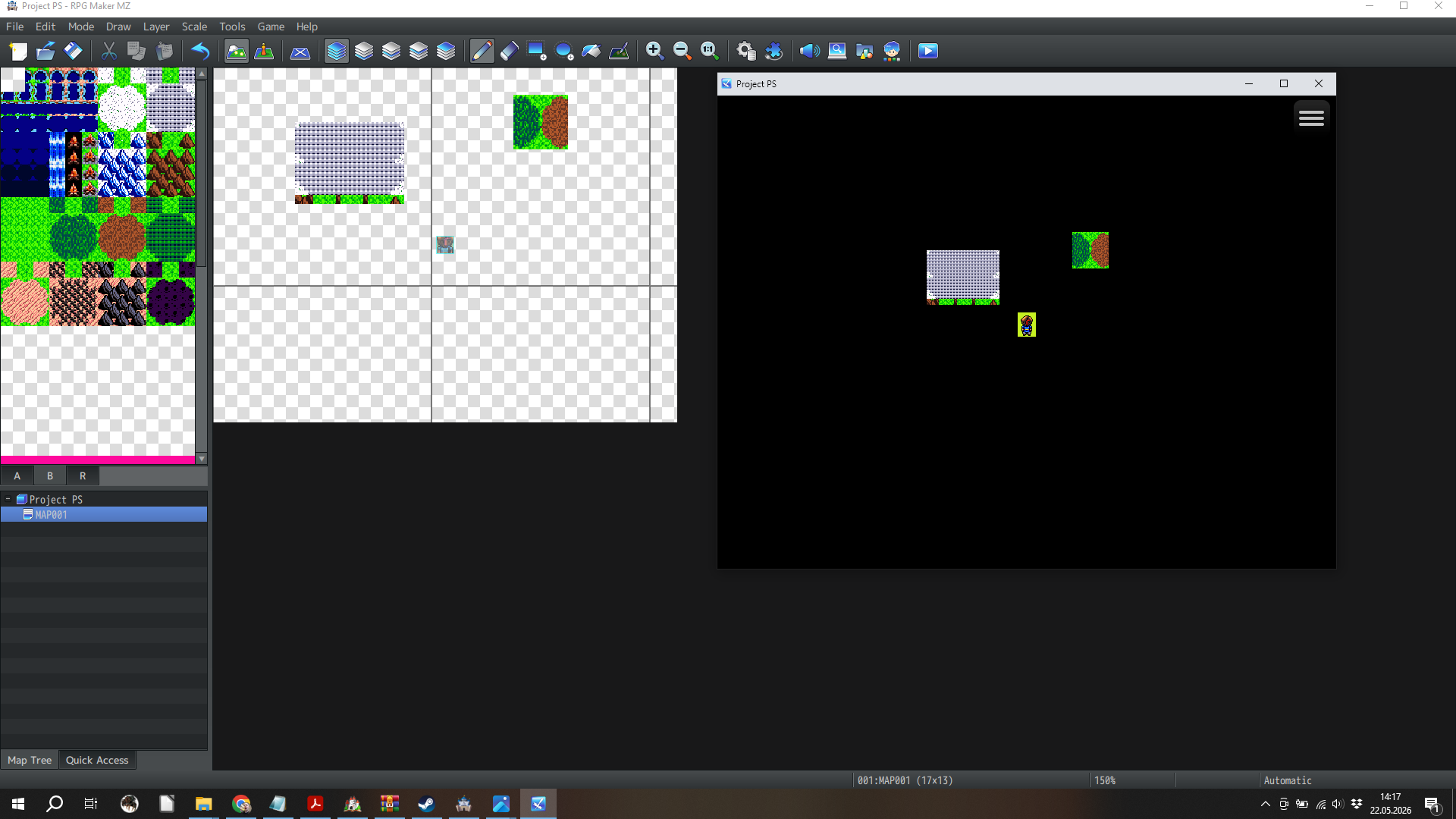
Regarding the scaling issue in VX Ace, this is the only point we were unable to fully confirm on our side. Because of this, we would like to better understand your setup so we can ensure everything is displaying correctly. If possible, could you share a screenshot or a small example of how the assets appear in your project? This would help us assist you more precisely.
If you would like, we can also send you the updated pack directly via email so you don’t need to re-download it manually from the platform.
If you still experience any issue, we are fully committed to helping you resolve it. You can also contact us directly via the support email listed on the product page for faster assistance.
We really appreciate your feedback and your time, and we’re here to help with anything you need.