

The character preview doesn't even work anymore in your version 6.1. And I have absolutely no idea how to change a character's animation despite your 70-page manual. I have 27 animations at the top and my character below, and I have no idea how to apply an animation to the character. It should be super simple, but no, it's a mess and incomprehensible.
P1 first met Px2d
This recording was made at an earlier time and is slightly different from the current page. It enables you to get a general understanding of the tool first.P2 creates a character
The second section is about creating characters, and this is extremely important. This will be used for changing the skins of subsequent actions.Create a character generator, select the character generator, press the Q and E keys, and you can change the perspective of the generated character. Then pressing the F key will generate the character.
After generating the character, select the character generator and press the backspace key to delete it.
The character previews in the resource library are real-time, and this is a feature introduced in the 2.6.1 update. So, before creating a character, the preview area is naturally blank. No role.
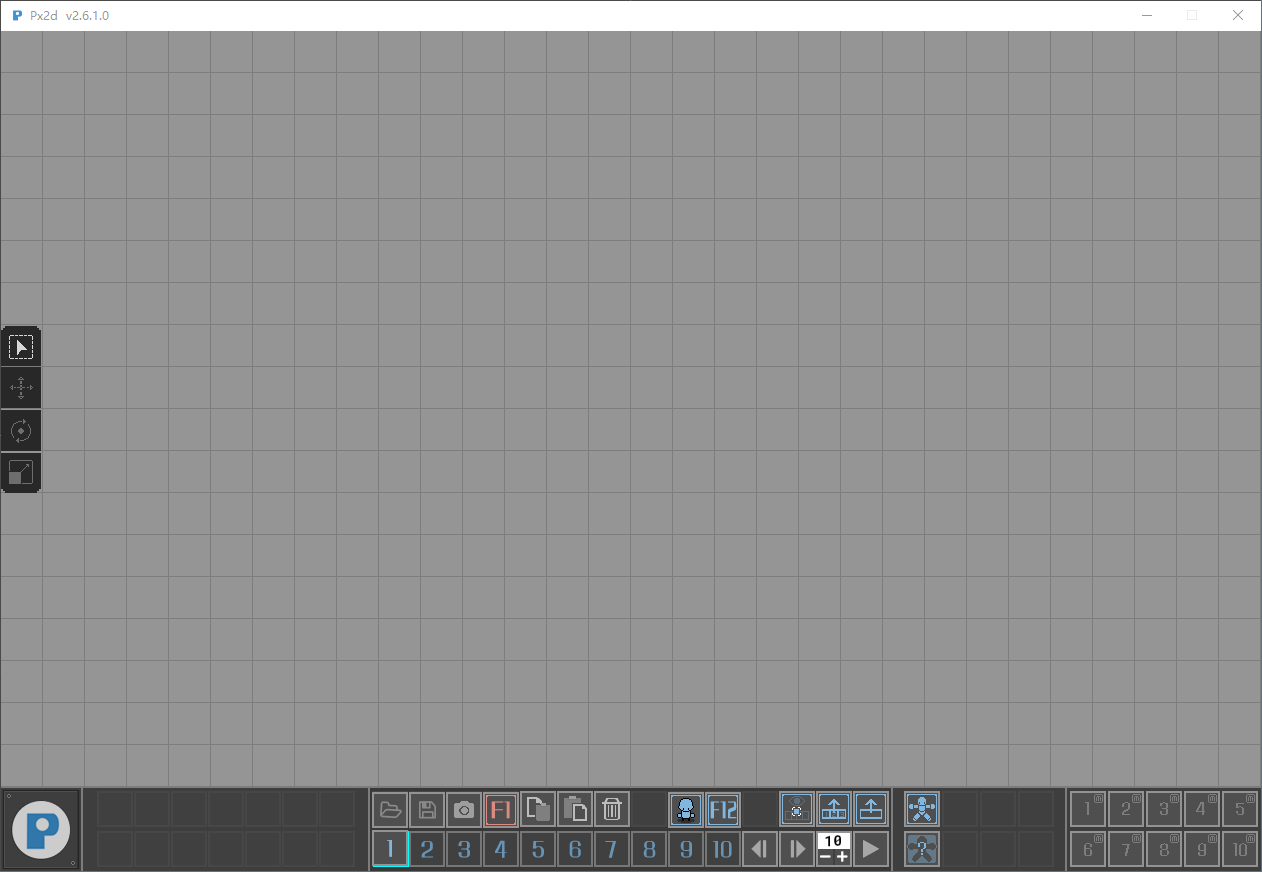
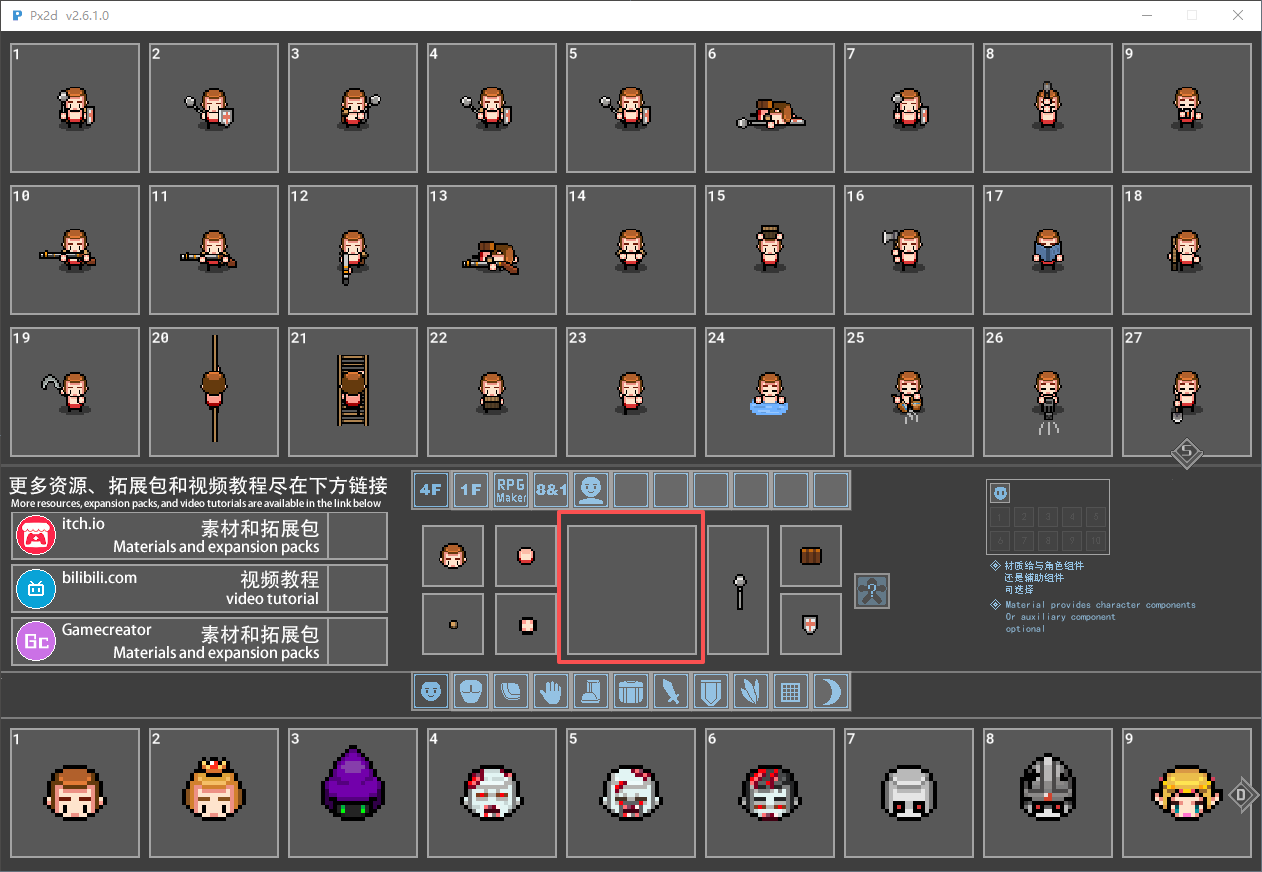
After creating the character, the preview will be updated.
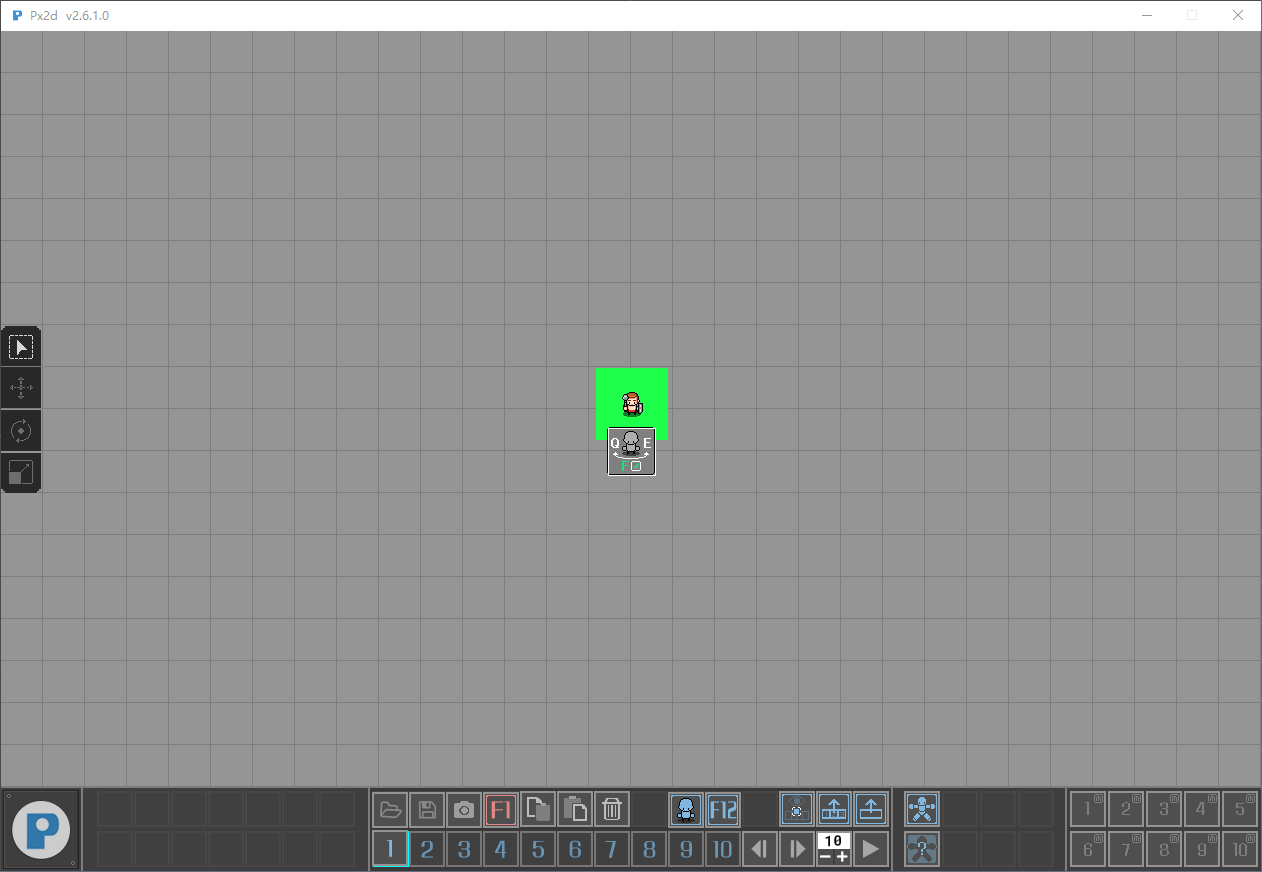
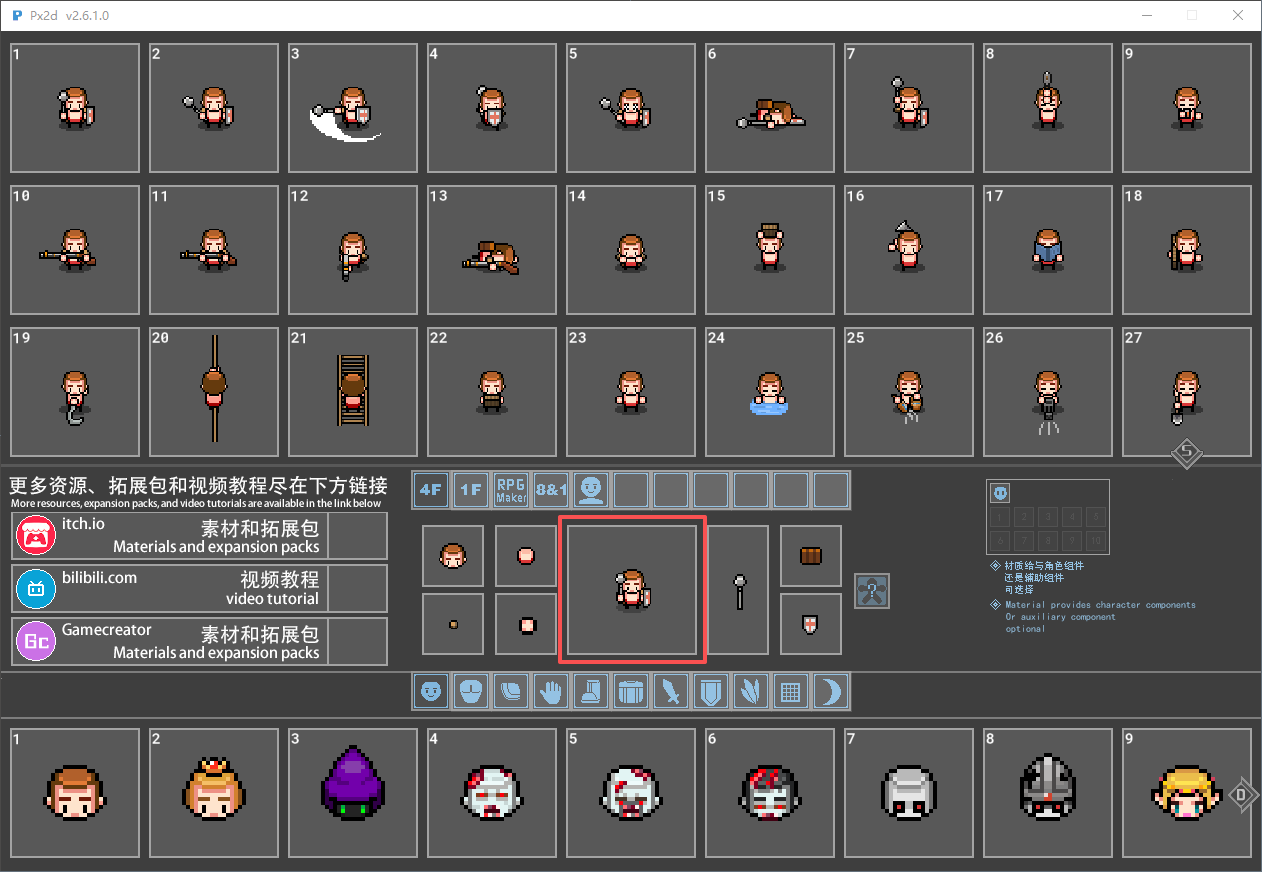
In the Resource Manager, the A and D keys are the shortcut keys for quickly navigating through the materials on the left and right pages. The W and S keys are the shortcut keys for the up and down page navigation functions.
When choosing the following materials, select them by clicking the left mouse button.
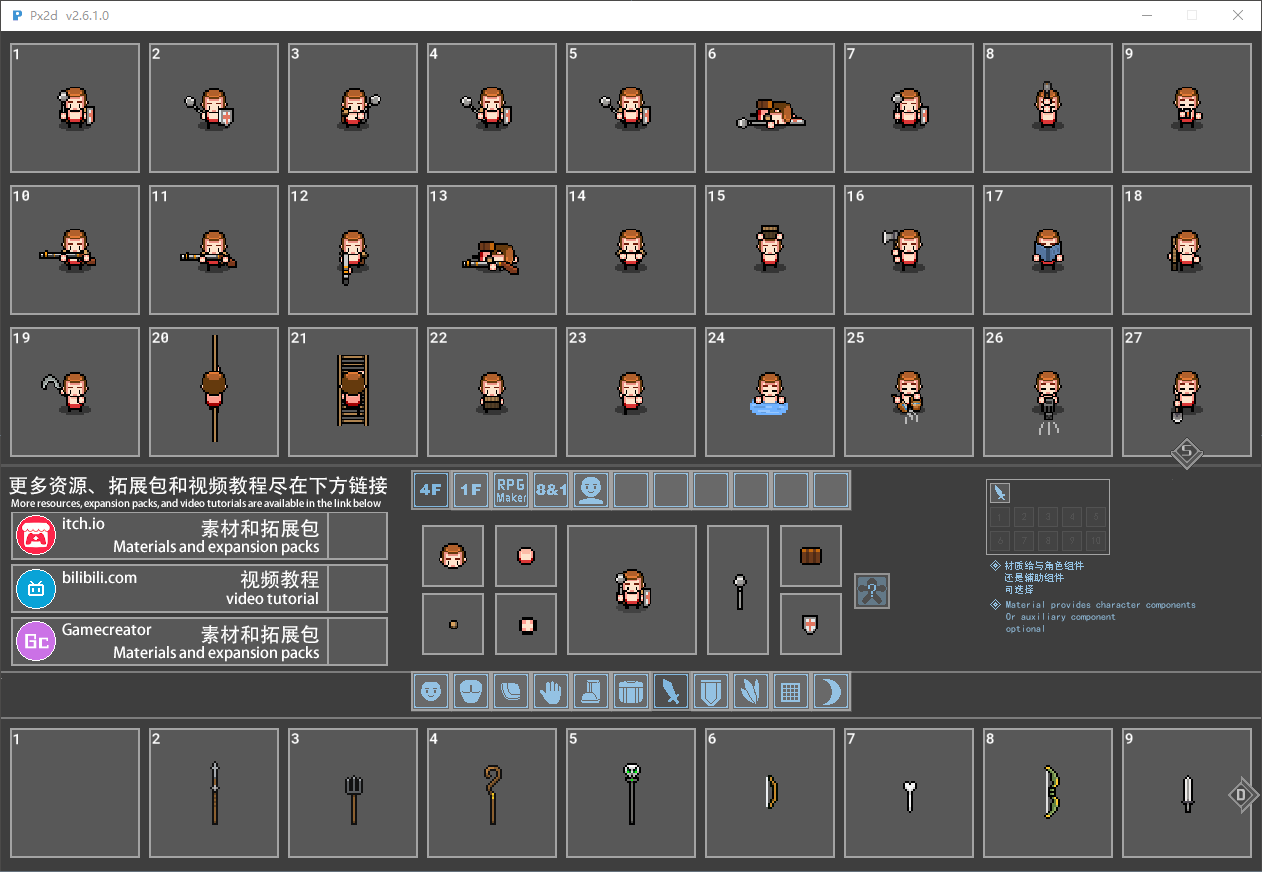
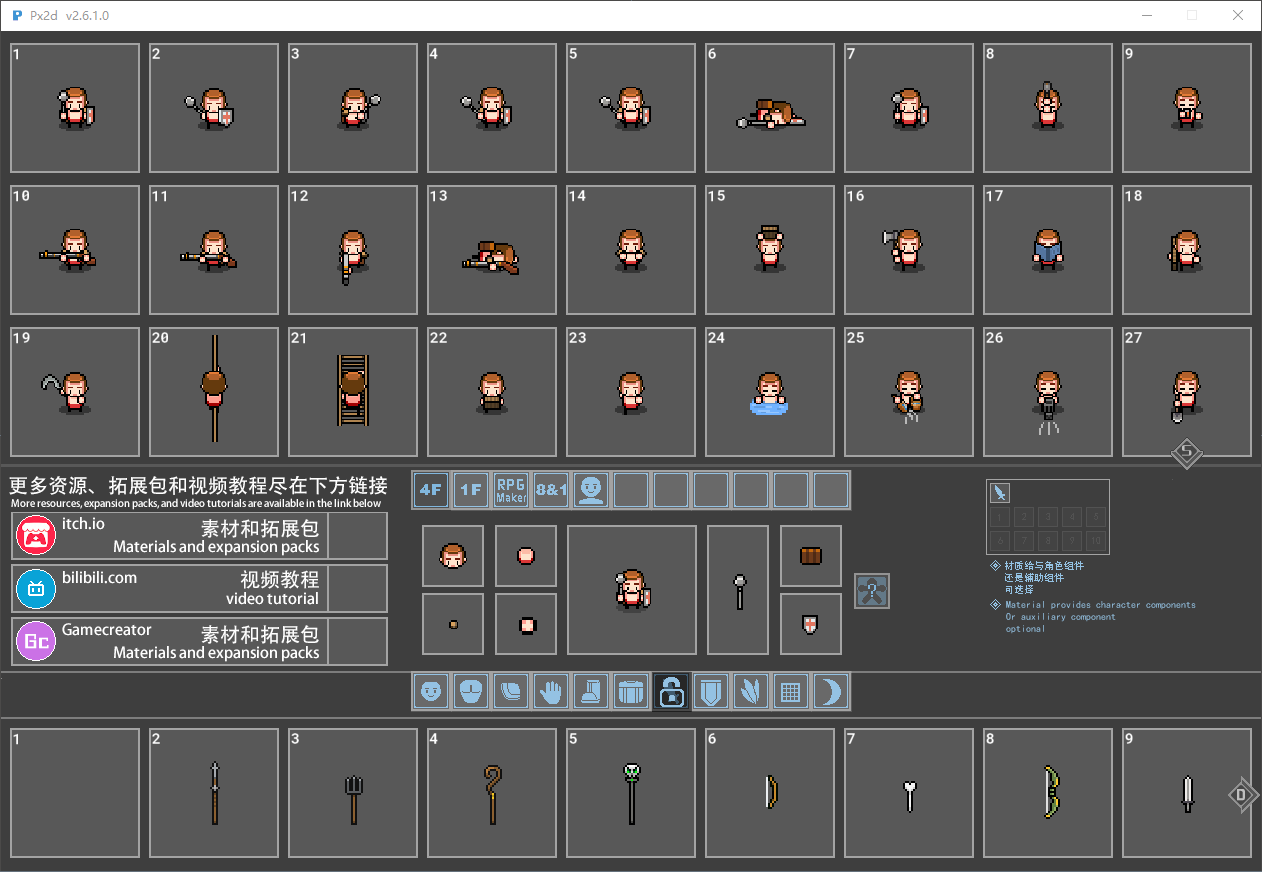
Select the type of the material, and you can lock it by pressing the middle mouse button. Once locked, during the loading process, the items in the character's hand will remain unchanged. This is particularly applicable when you perform life-related actions and trigger special effects. Because in the life-action scenes, the props held by the characters are all made of weapon components. For example, actions like watering plants, felling trees, and fishing - the tools held by the characters - are all made using weapon components.***This is of great significance.***
P3 loading action
P4 Export Animation
Version 2.6.1's shadows no longer need to be handled. The export is in a normal semi-transparent state.P6 Custom Resources
In version 2.6.1, there is no need to make any changes to the configuration file. The tool will automatically load the resources now.P7 Custom Action
P8 replaces DLC
Replace attack effect
In the early versions, you could see the entire character in a preview while you changed the character's parts. Then there was a list of animations you could apply to the character you were viewing... Now there's no preview, and you have to open a window and load a file to apply an animation? It's getting less and less practical, isn't it?