
Indie game storeFree gamesFun gamesHorror games
Game developmentAssetsComics
SalesBundles
Jobs
TagsGame Engines

Should work like a regular executable file. Just take it out of the zip file and then double click on it.

You may have to install Java if you don't have it already: https://www.java.com/en/download/manual.jsp

This is an old game I made way back in high school, so I'm not adding any new features or support for it, but thanks for your interest!
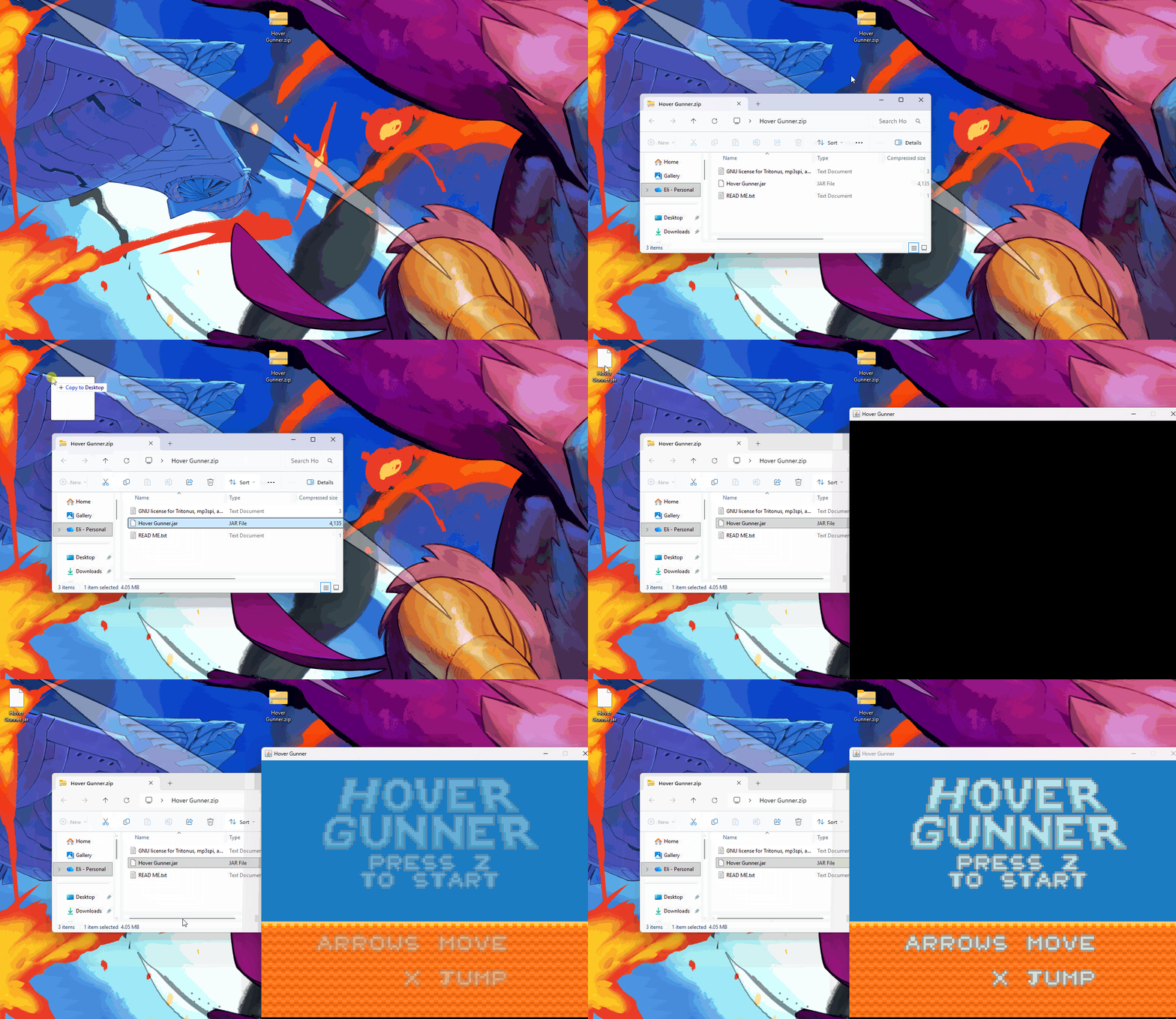
how to take it out of the zip file tried doing that and dont know how to

You should just be able to drag it out like any other file:

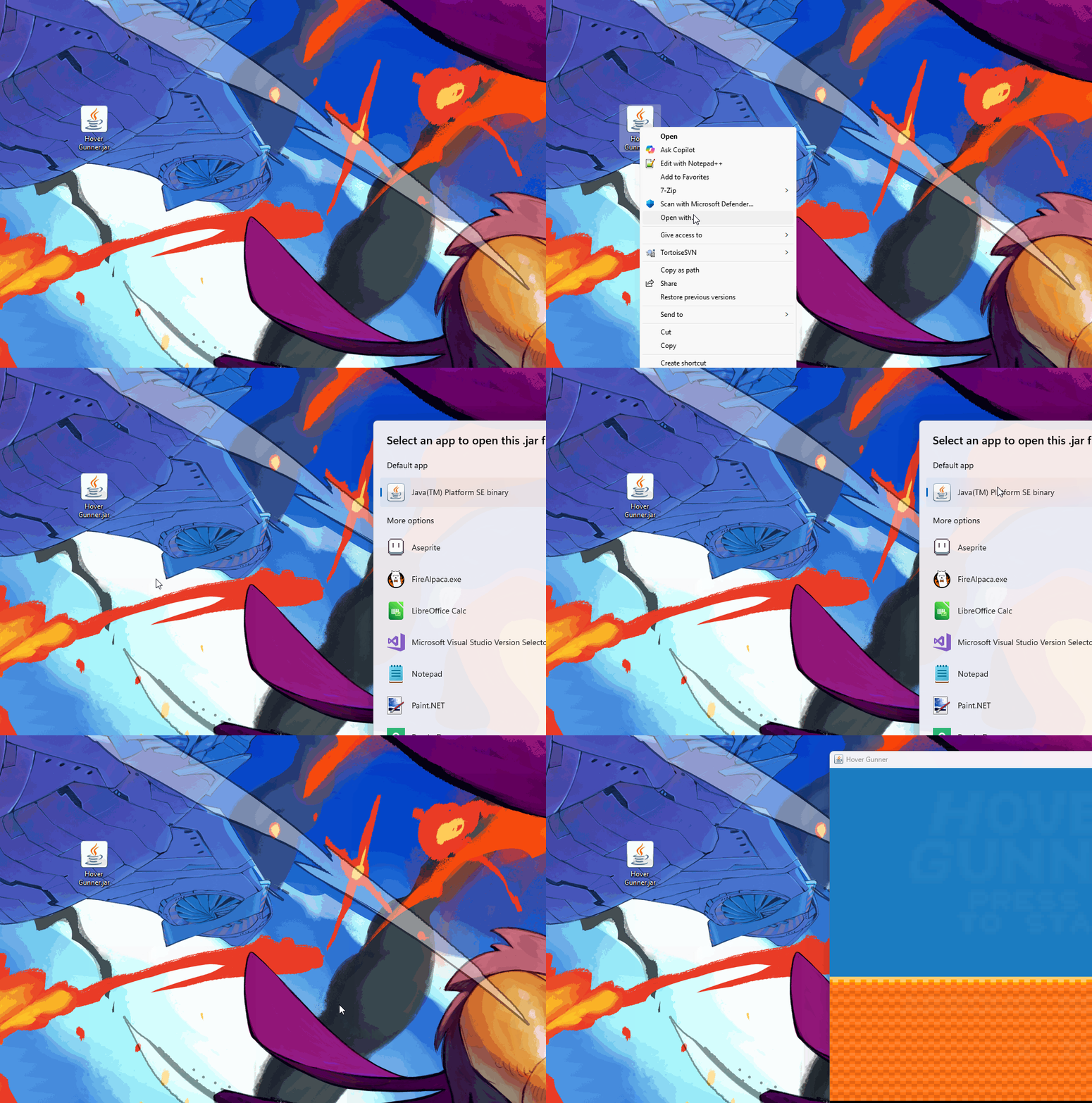
did that and it still opens up the notebook

Again,  gotta download Java if you don't have it. May need to right click and select open with -> java. Sounds like your computer is defaulting to notepad for some reason.

installed java and finally got it to run but the game doesnt seem to support gamepads and i suck at pc controls when i tried to add it to steam to remap the controls it wasnt showing up on my files when i hit browse so i unless u add gamepad support this game semm unplayble for me:(

Sorry, this is a very old project from High School, so I am not adding new features to it. If you want, you could use a software like Joy2Key to bind your controller to keyboard buttons: https://joytokey.net/en/

joytokey stooped working for some reason every time i open it it doesnt open the window reinstalling doesnt work mabye its just my laptop idk but thx anyway

why will u not add any new features to it tho