

Hello there,
If not too much to ask, I would like you to ask you whether you could reproduce this error, and, once you see this error message again, follow this procedure:
- Press F12 to open debug console
- Super important!: Navigate to "console"
- Screenshot the whole dialog
This would help me a lot!
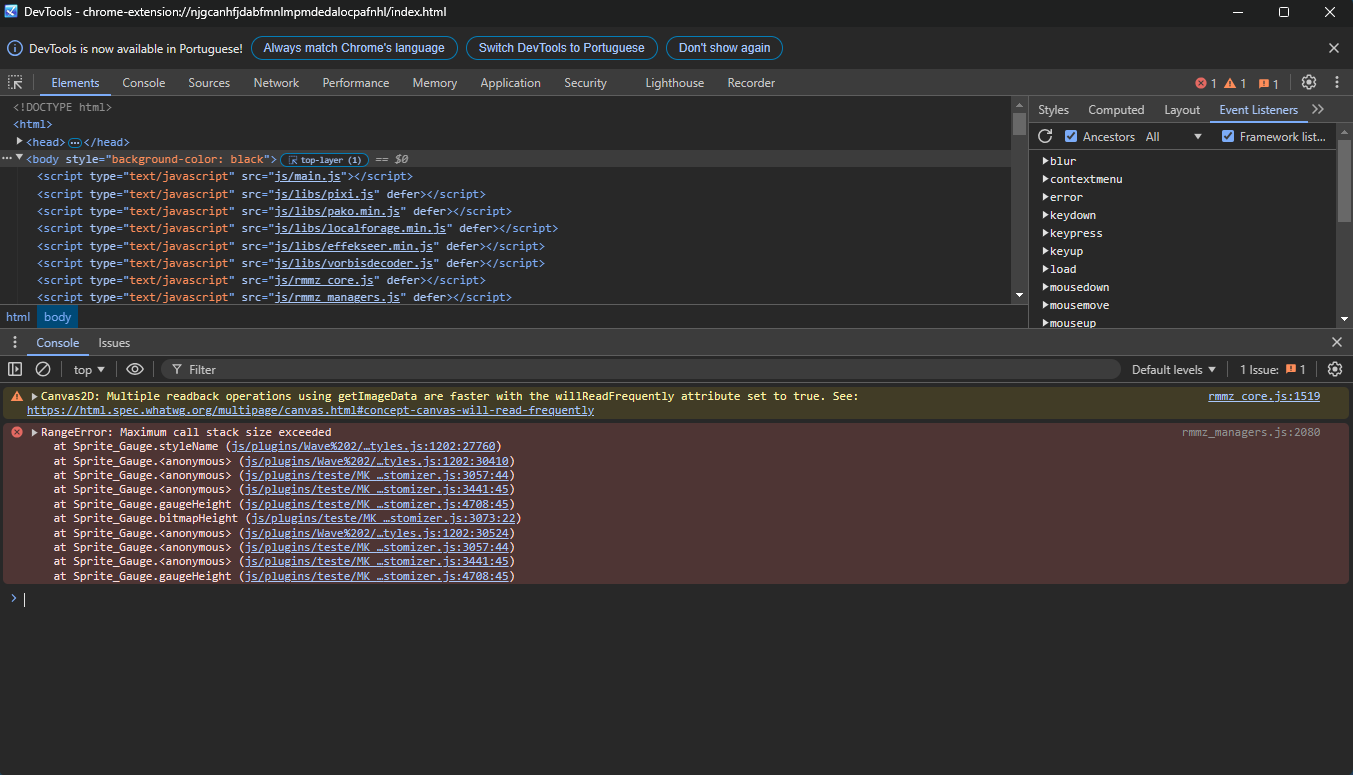 If it's not too much trouble. I hope I'm not bothering you, as I use this option and my image has transparency. I'd like to remove the black background when opening the menu, as it prevents the transparency from being visible. And about the Visustela plugins, I'd still like to use them, but if that's not possible, between your plugin and Visustela Gauge, I prefer yours.
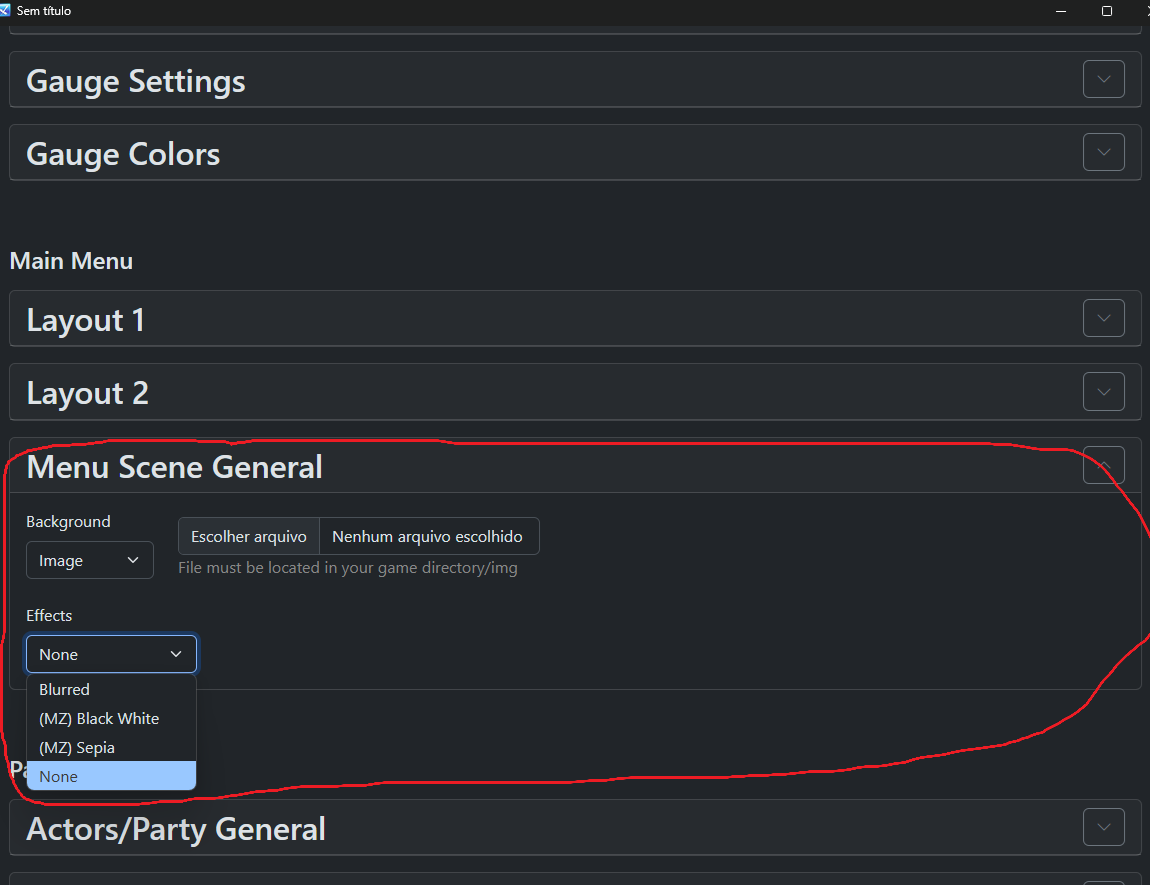 If I select the "none" option, the entire background turns black, making it appear as if my image is not transparent.Thank you for your support. My menu is looking great thanks to your plugin.