

Hello! I just updated your plugin to the latest version and this happened. Everything was working so well in the old version that I don't understand what happened. My RPG Maker is updated to the current version. I would like to try the new version, but I can still use the old version because I have it saved and it works very well. I just wanted to add (in the old version) the transparency of the background image, because I created it with 50% opacity, but since the plugin creates a black background, the image opacity doesn't show up. Until I get an answer, I will continue using the old version. Your plugin is fantastic and made my game menu look very nice.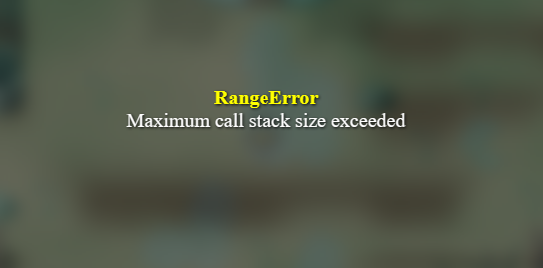
I ran a test and removed the Visustela plugin that modifies the gauge. And your plugin worked. Strange, because the previous version of your plugin is compatible with Visustela Gauge.
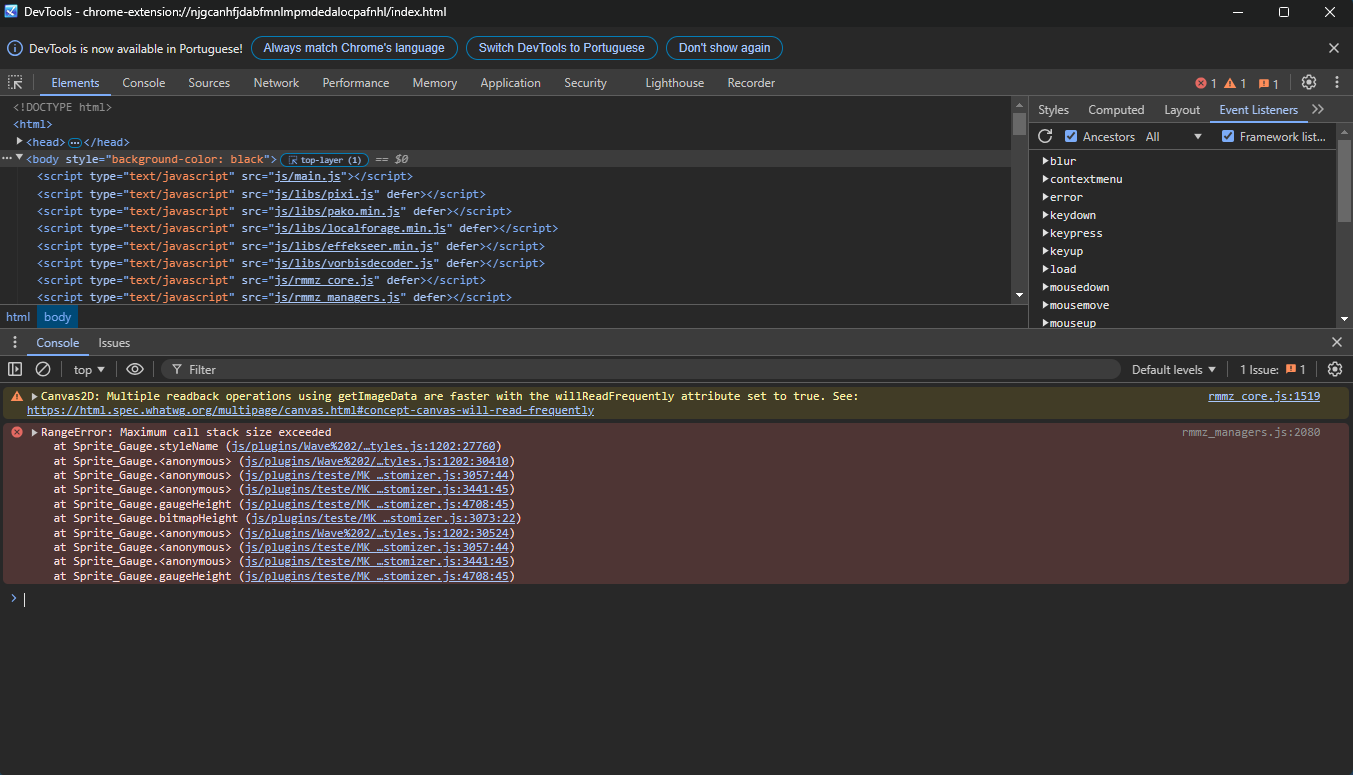 If it's not too much trouble. I hope I'm not bothering you, as I use this option and my image has transparency. I'd like to remove the black background when opening the menu, as it prevents the transparency from being visible. And about the Visustela plugins, I'd still like to use them, but if that's not possible, between your plugin and Visustela Gauge, I prefer yours.
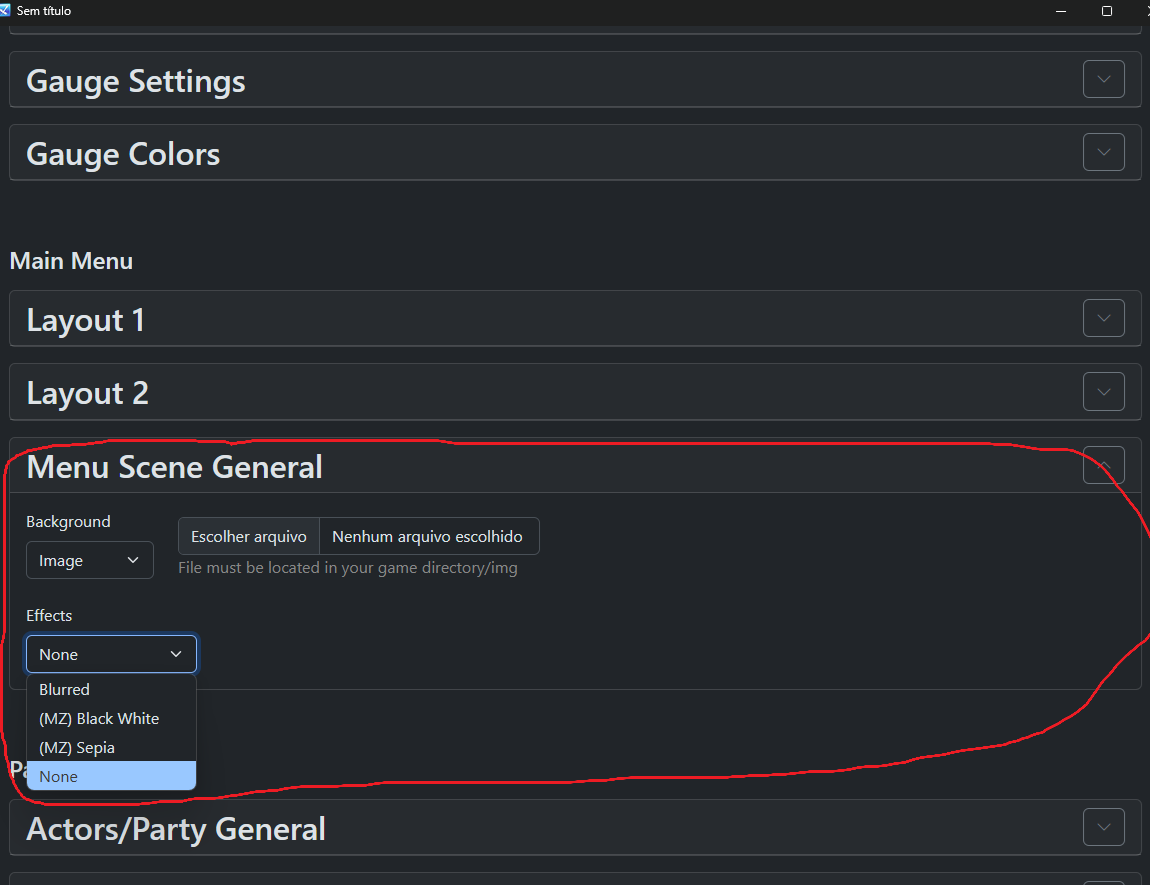 If I select the "none" option, the entire background turns black, making it appear as if my image is not transparent.Thank you for your support. My menu is looking great thanks to your plugin.