

Hi, I'm still working on fixing the problem because maybe I don't know how the engine works. But I left you a folder with all the characters and objects without animation so you can animate them yourself. I don't know why it's not accepting animations from this engine yet, and I don't want to delay you, so I'm leaving it like this for you to add the animations you want. Sorry I don't know how to fix it right now.
Massive thanks for working overtime.
I think there might be some issue with Blender import? Idk, I tried your newly uploaded mesh - all I did is import it to Mixamo, apply - Idle animation and when I import it back to my game engine, this happens - 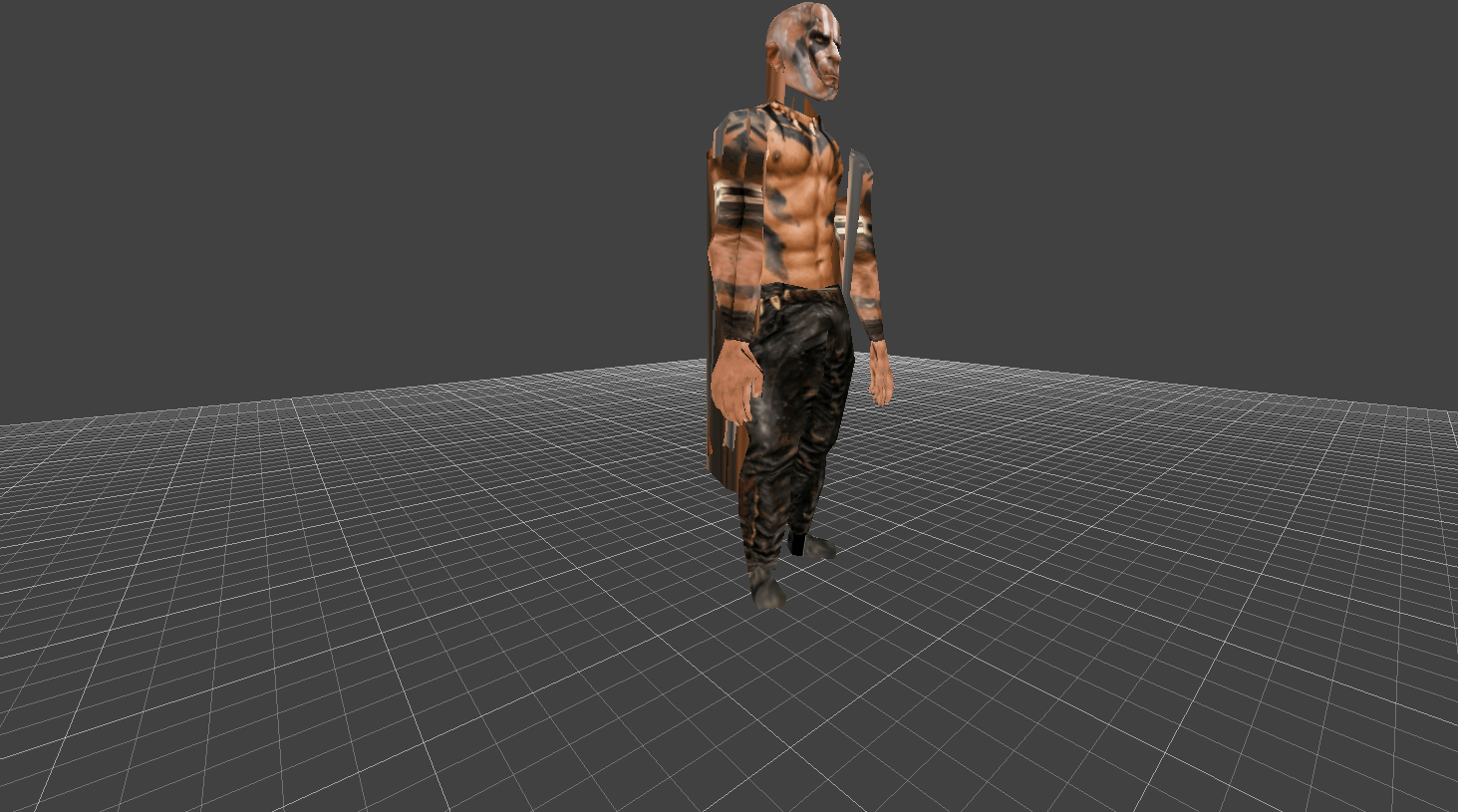
I hope there is a fix to this.
I've worked on many horror games and used many animated models, but this is the first time I'm having the issue, ever. Just odd.
129 days ago (+1)
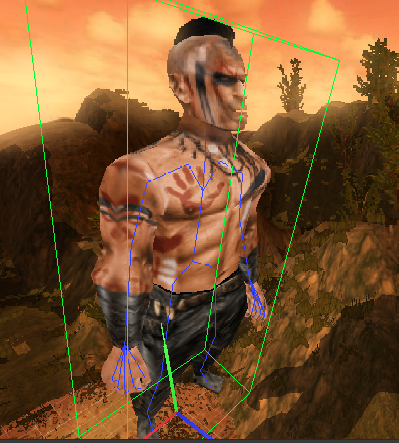
I found the solution. It took me a while to find it, but I managed it, so I'm going to fix each one so that it now works correctly in your engine and you can add animation without problems. Let me know if anything seems off.
129 days ago(+1)
Okay, I changed the FBX files. They're in the same folder without animations, and I tested each one in the engine and it works fine.
Well, my dear friend, sadly, it didn't work. But, I found the solution - I baked all the textures into one and it is working perfectly.
I apologize for wasting your time, because it was clearly my game engine's fault and not you at all. Although, I sent you some donation as a token of gratitude. I'll be using this pack in my upcoming game and if it does well, I promise to donate more in the future.
Best to you and thanks for the help!
129 days ago(+1)
It's great that you were able to get it working. It looked good overall when I tested it, like in the picture, but I'm glad you found the solution. I tried looking at it from every angle, but I didn't think it was the textures. Don't worry, I always try to find a solution if something strange happens, but I'm glad you found it, my friend. Good luck with your next game, and thank you very much. I'll try to keep it to just one or two textures so that doesn't happen if you download another new character.