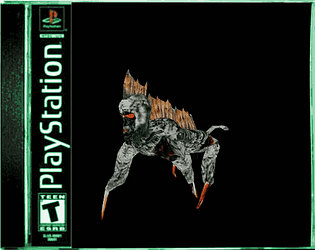
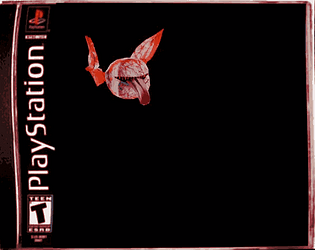
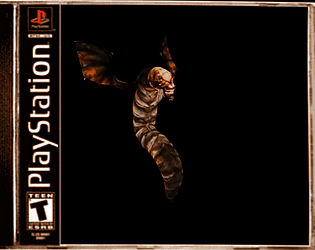
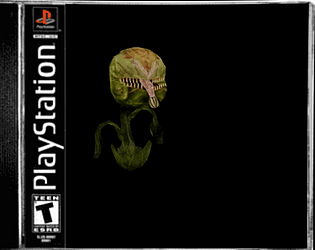
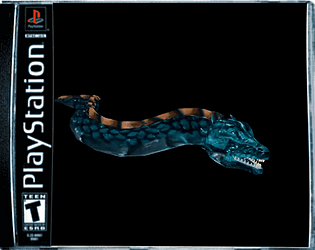
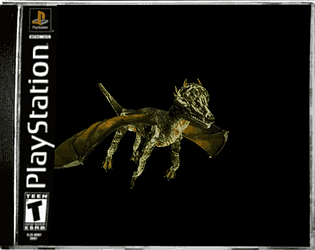
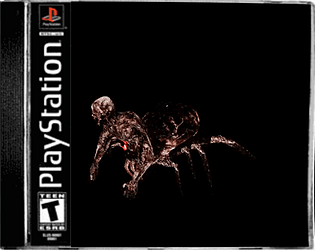
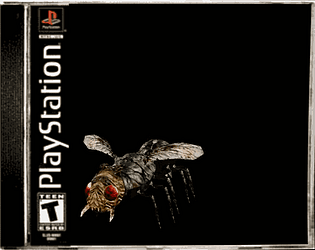
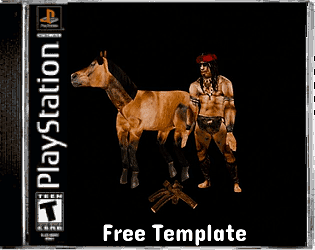
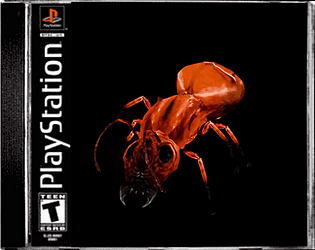
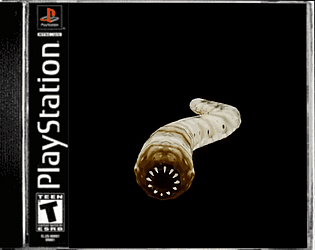
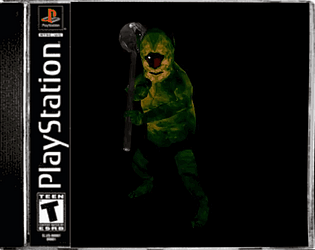
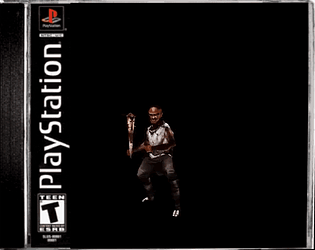
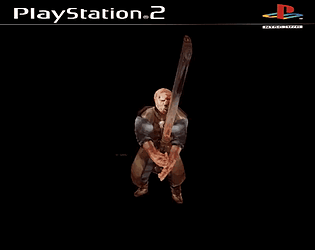
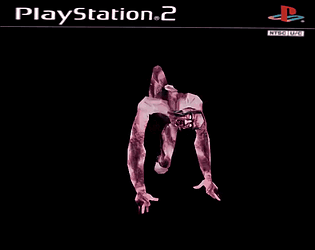
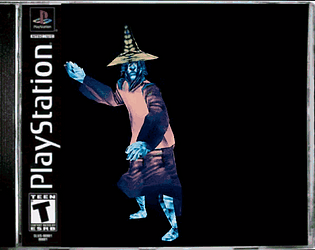
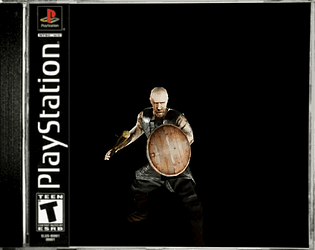
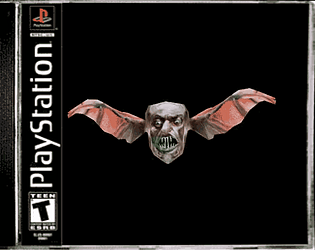
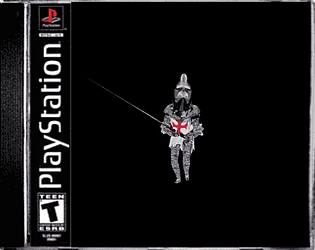
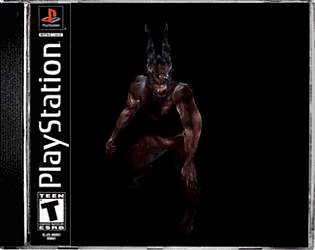
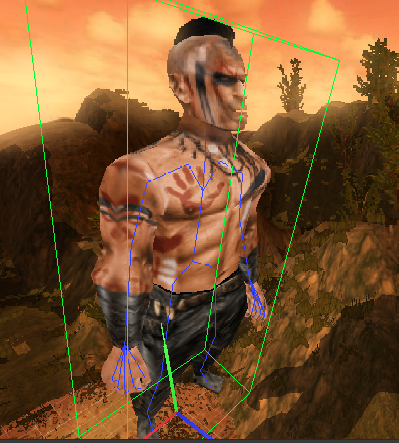
Oh, I saw it! And sorry for not replying sooner, but it turned out amazing! I love it! I've been a little busy with everything, but when I have some free time, more will come, I promise.
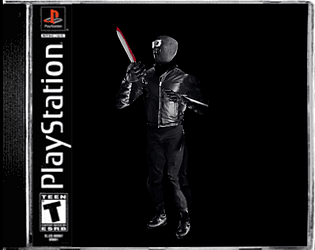
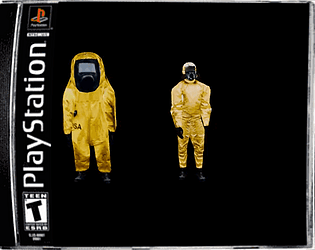
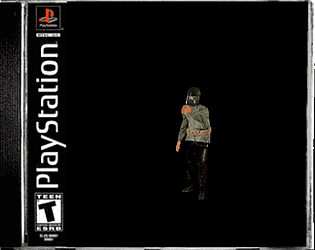
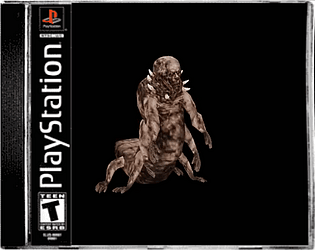
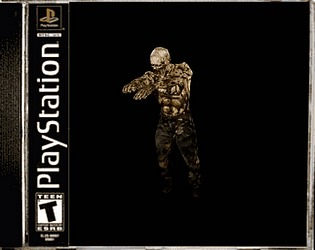
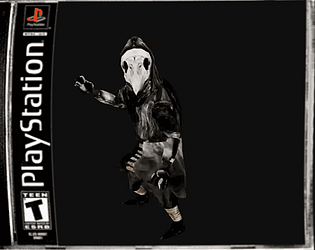
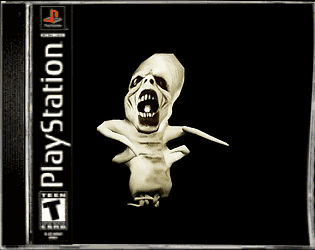
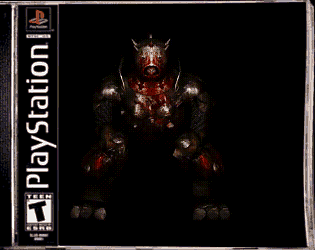
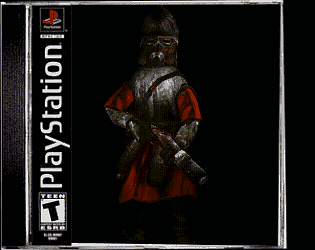
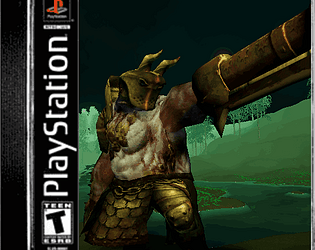
I realized this is kind of broken because of the "enegon", so I'll have to redo it from scratch. I deleted the original at the time, so for now, don't download it. Stay tuned for a new update with stuff, different textures, and more animations. There will be two versions in the new update, and a change for this monstrous soldier: he'll be wearing a gas mask instead of a hood. There will also be a more deteriorated version with a monstrous face, let's say. That's what I'm going to post for now so you don't download something broken. When the update arrives, I'll leave it for you to download.
And this one only works for Unity, so the new update. I'll try to make it work for all engines. so stay stuned
Oh, really? I'll check it out right away. Thank you so much for using them. If you'd like, we can chat more on Discord if you need a more specific model for your next creation, or you can tell me from there what model you'd like me to make so I can help you in any way I can.
Of course, my friend, and I would never do that to a user. For me, that would be like scamming them, and I always want them to have the model for the proper use. Before, I didn't understand that kind of thing, but that's why I changed it later.
So in short, you can take the model, change the texture to your liking if you wish, and it would be yours for commercial use. I hope that's all clear now, and as I said, sorry for not explaining it; I've been very busy and I forgot.
As I said, it's just a sample, since the texture isn't mine, and that's why I left it for non-commercial use and only for personal use so you could see it. You could say the texture is like a preview, so you can see how the character would look with a certain texture. And those that are paid or that don't say anything about non-commercial use, these can be used for commercial use since those textures are there, there's no problem.
And I'm leaving them like this so you can see what I'm capable of, in case you're interested in a commission or something. Some are free for commercial use, which they don't mention, and generally the paid ones are for commercial use.
Sorry, that part wasn't quite right. Those that say they're for personal use only are for personal use only and not for commercial use, and those that don't say that or are paid are for commercial use. I'll change it now, I'm really sorry.
I saw it and it doesn't look bugged. What exactly do you mean by bugged? Do the animations not loop? What was forgotten was adding the remaining textures, and sorry about that, they're already in place.
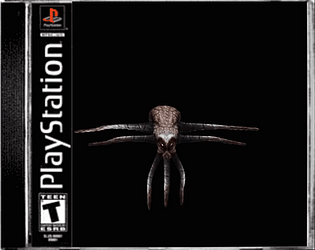
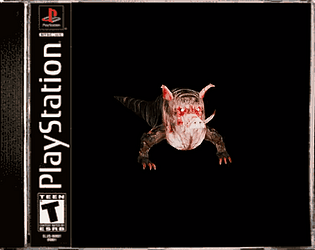
I thought I could still get it within the same range, but you're right. I'll see if I can get it to the PSX polygon count or change the name, say, to something like PS2 Retro Monster, so it fits better with what the monster would be.
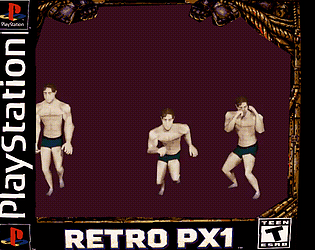
Hi, for the walking sequence, you have to leave the frames at 60 so it loops. I forgot to write that. Thank you very much, it's greatly appreciated. I hope you like it,And maybe I will.
It's great that you were able to get it working. It looked good overall when I tested it, like in the picture, but I'm glad you found the solution. I tried looking at it from every angle, but I didn't think it was the textures. Don't worry, I always try to find a solution if something strange happens, but I'm glad you found it, my friend. Good luck with your next game, and thank you very much. I'll try to keep it to just one or two textures so that doesn't happen if you download another new character.
I found the solution. It took me a while to find it, but I managed it, so I'm going to fix each one so that it now works correctly in your engine and you can add animation without problems. Let me know if anything seems off.
Hi, I'm still working on fixing the problem because maybe I don't know how the engine works. But I left you a folder with all the characters and objects without animation so you can animate them yourself. I don't know why it's not accepting animations from this engine yet, and I don't want to delay you, so I'm leaving it like this for you to add the animations you want. Sorry I don't know how to fix it right now.
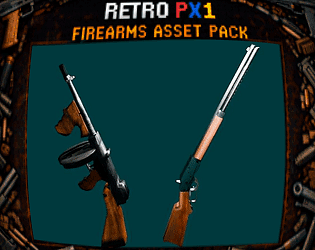
I know exactly what the problem is. I made the weapons look right in Unity, and from there I extracted the FBX file, and maybe that's what's causing it to break in Blender, And that's why it doesn't work in your game engine, I think.
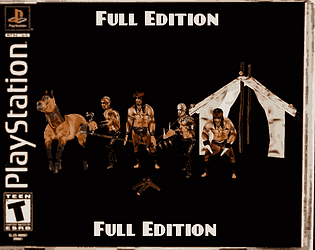
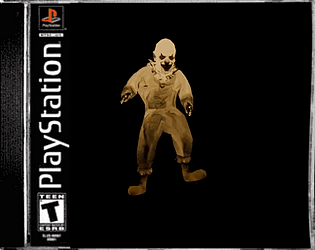
For now, I'll leave the characters without animations so you can create the skeleton or add your own in Blender. The weapons will remain separate for the time being so you can play around with the models until I resolve this issue and they work in your game engine, as they do in Unreal and Unity. I think I know what the problem is with the horse, and I apologize.