
Indie game storeFree gamesFun gamesHorror games
Game developmentAssetsComics
SalesBundles
Jobs
TagsGame Engines
0

Capsule Art Studio - Tool to create your capsule art & social media assets (not AI)

A topic by Pixlas created 4 days ago Views: 72 Replies: 3
Viewing posts 1 to 3
(1 edit)

Hi everyone!

I just released Capsule Art Studio. I built it because I was tired of wasting time and energy manually resizing assets for different storefronts and social media, only to realize I’d made a mistake and had to redo everything, or spend hours updating them all for just a minor change.
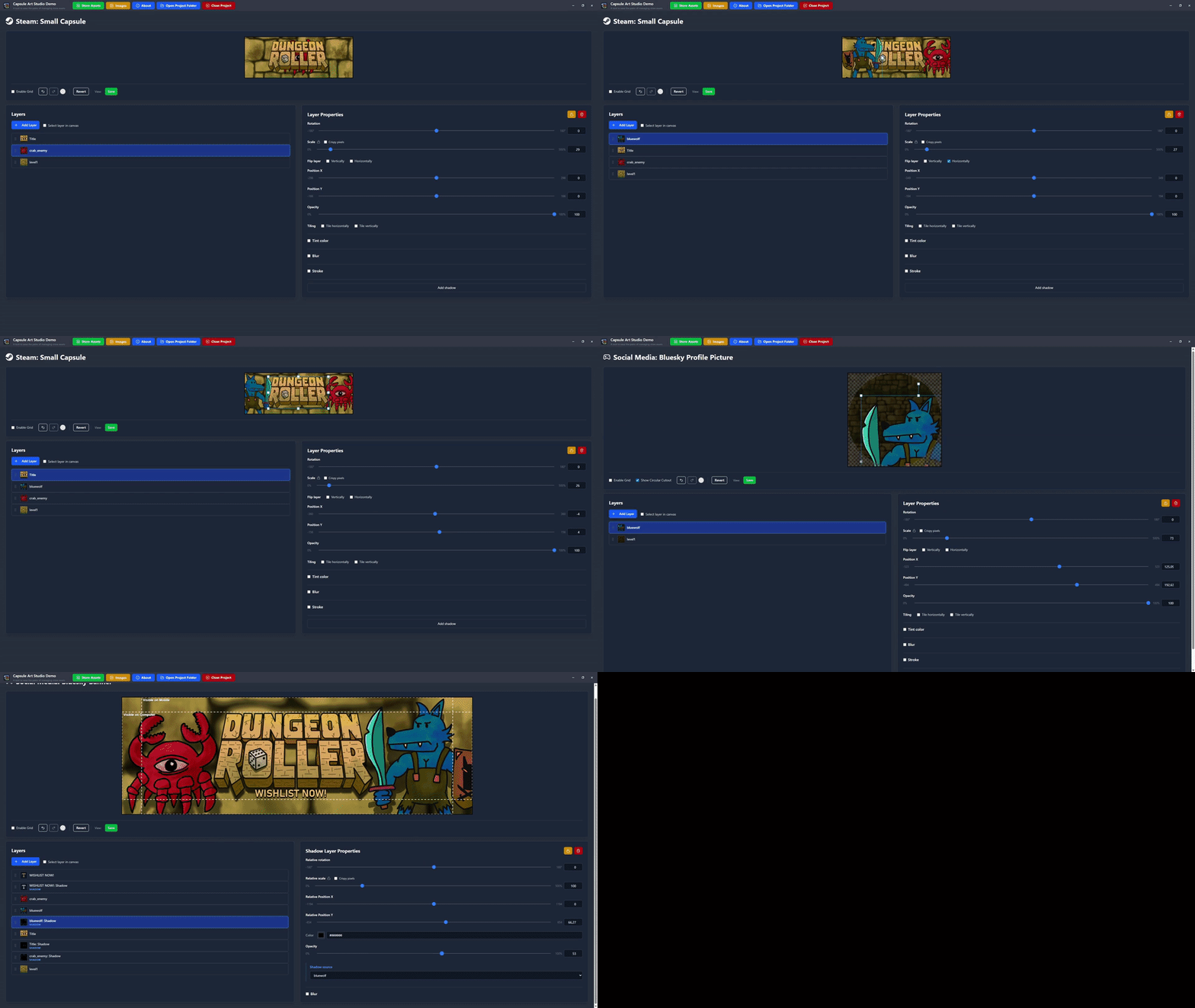


It’s a straightforward tool (no AI) that helps you manage crops, safe zones, and localization for all major platforms, tweak and export organized in folders.

The demo is feature-complete but tests your patience with dad jokes and delays (I call it "annoyware"). If you want to support the project, the full version is 75% OFF ($2.50) for the launch!

Check it out here: https://pixlas.itch.io/capsule-art-studio

I'd love to hear your feedback or ideas for future updates! I also appreciate any tips on where else I can reach out to help people find this tool.

In the next update, I plan to make the Itch section identical in both the demo and the paid version to support last minute game jammers.

Pretty rad, Steam sizing from what I've found has been one of the biggest Blockers for indie devs when looking at time spent to expense, a lot of capsule art is really expensive to get made of your not inherently an artist or native to the tools

Thanks! Yes, it’s common to get the first batch of assets rejected. Using this all sizes are correct, and it prevents you from adding text when not allowed. I plan to add similar block against logo when not allowed, and make it mandatory when it’s mandatory for the assets on the storefront. I hope it will help especially indies, solo devs and small teams.