

So it's (dw I assume you've done these steps)
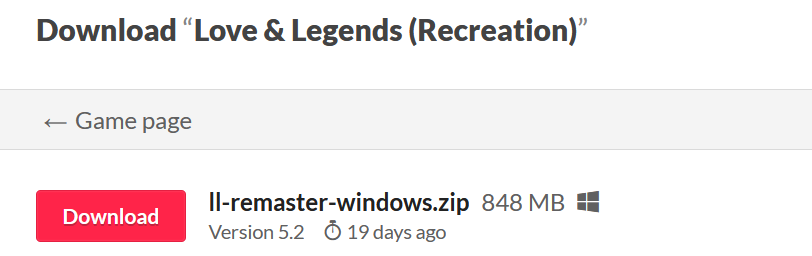
1. Download the game
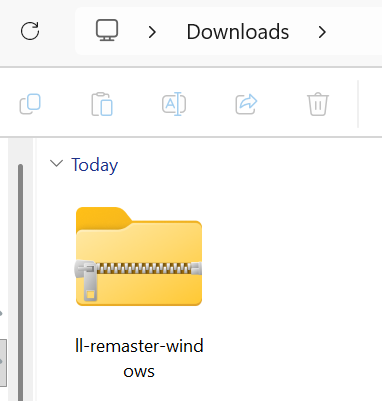
2. Find the game in your downloads
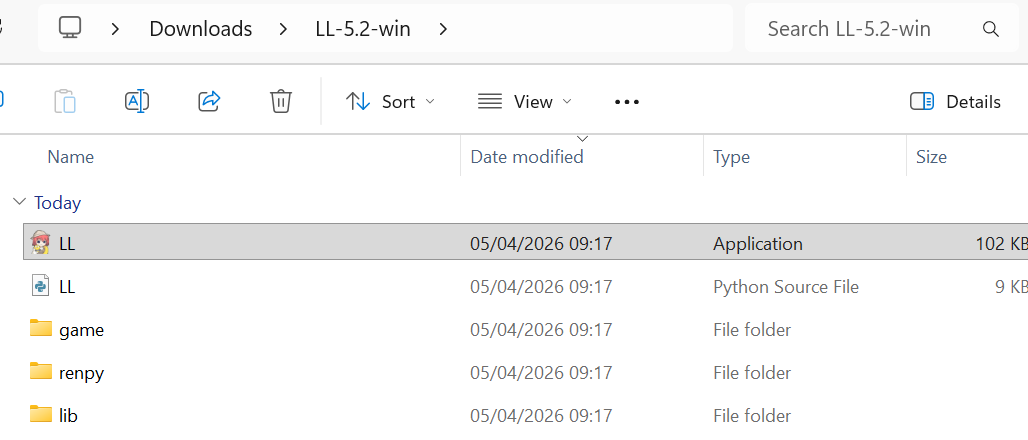
3. Extract your game (you're here)

4. Open using the .exe file
Then if things are working properly, it should then pop up with this loading screen. This might take a little bit of time?
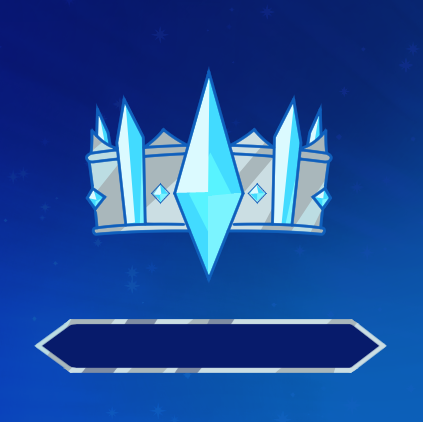
If it never loads, did you get an error message? If so, could you show it to me? If not, I'm not sure what could have happened. Is it v5.2?