Indie game storeFree gamesFun gamesHorror games
Game developmentAssetsComics
SalesBundles
Jobs
TagsGame Engines

Hi there!

If you want to add a buff to a custom parameter, this notetag is the way to go:

<AddCDebuff: paramId/shortName:turns >

Examples:

<AddCDebuff: ra:1;rd:1 >

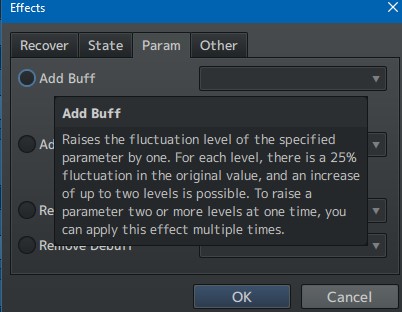
You can't raise a parameter value by a flat amount using the buff. I'm not in home right now to check, but if I remember well, the custom parameter buffs works just as the regular parameters buff on the editor: You choose a parameter and the number of turns the buff will be valid. I guess there is a hardcoded percent value that is the equivalent to the buff on the rog maker default codes.

In any case, can you copy and paste what you did or show a screenshot of what you did on the notefields?

When I get home I will take a better look into this.
(1 edit)

my notefields' code was exactly what the document / your message said and it does make sense that there's a hardcoded value, just doesn't work for what i'm trying to use it for. It seemed to put some kind of undefined state on my actors that didn't actually change the values at all regardless of what i put in the notetag. Is there any way to do a quick update to the plugin or modify the code slightly to modify cparams by a set value, either in skills or states?

It seems that the buff is indeed a harcoded value:


When I ask to see a screenshot or a copy-pasted value that you use, is just because sometimes things can get messy on tiny details: lowercase problems, spacing where it should not have or a typo, a letter in place of another. But if you are sure that you made it right, then let's skip this. Also that would not work for you anyway.

Is there any way to do a quick update to the plugin or modify the code slightly to modify cparams by a set value, either in skills or states?

- You can do that with cparams, or any other parameter using this plugin:

Hakuen Studio Dynamic Parameters for RPG Maker MZ by Hakuen Studio

Youi can use the states note field to dynamically change the parameter of a battler.

This sort of solves my problem. The roundabout way that plugin adds notetags works but is a bit overcomplicated for my needs. Still does the job though.

Unfortunately, i'm getting errors when using Dynamic Parameters alongside visustella's menu. Not sure if it's something i've done or if it's incompatible with the visustella core menu. I have it set up so I have visustella custom parameters who's values are set to x value plus the cparamater

ex, i have a parameter called Physical Attack, the value of which is the actor's Attack + cparam "pa", so it displays in the visustella status menu.

I have a very simple use of the dynamics plugin but still getting this error. Any insight?

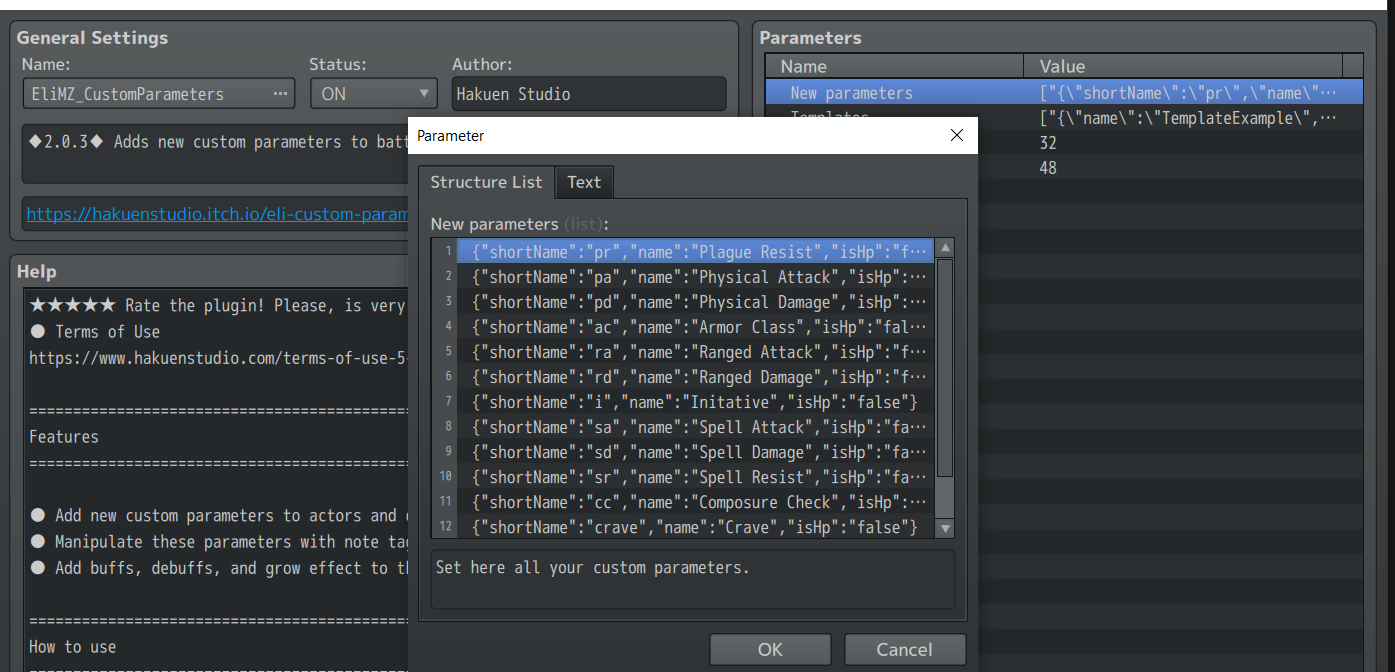
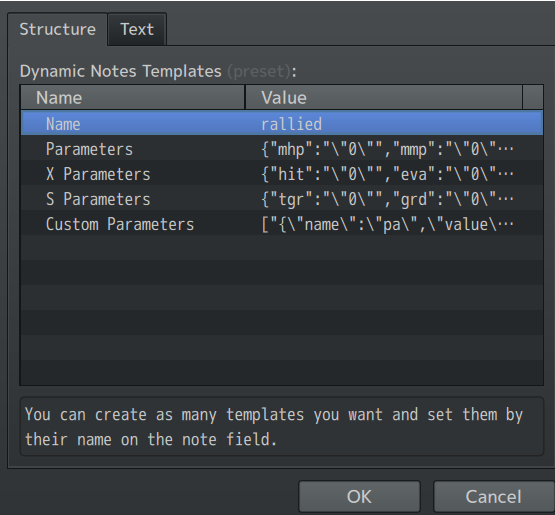
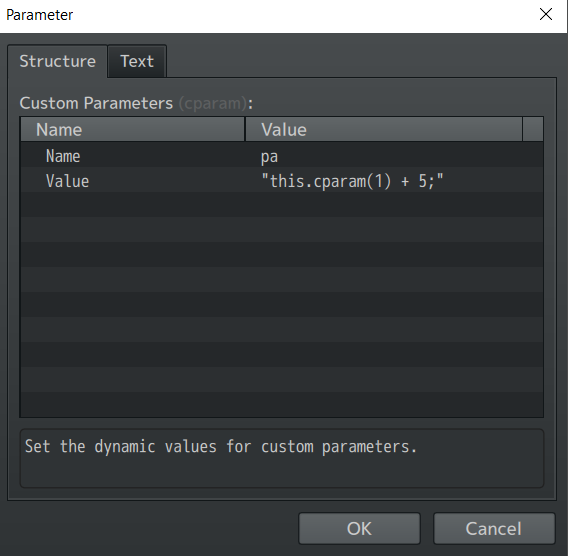
My Cparams:My dynamic template


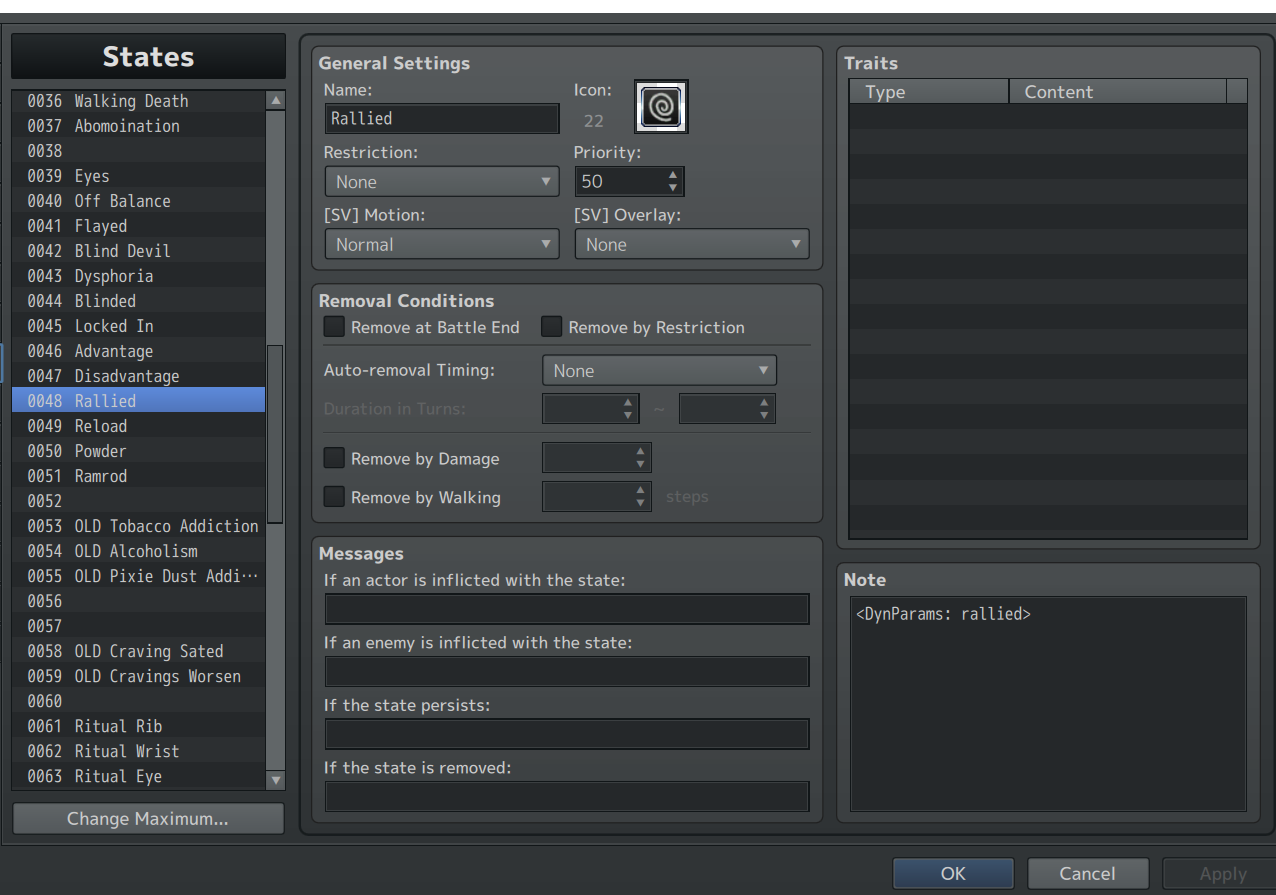
(all are set to default except the following  state applies fine using my skill, but upon going to the status menu where Physical attack is displayed, i get this error
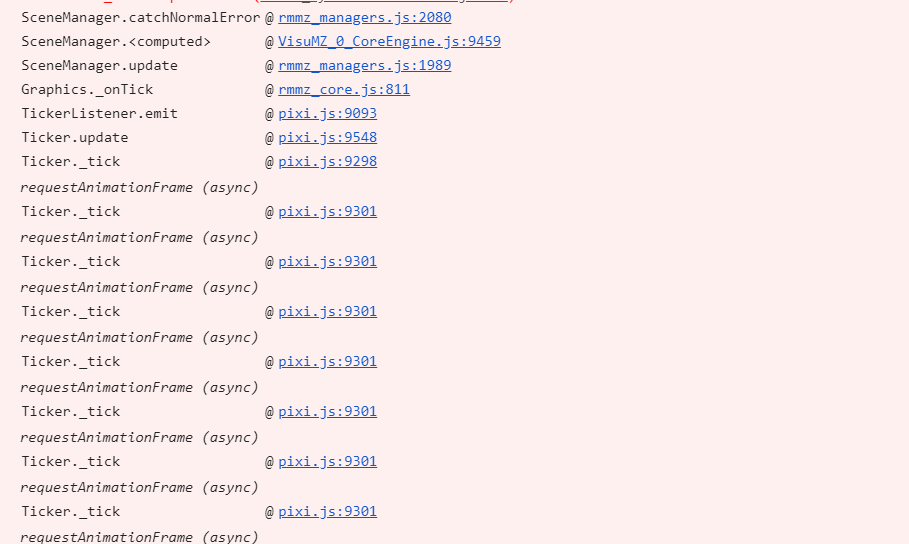
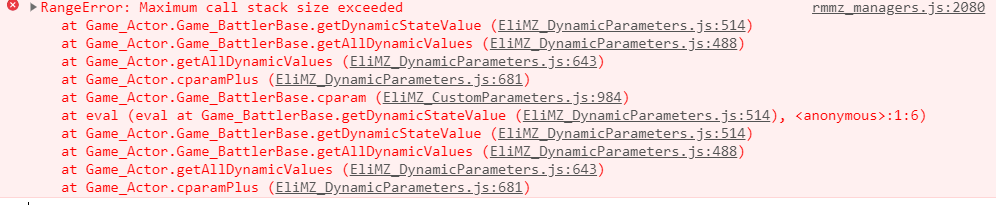
Any insight or possibility of a simper notetag system, ideally not using a second plugin? Just want to modify cparams by a set value on notetags. Also totally possible i'm being a dunce and just using the dynamic plugin wrong, but regardless, i really appreciate any time you could spare me. Thanks!

Hi there!

Unfortunatelly, you can't use another parameter as a base for other parameter. Meaning you can't: `this.cparam(1) + 5`, it will trigger this maximum call stack size error. 

This error means that javascript entered in a loop when calling functions. On this case, when you call "this.cparam(1)", that function is already calling the dynamic parameter function. So it enters on a loop. So I don't think visustella is the problem.

I wanted to try to find an alternative for that for a long time. But unfortunatelly, you can't use a parameter as base for another, for now.

Any insight or possibility of a simper notetag system, ideally not using a second plugin? Just want to modify cparams by a set value on notetags

- For both custom parameter and dynamic parameter, I will add a simple note tag system so you don't need to use the plugin parameters for that when you want to just change some parameter values.

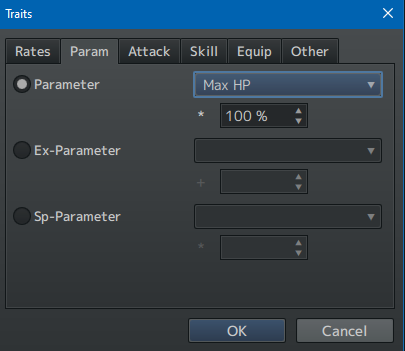
- For the custom parameter, I want to keep it working as the same as the default parameters, but using custom parameters. So it does not get out of the scope. So on the states, I will add a way for you to also use something like this(that honestly, I don't know why I didn't added it since the beggining):


But if you want to add a flat value or a dynamic one, you will still need the dynamics plugin.

I can't say to you when I will do this. But I will someday, just put it on my to do list.

(+1)

Hey, super appreciate the reply. I'll do some kind of JavaScript workaround in the meantime and get the dynamics stuff to work. I'll figure it out.

I await your updates, but I'll probably find some solution before then, albeit with way too much unnecessary code involved haha. Thanks for all the help and good luck with your projects. 

Thanks for understanding!

i'm sure you will find a way, if not, I will let you know here when I released the updates!