Indie game storeFree gamesFun gamesHorror games
Game developmentAssetsComics
SalesBundles
Jobs
TagsGame Engines

Zykles

5
Posts
2
Topics
A member registered Feb 26, 2025

Recent community posts

Hey, super appreciate the reply. I'll do some kind of JavaScript workaround in the meantime and get the dynamics stuff to work. I'll figure it out.

I await your updates, but I'll probably find some solution before then, albeit with way too much unnecessary code involved haha. Thanks for all the help and good luck with your projects. 
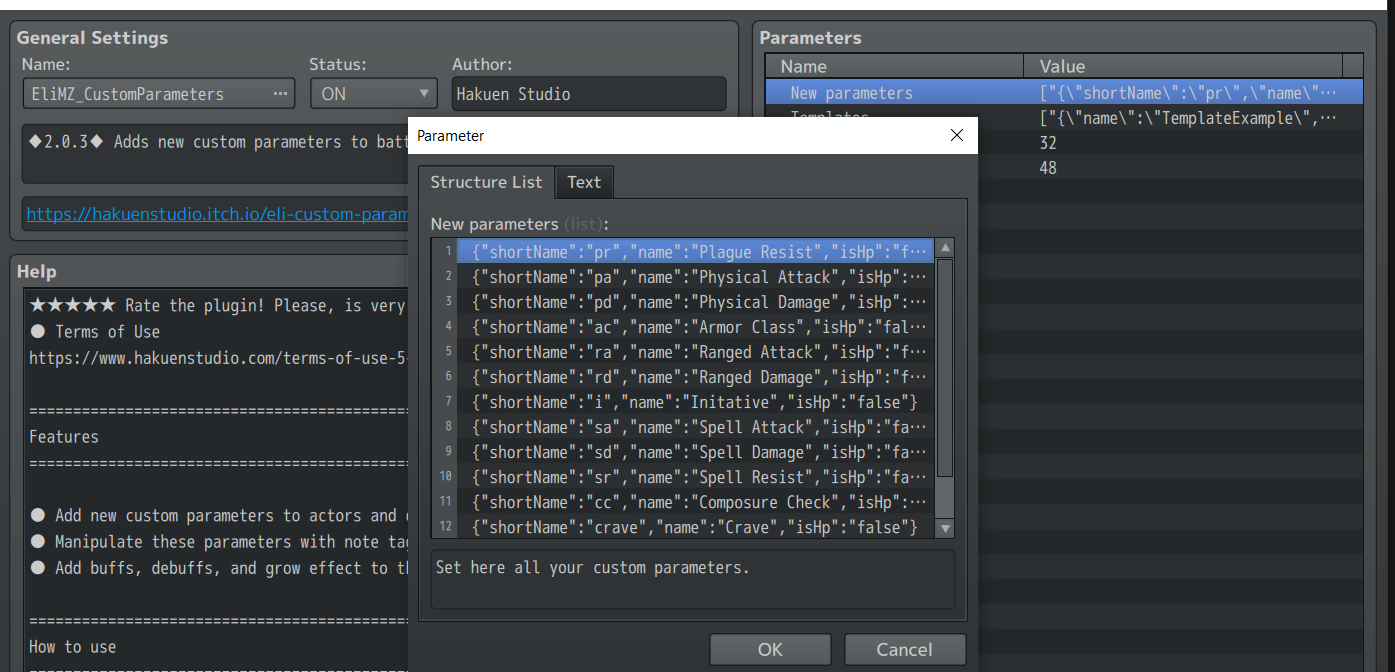
This sort of solves my problem. The roundabout way that plugin adds notetags works but is a bit overcomplicated for my needs. Still does the job though.

Unfortunately, i'm getting errors when using Dynamic Parameters alongside visustella's menu. Not sure if it's something i've done or if it's incompatible with the visustella core menu. I have it set up so I have visustella custom parameters who's values are set to x value plus the cparamater

ex, i have a parameter called Physical Attack, the value of which is the actor's Attack + cparam "pa", so it displays in the visustella status menu.

I have a very simple use of the dynamics plugin but still getting this error. Any insight?

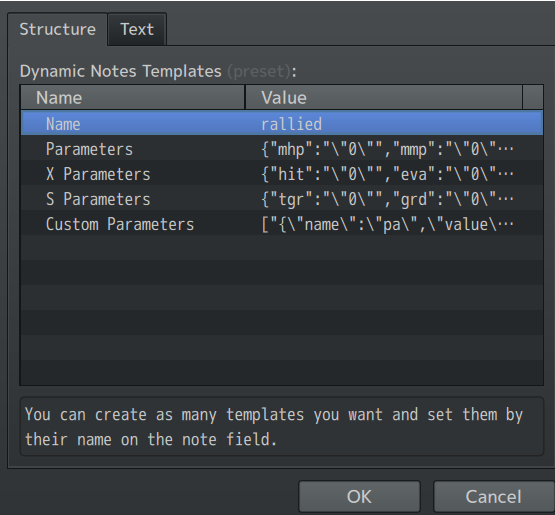
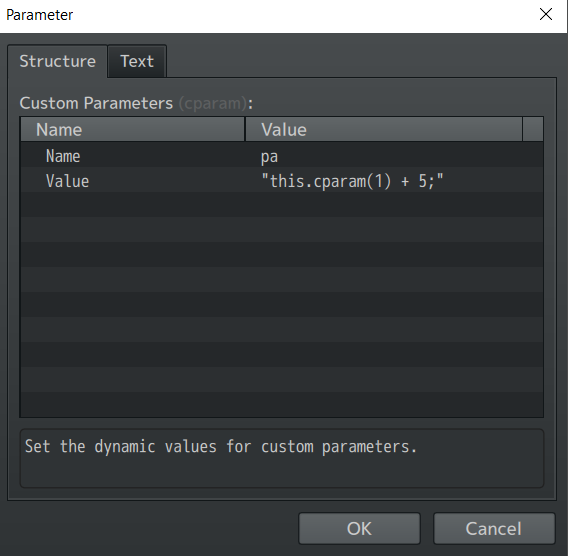
My Cparams:My dynamic template


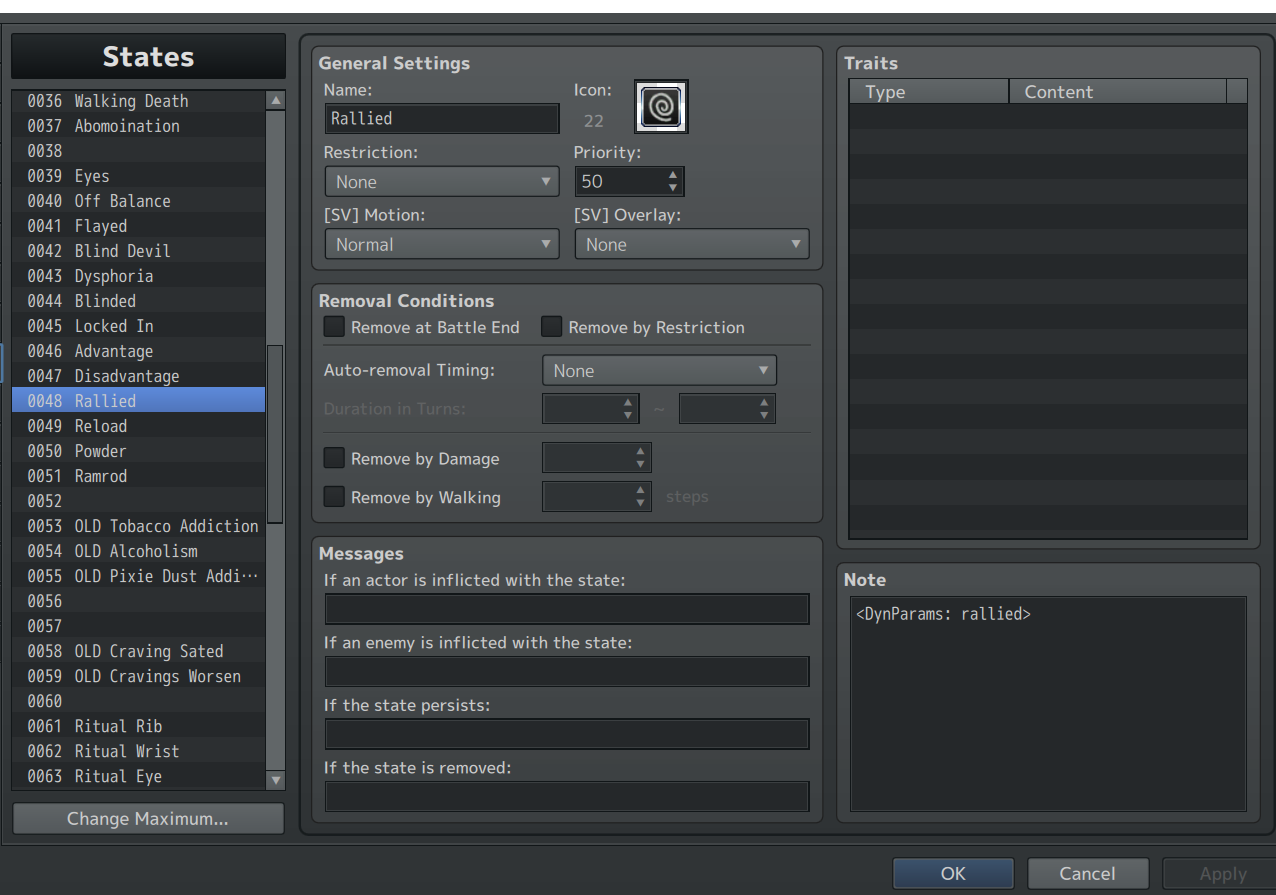
(all are set to default except the following  state applies fine using my skill, but upon going to the status menu where Physical attack is displayed, i get this error
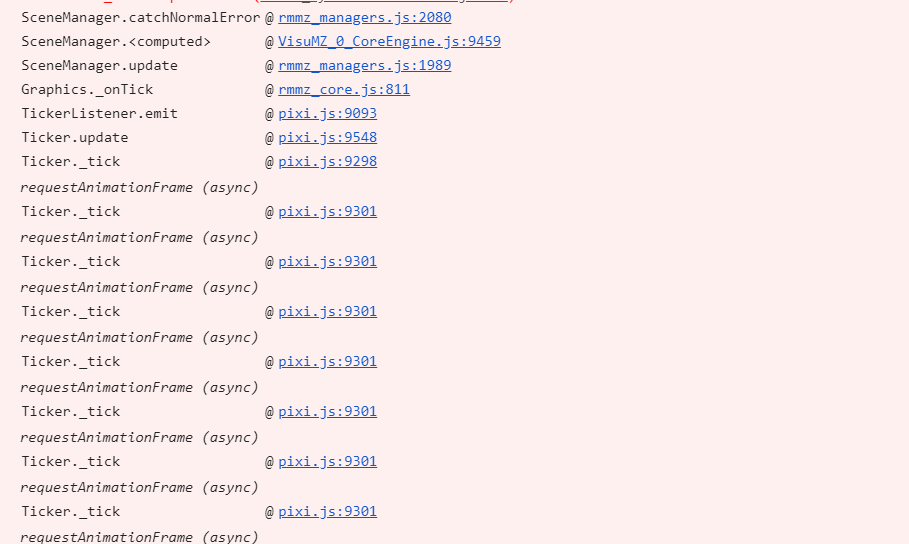
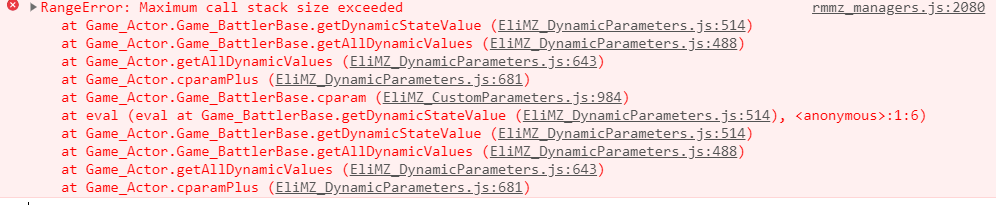
Any insight or possibility of a simper notetag system, ideally not using a second plugin? Just want to modify cparams by a set value on notetags. Also totally possible i'm being a dunce and just using the dynamic plugin wrong, but regardless, i really appreciate any time you could spare me. Thanks!

(1 edit)

my notefields' code was exactly what the document / your message said and it does make sense that there's a hardcoded value, just doesn't work for what i'm trying to use it for. It seemed to put some kind of undefined state on my actors that didn't actually change the values at all regardless of what i put in the notetag. Is there any way to do a quick update to the plugin or modify the code slightly to modify cparams by a set value, either in skills or states?

i've been trying to use the note tags on a skill to add a buff which increases my cparams "rd" and "ra" by 15 for 1 turn in a battle.

I've tried all sorts of combinations and syntaxes for these notetags, but they're really unclear how to use. I tried GrowC and it permanently increased the params rather than 1 turn, and the AddCBuff has nowhere to put a value. I also tried both but it did the same thing as just using GrowC. Is there something i'm missing? 


from the doccument:

Note Tag for Items and Skills

You can use the following note tags on the item and skill note fields to add effects to the new parameters:

<AddCBuff: paramId/shortName:turns >

<RemoveCBuff: paramId/shortName >

<AddCDebuff: paramId/shortName:turns >

<RemoveCDebuff: paramId/shortName >

<GrowC:paramId/shortName:value >

If you want to add more than one parameter, separate each one with a comma ",".

not sure how i managed to purchase it twice, but i did, could i get the second license refunded LOL im so sorry