Indie game storeFree gamesFun gamesHorror games
Game developmentAssetsComics
SalesBundles
Jobs
TagsGame Engines

RahiTuber

A lightweight yet highly customisable pngtuber app · By rahisaurus

Hand gestures animation, problem

A topic by Domyo created 36 days ago Views: 52 Replies: 2
Viewing posts 1 to 3

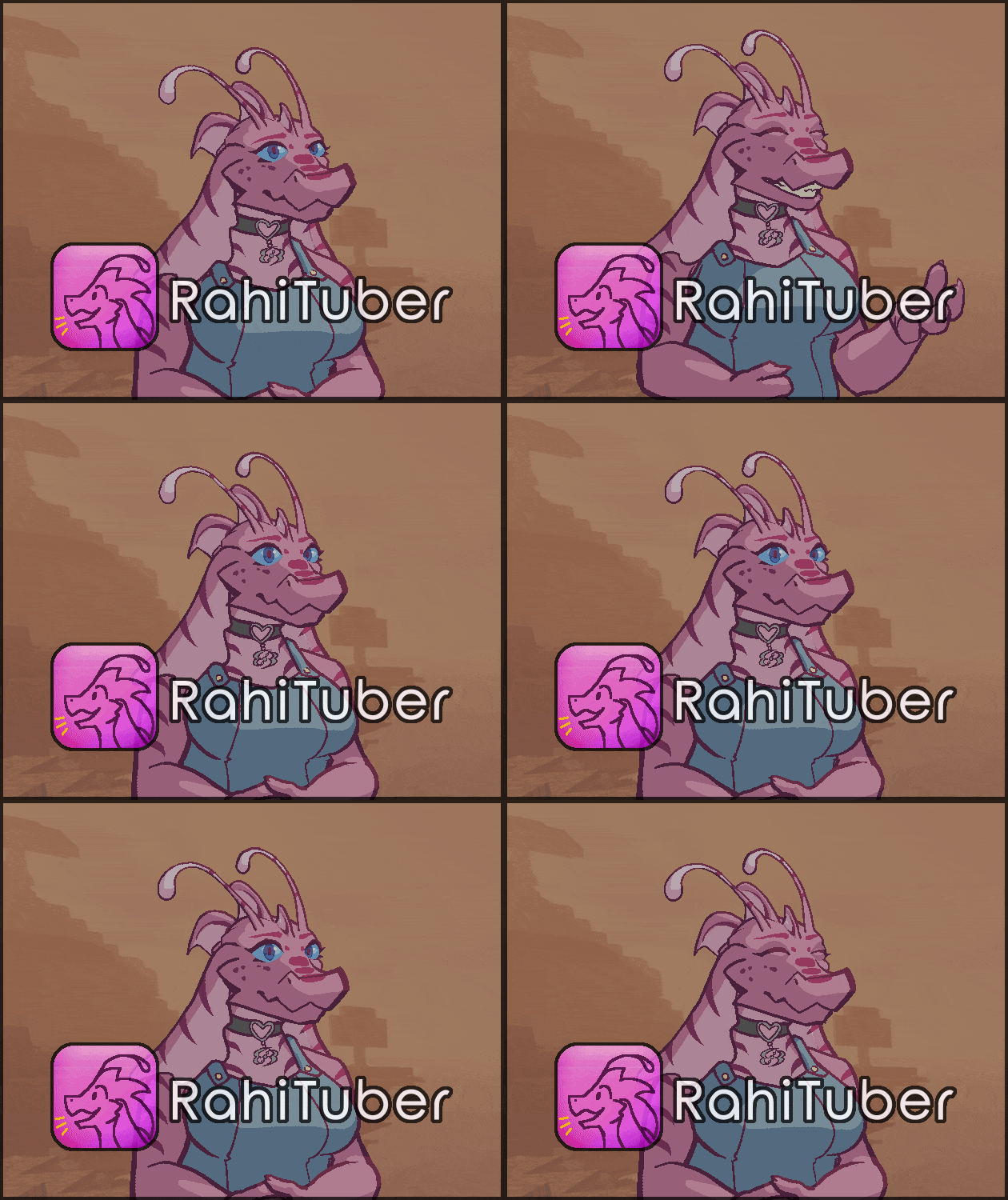
Hello, I wanted to have different states for my hands when I talk, so I made an animation (2 rows, 3 columns) and put them on an arm layer > blinking while talking. Blink Duration 5sek, Blink Delay 4,90sek, 0 variation, 0,4 fps It works fine, but the fall-off is too sharp when I stop talking. I know we can set a soft fall in the audio input, but this is a global setting and it would change my mouth layer, making my mouth stay open way too long. Is there a workaround for this problem?

Developer(+1)

Hi - yeah, you'd be better off using a "Active while talking" State instead of the Blink function. With those, you can set a timeout that keeps it visible for a short time after it's active.

There's an example of my own hand gesture state in the States and Automation Tutorial

(1 edit)

"Oh, when I was reading the Tutorials post, I read Tutorial 1, Tutorial 2, and then I saw 'Unofficial Tutorial: DIY Head Tracking', then 'Exporting a model for others to use', and I was like: 'Oh, I guess that's it with the normal tutorials the rest is not for me,' LOL. I didn't check the post till the end, silly me :p Thank you for the reply, much appreciated!"