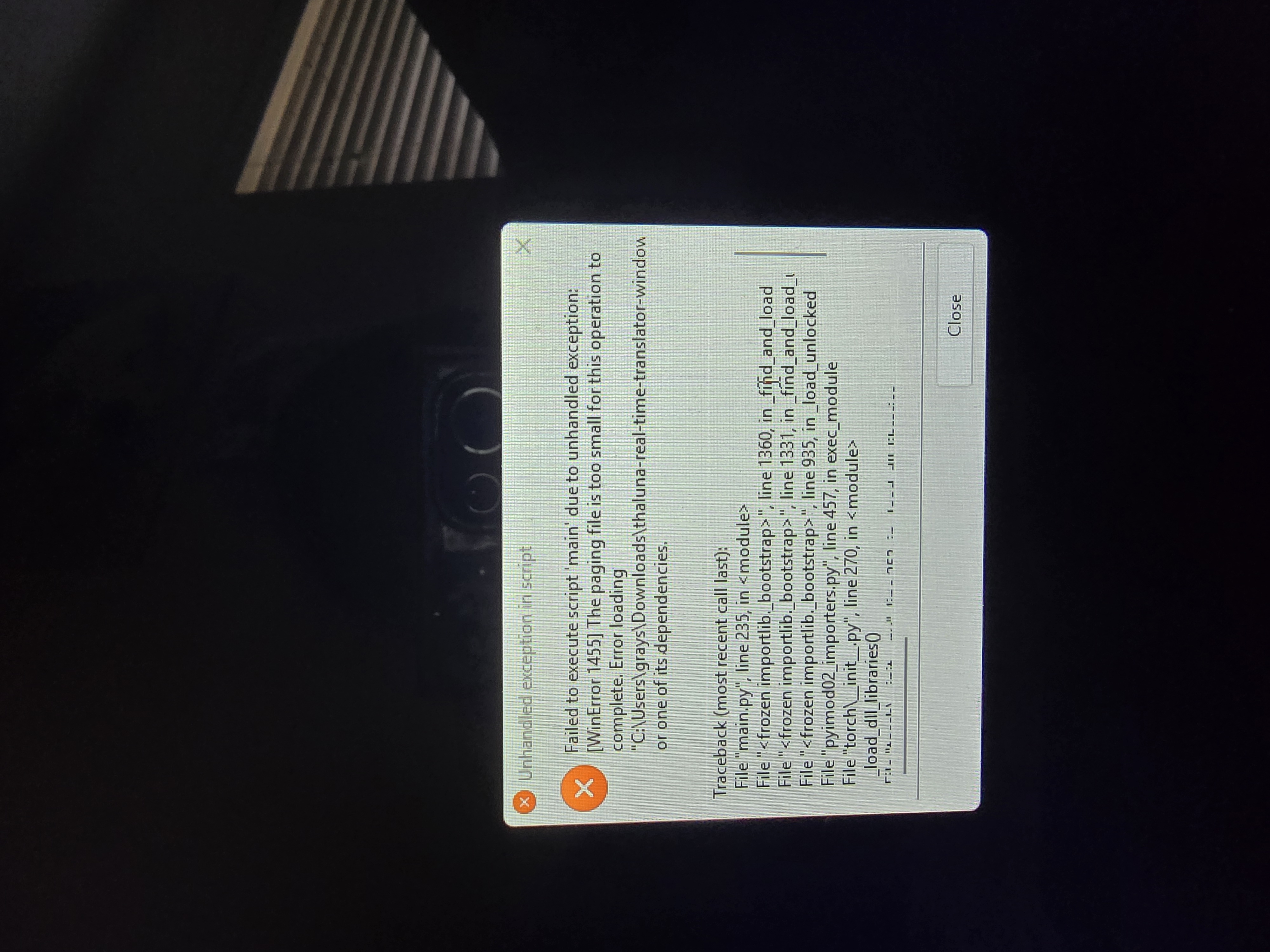
Hi! Thank you again for the screenshots
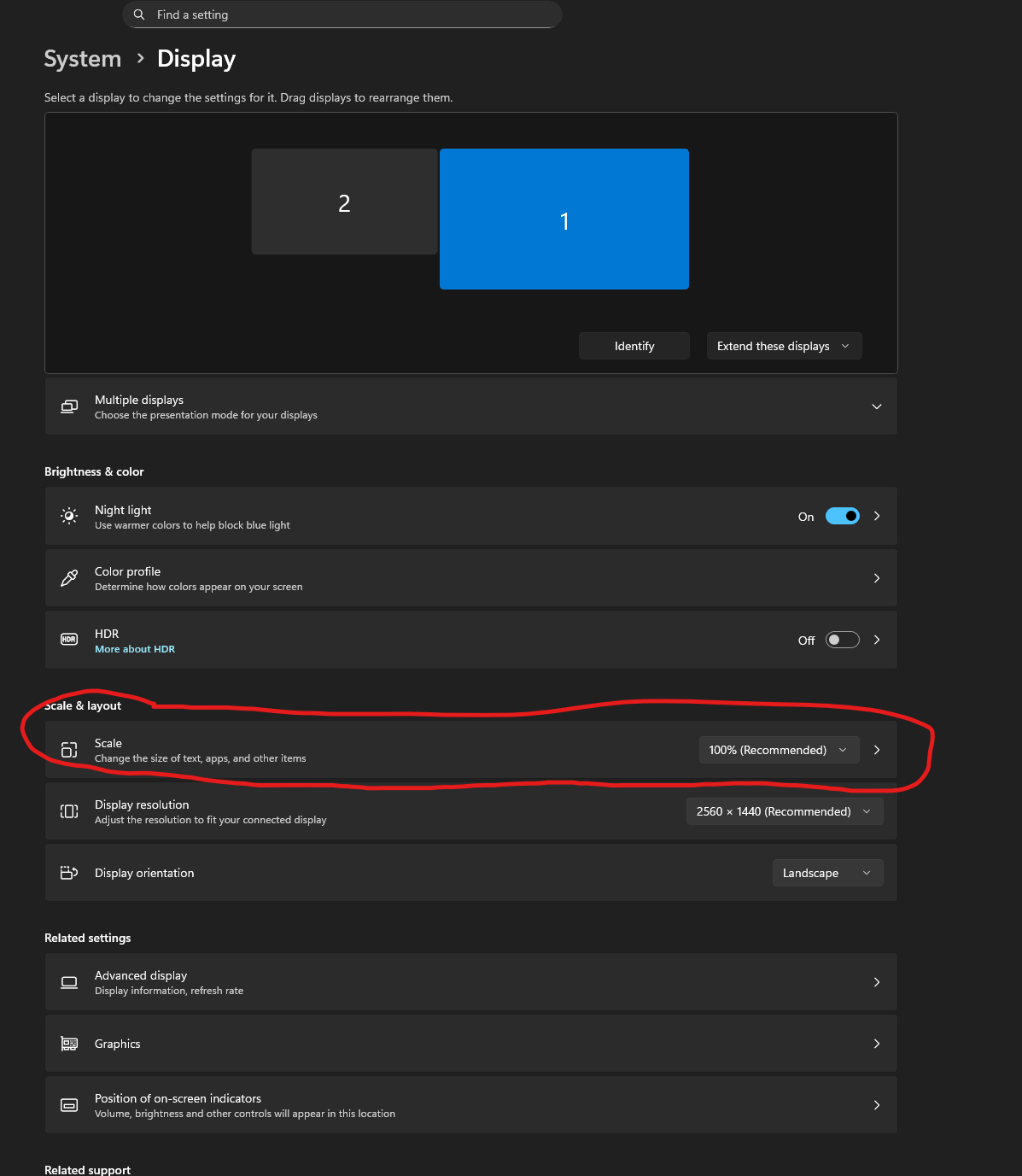
I can see in your screenshot that scaling is still set to 175%. That means Windows is still using 175% internally.
When Custom Scaling is enabled, Windows requires you to sign out or restart before the new value fully applies. Until you do that, it will continue behaving like 175%.
Please try this carefully:
- Go to Settings → System → Display
- Under Scale, make sure it says exactly 100% (Recommended)
- If you see “Custom scaling is set” at the top, click Turn off custom scaling and sign out
- Fully sign out or restart your laptop
- After logging back in, check again that Scale shows 100%
- Then open Thaluna and reset the capture region
Right now the misalignment is happening because Windows is still running at 175% scaling.
Once it truly switches to 100%, the capture region should align correctly.
About “Windowed / Borderless Windowed”:
This is not a Thaluna setting.
It refers to how the video is displayed.
If possible, keep the video in a normal window instead of exclusive fullscreen mode.
Let me know what happens after the full restart