Hey!
I think I found what's going on. I was actually able to reproduce the exact same issue on my end.
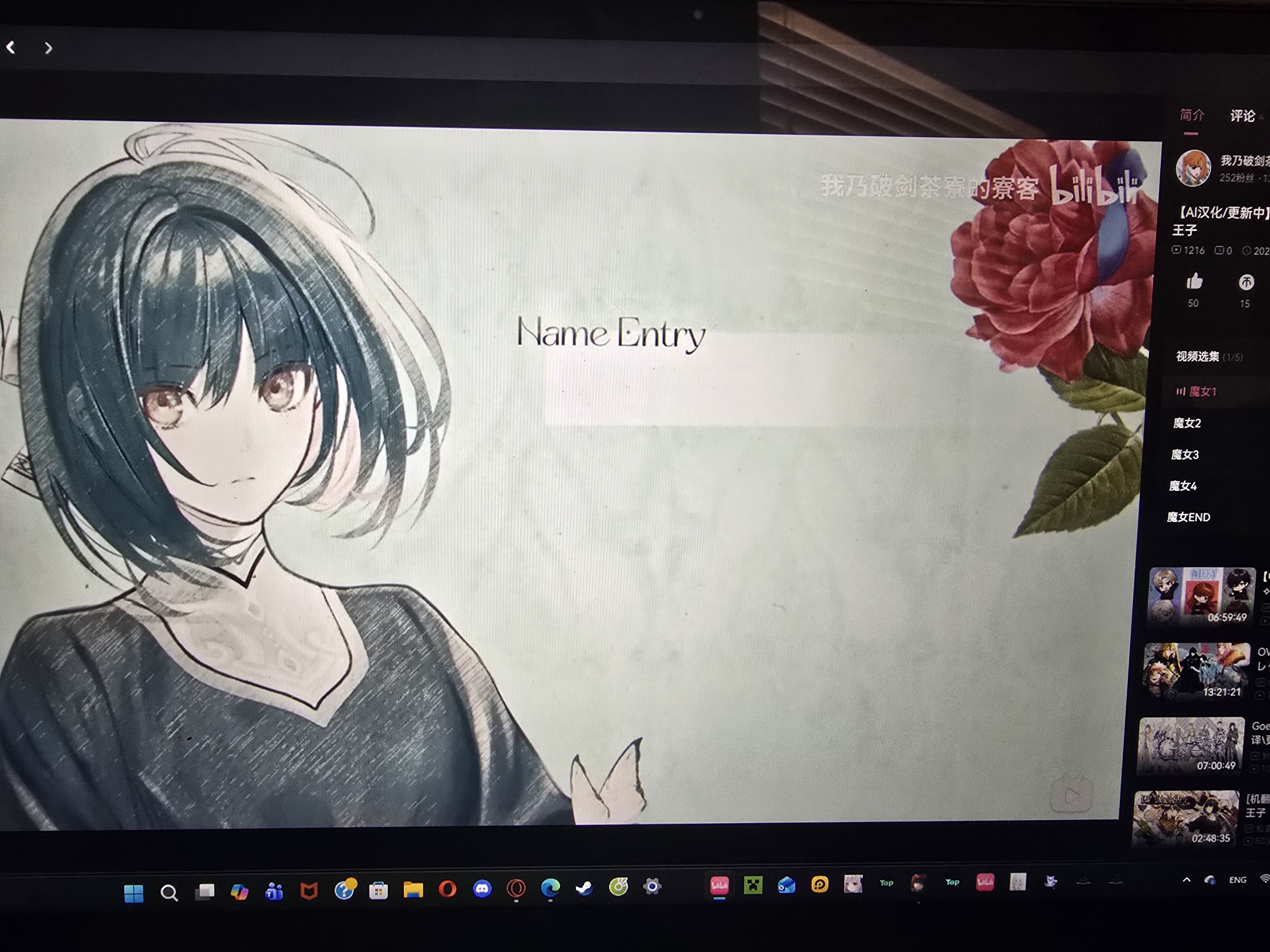
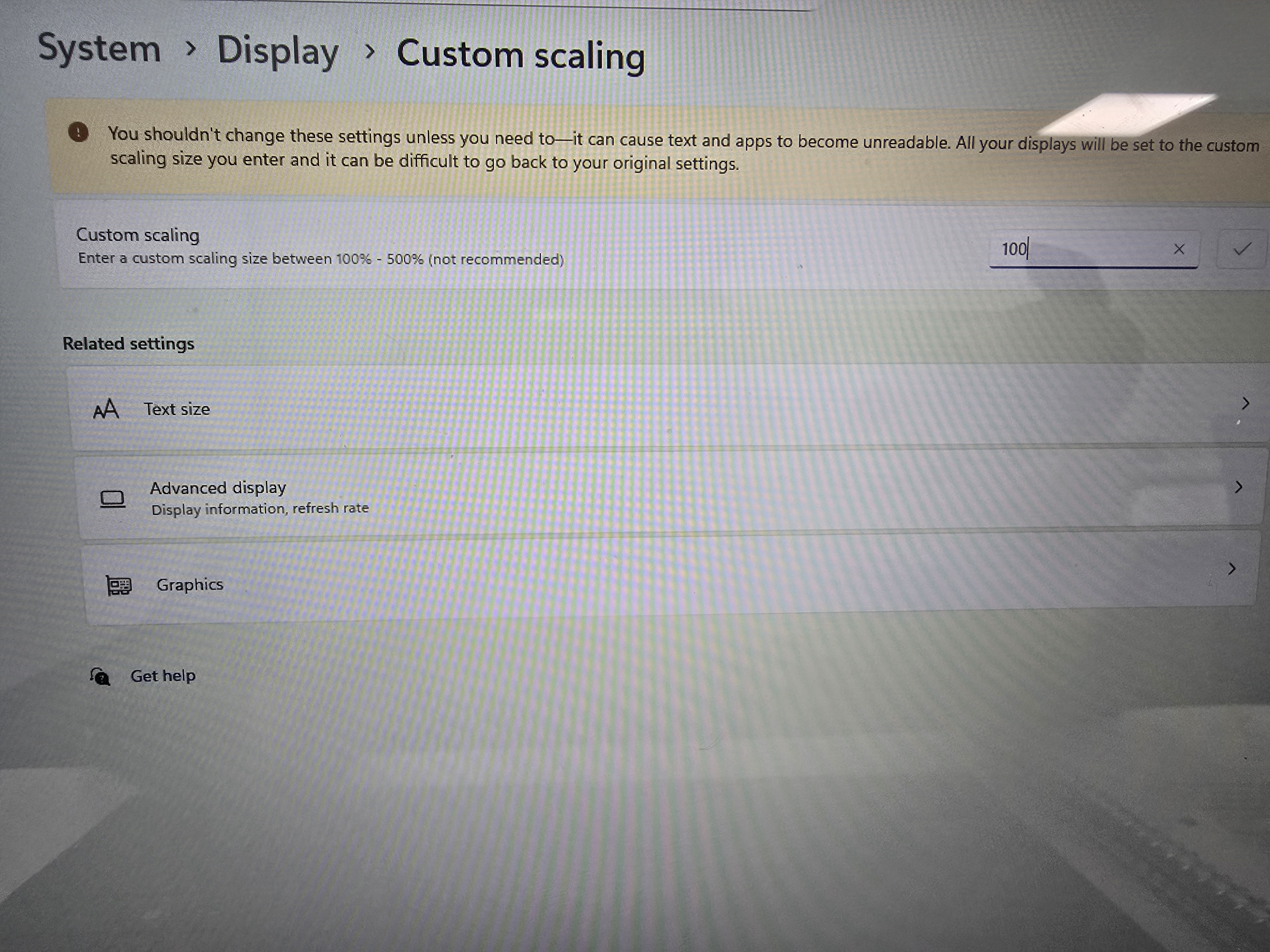
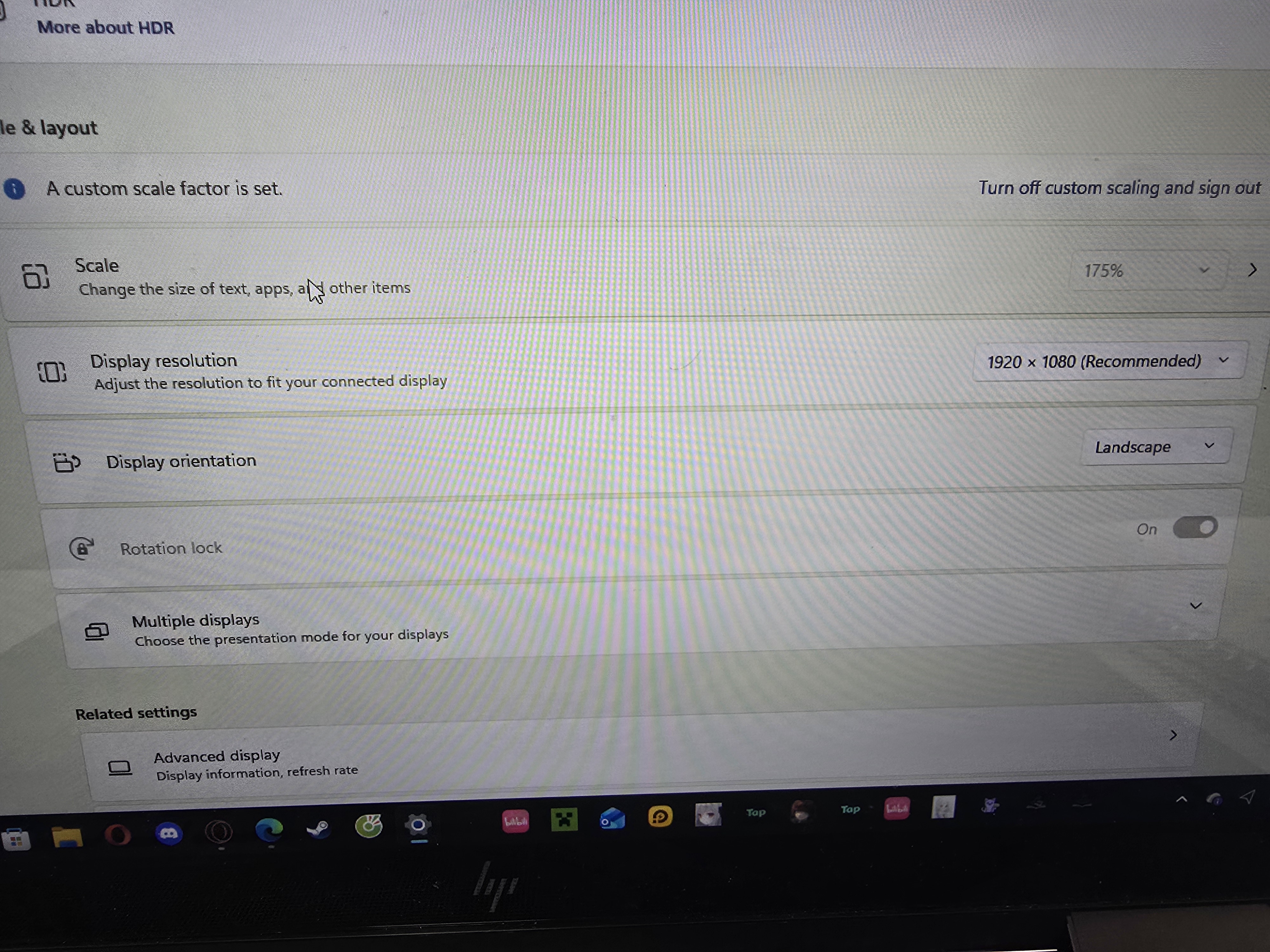
It looks like this is a Windows display scaling DPI problem. When scaling is set above 100%, Thaluna's capture box visually appears in the right place, but internally it reads from a slightly different region of the screen. That is why the translation engine is working correctly, but the OCR region is slightly offset.
Could you try a few things:
-
Set Windows display scaling to 100% for the monitor you're playing on. You can change it back after testing.
-
If you have multiple monitors, either set both to 100% or move the game and Thaluna to the same monitor.
-
Run the game in Windowed or Borderless Windowed mode instead of exclusive fullscreen.
-
After changing the scaling, restart Thaluna and re-set the capture region.
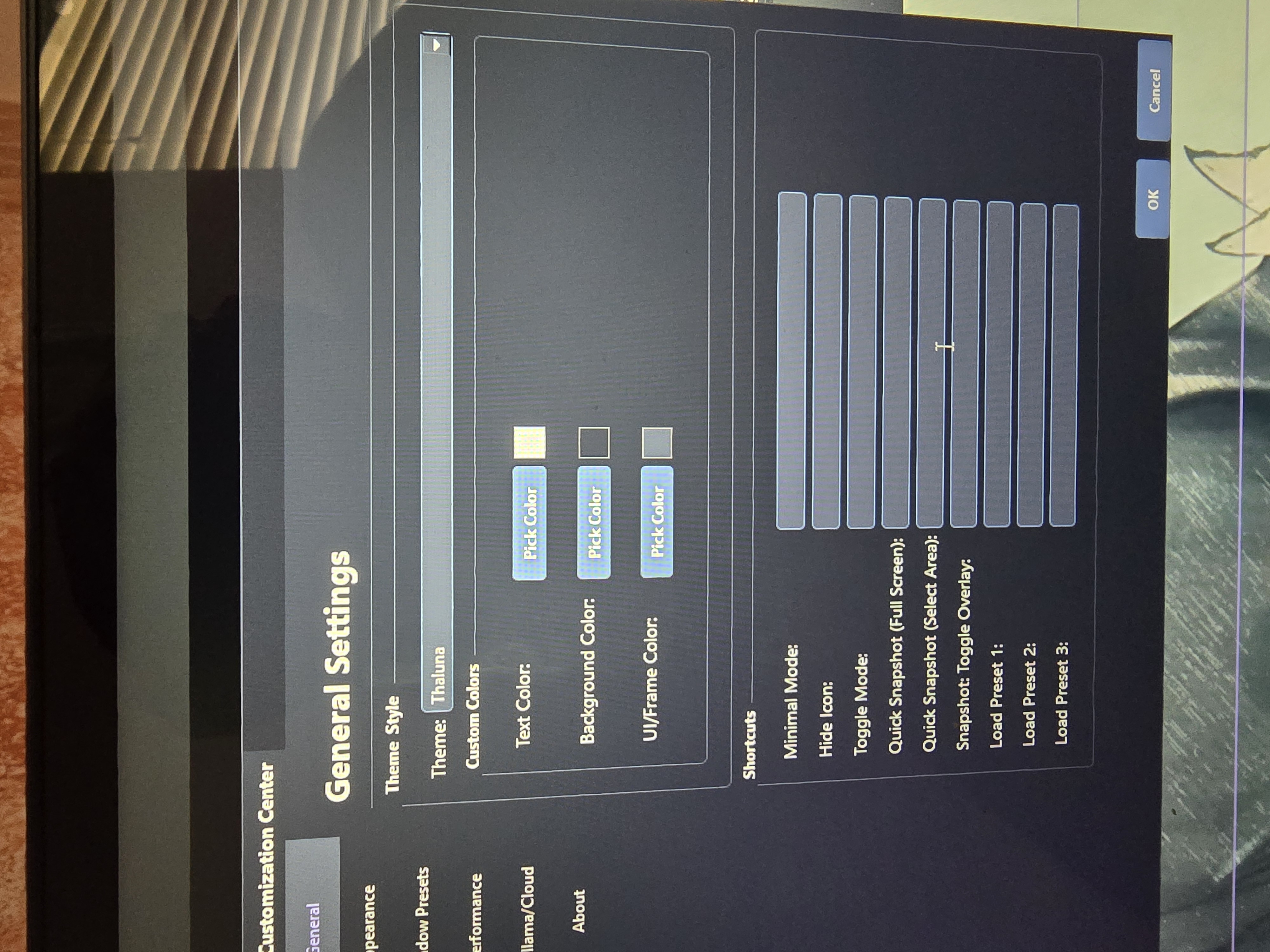
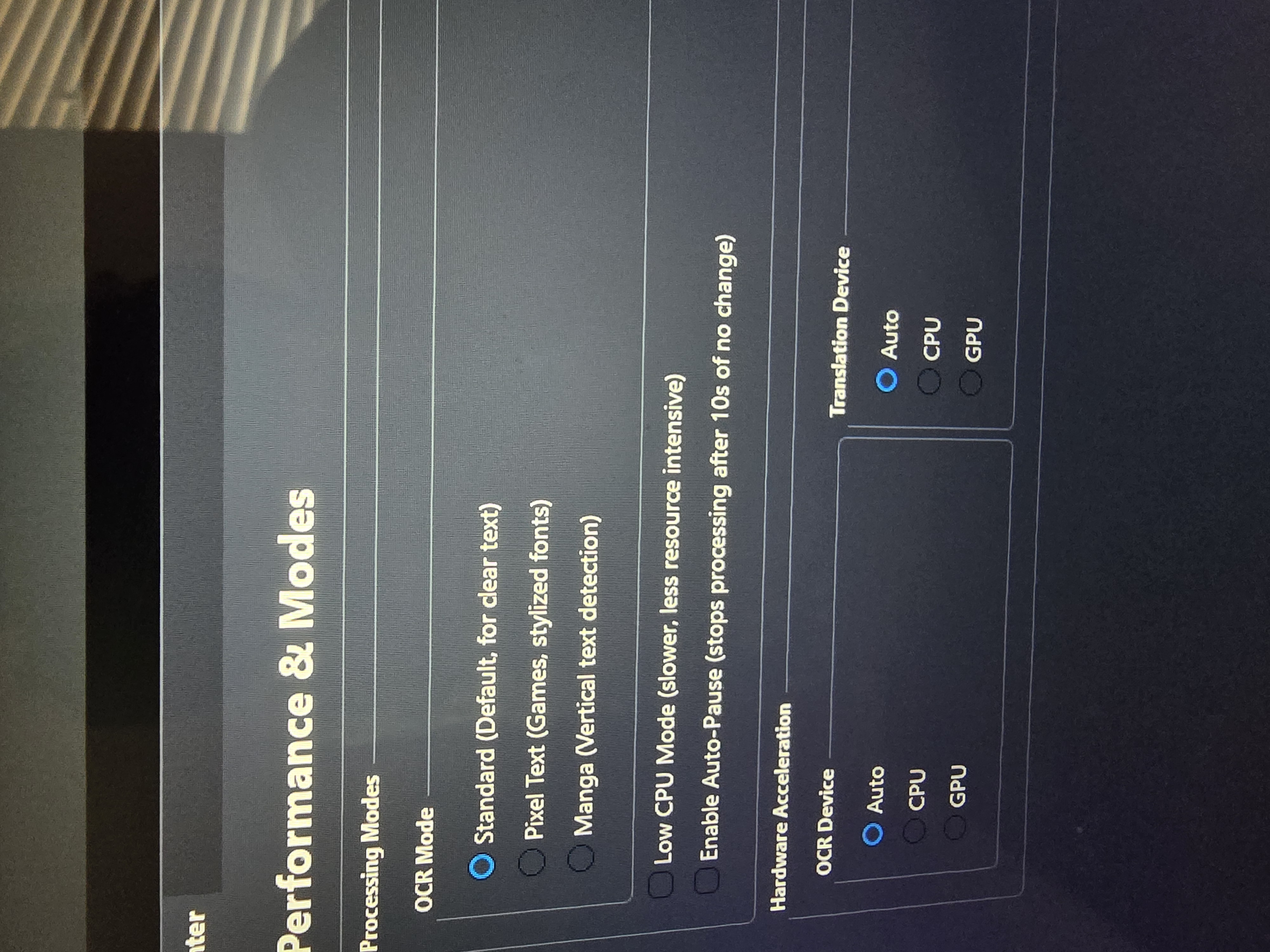
If it still does not work after that, try switching the OCR device to CPU in settings just to rule out anything GPU related.
If the issue persists, let me know your Windows scaling percentage, number of monitors, game resolution, and OCR settings. That will help narrow it down further.
I am also working on improving DPI and scaling handling in an upcoming update, so this should not be a permanent workaround.