Indie game storeFree gamesFun gamesHorror games
Game developmentAssetsComics
SalesBundles
Jobs
TagsGame Engines
(1 edit)

 a few bugs i found if it helps and hasn't already been reported.                                                


  mac os downloads/ unarchives as damaged for some reason

winddows opens and runs 

if the arrow keys are pressed quickly in sucsession she tends to slide a slight bit before correting

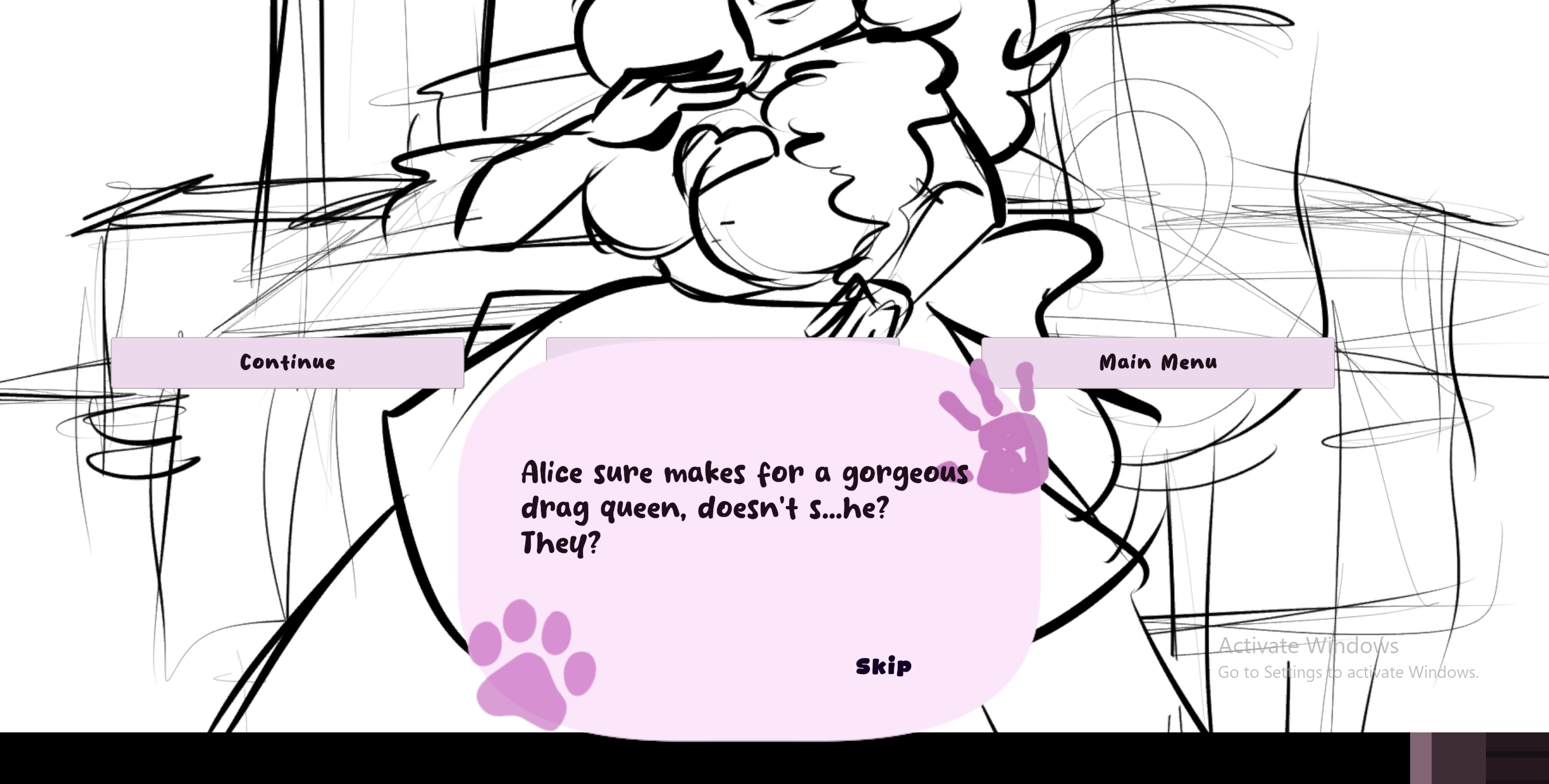
text overlap if going too qucikly and game froze direclty after making the choice 

if spacebar and the skip button are pressed in one of the scences (igot it on the drag queen end), it repeats the sequence 

text blocks one of the buttons regardless if spacebar to skip button is used  

sometimes the the player is unable to move, the arrow keys do nothing, exiting the game entirely fixes it ,   bare in mind i did all of this on parallels desktop so that could be the problem 
Will rebuild and rezip the Mac version to see if that fixes it.

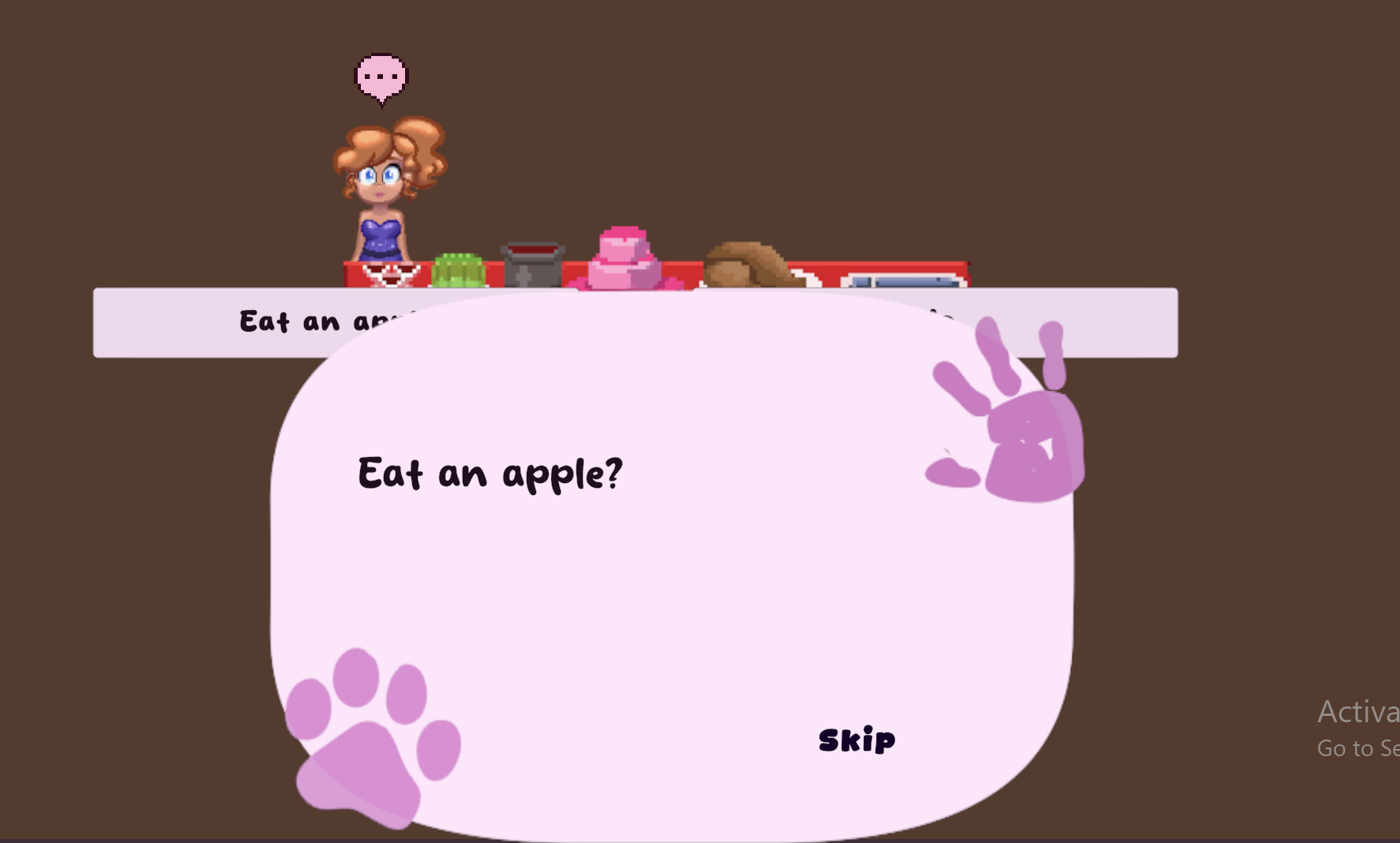
What resolution are you playing on? The text balloon is an UI scaling issue, but it shouldn't happen for 16:9 aspect ratios. But if you give me the aspect ratio / resolution I can test the UI and make it fit that size. I can tell in your 2nd screenshot that the image that's supposed to cover the screen also isn't properly scaled.

The arrow keys/sliding isn't a bug, that's what happens when you press faster than the code/animator can update the animation. So unfortunately there's no fix for that, but since it's just cosmetic I also don't see it as a priority - game breaking stuff like the UI disappearing/not being interactable and saves not working is my main focus right now.

That's a bug I've been working on for a long time. For now, the only solution is to use the settings to disable typing and set the auto skip to "fast", which skips the dialogue as soon as it loads. Don't spam the skip button. It might also just be a "player spamming faster than UI can handle" issue - but also haven't been able to find a 100% fix for it.

The sequence restarting is indeed a bug I admittedly neglected to properly iron out. The main cause would be someone spamming the skip button, but I should fix it regardless - I believe what happens is that because you're standing next to the mannequin when pressing space, it restarts the dialogue (because you were at the last line of the dialogue file, it loops back to 0).

I've decided I'll be disabling the spacebar when dialogue is active to prevent confusion. It was never meant to be used as a skip button.

Thank you for reporting the bugs! If you can give me the resolution you were playing in it would help a lot.

the aspect ration i think is 16:10 or 1440 x 900 pixles, im not certian however sorry that thats not much help

(+1)

That was all I needed, actually.

New build now forces 16:9 on all screens by adding black bars, so the UI issue is now solved. Mac version should work again. Unfortunately I can't guarantee the game will work on emulators or Virtual Machines.