

Hey, so I somehow managed to break the steam version right after buying it. I bought the game on steam, launched it, and bc I tend to do this with games (not really a great reason for it, just something I do) I clicked continue instead of new game. Shockingly the game actually started mid run and very far in, already deep into astrape content. I thought maybe it had somehow ported my progress from the browser version (which wouldn't make much sense), so I reset and figured I'll reset anyway since I wanna play from the beginning after a while. I go to the main menu, now the continue button doesn't work. problem is, the new game button also doesn't work. it flashes the actual game screen for maybe a frame or two and then goes right back to the main menu. No saved games in the load game menu, so I opened it on browser and exported a save to see if I could import it on the steam version to be able to play. That also did not work. sorry for this being so long winded, wanted to give you as much info as possible to help debug/fix this. short video included of me trying to load into the game. Also just found out, I now can't get out of the settings menu on the steam version lol. Tried to see if there was anything there to do a hard reset of the game, then neither button worked to leave the menu
208 days ago(+1)
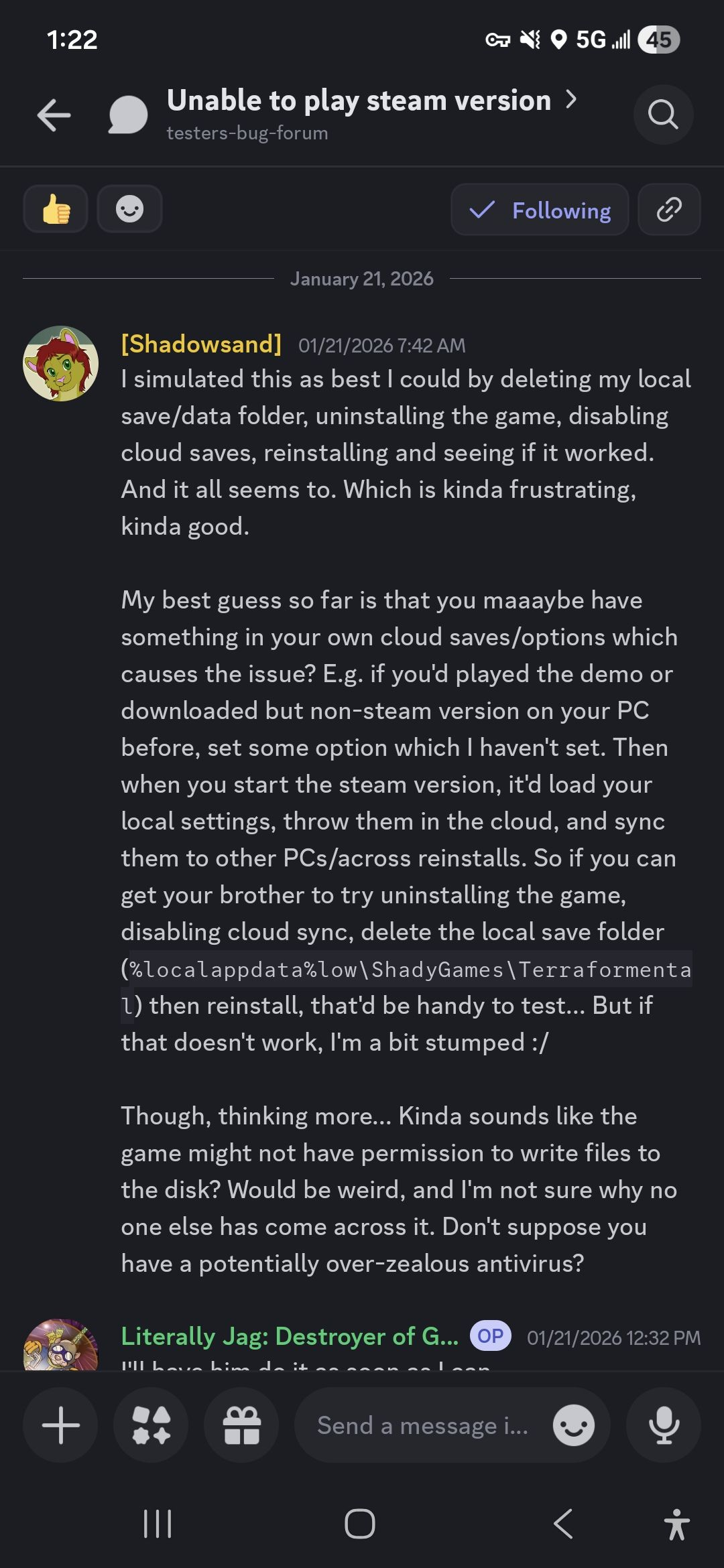
Apologies for that - the issue appeared for one person during beta testing, but after clearing that folder we were unable to ever reproduce it. Someone on the Discord has now provided a save which they claim will cause the issue if you put it in an otherwise empty save folder, so hopefully I'll be able to fix the issue soon!