

Quality of Life Mod for Casualties: Unknown (v5.5)

Hey! Jimmyking here. You might know me from Discord (Jimmy_king), where I've made several mods for the game in the discord server.
You may also know me from Gunsaw, where I've made the Level Editor+ mod, a online level browser, and a Custom Weapon Framework.
---
This is an mod I made which aims to help improve the Quality of Life in Casualties: Unknown, featuring mid-run saves, an enhanced options menu with keybinds and sliders for music/fullscreen/resolution support.
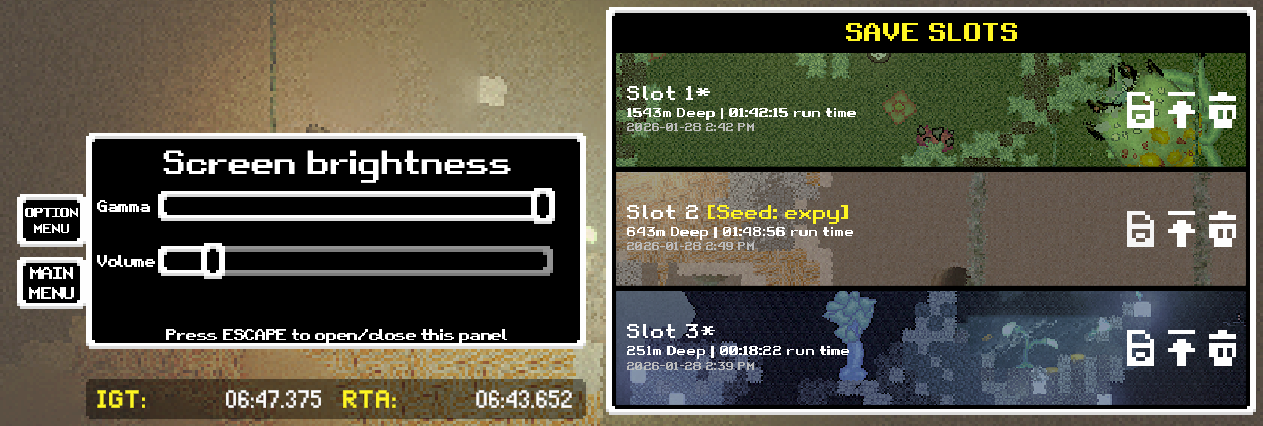
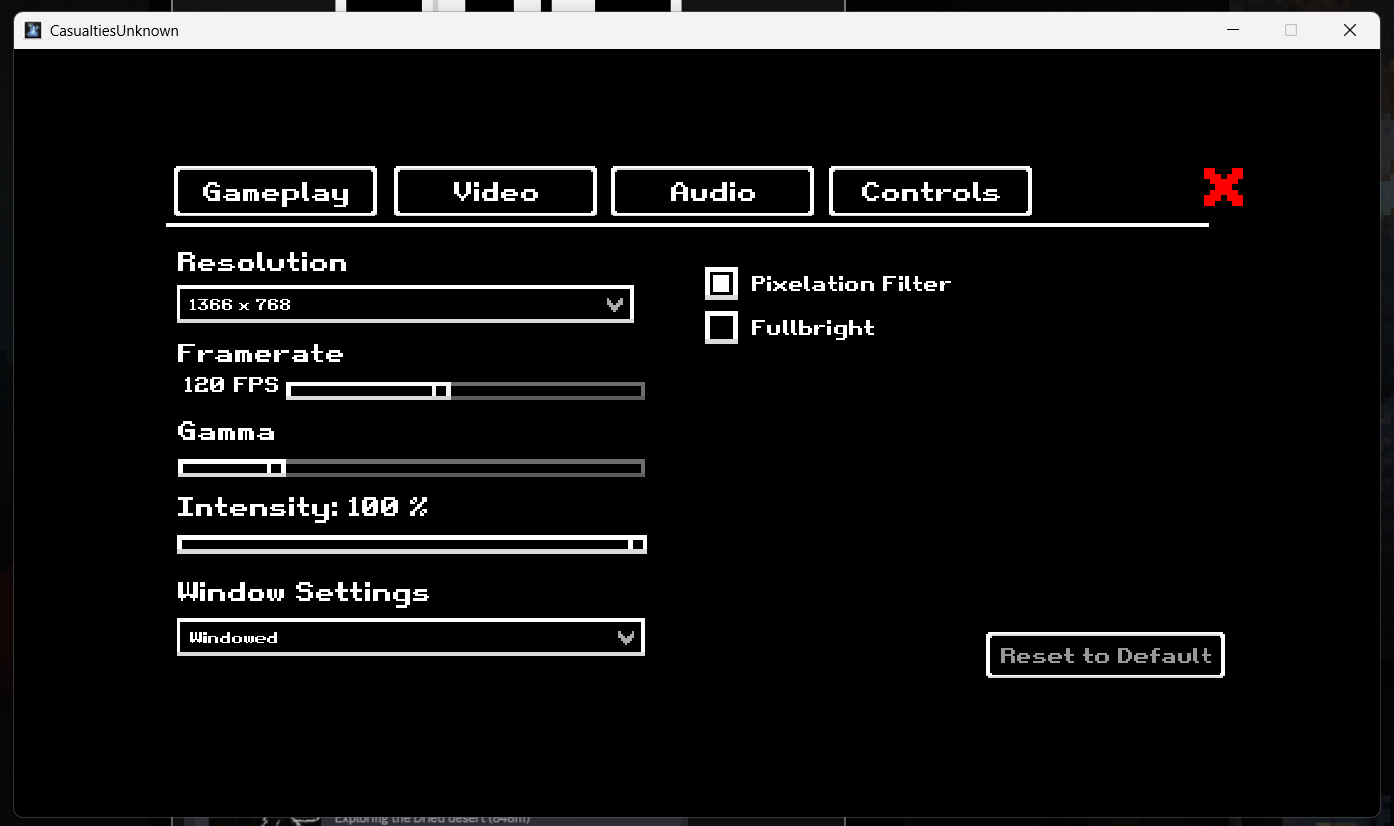
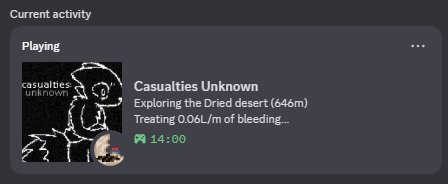
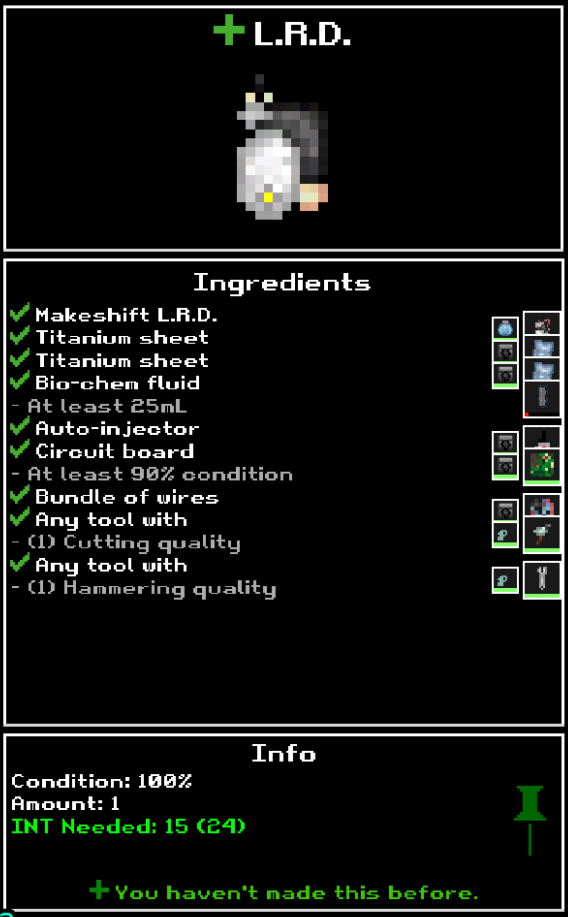
This mod also contains a Discord Rich Presence with your stats and depth, minor adjustments so that 1-tile water cannot push you, a crafting preview, scrolling for containers, controller support, seeded runs, and many, many other game optimizations and QoL features, too many to list here!
All of which is completely togglable through an in-game UI. If you want, you can choose to disable everything and have a fully vanilla experience.
This mod is non-destructive and will not delete any data when installing. That means that you can continue mid-run after installation with no issue!
For a full list of what this mod adds, check out the GitHub where this is hosted: https://github.com/jimmyking9999999/QoL-Unknown
- Mod Installation -
BepInEx: This is the mod loader of choice for this mod
1. Install BepInEx from https://github.com/BepInEx/BepInEx/releases/download/v5.4.23.4/BepInEx_win_x64_5...
2. Extract all files into your folder containing CasualtiesUnknown.exe. Replace all files when prompted
3. Run the game once, then close the game
Mod:
1. Locate the Plugins folder at `BepInEx/Plugins`
2. Install the mod at https://github.com/jimmyking9999999/QoL-Unknown/raw/refs/heads/main/QoL%20Unknow...
3. Move the installed .dll file into the plugins folder
- Questions, Suggestions, Discussion? -
Ping me (Jimmy_king) in the Orsoniks #art thread for this mod!