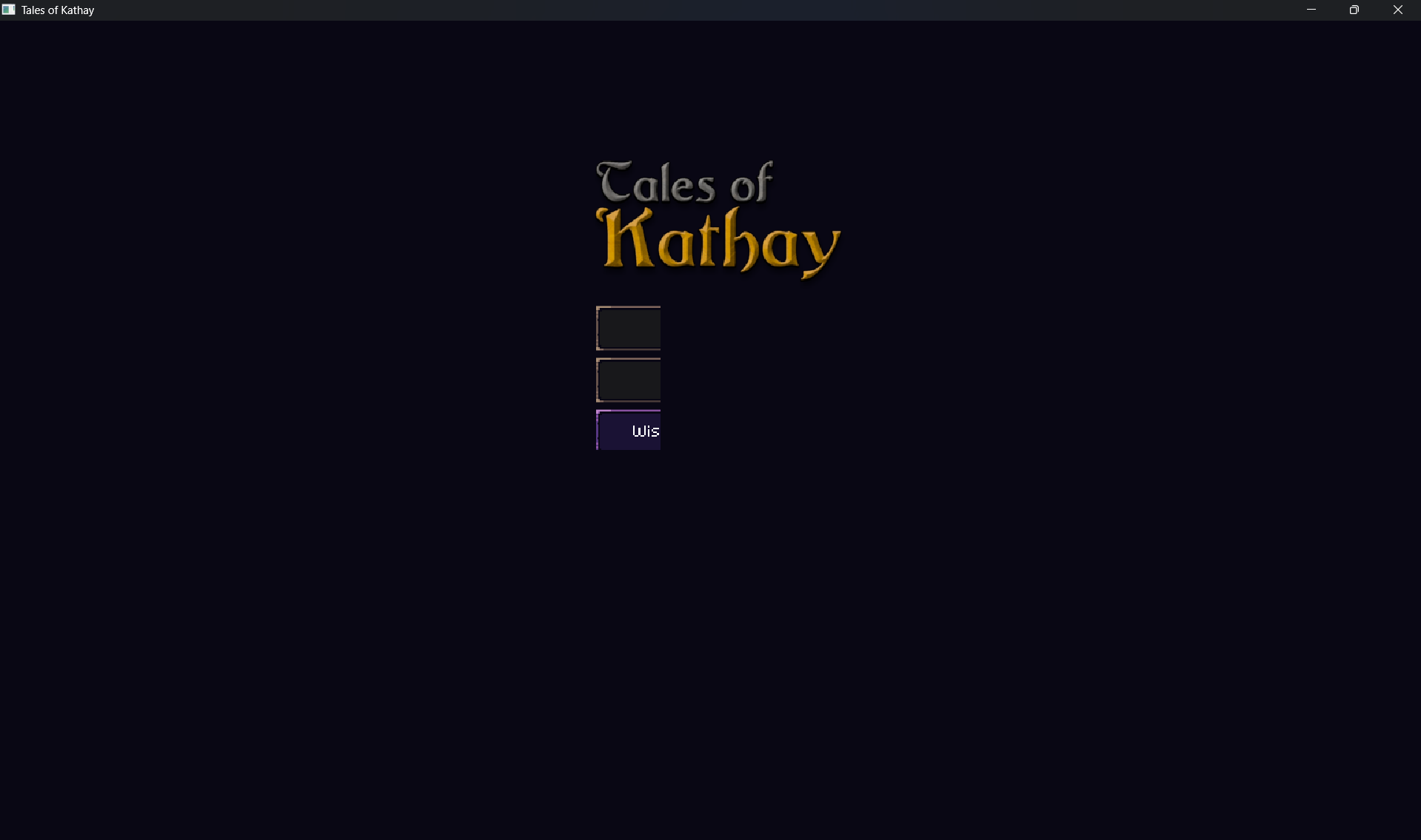
The UI bug still appears with the new version
Hi! I was able to reproduce the issue in a Windows machine by changing the "Scale & Layout" on the windows Display options. 100% works, anything else breaks.Can you check if it's the same issue for you? I'll start working on a fix right now.
Just uploaded a patch (0.9.1) with a fix that worked on my machine. Let me know if it fixes for you too!
Yes, that was exactly the problem, the 0.9.1 fixed that, thank you very much!