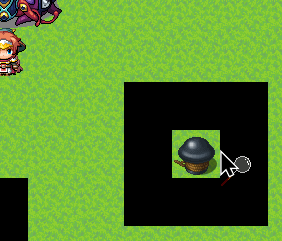
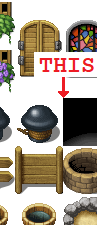
Use “Exit Event Processing” as first Command and then “!OnTouch:” right after.
(“!OnTouch:” acts as entry point, so Event processing will start right at that line.)
The Event may still turn to face the Player if it’s not Direction Fix.
If the Event should turn, you can do that manually with “Set Movement Route…” (“Direction Fix OFF”, “Turn Toward Player”) and then reset with “Revert OnTouch Turn” and “Set Movement Route…” (“Direction Fix ON”).