Thanks for the report 🙏
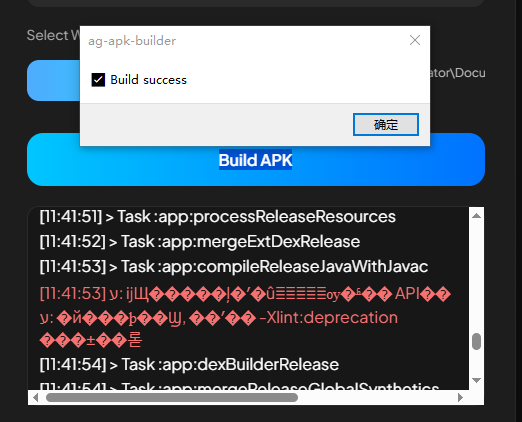
The issue is caused by non-ASCII characters and spaces in the folder path.
Example of problematic path:
E:\RM��������\AG-APK-OFFLINE-VERSION\...
Android Gradle on Windows cannot reliably handle special/corrupted characters (like �) and spaces in paths.
Please move or rename the project to an ASCII-only path and avoid spaces.
If you need separation, use hyphens (-) instead of spaces.
Recommended example:
C:\AG-APK\
D:\RPGMaker\AG-APK-Builder\
After that, rebuild the APK/AAB. This should resolve the issue.