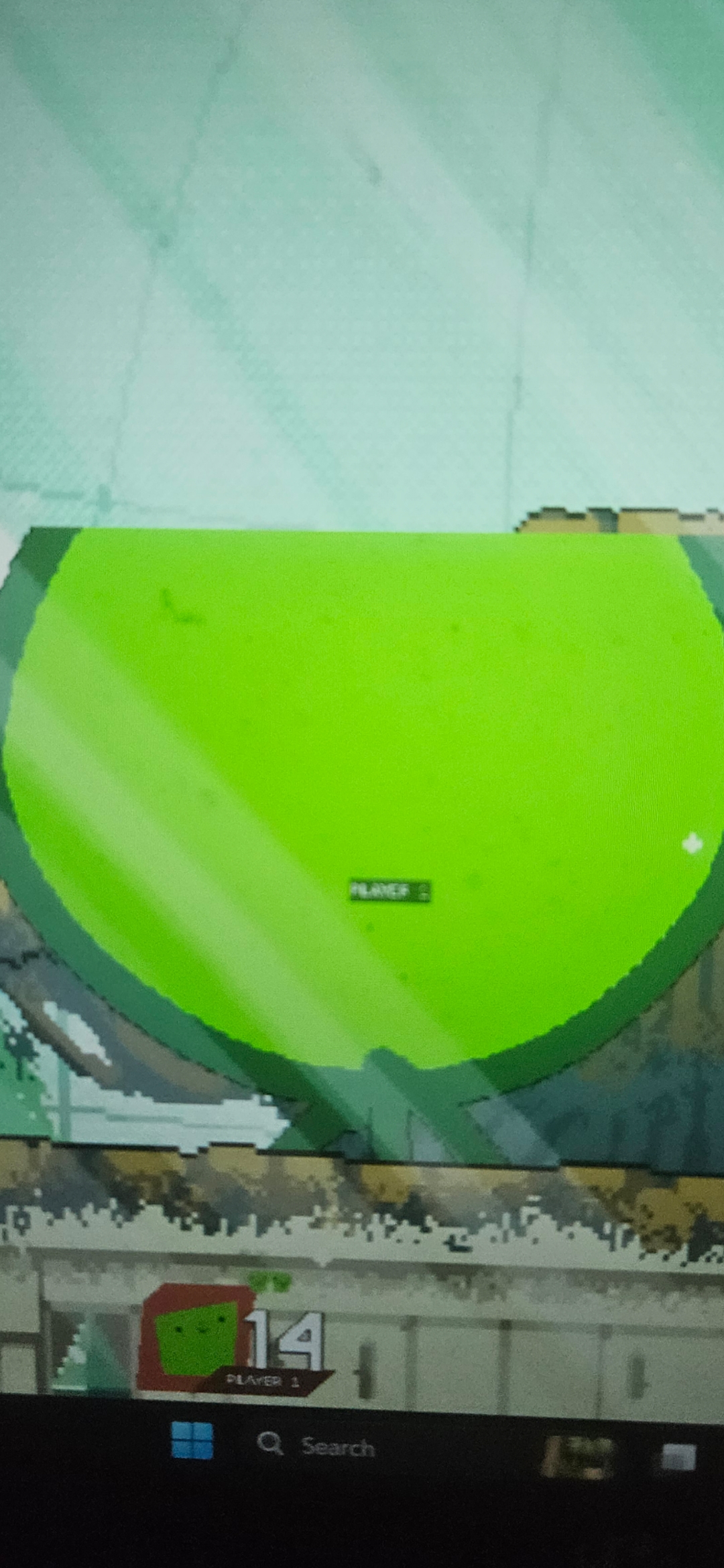
I'm trying to add a higher-definition character image to the roster/ select screen, but it won't stop being way too zoomed in..How do I scale it down.

Make your own Platform Fighter in GameMaker! · By
1. Increase `object_surface_size`.
2. Change the palette (https://platformfighterengine.github.io/#/tutorialB6).
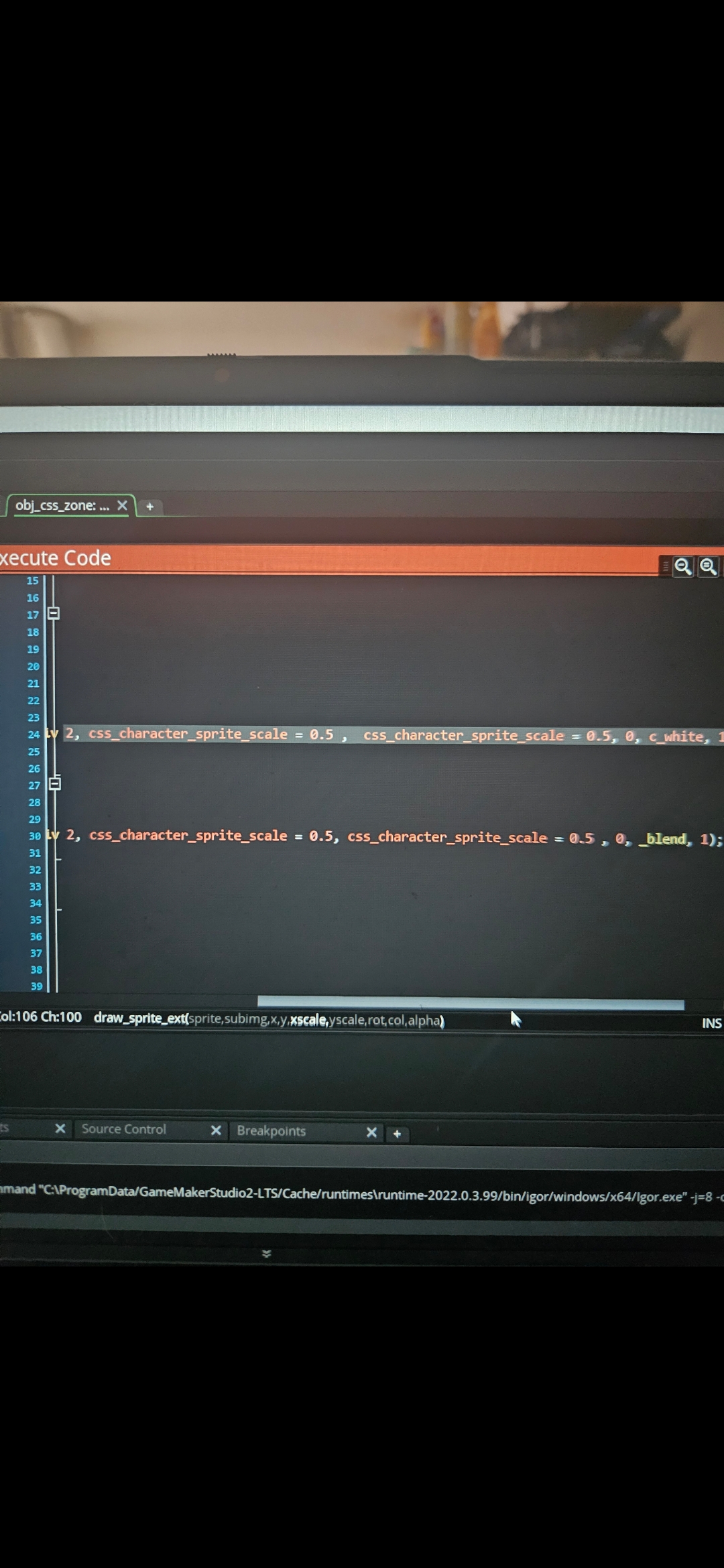 I tried it, just made the images on the roster disapear