

Doing "css_character_sprite_scale = 0.5" like that is not the correct way to set a variable. You should be using a constant value (replace "css_character_sprite_scale" with just the number 0.5), modifying the value (do "css_character_sprite_scale * 0.5" for example), or changing the value of "css_character_sprite_scale" directly in "game_settings".
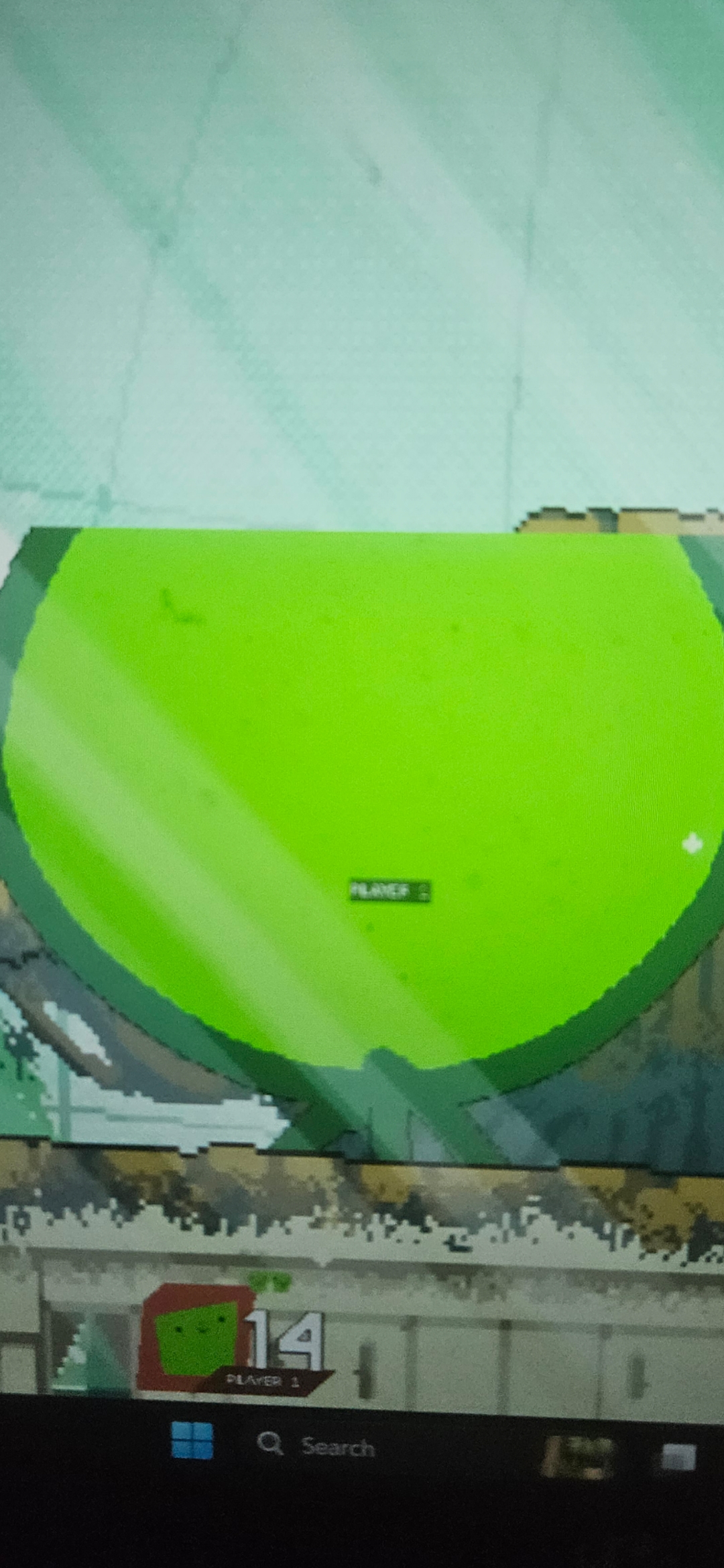
1. Increase `object_surface_size`.
2. Change the palette (https://platformfighterengine.github.io/#/tutorialB6).