
On Sale: GamesAssetsToolsTabletopComics
Indie game storeFree gamesFun gamesHorror games
Game developmentAssetsComics
SalesBundles
Jobs
TagsGame Engines

Is there any way to open the equipment evolve scene without using a keyboard key? My game uses a non-standard equipment scene, so I need to open it some other way. I'd like to create an event (like an anvil) that opens the scene when interacted with. 

I tried SceneManager.push(Scene_EquipmentEvolution); but that didn't seem to do anything. 

Either a script call or plugin command to do this would be fantastic (unless there is already a way to call this scene manually that I am just missing). 

Something like a command to specify an equipment slot, and if that slot has an item which can evolve, open the scene for that item, and if not, run a common event (so a failed message can be shown). 
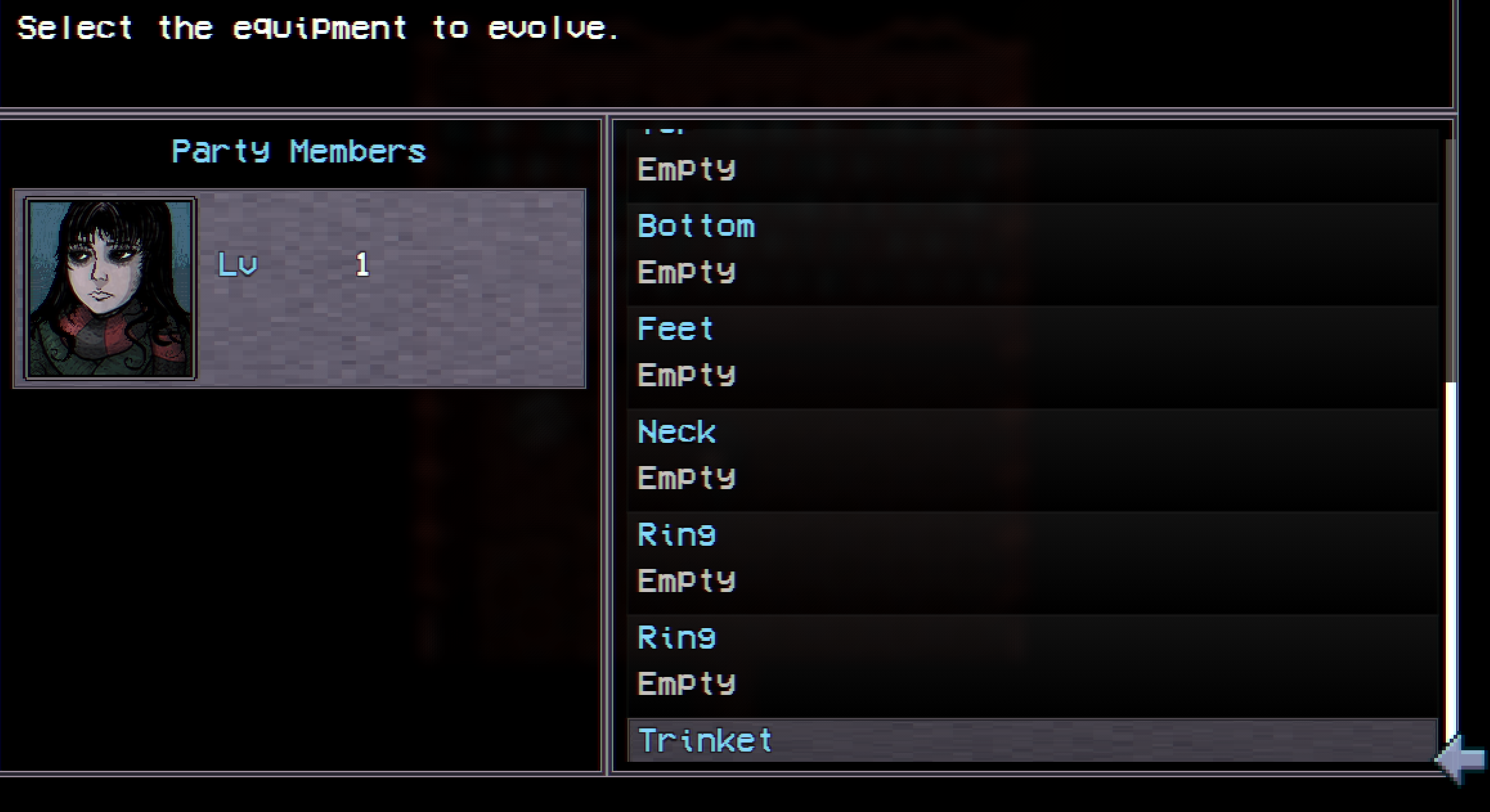
Hello! I understand what you need. What happens is that the plugin uses the information from the Actor / Equipment that the user has equipped to obtain the information needed to open the scene and retrieve the data the plugin requires to function. I’ve updated the plugin to version ALTERNATIVE v1.1.1, which should provide you with a plugin command that might help you solve it. Keep in mind that, due to time constraints, I haven’t had the chance to do a detailed review of its functionality, so I invite you to test it, and I hope it manages to resolve what you need. 

 Sending you my best and a very Happy New Year!

Thanks for working on this request!
I've updated to the Alt 1.1.1 version and ran the plugin command, however nothing happens unfortunately. I have a weapon equipped which is set up in the plugin parameters to evolve, however running the command doesn't do anything (doesn't open any char select menu or anything).