Hello again! Thank you for checking the older versions.
Since the result is the same, this confirms that the issue is not with the game files, but rather a conflict between the game engine and your graphic card.
Please try the following steps:
- Launch the game.
- Once you are on the black screen (or hear the sound), press Shift + G on your keyboard.
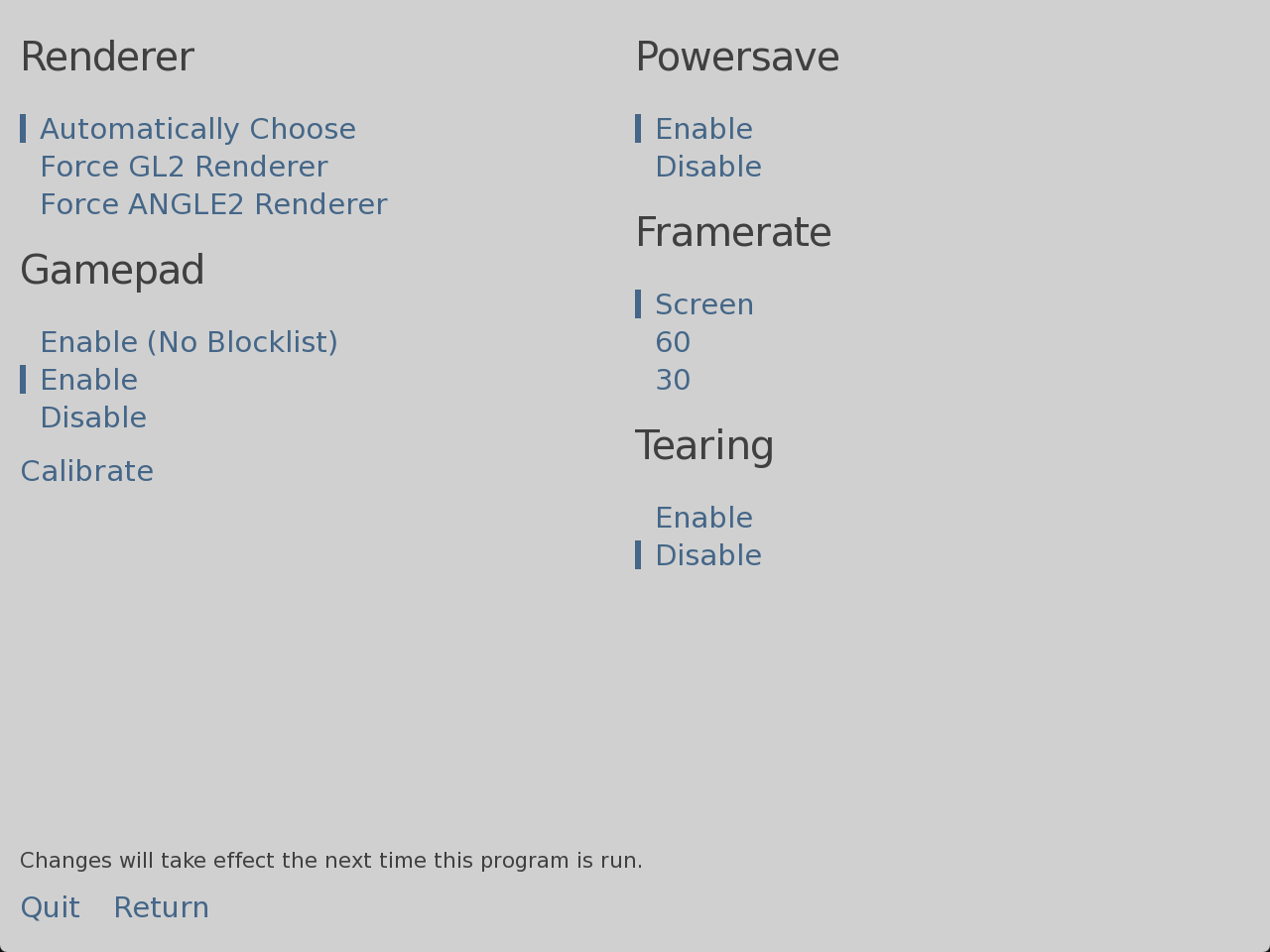
- A "Graphics Acceleration" menu should appear.
- Under Renderer, try selecting OpenGL (or GL2). Then click "Return" or restart the game.
- If that doesn't work, open the menu again (Shift + G) and select Software.
Let me know if this solves it!