

I believe if you add a gif to your description field it SHOULD play automatically. As for the screenshots (the images in the right-hand column of the game page,) I'm not seeing those play automatically in the example you linked to when I use Firefox, Chrome, or Edge. For me, the screenshots only play when I click on them and view them at their original size. What browser are you using that is showing them as playing even when you haven't clicked on them.
Based on this forum post from a couple months ago (https://itch.io/t/5369196/gifs-suddenly-not-animating?after=40#post-15034429) it's likely there was a change in how the Screenshots are handled.
Looking at the example you shared, it looks like itch may now be using a CDN to dynamically re-scale and compress the screenshots on upload. While this helps with the page load performance, it may be having the unintended side effect of removing the gif animation because it's just taking the first frame of the gif when it cuts the scaled down version.
For example, the first screenshot (the one with the stairs) is using this version of the image when viewing the game page, and despite having the filename ending in .gif it's actually detected as being a PNG: https://img.itch.zone/aW1hZ2UvNzk2Njc3LzQ3MzYzNTYuZ2lm/347x500/JG2P1K.gif
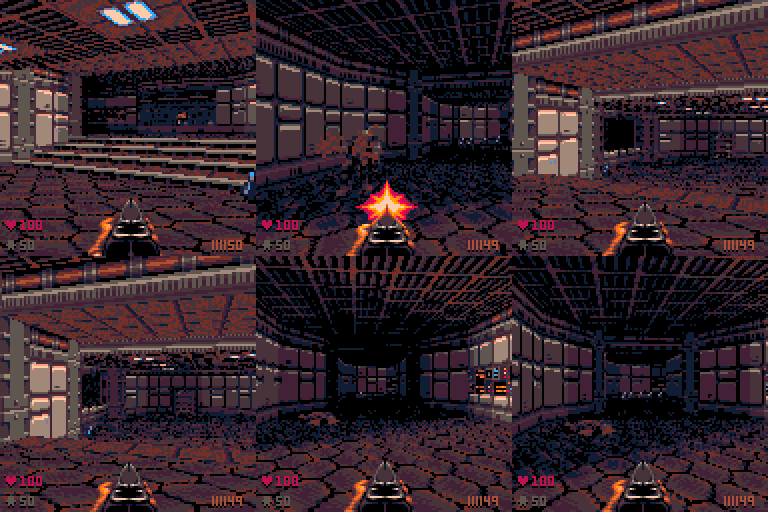
But it's using a different file flagged as "original" when you click on it: https://img.itch.zone/aW1hZ2UvNzk2Njc3LzQ3MzYzNTYuZ2lm/original/Bx6UEF.gif
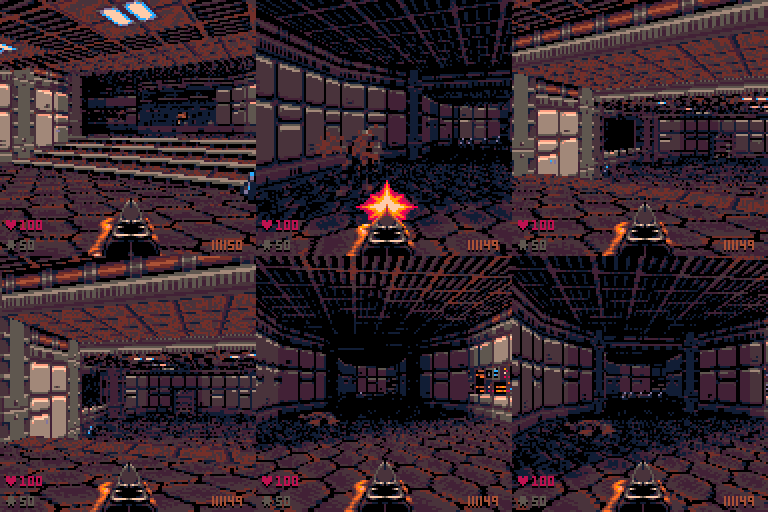
This IS different behavior from how itch handled screenshots back when I first wrote my guide. Originally, itch just reduced the screenshot's height and width, but still loaded the original image.
It's possible itch only has the CDN step in if the image exceeds a certain size, which would explain why you might see animated gifs showing up as screenshots on some game pages. I'll have to do more digging to confirm that though.