Indie game storeFree gamesFun gamesHorror games
Game developmentAssetsComics
SalesBundles
Jobs
TagsGame Engines

[SOLVED] Masking issue with Picture Manager MZ (+ Additional Parameter request?) Locked

A topic by Mado created Nov 30, 2025 Views: 330 Replies: 7
This topic was locked by Hakuen Studio Dec 19, 2025
Viewing posts 1 to 5
(3 edits)

Hi again! This time, I'm here to ask about the masking function with your plugin.

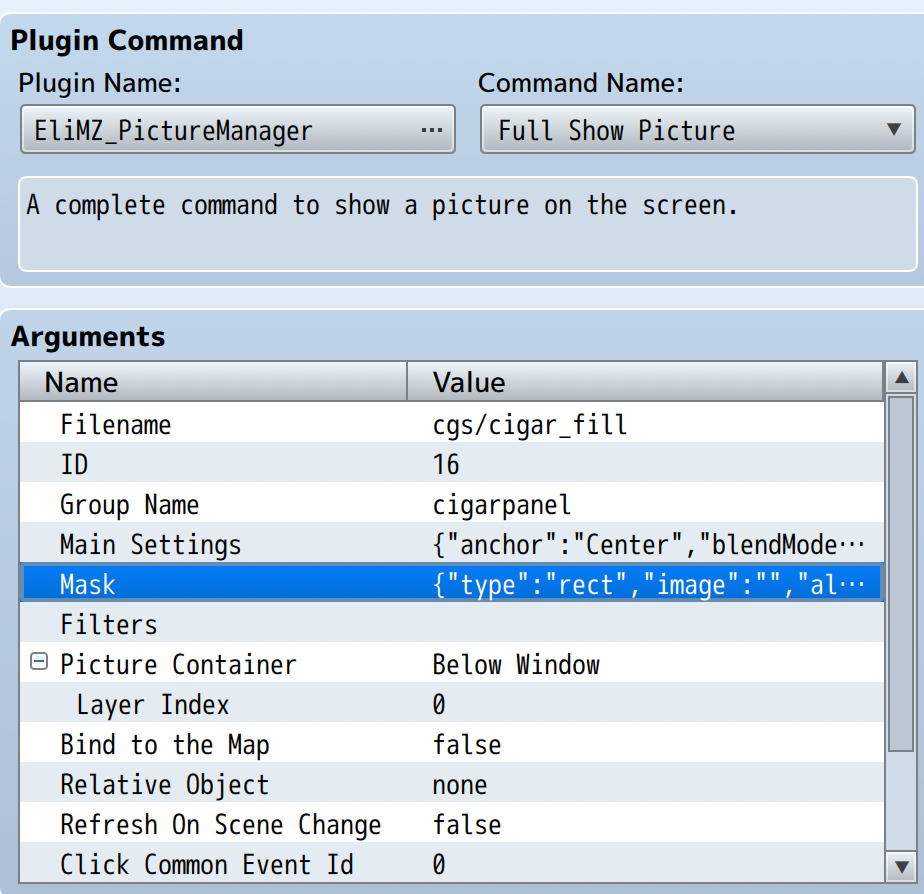
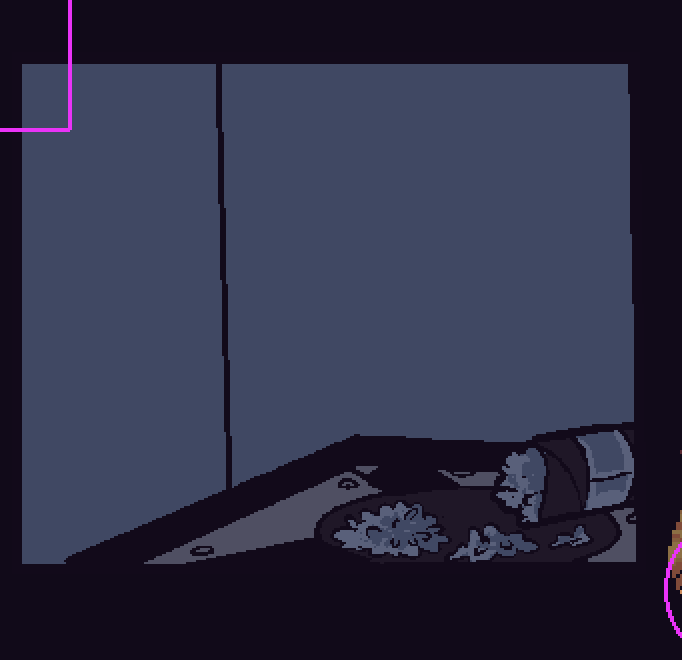
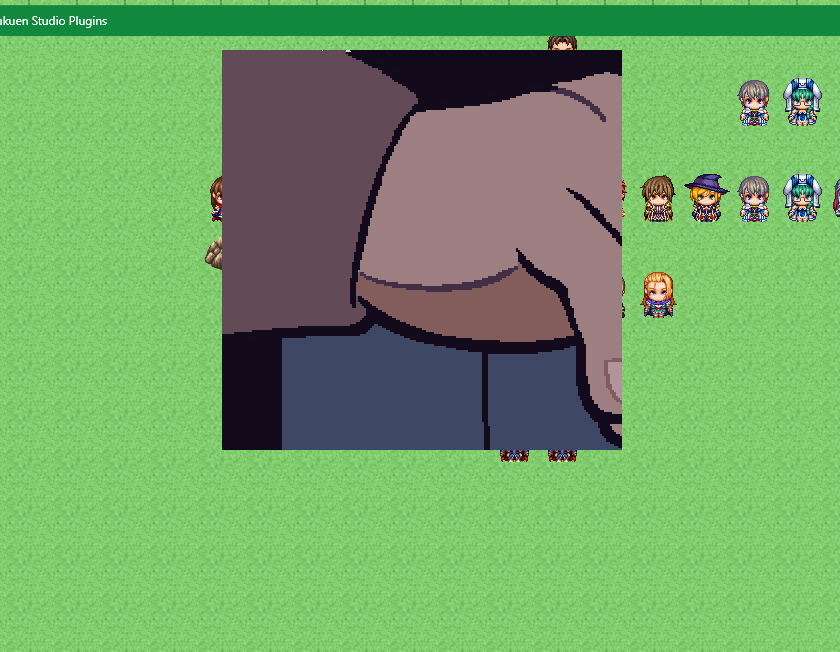
Basically, I want to mask this image of a hand stubbing out a cigar — so that it fits within the square panel. However, when I try doing this in my copy of RMMZ, the entire hand image disappears. I have no idea why. I've tried using both image-based masks and square-shaped masks to solve this issue, but neither work. 
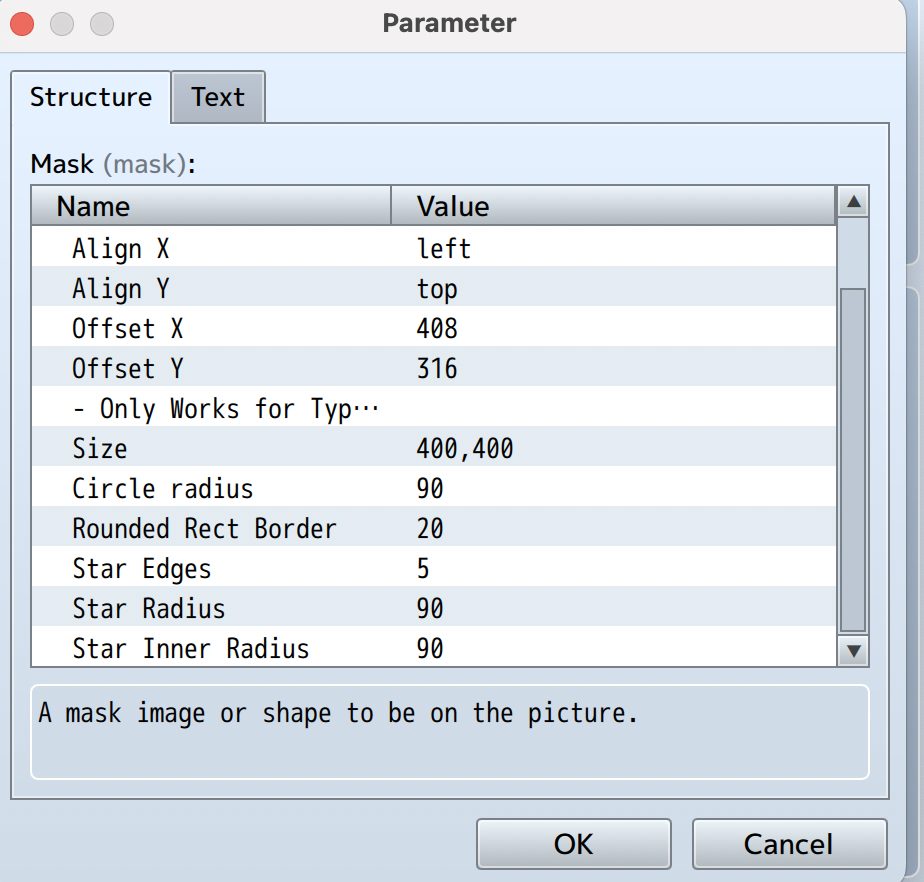
I'll put visual examples of my issue below, as well as my plugin parameters. 
If you want to discuss this more one-on-one, I'm more than happy to provide you with my Discord handle as well. I realize forum posts might not be the best way to quickly update people on issues, haha.
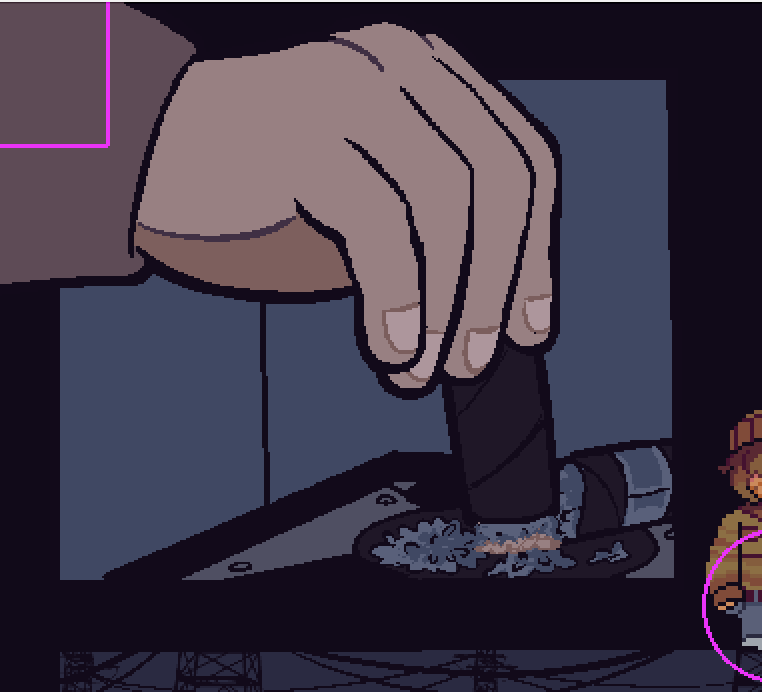


The images, unmasked.
The image with the mask function on. No matter what I do, the hand doesn't turn up.

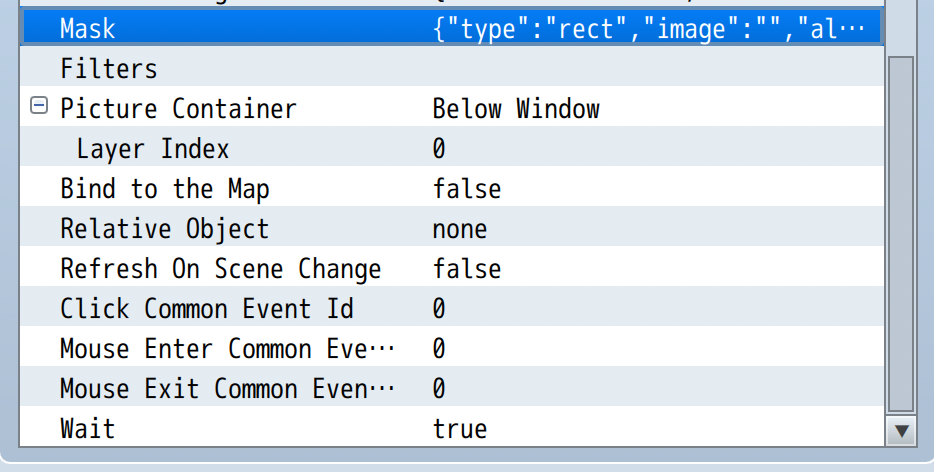
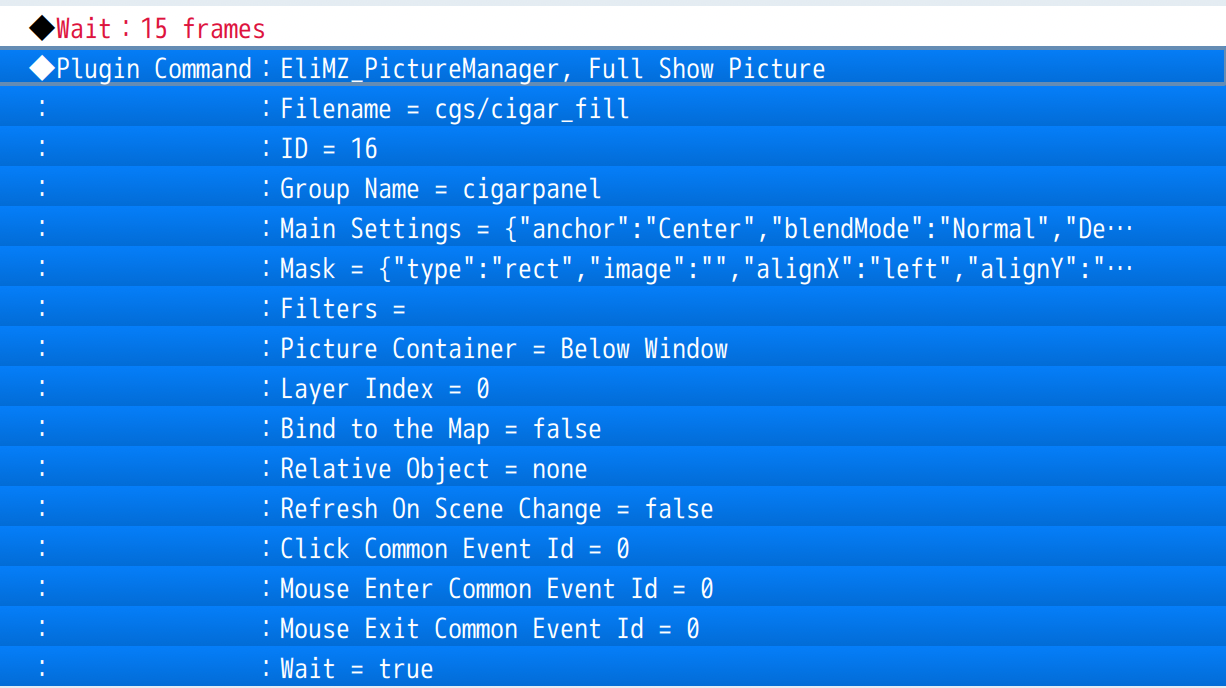
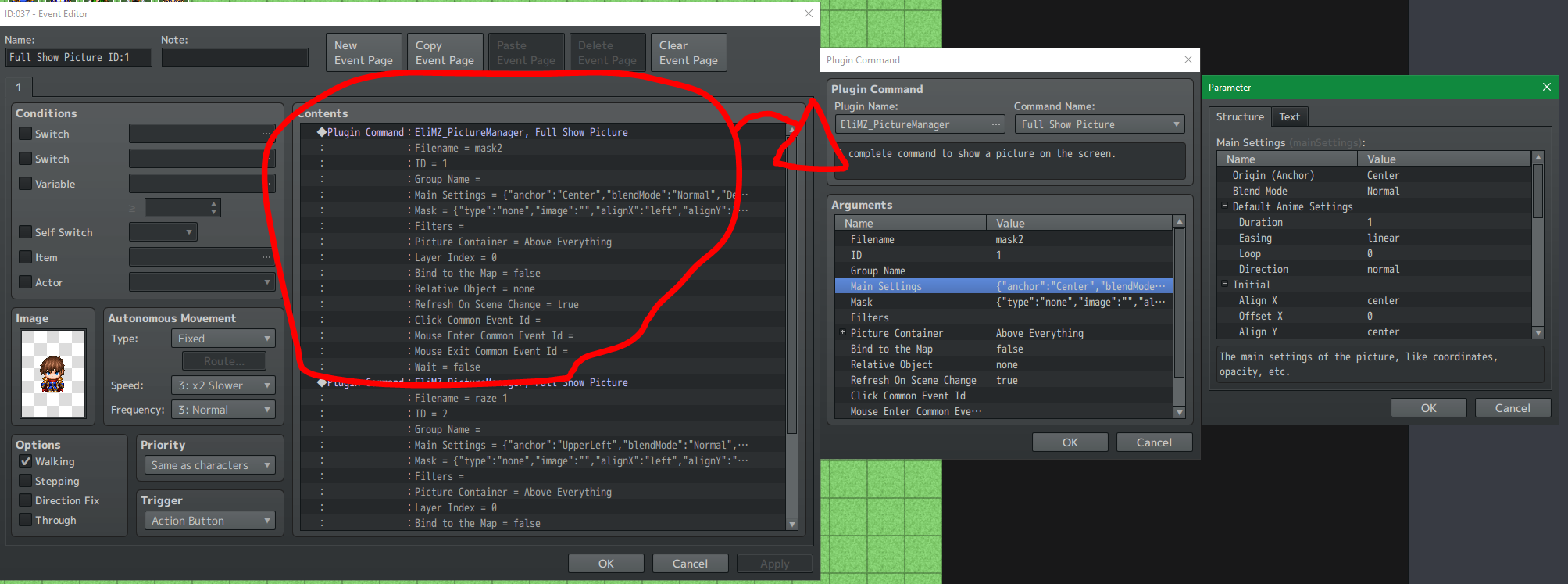
And my plugin parameters.


EDIT: 

After further editing with the plugin, I have to ask — is there a way it can take numbers for AnchorX/AnchorY values? I've tried to rotate an image around a specific pivot, but Center/CenterRight/CenterLeft isn't specific enough for the effect I want (a dial rotating around a point that's off-center.) 
Developer(+1)

Hi there!

Will take a look into these two problems and let you know.

Thanks so much!

Developer (2 edits) (+1)

Hi there! Sorry for the delay.

MASK

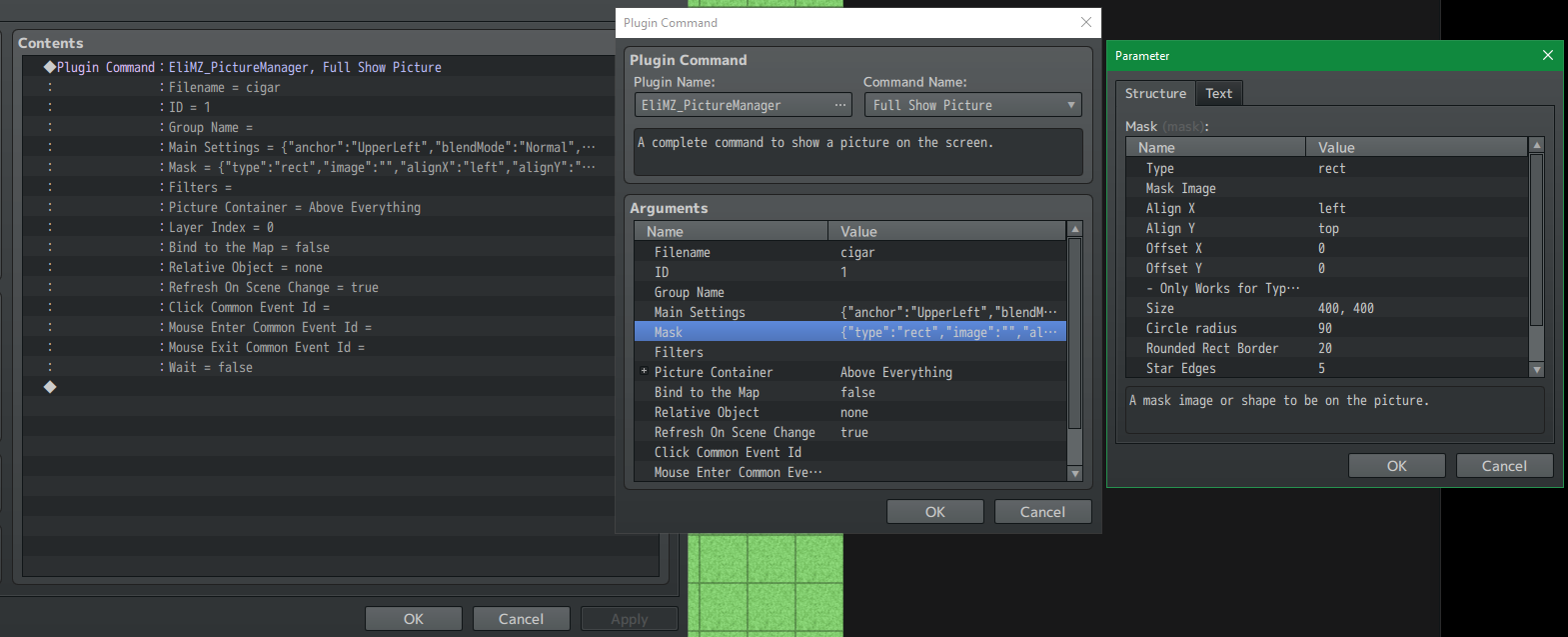
Well, I made a quick test here, and manage to apply the square mask just fine.


The setup below:


The hand and the cigar are two different images on your setup? Or they are just a single one? Because I just copy the image from your post and put it on the project to test.

ROTATE PICTURE AROUND ANOTHER PICTURE

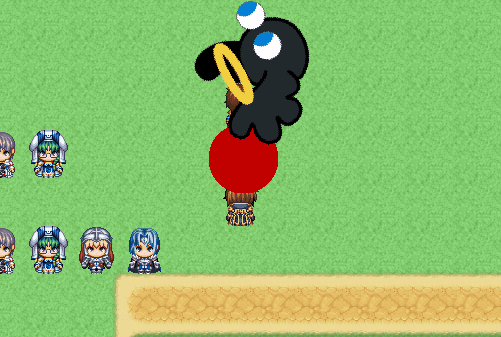
Below there is a gif from two images: The red circle is one and hakuen is the other:


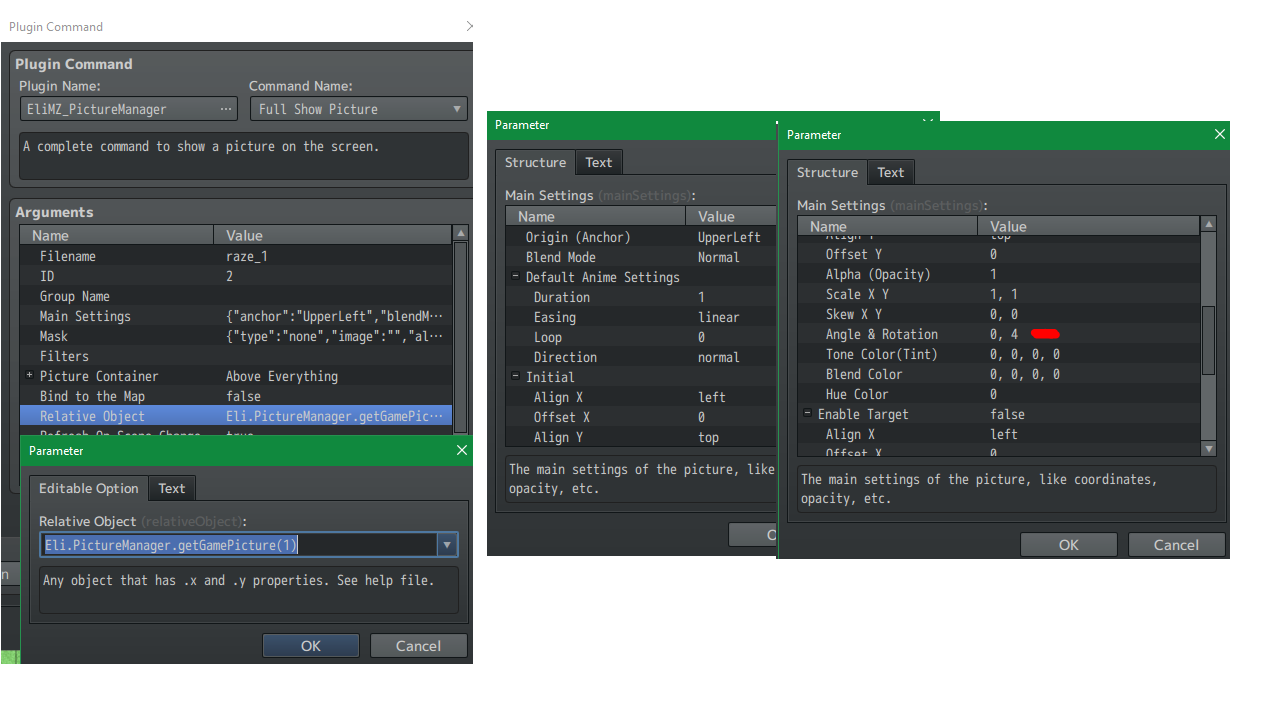
Hakuen is rotating around the red circle. Basically, the first picture must have it's anchor to Center. Then, the second picture, must have it's Relative Object as the first picture (Eli.PictureManager.getGamePicture(ID)). Anchor set at Upper Left and rotation set to any number you want, above 0.

Picture 1 - red circle


Picture 2


Is that what are you aiming for?

[EDIT] - Don't know why, but the gif is not playing here on itch io. Try to see from here:

https://giphy.com/gifs/PtqvMdVyJcghjbNf3p

Hi Hakuen!

Sorry for the late response, had some other work I needed to do with the game. ^^; But I'm more than happy to answer your questions.
For the cigar image, it's two images, not one. The hand holding the cigar is supposed to move down within the clipped image (the square background.) 

And yes, the rotation you displayed below is exactly what I'm looking for! \o/ Should I just copy your method, then?

Developer(+1)

Hi!

For the rotation, yes!

But for the cigar, I'm not sure I'm understanding. Add me on discord and send me a sample project of so I can take a look on what are you doing.

hakuenstudio

will do! thanks so much for the help

Developer

We fixed the problem on discord!

Versions 1.4.2 or higher will include this fix.

Developer locked this topic