

Hi there! Sorry for the delay.
MASK
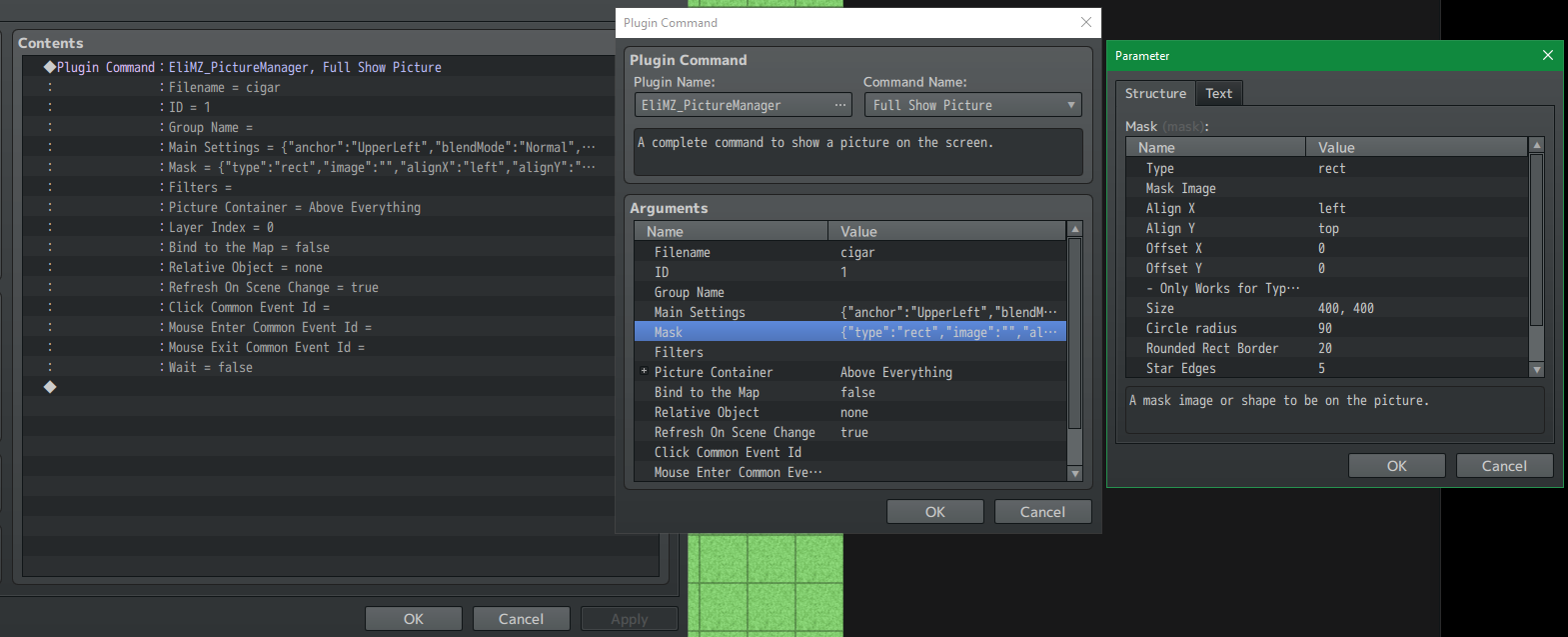
Well, I made a quick test here, and manage to apply the square mask just fine.
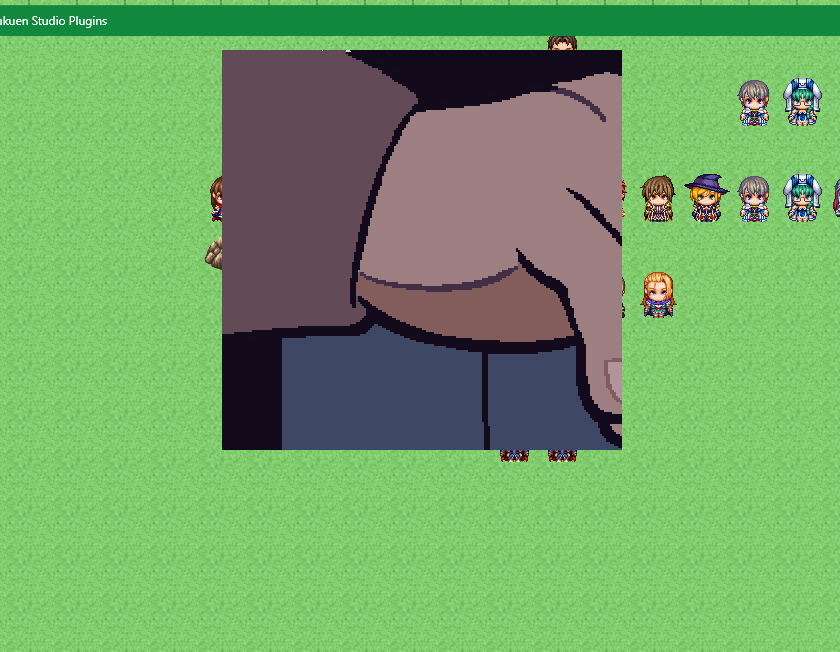
The setup below:
The hand and the cigar are two different images on your setup? Or they are just a single one? Because I just copy the image from your post and put it on the project to test.
ROTATE PICTURE AROUND ANOTHER PICTURE
Below there is a gif from two images: The red circle is one and hakuen is the other:
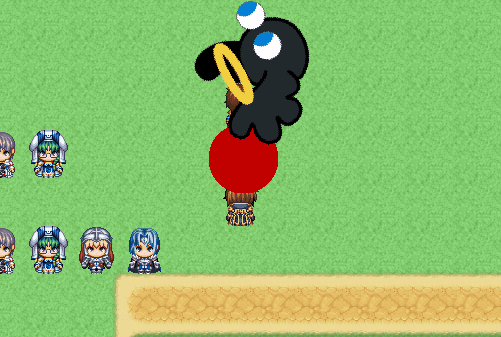
Hakuen is rotating around the red circle. Basically, the first picture must have it's anchor to Center. Then, the second picture, must have it's Relative Object as the first picture (Eli.PictureManager.getGamePicture(ID)). Anchor set at Upper Left and rotation set to any number you want, above 0.
Picture 1 - red circle
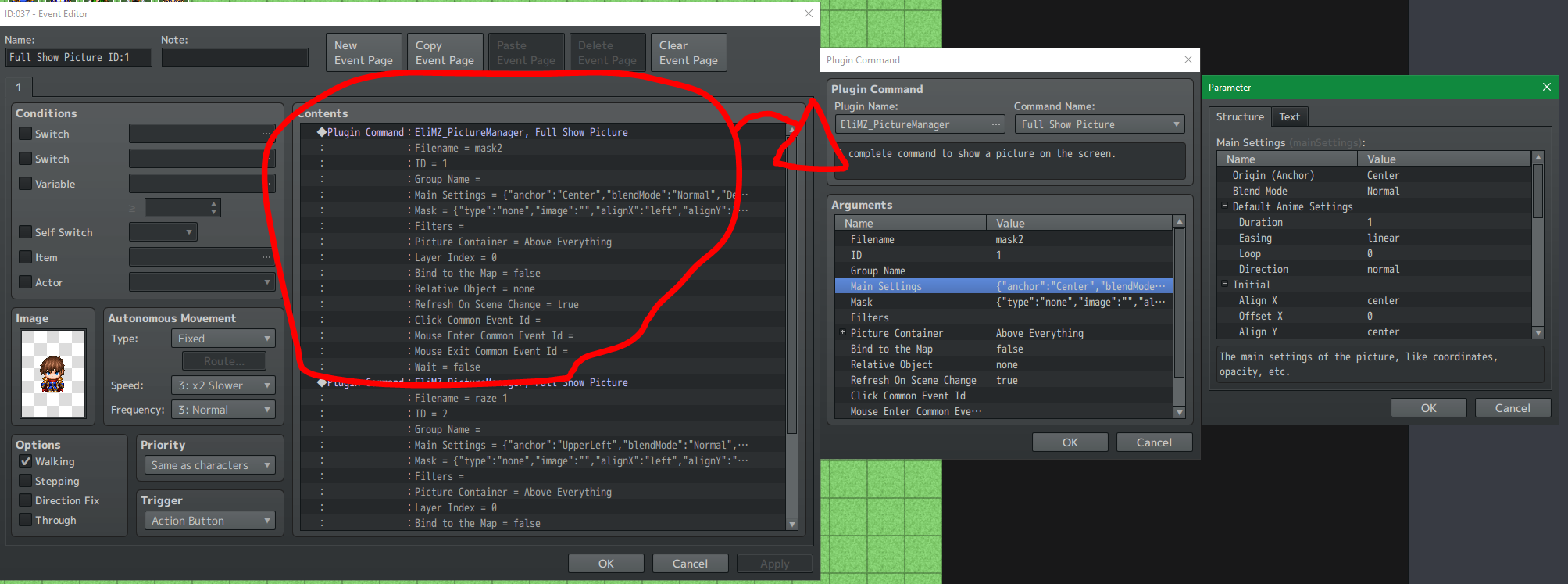
Picture 2
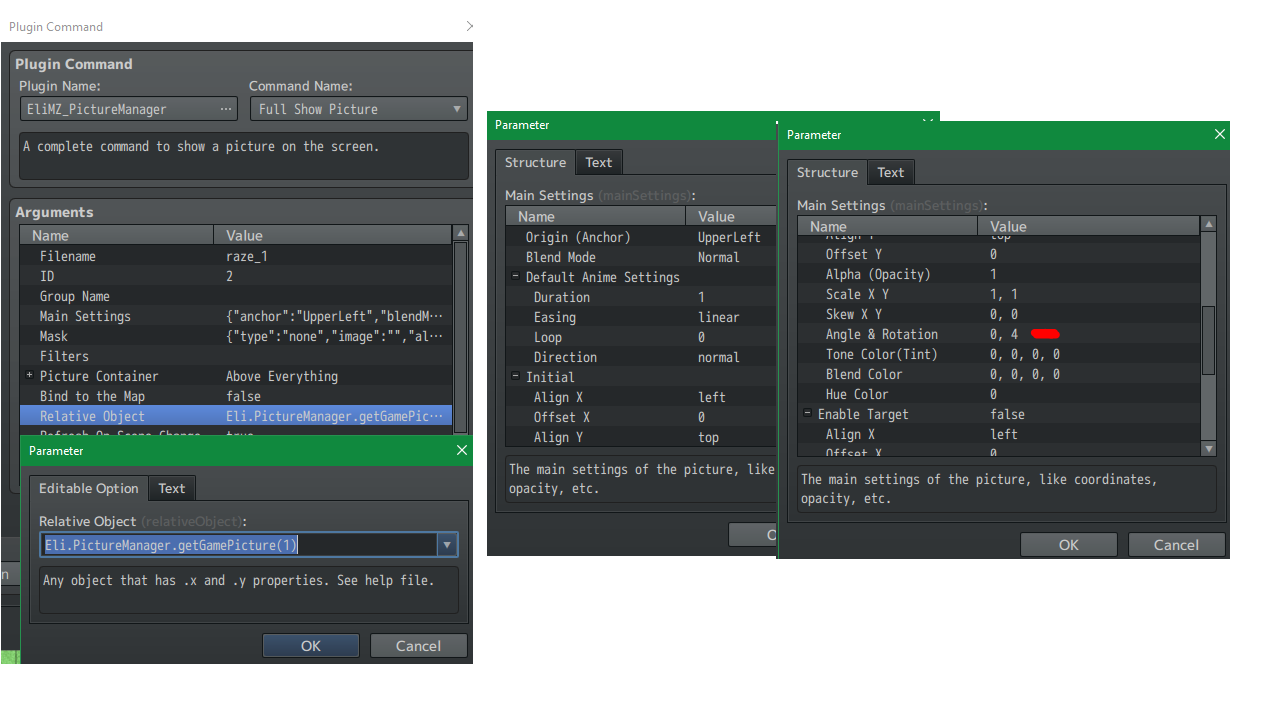
Is that what are you aiming for?
[EDIT] - Don't know why, but the gif is not playing here on itch io. Try to see from here: