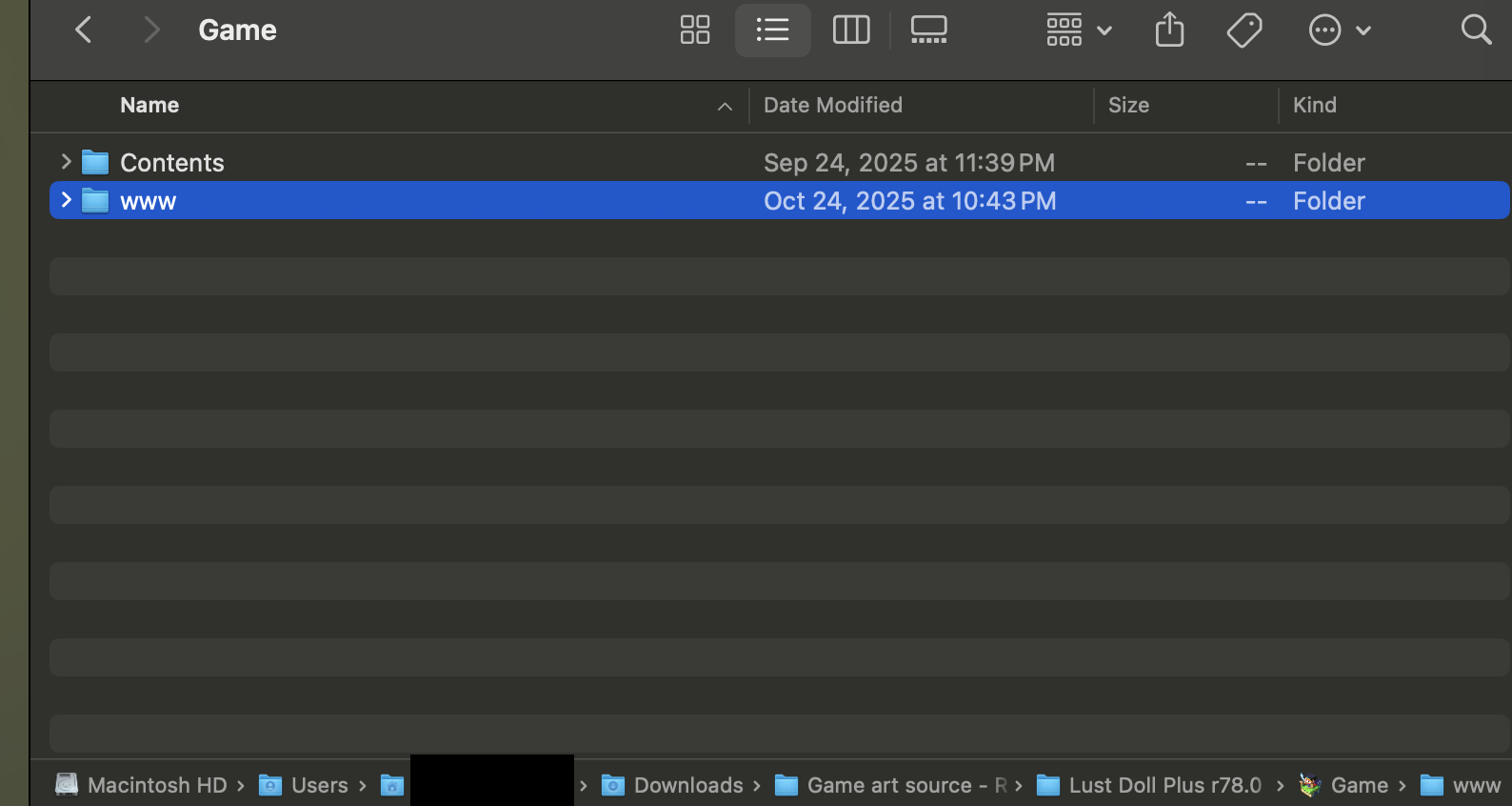
You're right, there doesn't seem to be one. It's present in the windows and linux builds, so maybe there's a chance the method is using one of those. If you try it and get it working, let me know and I'll update the instructions
Success! I downloaded the Linux build, and simply copy-pasted the WWW folder from the Linux build into the Mac build's game files. I was able to resume following JoeWolf's guide, and have set up a local server using terminal, running it in a Safari window and all that. My saves have not transferred to the browser version - if that is helpful to anyone reading this.
EDIT: Failure! The saves actually don't! While I was able to open LustDollPlus in a Safari window, closing the window causes your saves to be lost. Closing the terminal also causes your saves to be lost, unfortunately -- all those cute outfits... gone in an instant.