On Sale: GamesAssetsToolsTabletopComics
Indie game storeFree gamesFun gamesHorror games
Game developmentAssetsComics
SalesBundles
Jobs
TagsGame Engines

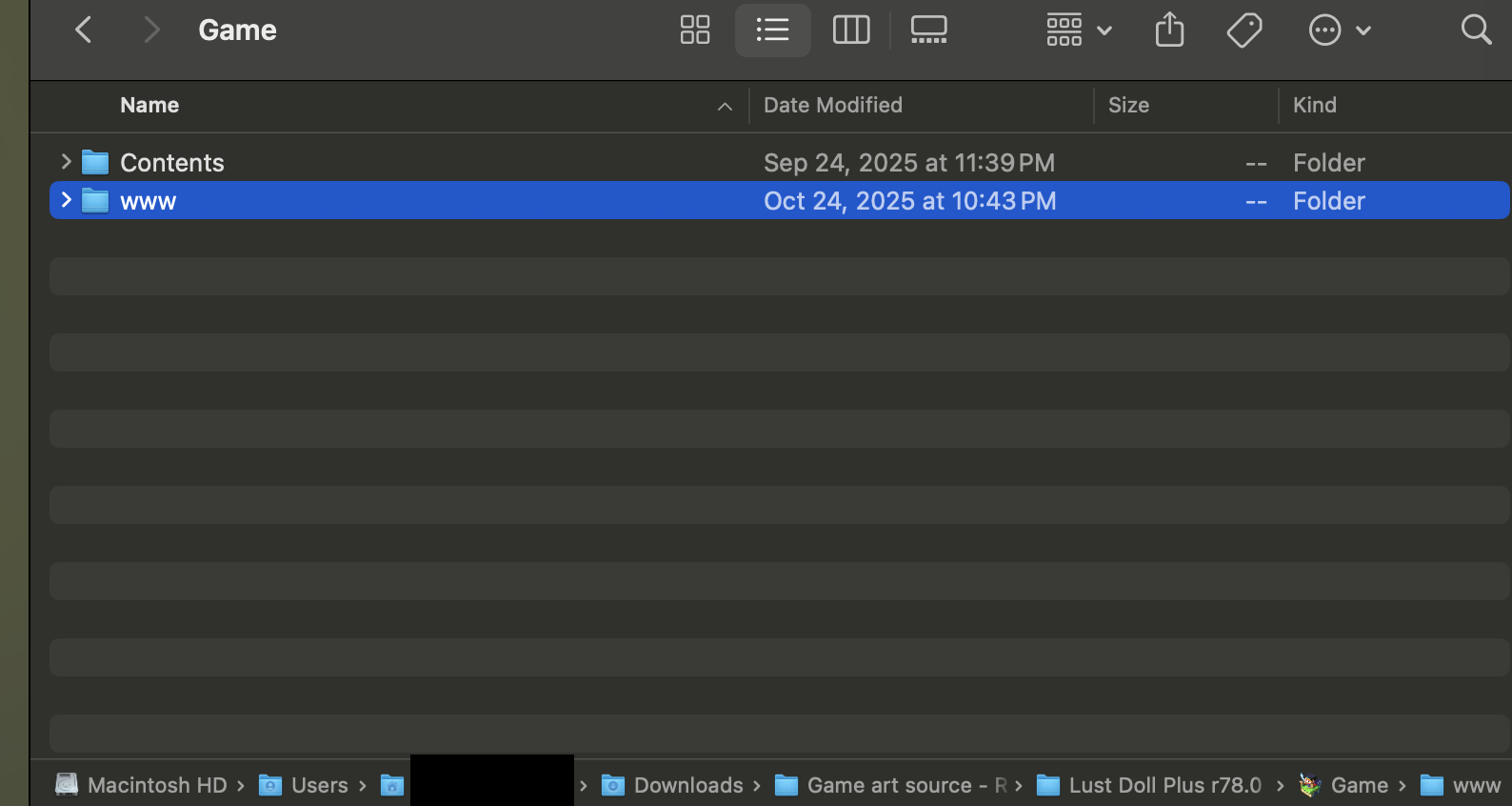
Hello, I am having some trouble finding the WWW files on MacOs - I am following JoeWolf's instructions from the !zRunning the Game on MAC.txt folder. 

I am on step three, and cannot see any WWW files. I have never played an RPG Maker game before, so I might just be looking in the wrong place.
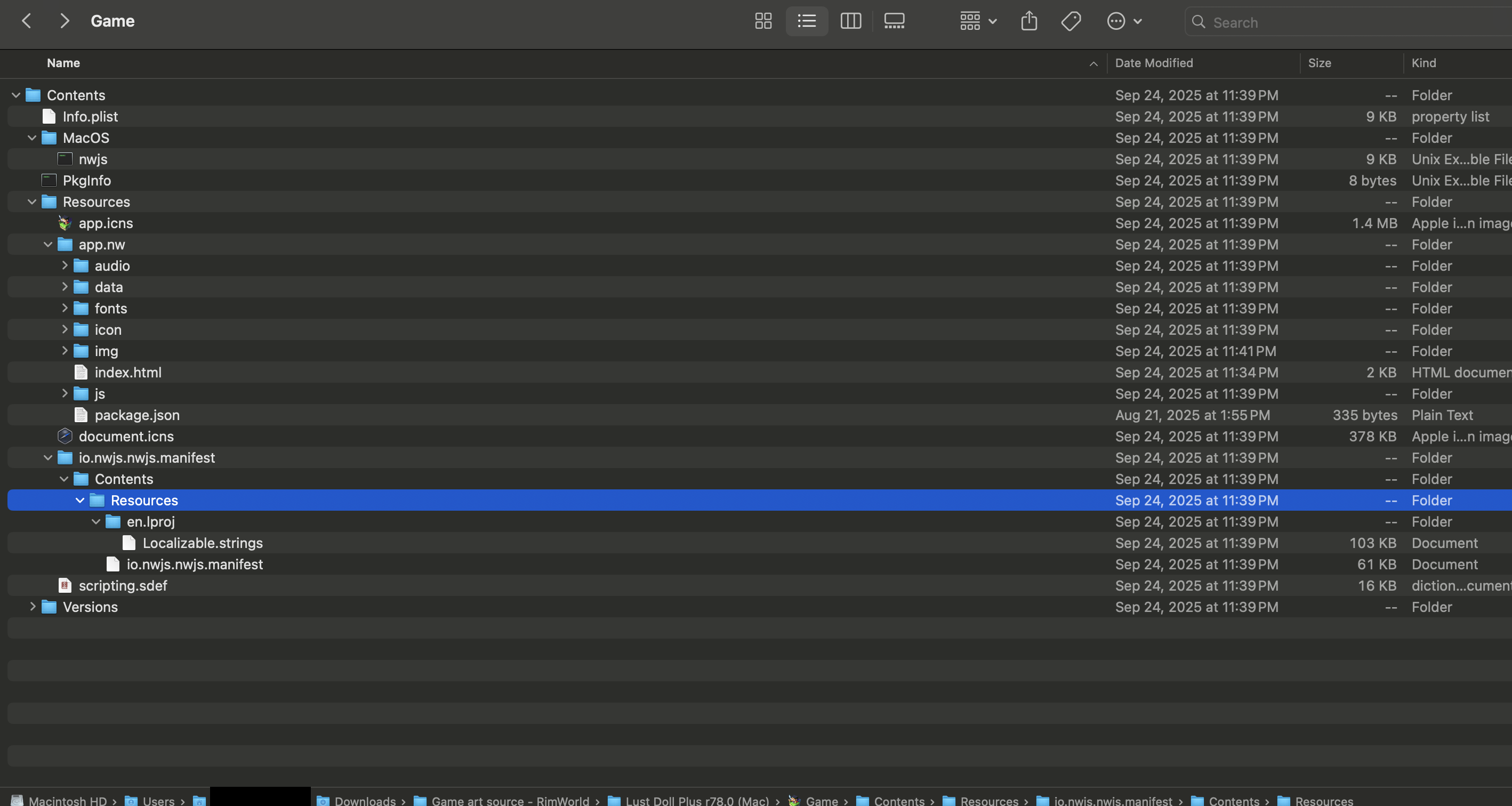

You're right, there doesn't seem to be one. It's present in the windows and linux builds, so maybe there's a chance the method is using one of those. If you try it and get it working, let me know and I'll update the instructions

(2 edits)

Success! I downloaded the Linux build, and simply copy-pasted the WWW folder from the Linux build into the Mac build's game files. I was able to resume following JoeWolf's guide, and have set up a local server using terminal, running it in a Safari window and all that. My saves have not transferred to the browser version - if that is helpful to anyone reading this.

EDIT: Failure! The saves actually don't! While I was able to open LustDollPlus in a Safari window, closing the window causes your saves to be lost. Closing the terminal also causes your saves to be lost, unfortunately -- all those cute outfits... gone in an instant.

Sorry to hear it. I'm not particularly sure how using a terminal works, but if you're able to see your save files while it's running, it should be possible to find them and make a backup or somehow prevent the terminal from deleting them when you close it?