


Hey all!
Thought I'd share a Halloween-themed game I made for my company, Mercury:
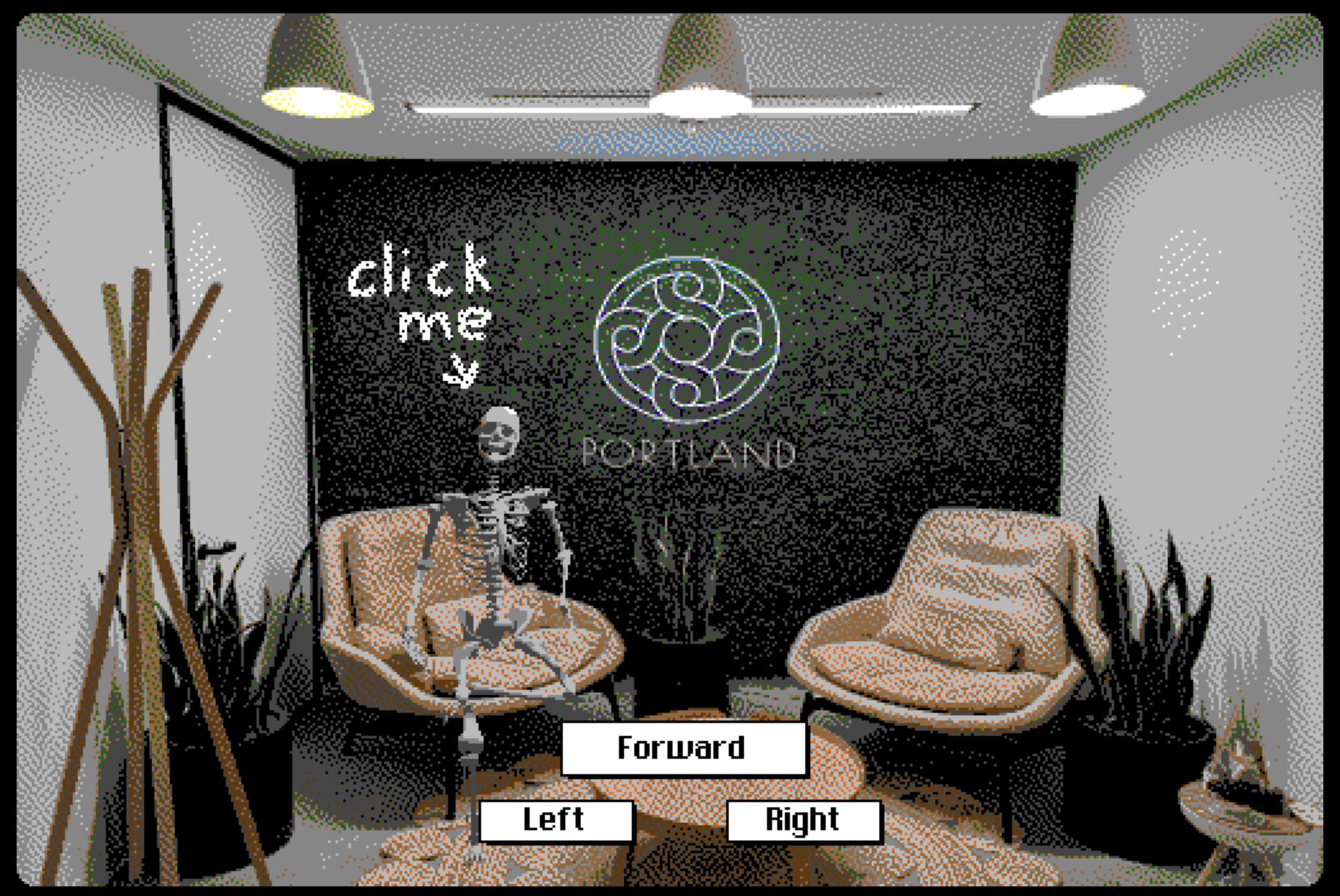
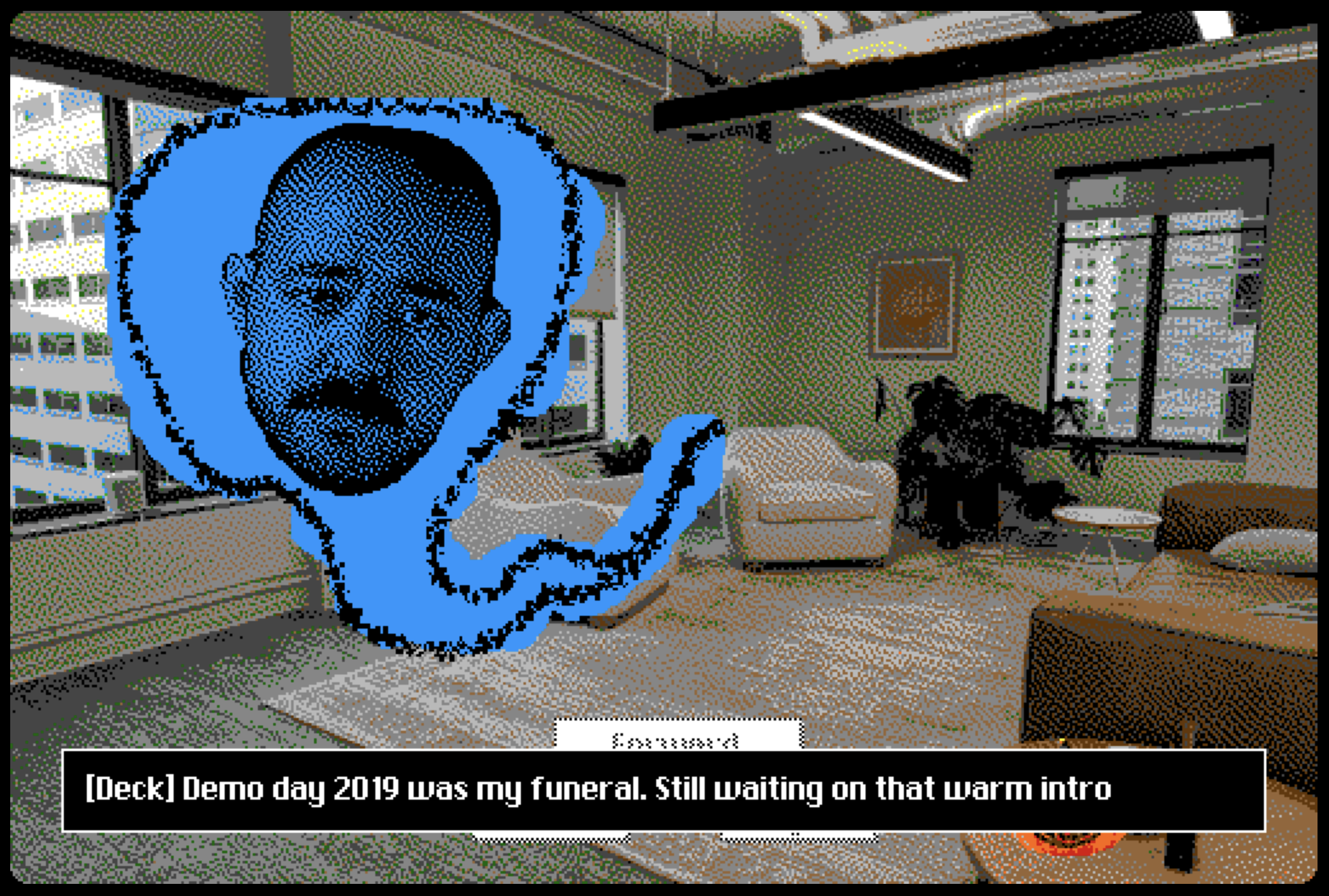
I took photos of our office and wrote code to allow players to navigate around it. Should probably write a blog post about it but basically I used really consistent card naming (<room>_<cardinal direction>) and stored "edges" between rooms in a Table. When a player tries to turn it checks if a card exists for that cardinal direction, and when they move forward it looks for an edge (edges are tuples/rows of (room1, direction, room2)).
I used a lot of cool Decker features like Dialogizer, WigglyPaint, and prototypes. What an amazing tool! Thank you @InternetJanitor for all your hard work.
You can play the game in your browser at https://mercury.com/haunted but there are some analytics running there, so if you'd prefer to just play the Deck you can download it at https://mercury.com/haunted/haunted.deck and check out my code!
Feel free to copy my room-navigating idea, I think it's generally applicable to a lot of dungeon-crawling style games.
If I end up writing a blog with more details I'll post it here.
Cheers,
Sam