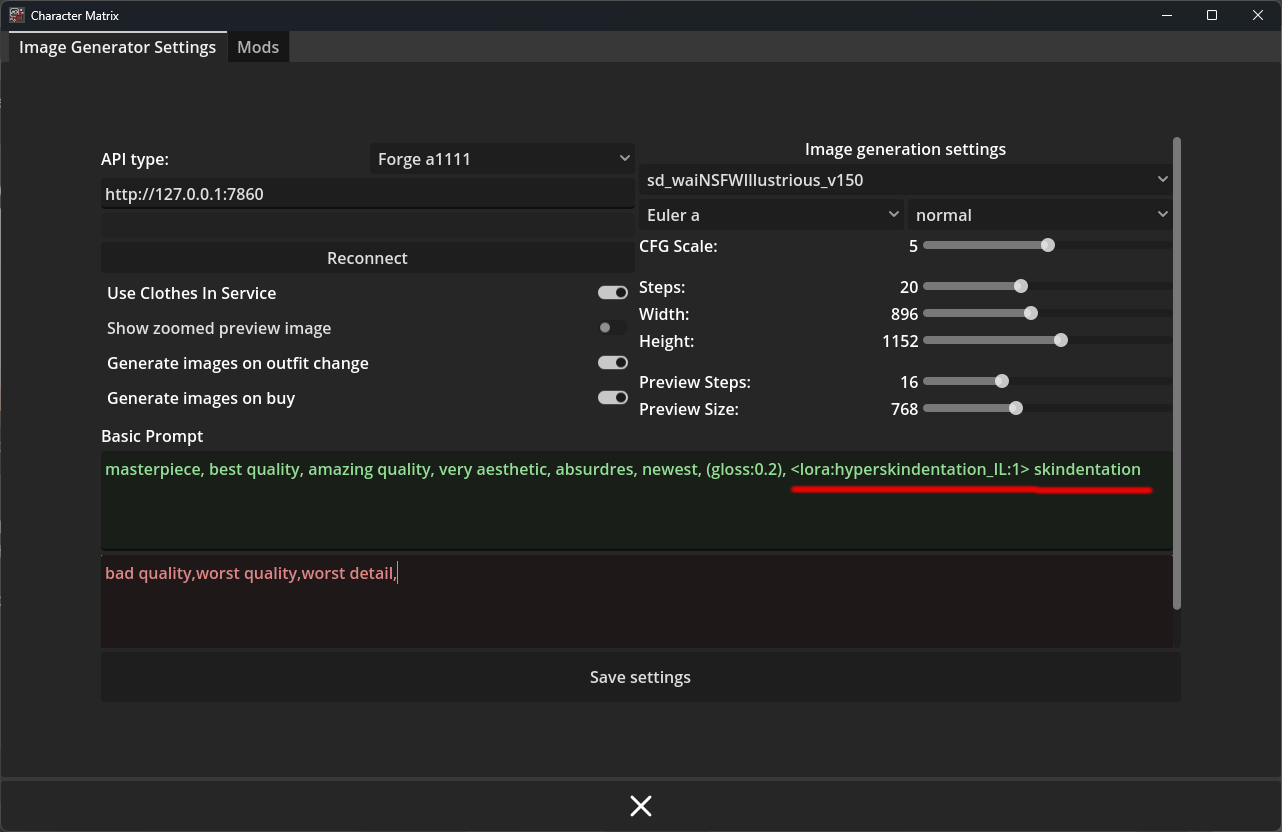
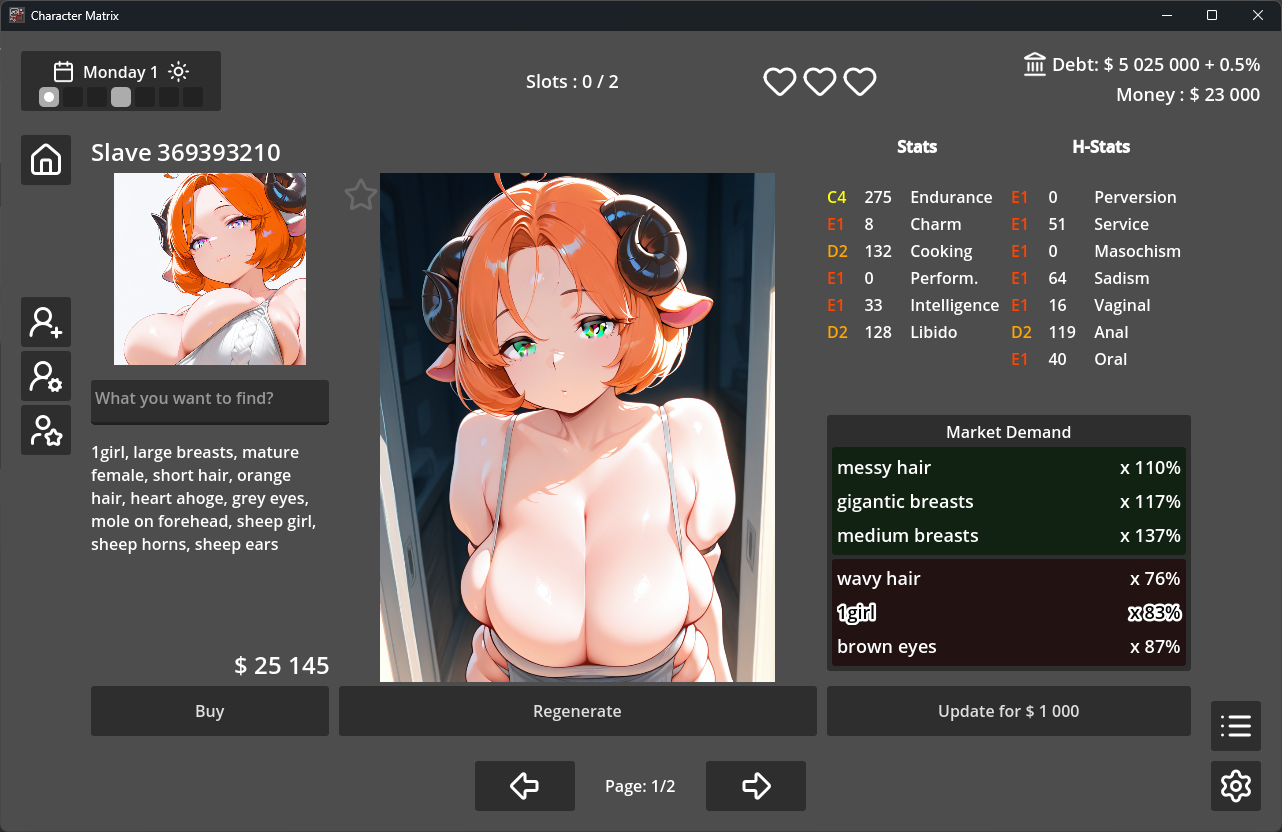
1 - There is no correct answer here. Your guess is correct, it simply generates what was said. Here are a few possible solutions:
(1) Increase the strength of the tags responsible for the small portrait. You need to create or edit generation_prompts.json. Open it as text and add a few tags or strengthen the existing ones.
...,
"ICON":"portrait, looking at viewer, solo, simple background",
...
In to
...,
"ICON":"(portrait:1.2), (upper body:1.1), looking at viewer, solo, simple background",
...
That's what I can suggest right now.
(2) Reduce the problematic tags themselves and their strength in the generation tables, which sounds like a bad solution. penis -> (penis:0.5) etc
(3) You can also try changing the settings to reduce the cfg scale from 5 to 4 and increase the size of the small icon from 768 to 1024 or 832. In this case, it will look less clumsy. But it won't solve the problem.
2 - This field allows you to highlight the character tags you want to find. It's more for cases where several characters are generated on the market and you want to quickly scroll through them.
I already stumbled upon the first problem when I added “thighs” as one of the character's features. How do you think it could be solved, ideally?