On Sale: GamesAssetsToolsTabletopComics
Indie game storeFree gamesFun gamesHorror games
Game developmentAssetsComics
SalesBundles
Jobs
TagsGame Engines
(+1)

1. Travel/location placement

Yes, ever since I made the first map, which I thought was pretty big at the time, I quickly realized I filled it up with events and things happening inside. That’s why, when I created the overworld, I started spacing locations further apart in case I needed more room in the future. Of course, this led to the current problem where every location feels far away and traveling becomes tedious. But your idea is really good, having buses take you to specific places and being able to go to the overworld directly from roads. I’ll add that in the next update!

2. Battle

There is a flee option, just press X in the battle menu:
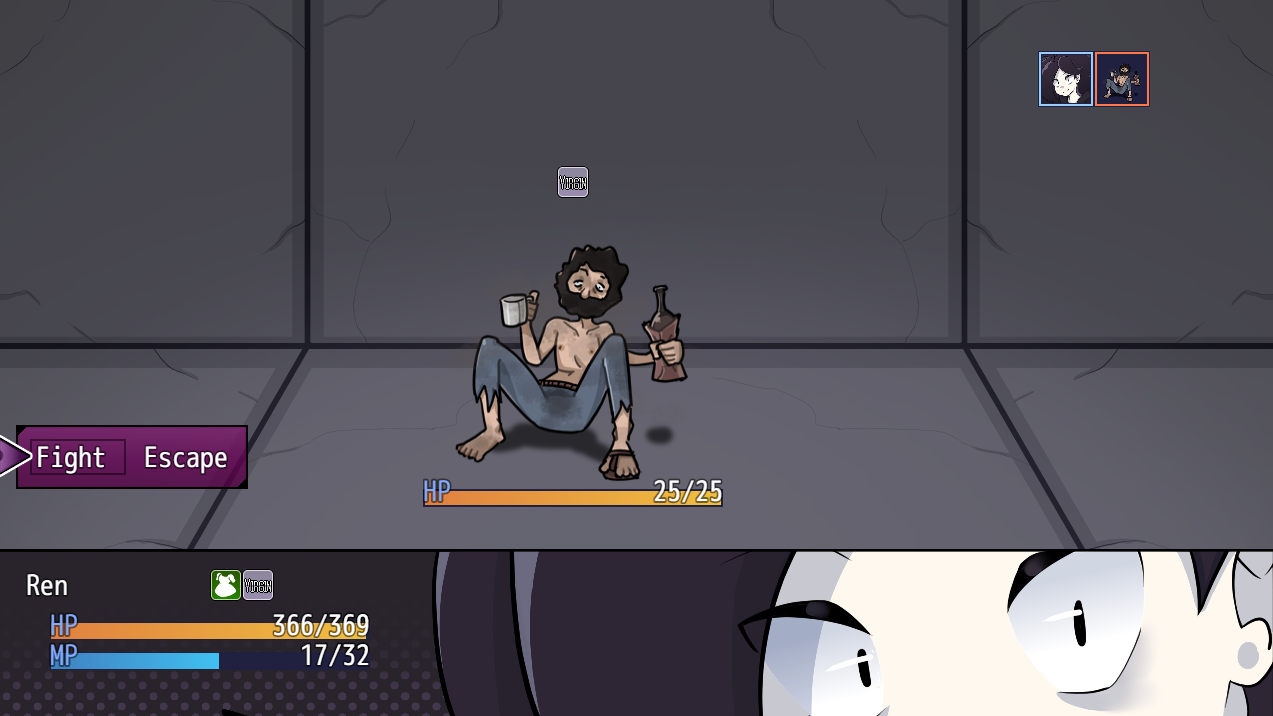

I also changed the Tits! attack into an AoE, and the hobo boss fight bug should now be fixed!

3. Switch puzzle
Okay, so I tested each puzzle and they do work, but I admit they can be confusing. Basically:

  • R: red lever

  • Y: yellow lever

  • G: green lever

To unlock the chest on the first floor (which contains a useful but non-essential consumable), you need to use the following sequence in that order:
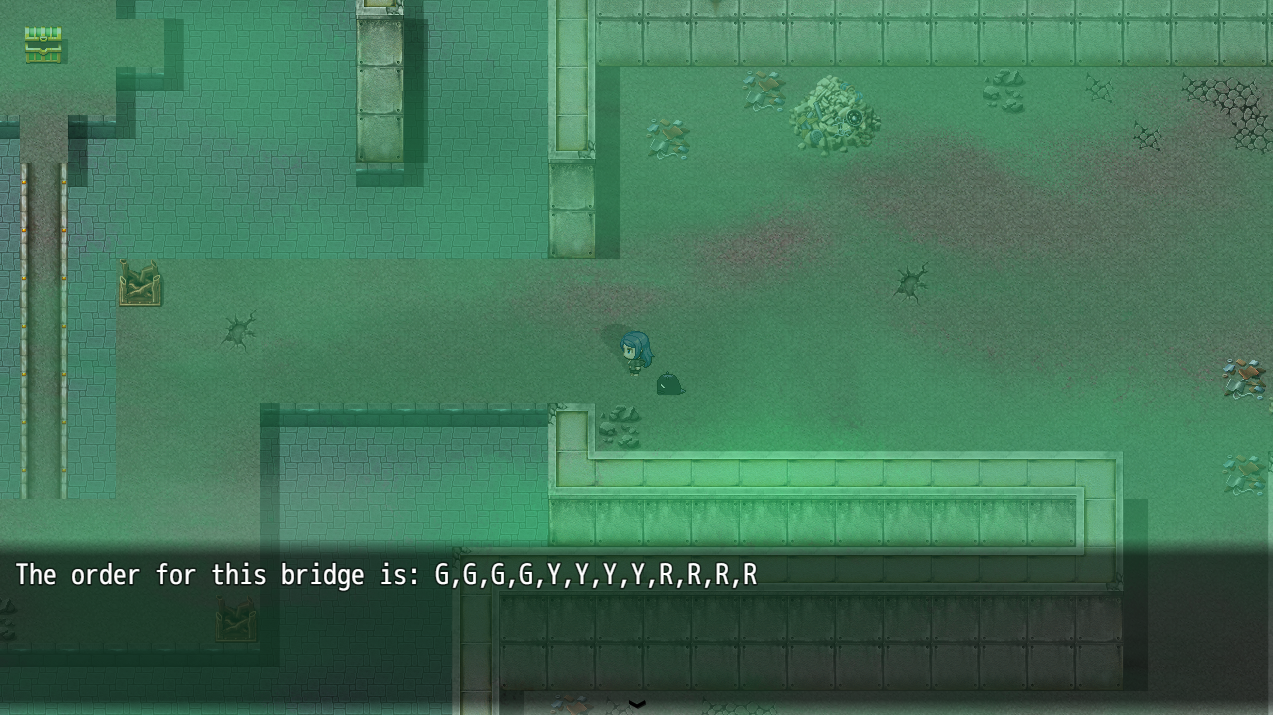

  • Green lever: 4 times

  • Yellow lever: 4 times

  • Red lever: 4 times

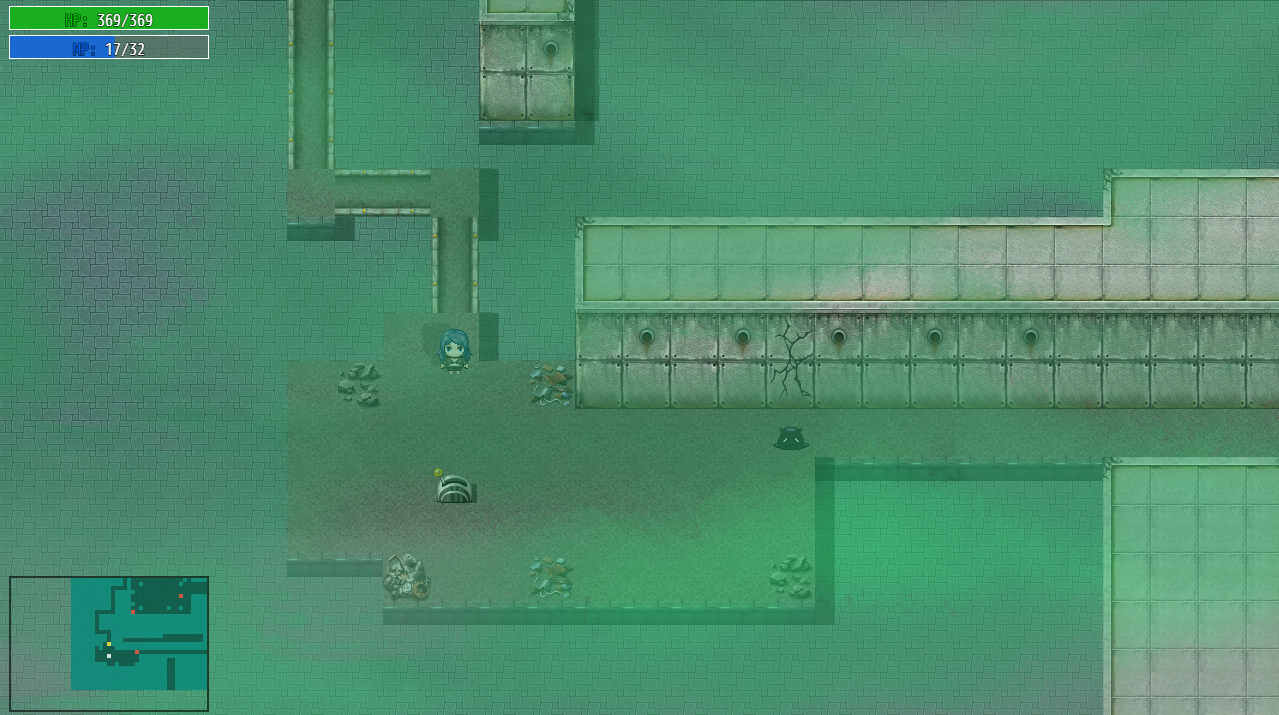
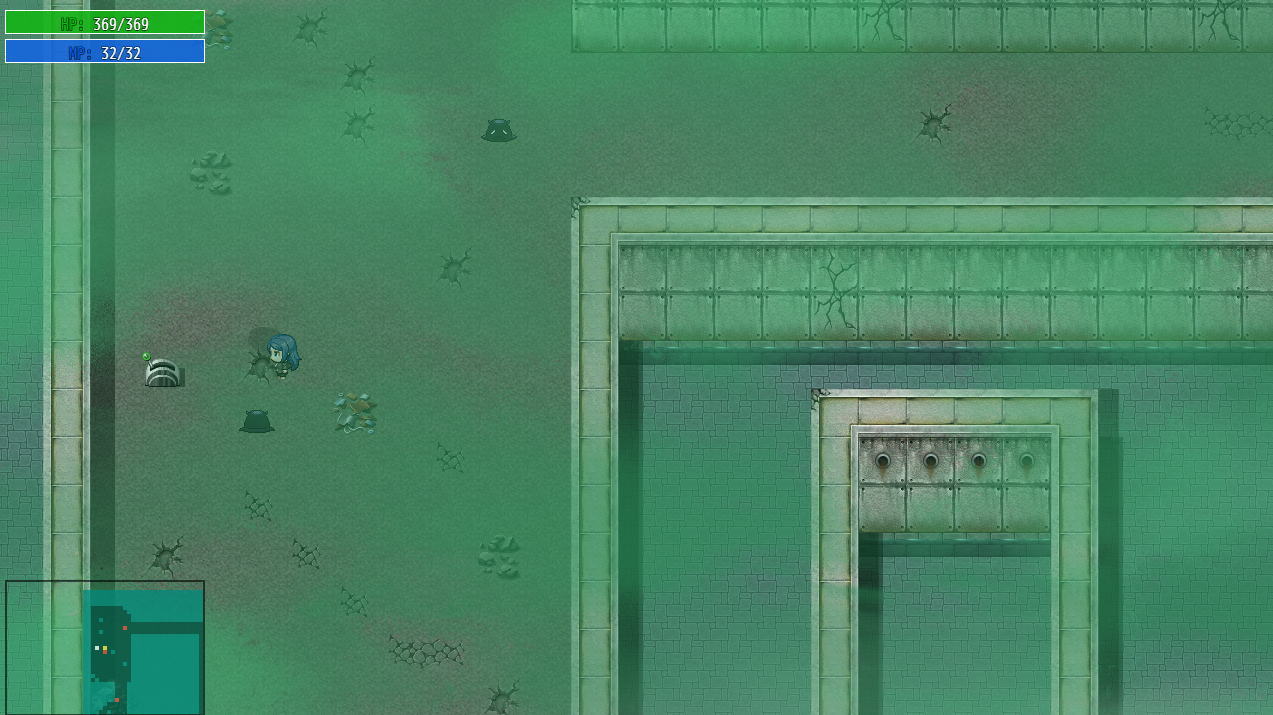
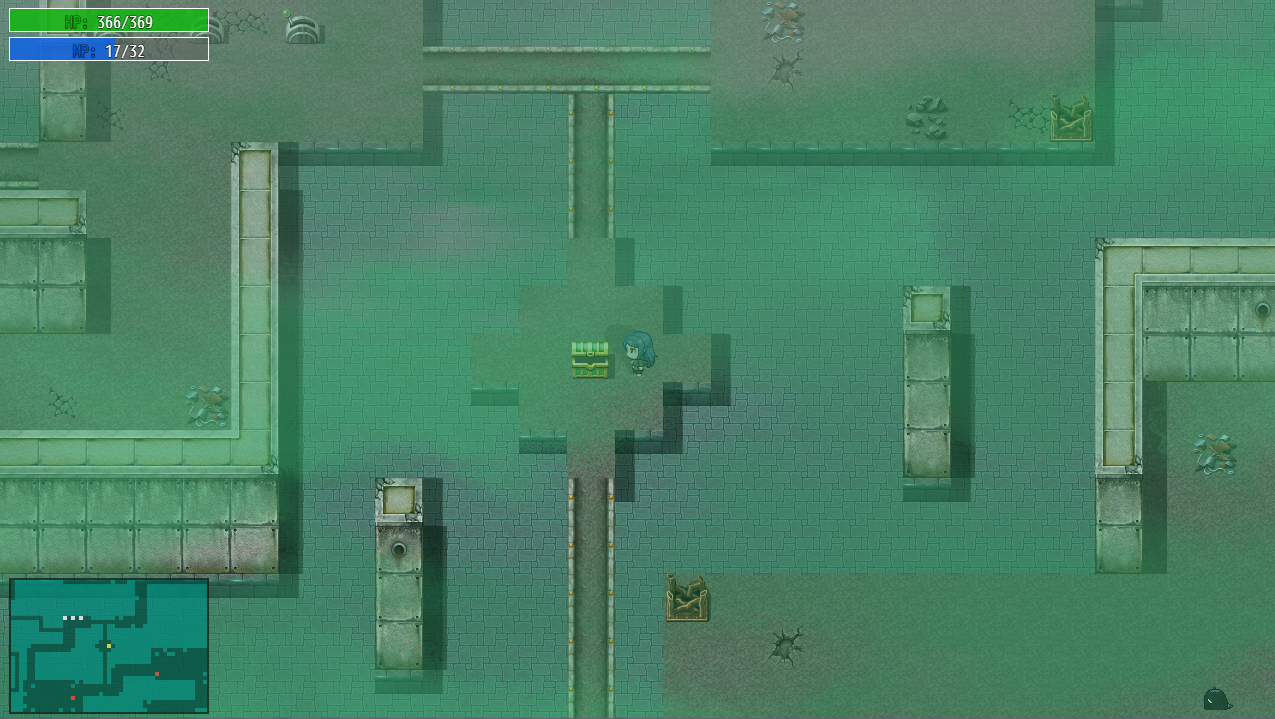
The levers for this chest are spread across both floors of the dungeon.
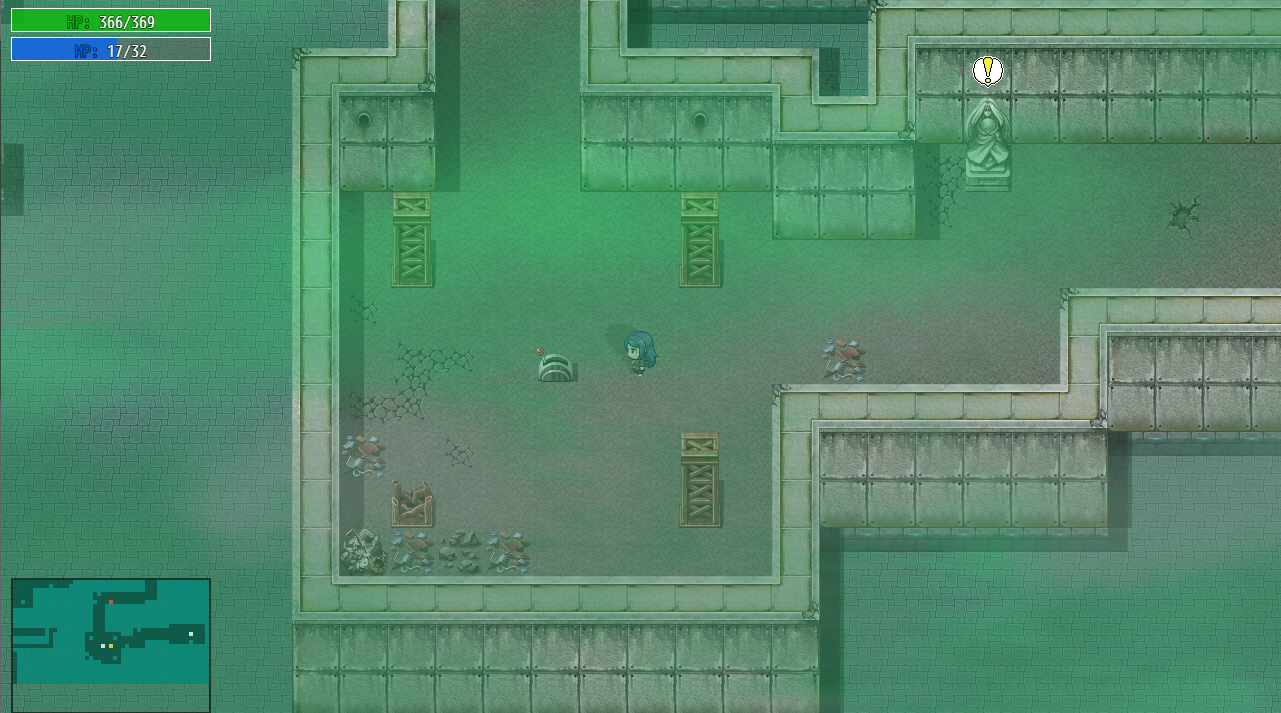
Red

Yellow

Yellow
Green

4. Streaming
Hehe, that was a design mistake on my part. Right now, all you earn from streaming are donations during events, but working normally only gives you followers. I’ll fix this in the next update 0.1.10!

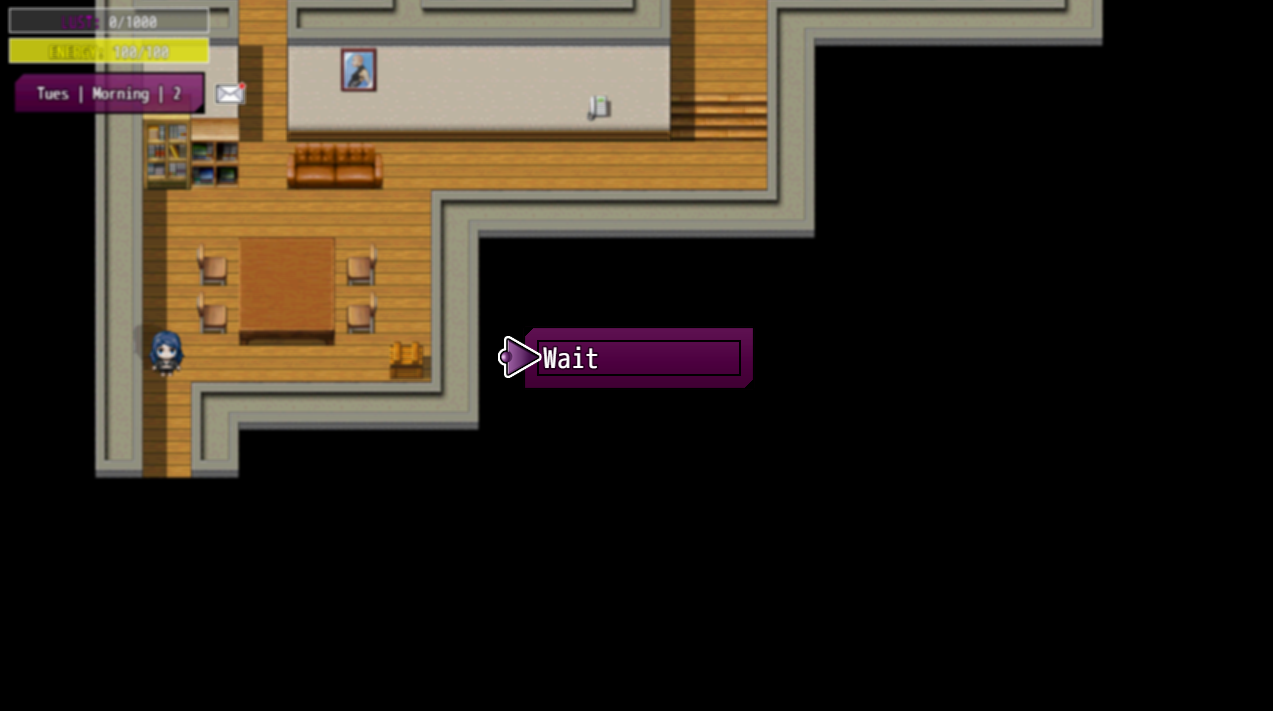
About the Tom event, could you explain a bit more? You mean you can’t see the interaction menu at all? Normally if you press E you should see the “Wait” command.
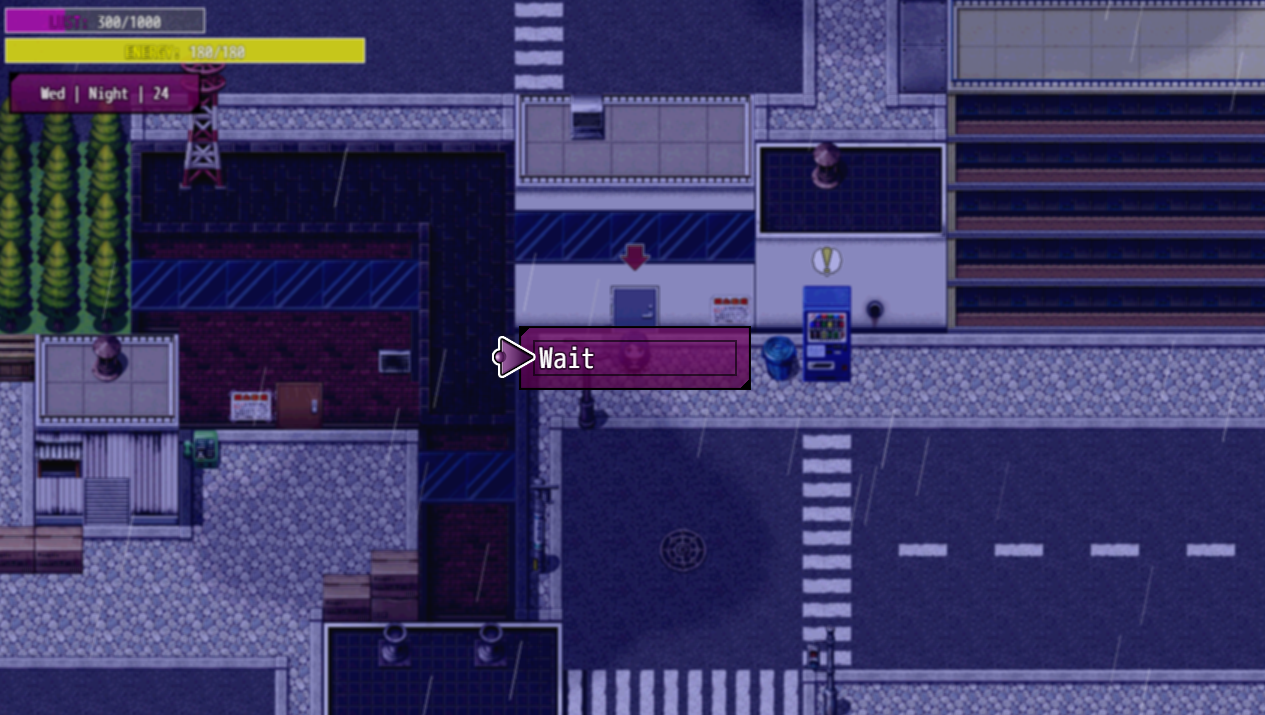

The stream command unlocks after you get the Tom’s Help skill and complete the PC streaming event (after getting the dildo). Then it should show up like this:
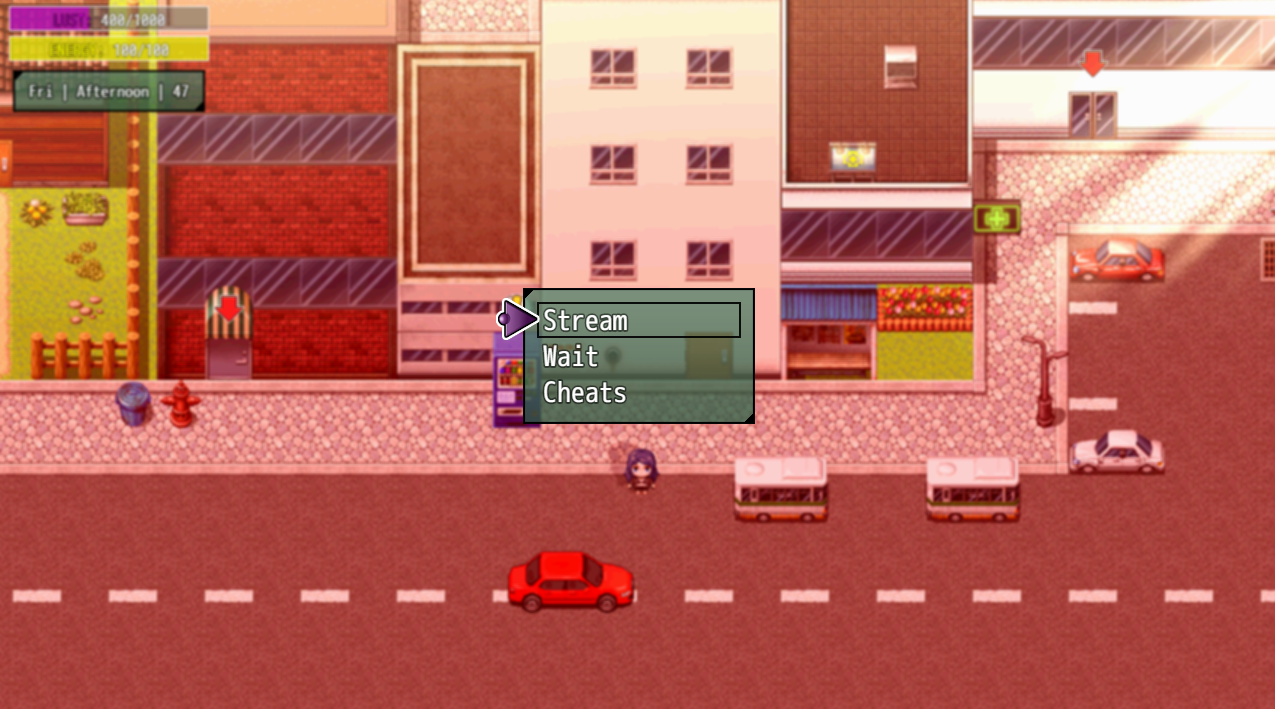
I replayed the event myself, reached 200 followers first, then got Tom’s skill, and I was able to unlock the side job. Now I just press E outside a building and I can stream.
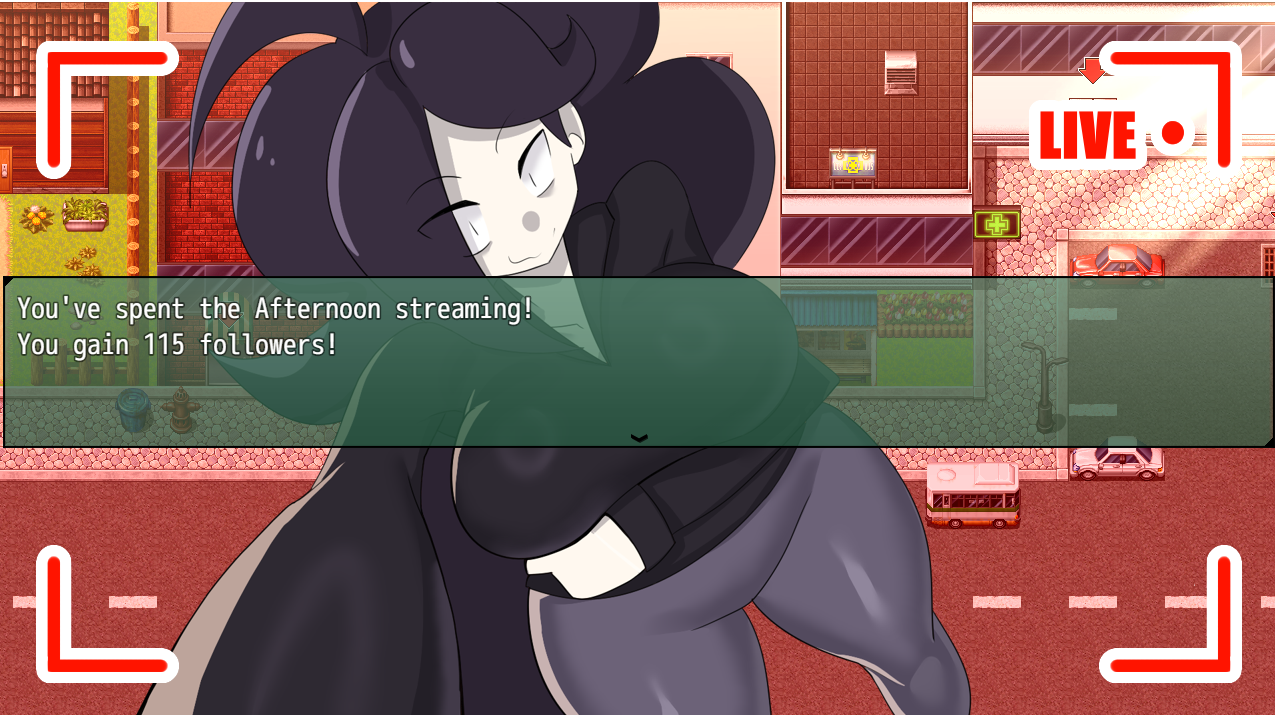

Still, I’m not sure if that fully fixes your issue, so I’d love to hear more details to solve it properly!

5. Tyrus
Tyrus will explain more about his motives in future events along his route, but I think your ideas here are very interesting!


6. Building relationships
Yes, I’m already planning new ways to interact with NPCs and raise relationship levels faster.


7. Training stats

I added stat training because I wasn’t sure if I made Ren too weak with his base stats. If that’s the case, you can always spend time at the arcade, library, pool, etc. to raise your stats a bit.

8. Scenes
In this update I added an item that cures the illness, so you can avoid repeating the doctor’s scene if you don’t want to. But I agree, it would be nice to have a system to auto-skip previously seen events.


The fixed version is already uploaded, just download it again!

And finally thank you so much for playing and for writing such a detailed review!
(+1)

Yeah i just booted up pre update to double check, no interaction menu at all. Ok i'll admit my fault on the chest puzzle but tbf i never expected one of the levers to be on another floor from the other two and the chest, and for missing the escape option but it is a bit weird to have it on its own like that, especially when you have an auto lose option on the same menu you choose your attacks. For stats you could have it so regular leveling will get you through mandatory fights, you would only need to power level for secret bosses. Other than that, i'll get the update downloaded and let you know if the issues have been resolved on my end. Cheers for the quick response and fix.

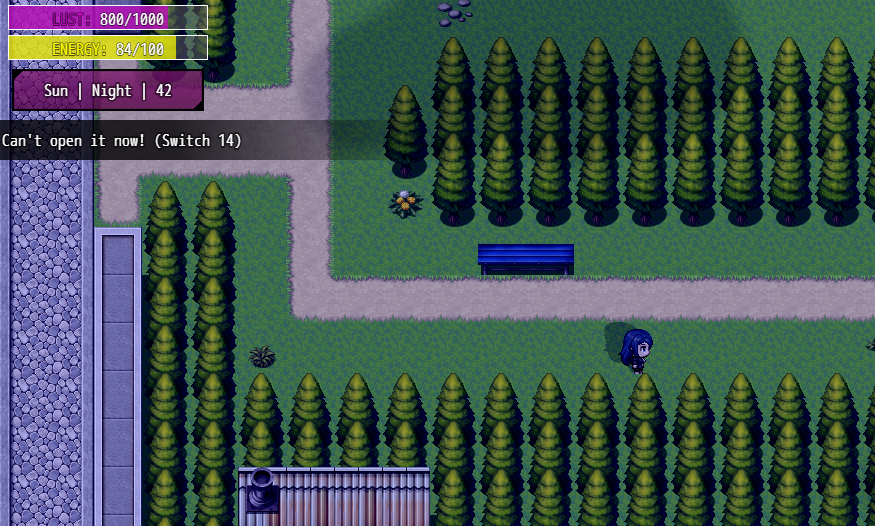
Okay, so I just uploaded a final version 0.1.8d(before 0.1.9), which includes a small message when trying to open the interaction menu and it doesn’t open.

If you could download this version, go to your save and simply press E, then let me know if you see anything.

The important part is to check if a switch shows up, like in the following image:

Another test would be if you could simply start a new game, skip the intro, and press E to see if the menu works in a new game and if you see the Wait command.

 If you can see a switch (and hopefully you do🙏) in the first test, then it should be something easy to fix!

(+1)

Ok, the updated version works but i discovered it also affects the save. This is weird, when i checked from a fresh save file (No saves in folder), the bug was fixed, when i transfered my save files from the previous version the bug returns and affects all save files, even when you start a new game. If i could i'd send you the save folder to see what is the problem. Also i never got the switch 14 error, tried different times of day and locations. Sorry for the Headache, its not a priority fix.

(2 edits) (+1)

I got it to work!! I had to delete the config save file. I never checked the keybindings, for some reason E is the only one that was bound to anything. So yeah, sorry for the hassle.... 

(1 edit)

Okay, so if I understood right, the bug wasn’t from the save files themselves but from the config.rpgsave file that RPG Maker MV creates (that’s the one that stores keybinds and options). If carry an old config over, it can mess things up and cause bugs.

The fix is just to delete config.rpgsave in the save folder, the game will recreate it with the default settings, and everything should work fine again.

So, if anyone else runs into this, try removing the config first before touching the saves, right?

Good to know it finally got resolved! 🎉

Yup that sums it up. Although its still weird that only one key was affected though.