Indie game storeFree gamesFun gamesHorror games
Game developmentAssetsComics
SalesBundles
Jobs
TagsGame Engines
(1 edit)

Hi there!

First thing, I believe you may not using the latest version, which is the 2.1.6. Try confirming that to me.

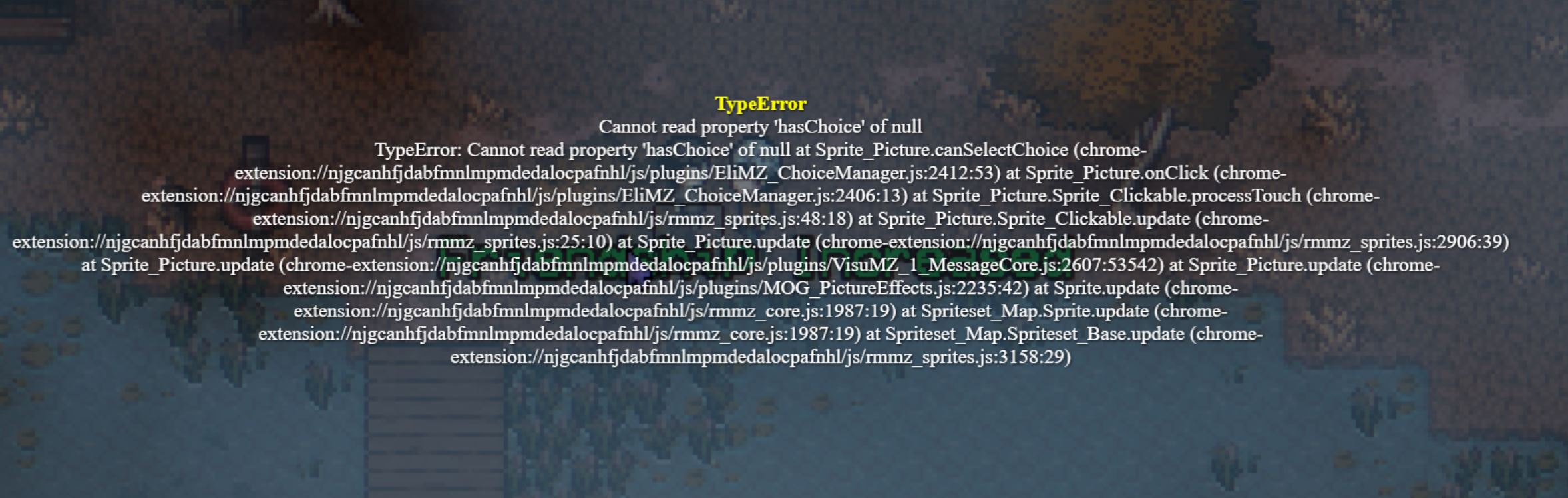
Now, by your error log, it seems the problem is at this function:

Sprite_Picture.prototype.canSelectChoice = function(){
    return $gameMessage.isChoice() && this.picture().hasChoice()
}

Specifically on the "this.picture().hasChoice()"

The code "this.picture()" is returning null, while it should be returning a Game_Picture object. Therefore, since it is null, the ".hasChoice()" is not working, and causing the error.

This is the ".picture" function. It should return a Game_Picture object according to the picture id (this._pictureId)

Sprite_Picture.prototype.picture = function() {
    return $gameScreen.picture(this._pictureId)
}

If this is returning null, means that does not exist any Game Picture with that picture ID.

-------------------

SO, I believe some of your templates may have pictures attached to choices. Either it does have less pictures than choices or more pictures then choices. Like, if you have 3 pictures on a template, you must have 3 choices on the event command. Otherwise, it will throw an error.

I think, by the error, that you have more pictures than choices. But, if you can confirm that you did not have any pictures set on your templates/plugin commands. You can try replace the Sprite_Picture.prototype.canSelectChoice on the plugin code, with this code below:

Sprite_Picture.prototype.canSelectChoice = function(){
    return this.picture() ? $gameMessage.isChoice() && this.picture().hasChoice() : false
}

-------------------------------------------------------------

Also, another observation is. I think you are nesting choices inside one another.
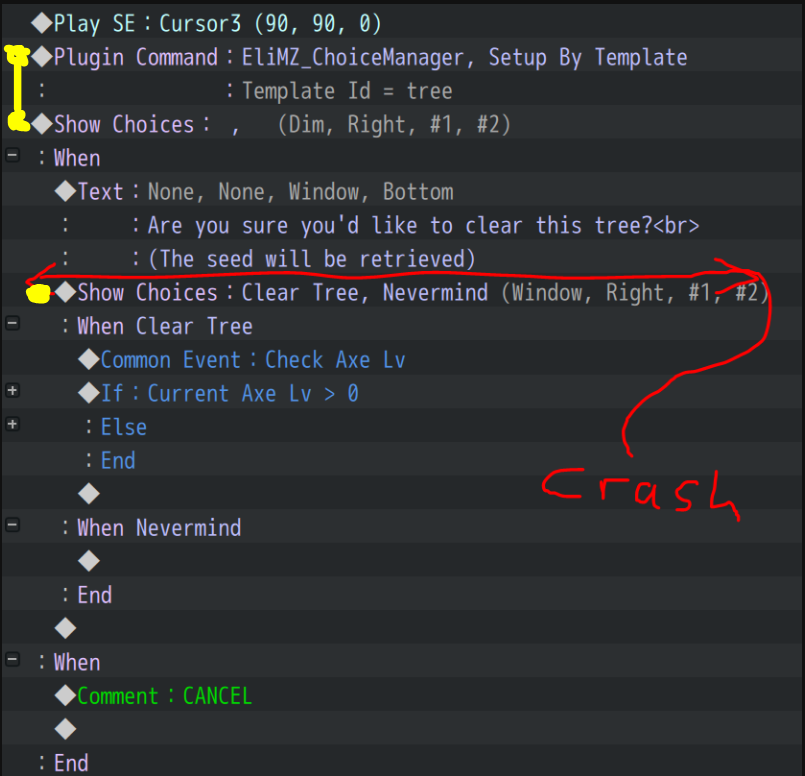

The second Show Choices, after the Text command, does not have any template added to it. The plugin command only applies the template to the first choice. I guess you may also try to add the plugin command again before the nested choice to see if that can fix things.

--------------------------

Let me know the results!
Thanks for the response!

I was on v2.1.4, and have just updated to 2.1.6. The crash has been reported again by another player after updating (at yet a different event), so the version didn't seem to be the issue. 

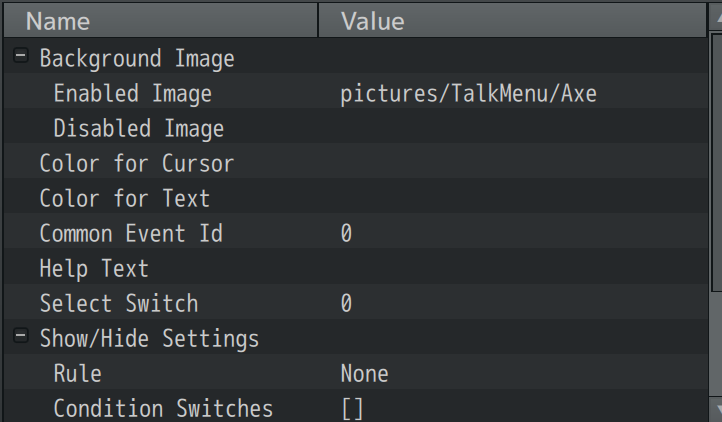
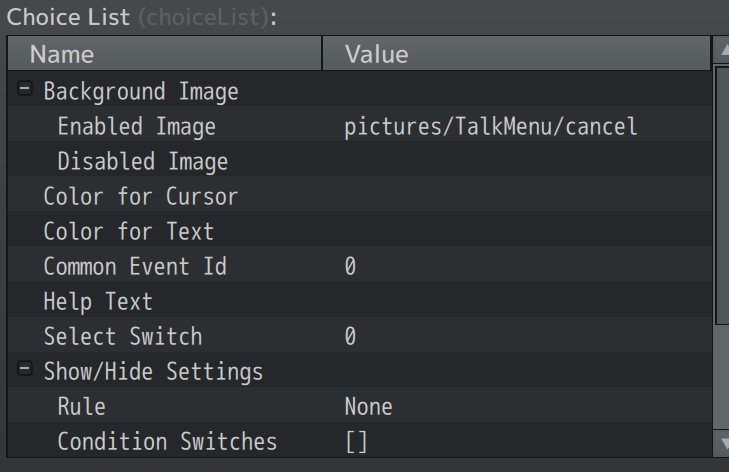
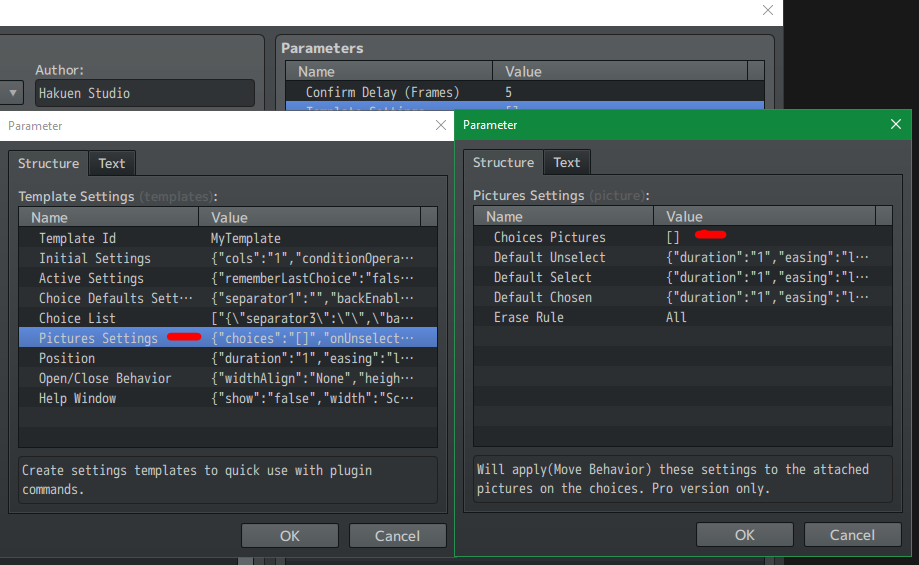
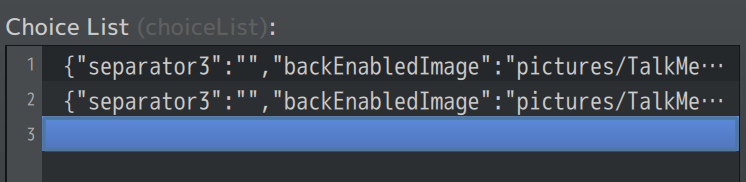
The choice template does have pictures. There are 2 choices, and the parameters set 2 choices with pictures:


While the template was only set once, both the choice run after it and the nested choice had the same number of choices (2), so it shouldn't have had the wrong number of choices. 

To confirm that the nesting wasn't the issue, another player reported this crash today:


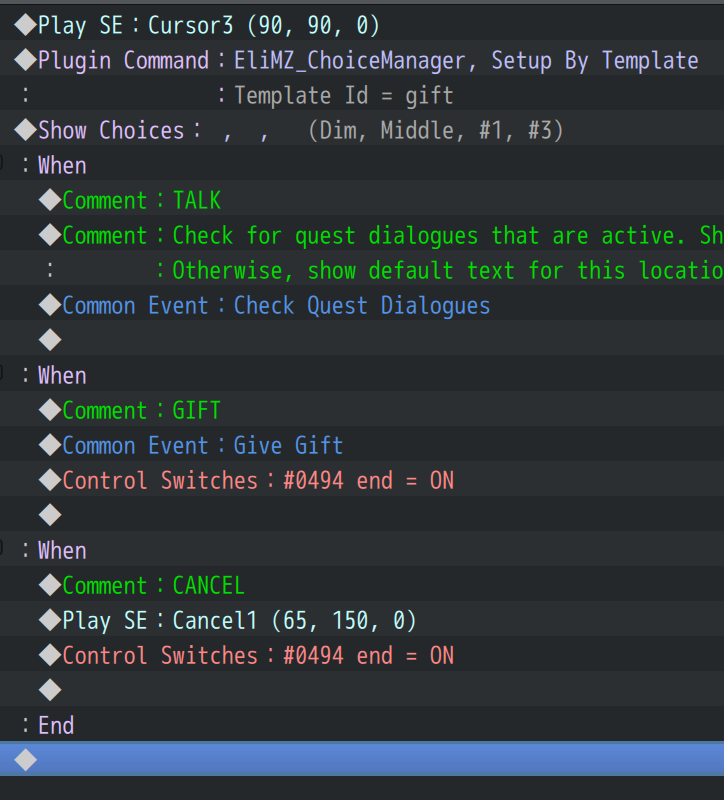
For this one, the event looks like this:


This event has no nested choice, and has 3 choices. Its template is set up the same way, and has 3 choices set (each with a picture). 

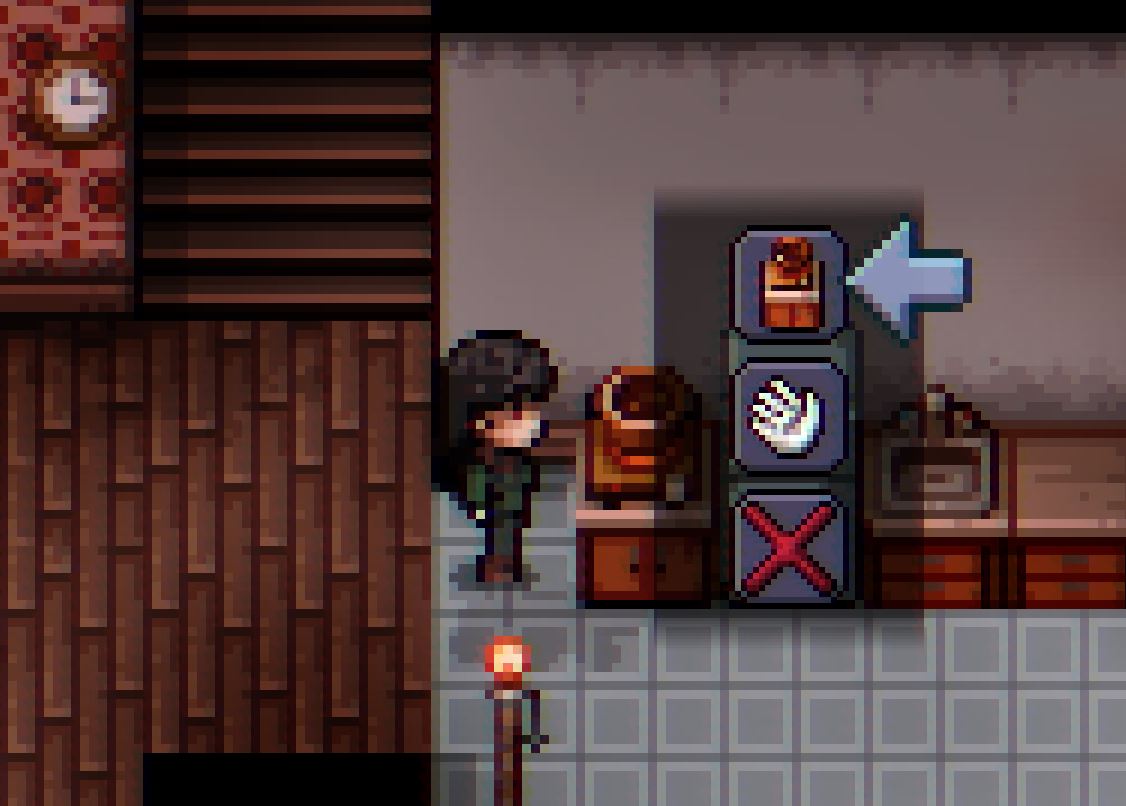
I should note that none of the choices have picture settings in the "Pictures Settings", just a picture selected in the choice settings (the text for the choice is set to a blank character "‎ " so you just see the pictures in the dimmed choice menu instead of text, like this:

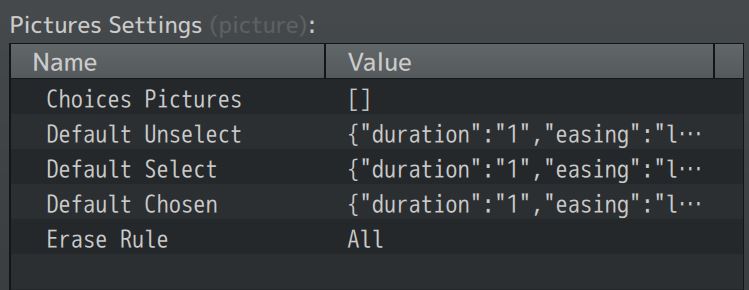
My pictures settings look like this (default):

I will try replacing that function in the plugin code as you suggested and see if that does anything to help. 

Thanks!

Hi there!

So, at least we can eliminate some problems:

  • It is not version number
  • Not nested choices
  • No picture settings

When I mentioned picture in my other answer, I was not talking about the Background Image. just the Picture Settings. And if you are 100% sure that you are not using pictures like you shown on your screenshot or on your common events inside the choices, then let's confirm first if that code I gave you will solve the issue.

If not, the best way for me to track down what is happening is by having a way to replicate the issue myself. As so, I would require for you to give me a sample project with the issue is happening, so I can play test it until I found. But it is important that is the same version that your players are using. With the same plugins and configurations. Can be a plugin conflict, as I can see either Mog Picture Effect or Visu Message Core. But can be more. I will need the sample project.

You can send that project for me when you are ready, via discord:

hakuenstudio