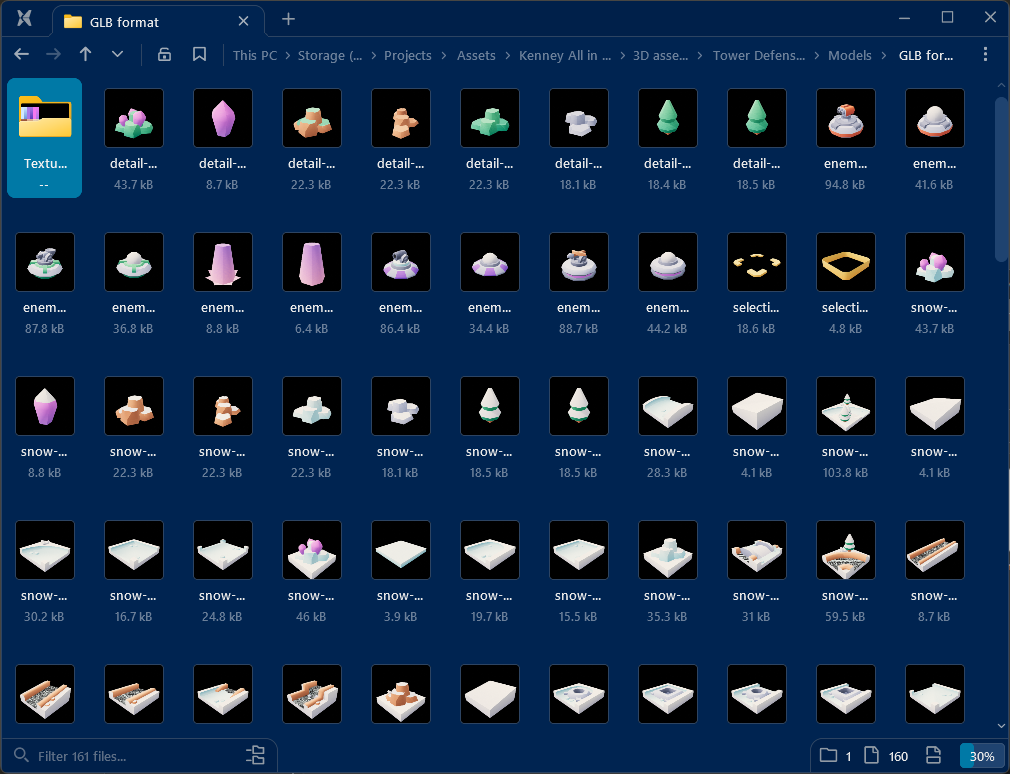
Yeah, I also spent a fair bit of time skimming through the preview screenshots to find suitable pieces.
Then I had this elaborate setup on my 2nd monitor for actually bringing the assets in.
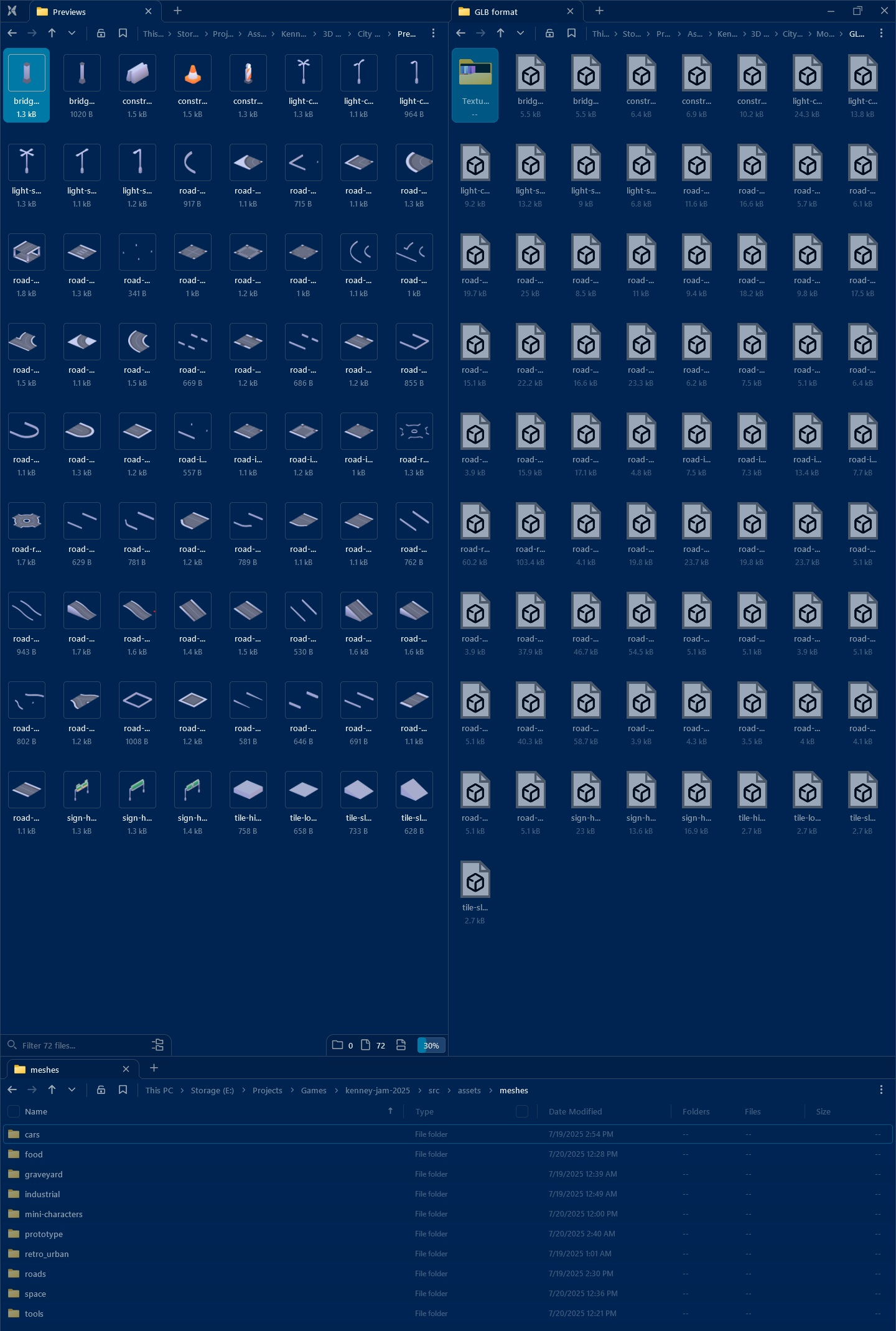
- One panel containing the actual GLB files
- One panel with the previews (because Windows doesn’t support thumbnails for 3D models in 2025)
- One panel for the actual project
In hindsight, I should have just imported literally everything into the project a day before the jam. Then I could have relied on Godot’s built in thumbnails in the file browser.
I was obsessed with only bringing in the assets I actually need, but Godot would have done some tree shaking during export anyway.
48h jams have no room for such “optimizations”