

1 year ago(+1)
1 year ago(+1)
Hi, thanks for letting me know. I dont focus too much on the localisation side of things.
I quickly pushed a hot fix that solves that issue.
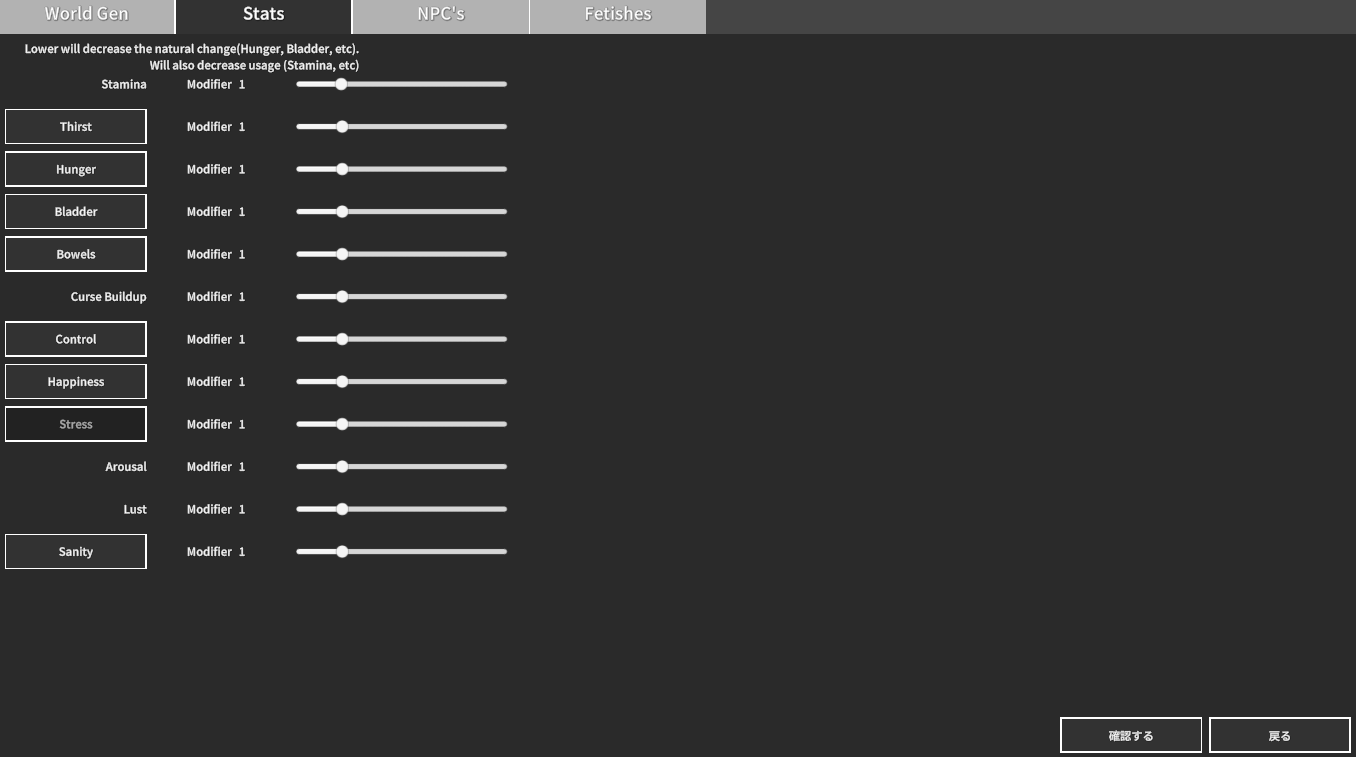
Some UI will have "Missing String" displayed. Im working on a fix that will just swap that to the English default.
1 year ago (+1)
P.S. I'm not sure if this is a bug related to the language settings, but the player's action options are no longer displayed during battle, and I can no longer progress in the game.
It also makes it very difficult to report bugs since you won't be able to take screenshots of the game (that behavior is disabled).
I've been in a few battles, and I get stuck 4 times out of 5.
This seems to happen frequently when switching scenes. I think the scene switching command isn't being executed properly for some reason.
Perhaps the method of automatic translation should be refined. I think that even the internal data gets translated, which causes problems...
...I recommend that you, the creator, try playing the game in Japanese.
There are so many glitches with the combat that you can't progress through the game properly...
Depending on the method, when auto translating from another language to Japanese, the labels and names of the internal flags may also be translated, causing the game to break. For example, say there is a flag named "Battle Processing 001". This is automatically translated and the flag name changes to "戦闘処理001" in Japanese automatic translation. However, since the processing site is trying to refer to "Battle Processing 001", the game will not work properly.
I don't know if this is happening in your game, but if you use machine translation and are using Japanese, this is a bug that can occur, so I wanted to report it...