On Sale: GamesAssetsToolsTabletopComics
Indie game storeFree gamesFun gamesHorror games
Game developmentAssetsComics
SalesBundles
Jobs
TagsGame Engines
(1 edit) (+1)

Welcome back from the dead. Too bad the editors so rough right now. Selection is painful. Music doesn't work. Don't know why you didn't use point (nearest nieghbour) filtering on skin sprites instead of making things larger and more annoying to edit as pixel art. 

Edit: Player skin issue only. Not an issue with other NPCs.


Hi!

About the music — make sure that "Play on Awake" is checked, and that you press the save button (the one with the save icon), or F5, or CTRL+S (all of these are save options, they do the same thing) before entering Play mode.

As for the point filtering on skin sprites — when I first added the ability to modify the player's skins, I didnโ€™t have enough knowledge, since I was learning as I went. Now, in the "Map Editor" update, NPCs use point filtering, and you can adjust the sprite resolution through the "_options.txt" file however you like.

Regarding the object hierarchy — implementing it is just as painful as it is to use right now, but Iโ€™m trying my best)))

Thanks for following the game! 

๐Ÿ’–๐Ÿ’ž๐Ÿ’“๐Ÿ’ž๐Ÿ’“๐Ÿ’ž๐Ÿ’“๐Ÿ’ž๐Ÿ’“๐Ÿ’ž๐Ÿ’“๐Ÿ’ž๐Ÿ’“๐Ÿ’ž๐Ÿ’–

It was checked. For some reason swapping the default music for my own resolved the issue. As for saving, I spam ctrl+s after every action and got the same results for the walls.

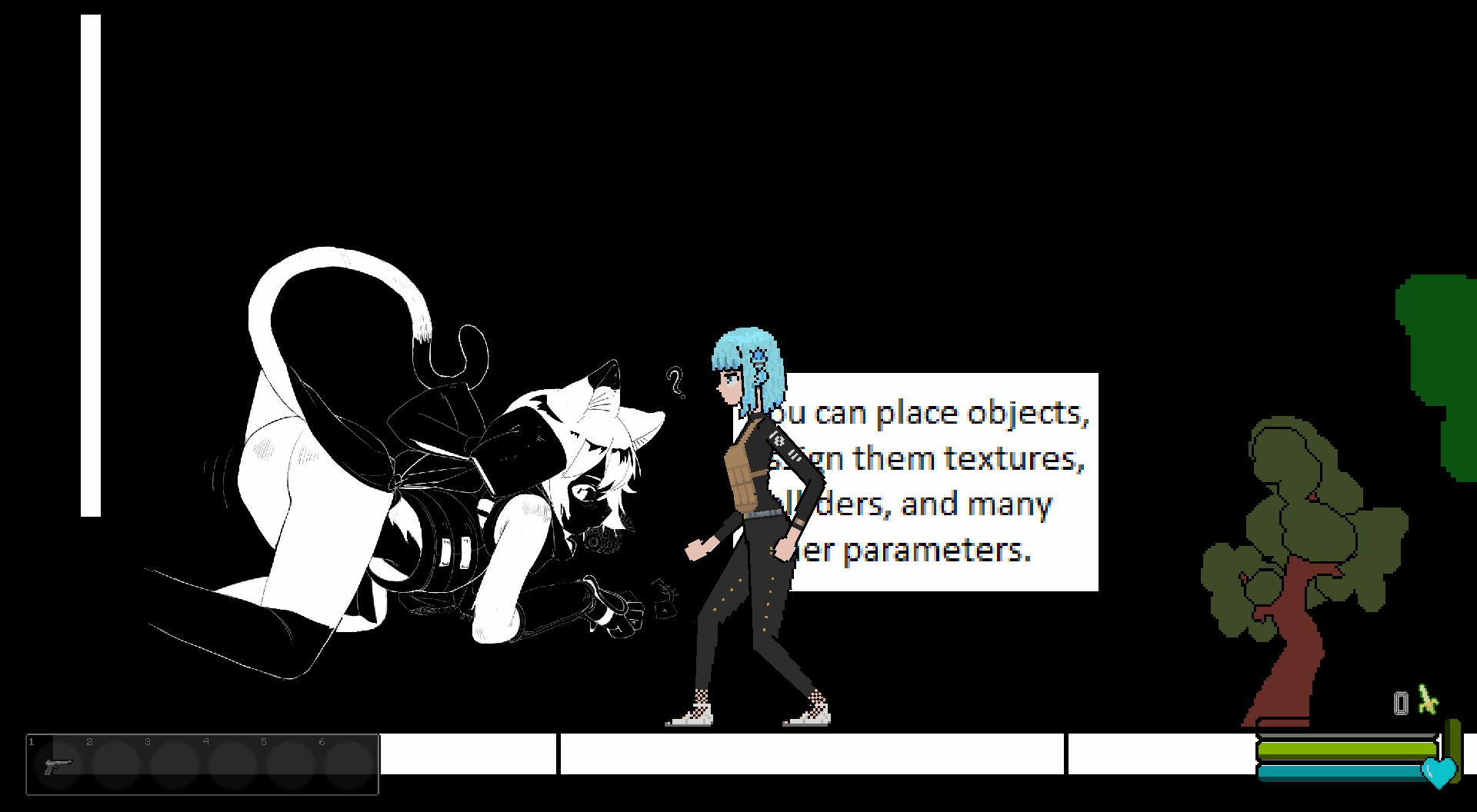
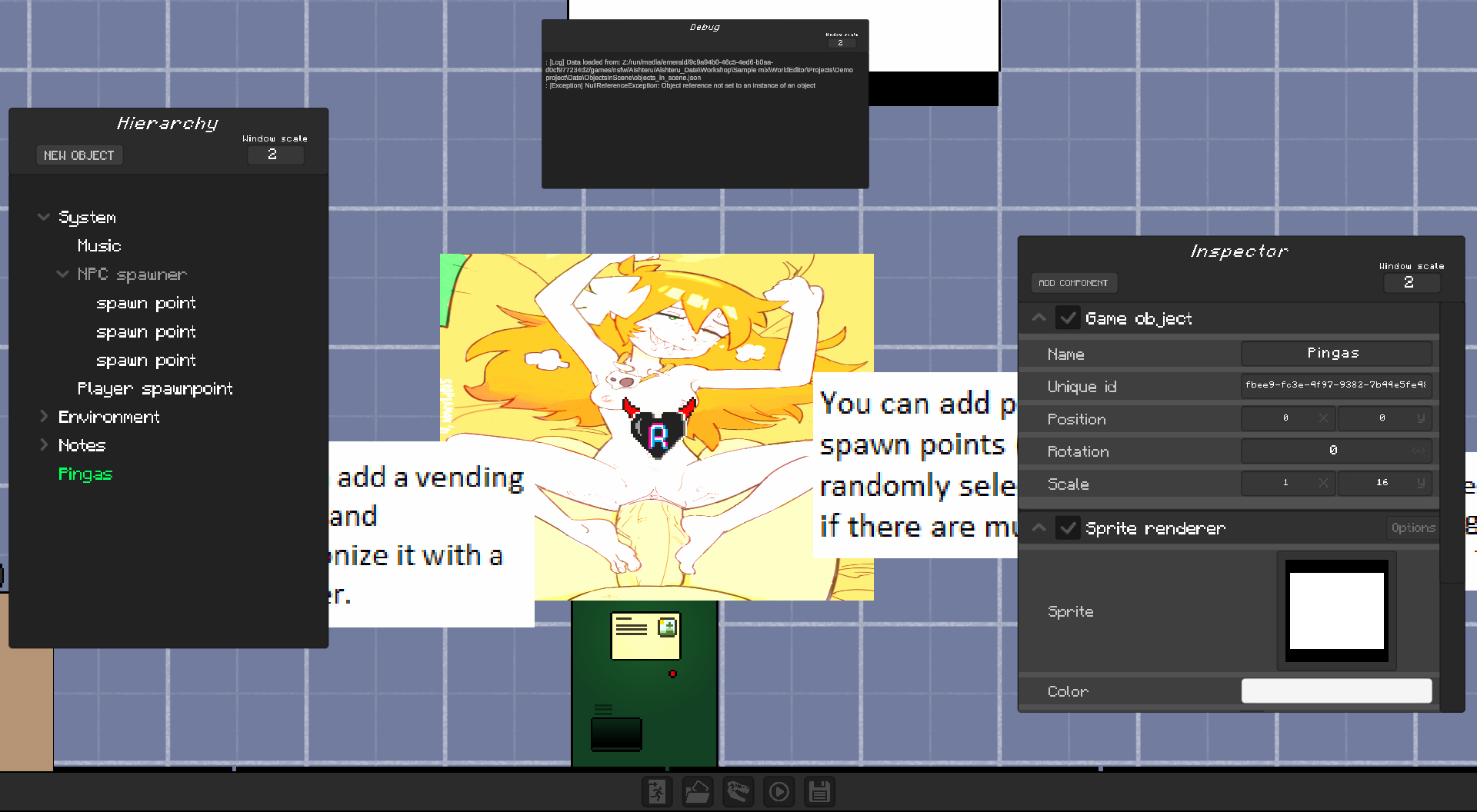
Also tried making new objects and atatching sprite "renerer"s to them. At first I didn't attach a sprite and the object returned a null reference error. I tried  using a platform texture as a place holder yielded this:

This image doesn't exist anywhere in the texture files. Once again the issue resolved itself from using my own assets. Partially. It seems the y and x values for images get swapped in the editor.

It's problably related to why the walls keep shifting.