

Before deeper discussion, I would suggest to make web version scale with the browser window and/or 'full-screen' button. I spent first 5 minutes in confusion looking at this: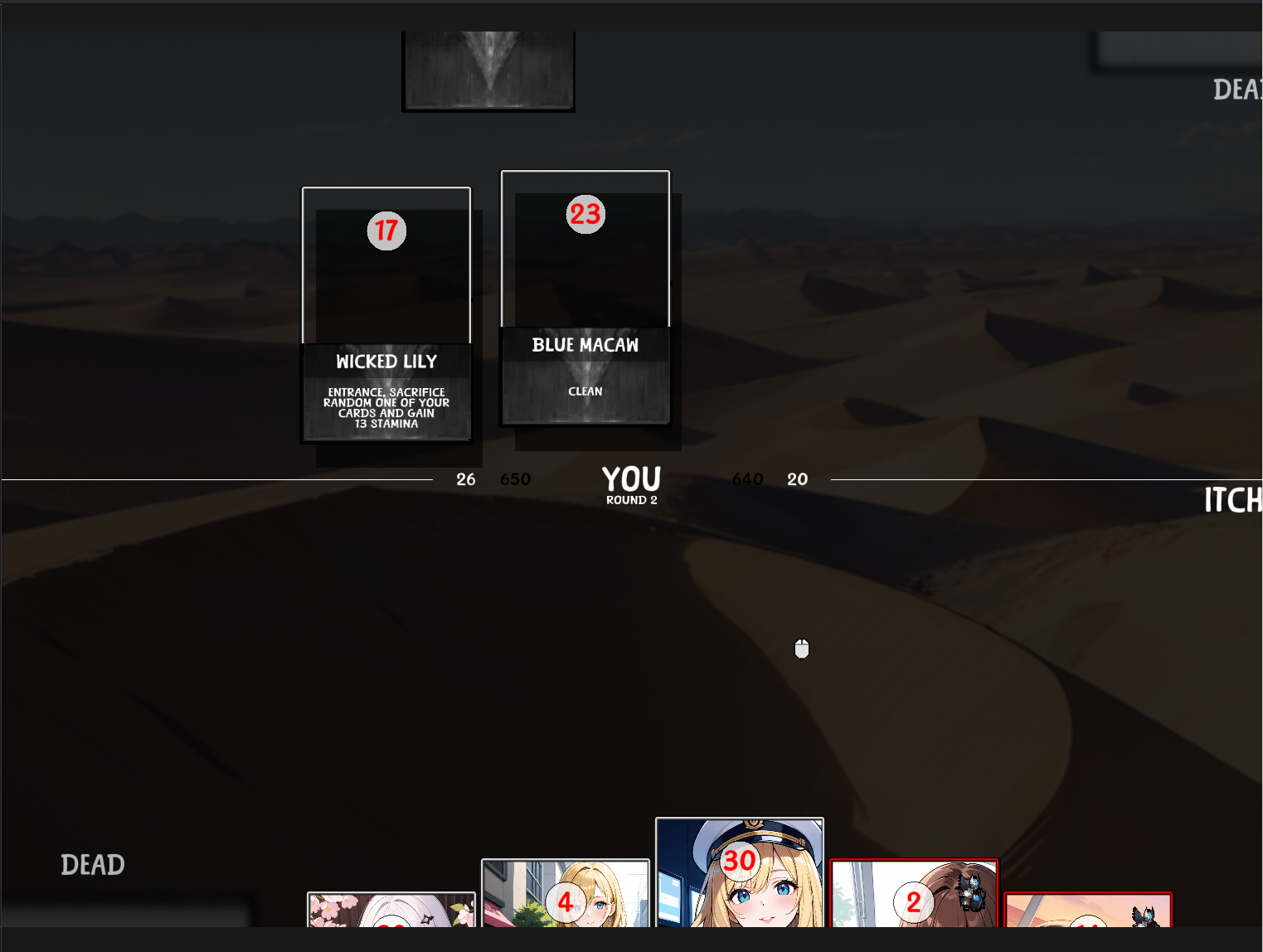
Another suggestion would be to make some numbers more visible, black-on-dark brown in the center of the screen are painfully hard to see.
Next, it would be nice to get some explanation of core gameplay. How do I play a card? Is there some kind of card cost? I tried to click some cards, some of them seem to stay on the field, others do not, it was all very confusing. I did not find 'end turn' button as well, it just seems to end randomly, sometimes in a second, other times in a minute. Is it random timer?
On enemy turn, some enemies attack some of my cards seemingly at random -- or at least I was unable to understand the logic.
All in all, I like playing card games and would gladly say something about balance, but have to overcome those hurdles first.