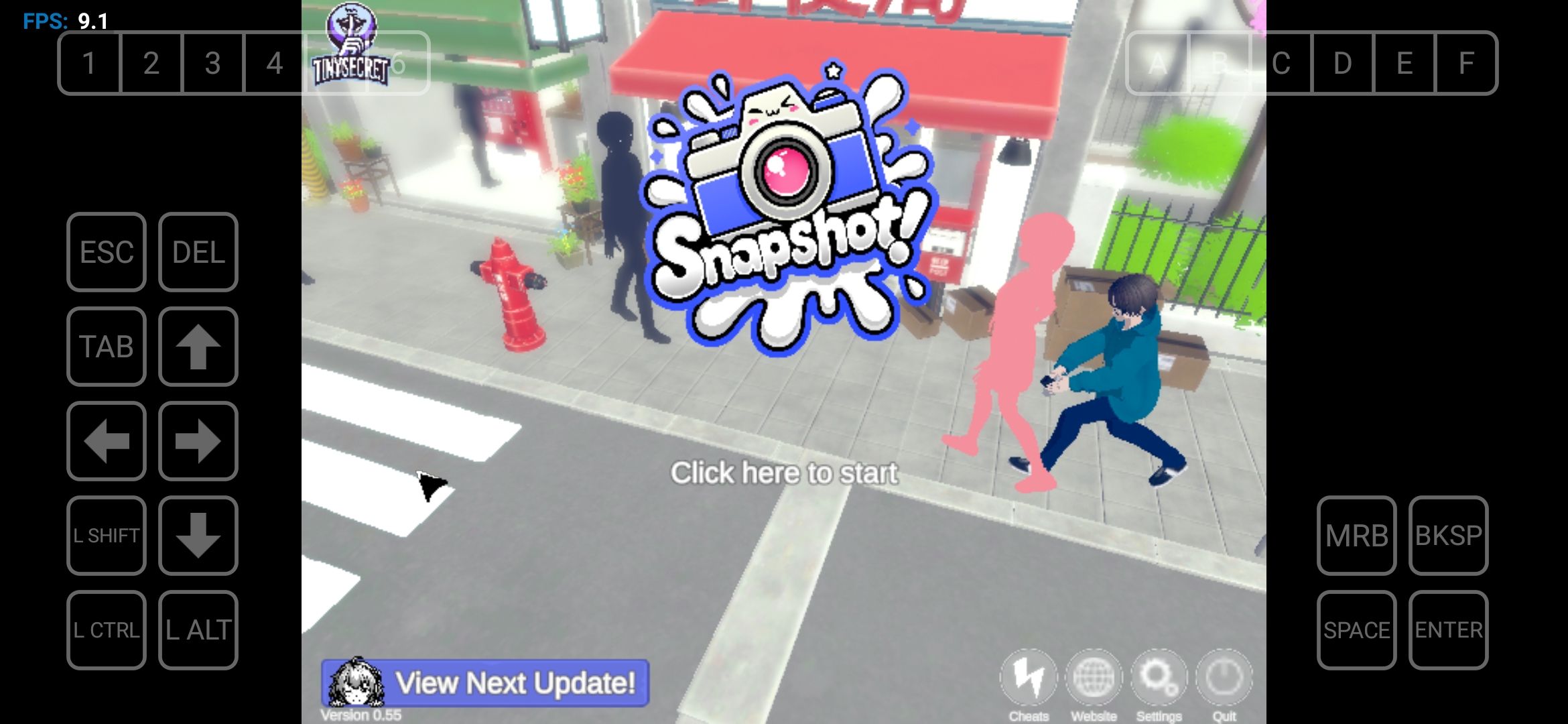
"We heard about Winlator, is that really true? We kind of ran away from Windows, and we had our share of trouble with that .NET Framework thing over there. Will it pop up here too? Or will it ask for 'DirectX whatever-number' or something? Maybe they'll say 'Winlator won't even budge without these specific DLL files.' Are we going on a library hunt with Wine now? Anyway, jokes aside, if it does work on Winlator, could you tell us which libraries it needs so we can try to figure it out with our Linux brains? Or will you just say 'Windows is a must' again? 😉
Actually, the bottom line is: I installed Winlator and tried to run the game. Saying 'just put it on Winlator and it'll work' is easy, but unfortunately, it didn't happen. First, it said DirectX 11 was missing, so I downloaded and installed it. Then the game just showed a black screen. There are probably other necessary libraries as well. Trying to find them all one by one is very tedious. Could you possibly share all the libraries required for the game to run with us? Thanks in advance!"