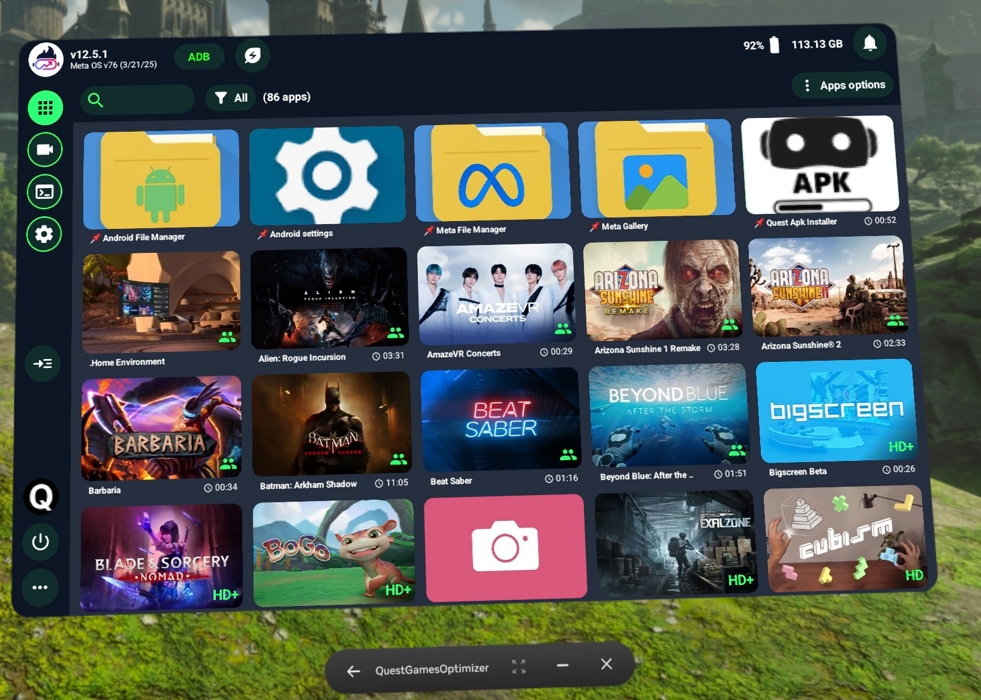
You're welcome. And yep I resize the picture to fit the tubnail size.
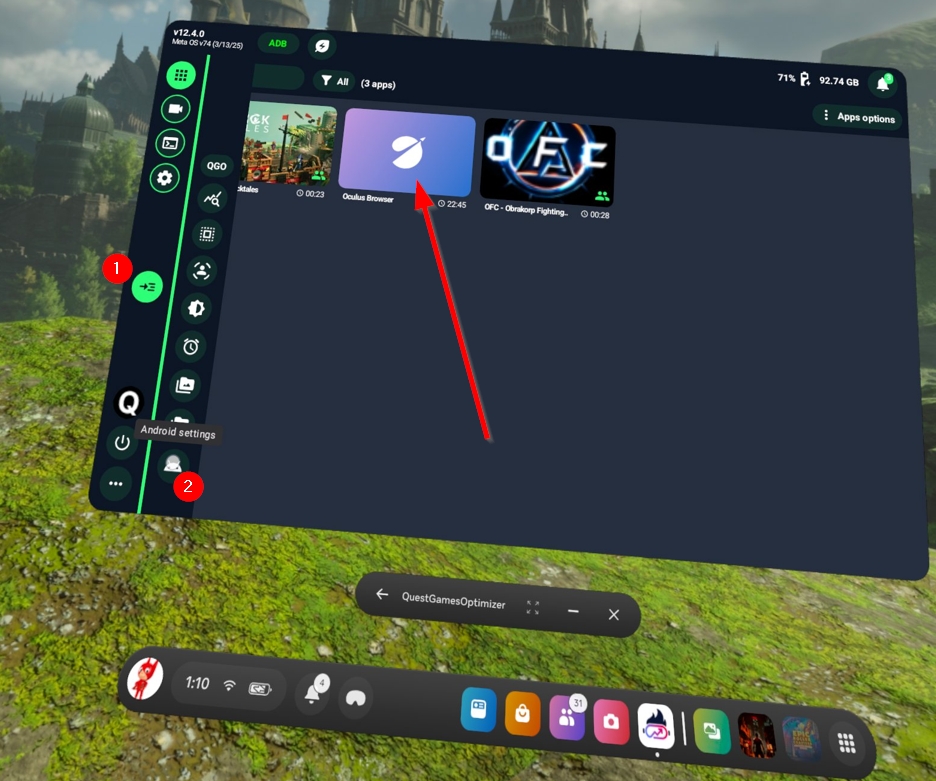
Here you can see the direct access to the settings and also the Browser. That I will rename to Meta Browser instead of Oculus Browser
Hi Anagan79,
You know what I'd love to see/would pay 3 times more for then QGO? A tool that actually works 100% of the time to grab your save game files so you can back them up someplace(like your pc). Since I bought the quest 3 about a year ago I've been losing more and more functionality in this aspect to the point where now even android backup doesn't work all the time anymore...
And I've literally had situations(like with Metro Awakening) where I got halfway through the game, was unable to backup my saves before the quest forced an update on me which of course broke things to the point where I had to factory reset(like quest updates almost always do) so I lost all my progress! And F it if I'm gonna start over now and try to maybe finish the game this time, that experience has been ruined forever!!!! :((((
Other then that thank you for all your hard work, keep up the good work. Have a nice day mate.
Again let me repeat and emphasize "A tool that actually works 100% of the time" Sadly doing it with QGO doesn't work either(not sure if it ever did, but last time I tried it failed), it creates the right directories but they are empty the files don't get copied... :((((((((((((
Never tried/used SIdequest now that you mention it and it looks like they have a Linux version too(yaaay!) so maybe I'll give it a try at some point, but I wouldn't hold my breath for it working... :/
You should retry with QGO and wait for the end of the process, meaning don't close QGO until the process is terminated. You should see a progress bar.
I just did a video when I successfully backed up Demeo for example : https://drive.google.com/file/d/1gzuc1_xEj28CBWhVOGYeIEl-3bjL7v5q/view?usp=shari...
So to keep you updated, if you're interested, I tried today and it still didn't work, the green bar that shows the progress never moves/changes size and the folders get created(they even claim to have the correct number of items inside them) but when you do open them up they are empty.
I even made a video like promised, but I forgot how annyoing/complicated(in my situation anyway) it is to get the video from my quest to the pc so I can share it with you, and I eventually got totally fed up with all of it and decided to just sell my quest.
Anyways thank you for all your hard work, other then the fact that it can't seem to backup stuff either, you app has been great and I hope to see you again on the Quest 4 which I will definitely check out especially if it will have eyetracking like the rumous suggest.
Till then, have a good one.
Hello,
Thanks for letting me know. Sidequest didn't work out? I did backup and restore yesterday for the game ToyTrain and was able to recover my files and save data. Wouldn't you have done this from a secondary Meta account rather than an Admin account?
At this point I just ask myself if this doesn't work for some bug games..
See you on Quest 4 ! :-)
I didn't even bother to try Sidequest to be honest, just decided to cut my loses. And I don't have a secondary meta account, even 1 is too much given how much I trust that company. I also don't use facebook or whatsapp or any other BS, Reddit is as close as I get to "social media", if you can call it that. ;)
As for the "I ask myself if this doesn't work for some bug games.." part I don't know and honestly don't care anymore, I can't deal with a system where I don't even have control over my own save files, and where almost every single update seems to break rather then fix stuff and end up requiring a factory reset!!! :( Here's hoping Q4 will be better in this regard, way way better... #doubtful
Hey Anagan79, the Settings that I want a shortcut to open isn't the Android Settings. I want to click a Settings tile that will open up the Advanced Settings. Basically, if you click the Quick Settings and then click the Settings link on the top right. Or if you had the Settings green icon in Recent Apps or pinned. I know that having a shortcut to these Settings is possible because Lightning Launcher had that app shortcut and I had it pinned to the first favorites tab in LL.
Check the new v12.5.3 ;-)
https://www.reddit.com/r/QuestGamesOptimizer/comments/1jl3gir/hello_ive_just_pus...