

I believe Unity's fullscreen button (the blue one) always make it fit to your screen, making it landscape for most PC. Consider using itch's fullscreen button (Find "Fullscreen button" setting under Frame options). Hope that helps!
No worries! In that case, make sure you set the correct resolution in both Unity's Player > Resolution and Presentation settings and itch.io's settings - that worked for me to keep my game in portrait mode.
If you don't mind, I'm actually facing a similar issue here where my game gets a bit cut off at the top and bottom during full screen while playing on PC. It works completely fine on mobile though.
I'm wondering if this is happening to you as well?
sadly for the result..
I had tried your game made with unity and orientation is portrait.
this is the game presents in my mobile phone browser.
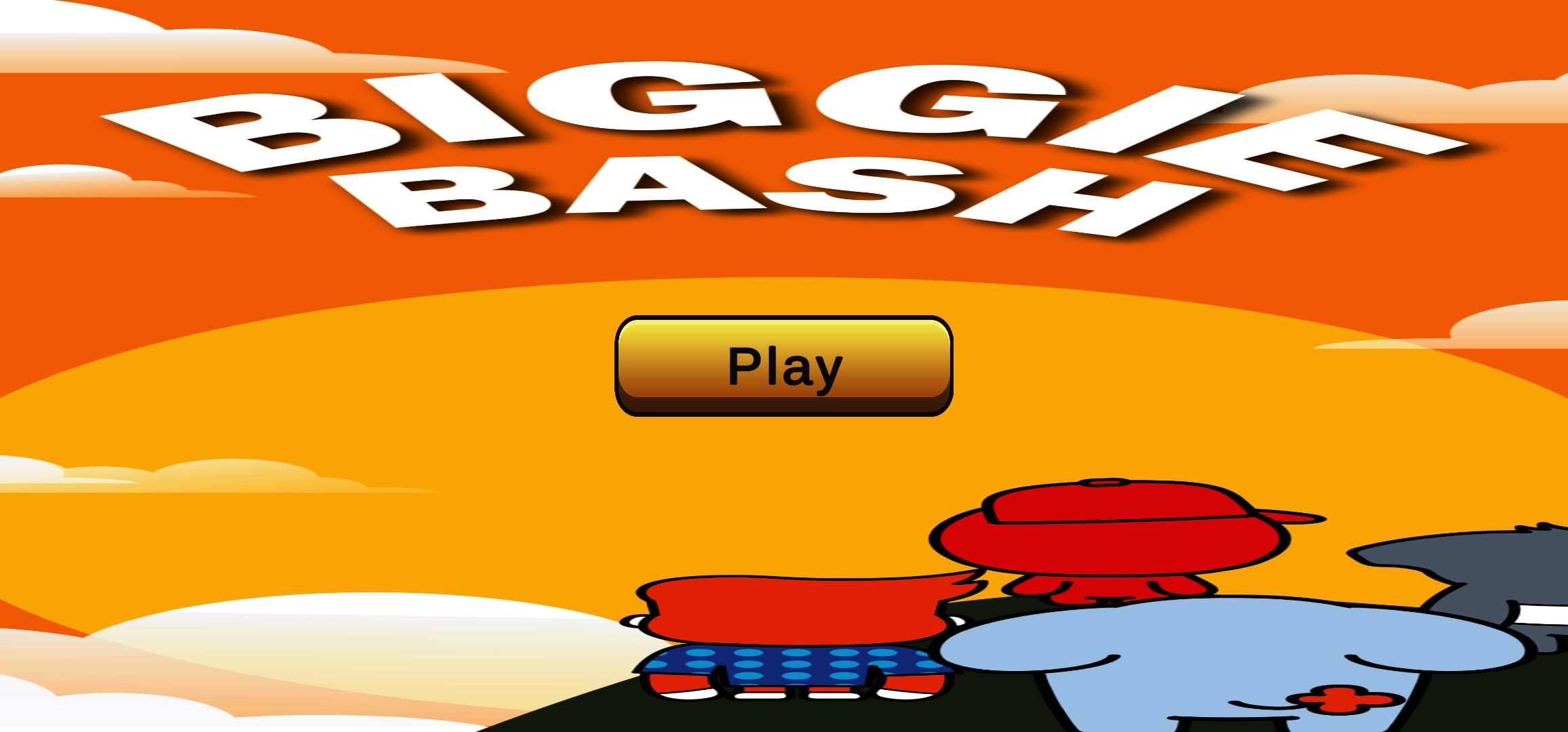
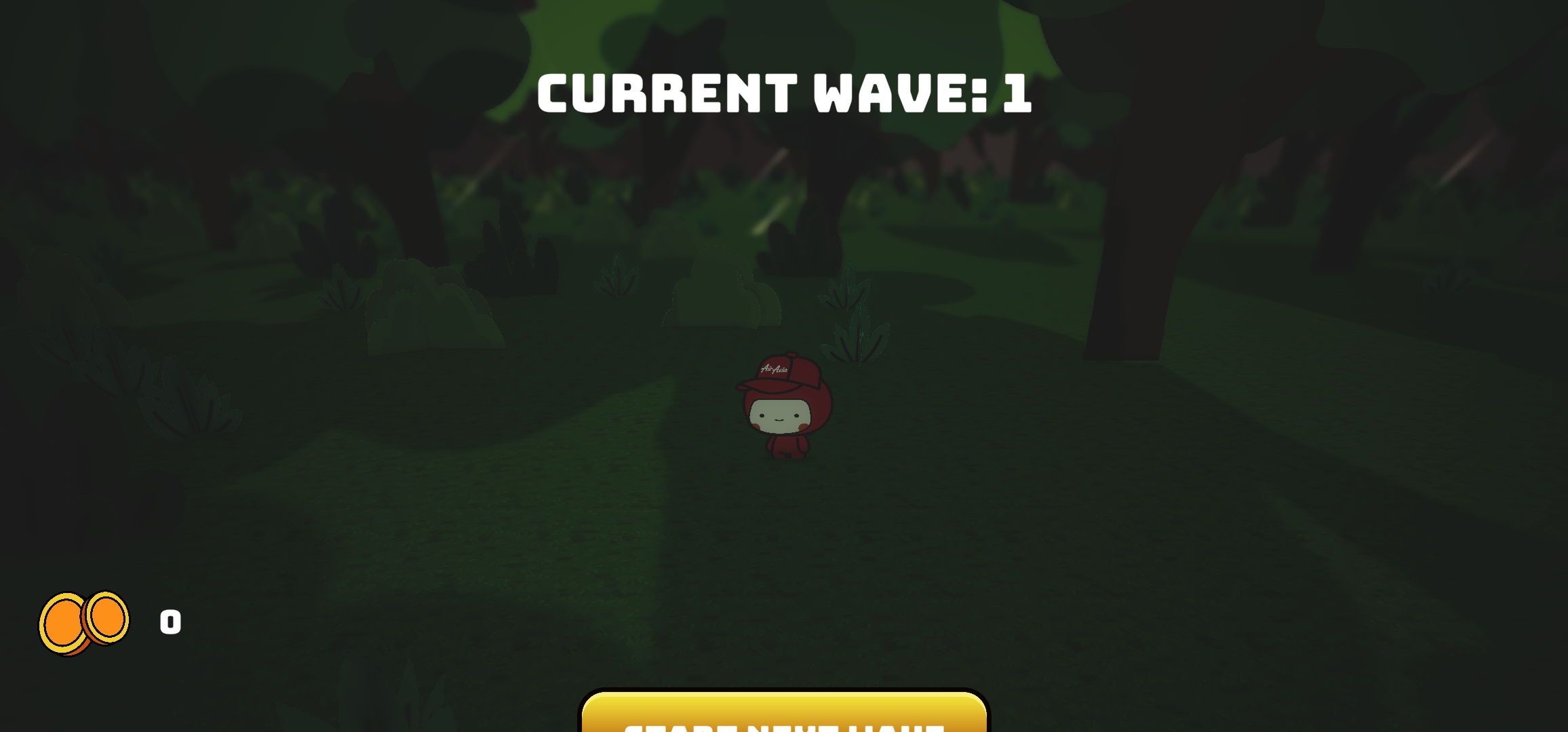
and this is my settings

work well in the pc browser but mobile has problems.
my unity project settings resolution is 360*780
my mobile brower ua is phone, and my phone has locked the auto turn orientation.
not only my phone has that problems.my friends aslo has the same situation to my game.:(
The game you tried out was a game jam entry made in a rush thus is not properly tested for mobile (Thanks for trying!). I was referring to my other game that's in development shown in my question.
As for your case, I think these might help:
- Try turning off auto detect size and set the resolution manually.
- Enable itch's "Fullscreen button". As previously mentioned, Unity's fullscreen button (blue) simply resizes to whatever resolution your screen is, itch's fullscreen button (white) is what allowed me to play my game on fullscreen.