


Play game
Awkward Math Puzzles's itch.io pageRate this game
Sign up with an itch.io account to rate and leave comments.
Leave a comment
Log in with itch.io to leave a comment.
Sign up with an itch.io account to rate and leave comments.
Log in with itch.io to leave a comment.
Comments
Pretty nice game!! I enjoyed it a lot. I love maths, in fact. Good job. Congratulations
I got the source code and compiled it in Linux. I had to change a copule of things (in case you are interested):
#include <cfloat> (for the FLT_EPSILON definition)
#include <cmath>(for the std::isnan() function)
and use a #ifdef _WIN32 to include the WinMain function and a standard int main() if in __linux__
Your game looks cool, and it's technically impressive.
I've got one issue with the keyboard, though: no matter what I try to type, nothing happens. I'm using an AZERTY keyboard, so maybe that has something to do with it.
I had a similar issue with my keyboard. I use a spanish one and the math symbols where in differnent positions... as if the keyboard in the game was set to the US layout
Played through 20 levels - did not have the skill or patience for the later ones, so I just scrolled through them, and they looked creative. Similar vibes to devil's calculator, and I swear I played a game like this before, but who knows. Maybe Shape Matcher from the previous jam. Anyway, I liked it, mathy, creative, beautiful, good tutorial.
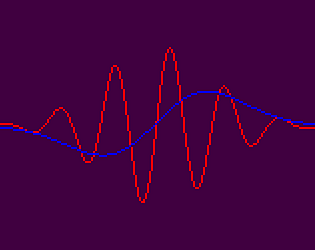
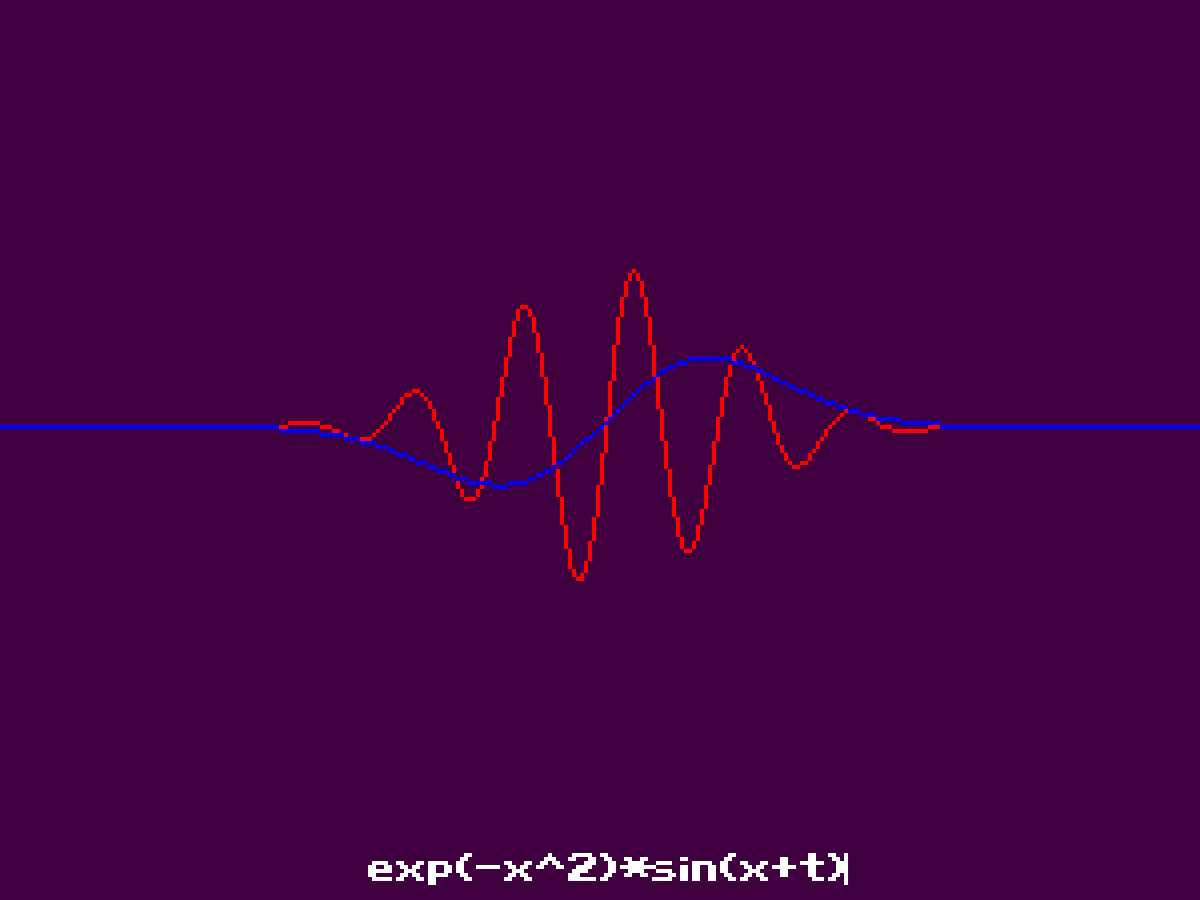
Looked at the source - I tried to figure out how to get it to draw cool patterns. Pressed F1. All I could get it to draw was straight lines. I'm sure it would work if I understood what the inputs were supposed to be - example equations would go a long way. neat concept anyway, I love mathematical simulations!
I should have probably done a better job explaining the operations, constants, variables, simple expressions, etc... The input expression is basically a function of the current position on the X axis <x>, and the current time <t>, so you'd get an ascending line with the expression "x", and a descending line with the expression "-x" for example. Any non existing constant or variable such as <a> and <b> would resolve to zero but I should have also made it clear that they were placeholders in that F1 panel. Anyway, thanks for the feedback.