Hi everyone! For the past several months I've been working on a block game, temporarily referred to as Block Game. I've been documenting its creation on social media and you can read all the posts from the very beginning to now on Mastodon or Bluesky. It also has a website with screenshots, an FAQ, and a feed of the latest devlog posts.
Since I've got a bunch of followers here I've decided to try out doing some progress roundups here too. For the first post I'll just post some highlights of development over the past 3+ months, but future posts will cover a shorter period of time in more detail. But I have no idea if people on itch read devlogs so please make sure to like and/or comment on this post if you want me to continue doing these!
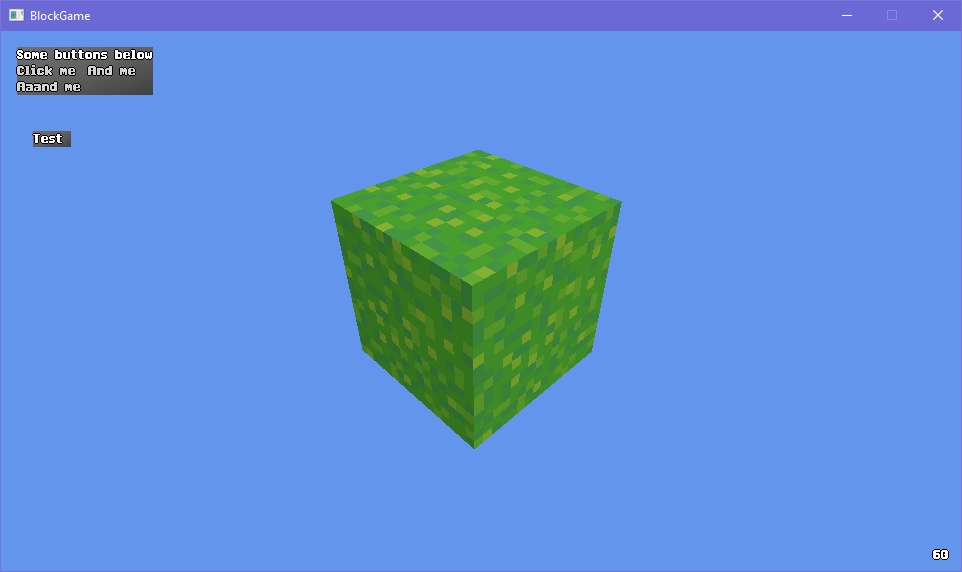
Development started on August 28th with a block and an honestly pretty terrible grass texture.
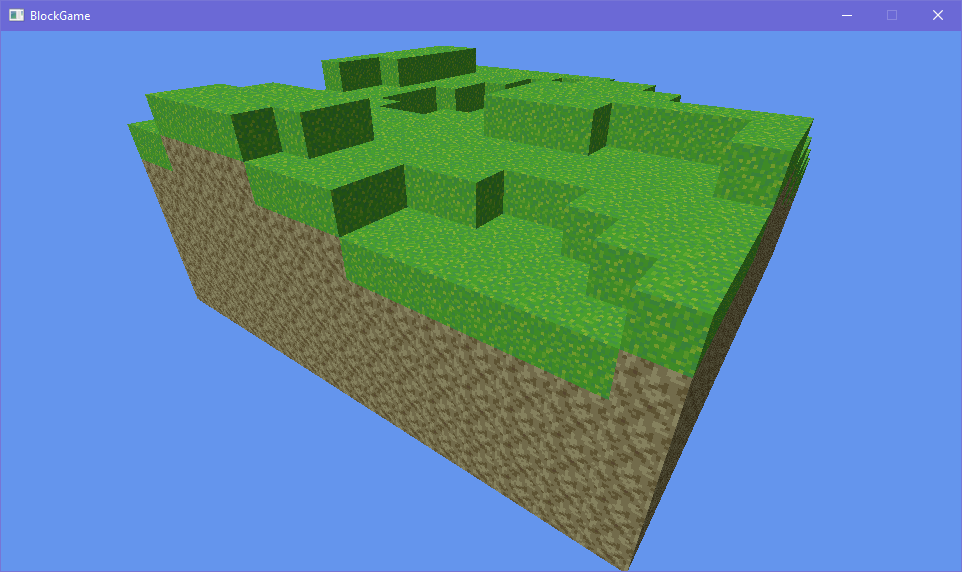
By the 2nd day I had a chunk of terrain going.
And I decided that I was going to use some old pixel art as my style guide for the start of this project.
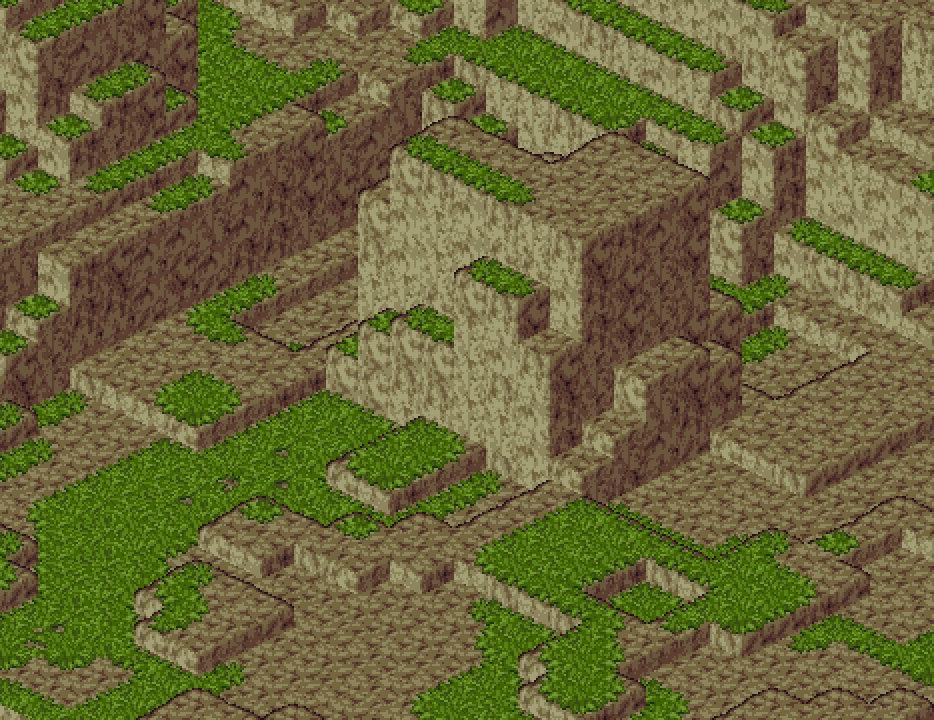
By September 7 I'd tweaked the lighting, added a faux bevel effect to soften the edges of the terrain, added an outline effect, and added some shell textured grass, completing my attempts to match the style guide.
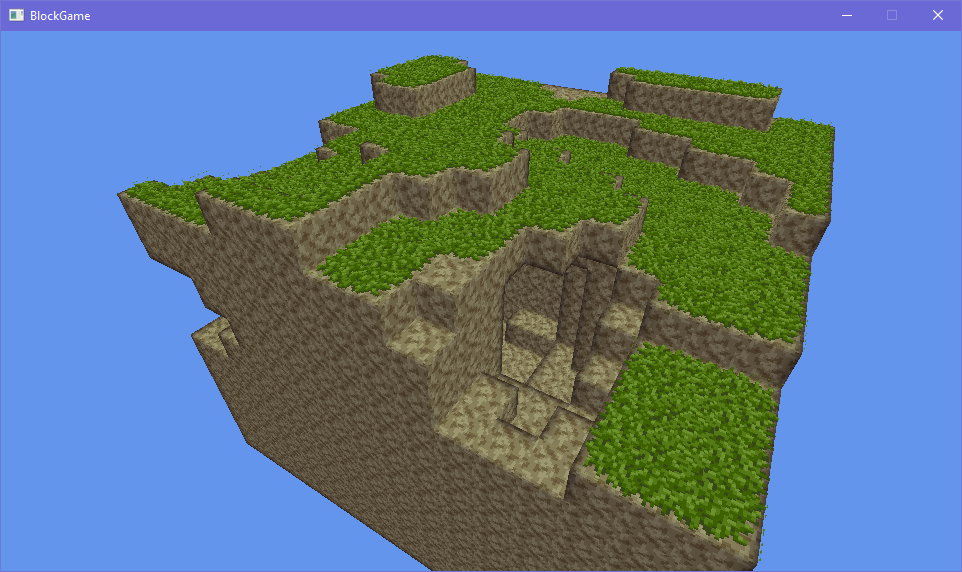
By September 11 I had infinitely generating columns of terrain and some sick caves.
3 days later I'd added stone as well as player physics.
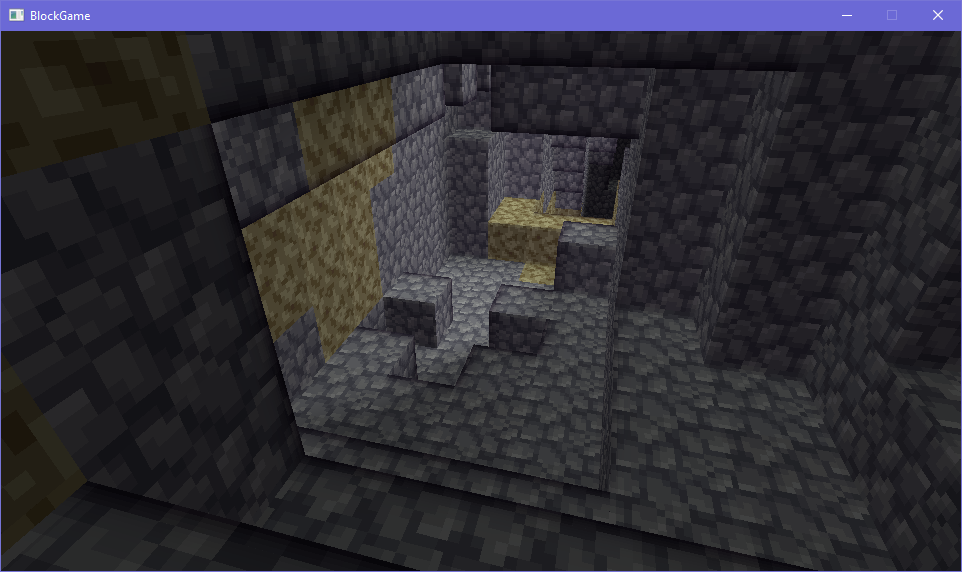
On September 17 I started working on lighting. This was a big job, so it took me a week (until September 24th) to finish it! I had a brainwave while working on this. I realized that Minecraft style flood-fill lighting could be seen as an approximation of bounce lighting, with the way it can wander around corners. If I could add direct ray-cast lighting on top of it, Block Game could have dynamic lighting with cast shadows and bounce lighting, a sort of low-budget global illumination. It worked out real well, I think. You can see in this cave that a light source around the corner is casting a diagonal shadow, but the area inside the shadow still has differences in lighting due to the (bounce-like) flood-fill lighting.
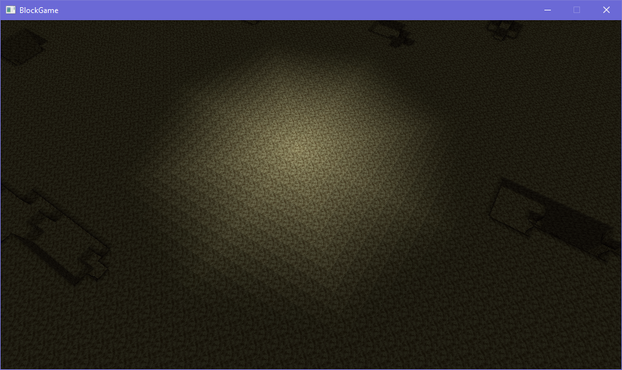
I also made the flood-fill lighting a little bit more rounded by having light spread along diagonals as well as cardinal directions.
Not bad for only one month of development!
For the remaining few days of the month I tackled trees, ferns, and wildflowers to flesh out the overworld a little bit more.
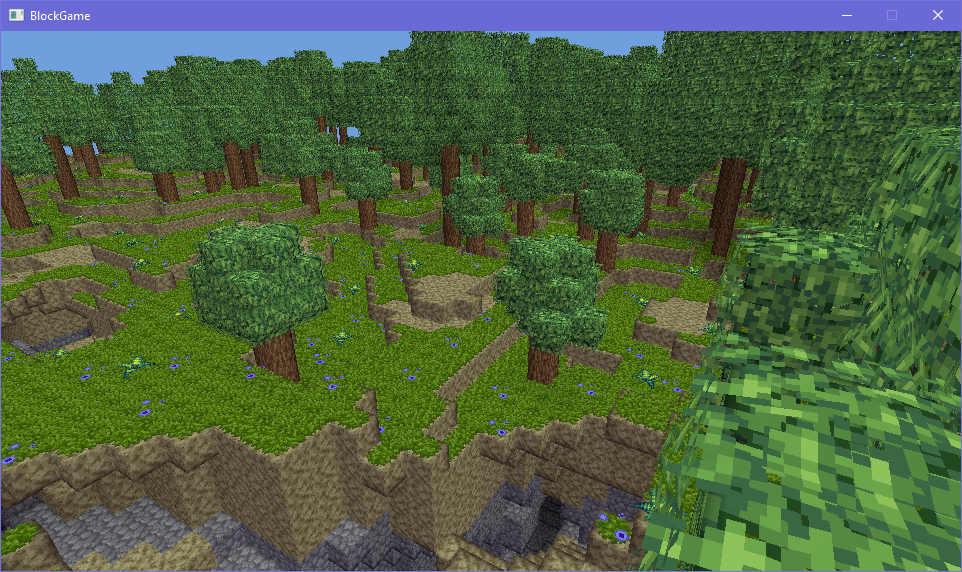
After that I did a few optimizations before I started work on the 3D cursor required to interact with the world on October 9th. By the 14th I had the cursor done as well as block breaking done.
I started working on the GUI after that, starting with rendering icons for blocks in the game but quickly getting distracted by making dithered menus with pretty gradients and a bespoke font, as well as automatic GUI scaling.
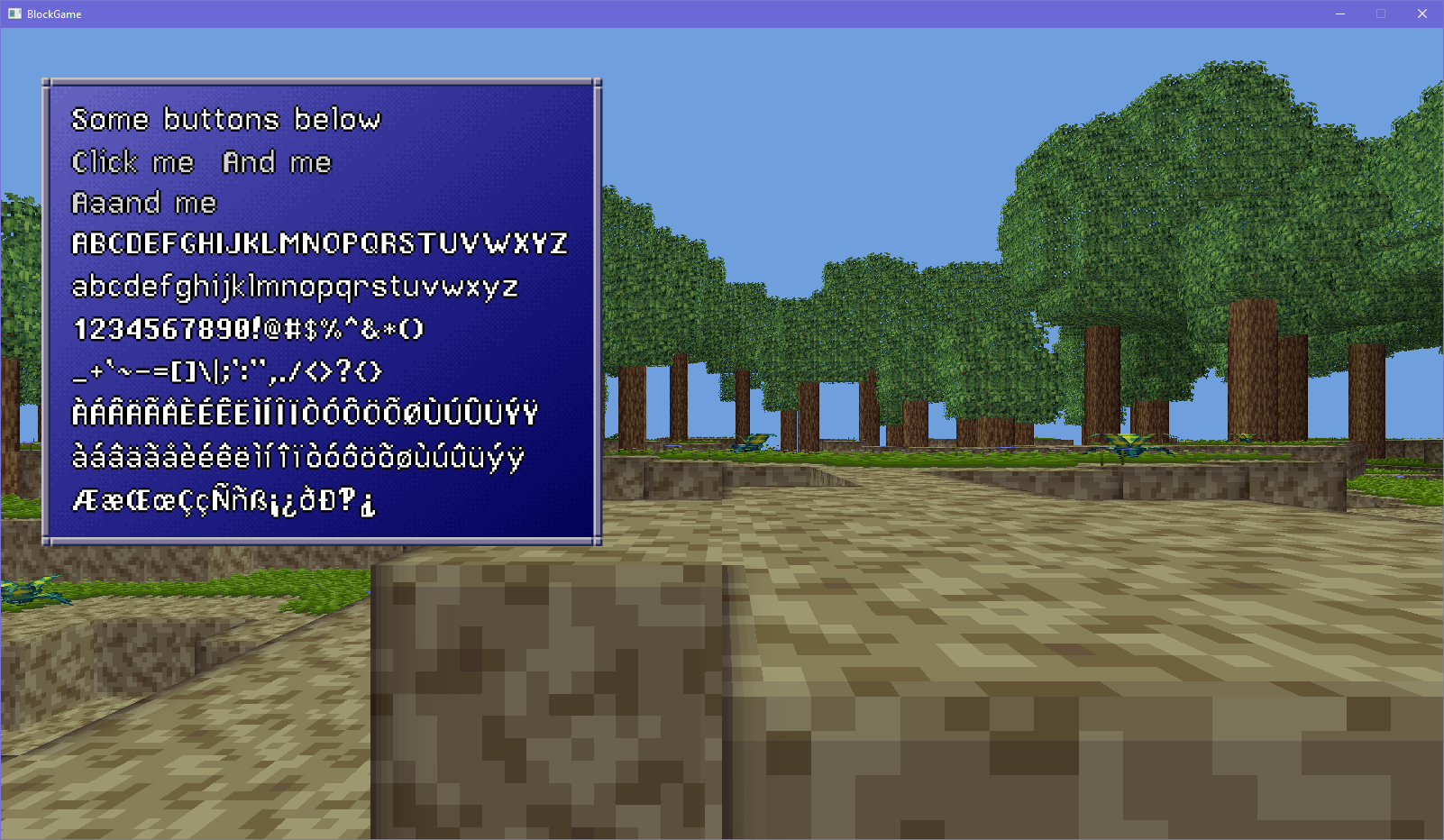
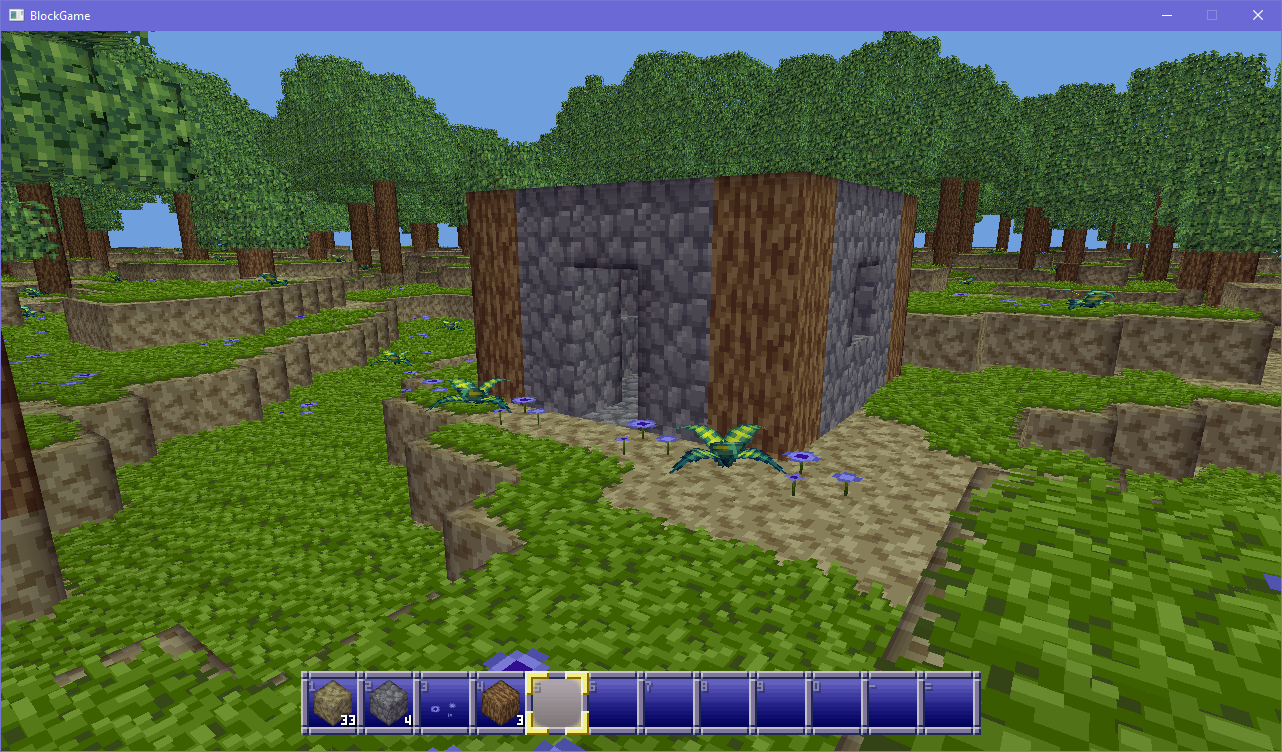
Once I had the foundation laid for GUI I added a hotbar to the game, and made it so broken blocks were added to your inventory. That all took another 5 days, so as a little treat on October 20th I did what anyone in a block game does: I built a little shack. :3
I added entities to the game by adding a stick. These aren't like blocks, and can be found in the world not constrained to the block grid and freely rotated. I then added a basic crafting system by adding flamereeds, which can be turned into torches by picking up sticks and using those on the harvested reeds. This means Block Game had its first crafting loop by October 24th, less than 2 months after starting development.
For the rest of October I added flint, which can be used with sticks to create a flint axe. The flint axe can chop down tree bark blocks, and then can be used on those blocks to get rough wood. You can use the axe on the wood to get sticks, or use the wood on itself to make rough plank blocks. I also added a basic inventory, along with the ability to left click to move items and right click to split stacks, just like in Minecraft.
I also added bushes somewhere in there cause I got distracted. >_>
I started working on item drops, completed the work, then got sick until November 10th.
The limits of "use X on Y" for simple crafting recipes was rapidly being reached, so on November 11th I started working on the first crafting station: the crude carpentry table. This required a lot of work because I wanted crafting to be mostly diegetic and to bring the use of menus to an absolute minimum. I also needed cordage for carpentry recipes, so I had to create a flint knife (created by using flint on flint) and make it so using that on flamereeds yields cordage.
I had to do a lot of refactoring at this point. I needed to add block entities so the table could be interacted with. I had to make item inputs so you could put materials on the table, which also required making item filters. I had to create an entire scene hierarchy to have the table show the piles of materials and so those could be interacted with independently to be picked up. Finally I had to create a crafting recipe popup menu which required several refactors of the GUI engine. I had to refactor the hint text at the top of the screen several times to get everything to work properly. And I had to change the way the player interacts with the environment by left clicking, to make it more modular and able to handle things like inputting items into the table.
All of this took all of November, but on the 30th the crude carpentry table was finally complete, missing the 3 month mark by just a hair.
In the first few days of December I added a recipe for tables. Tables are nice because they're connecting blocks, like fences in Minecraft, so you can easily make them any shape or size you want.
And then of course I decided to make life hard for myself on December 5th by adding doors, having briefly had the extremely mistaken thought that they wouldn't be that hard. They were that hard.
It took a little under a week and the implementation of a bunch of new systems (entities the player can collide with, blocks which orient to certain directions, multi-block structures and more) but on December 11th I finished proper two block tall doors.
And that takes us to today, which means we're all caught up. These past 3 odd months have been a wild ride, and the reception to Block Game has been amazing with so many people leaving such nice comments on my dev posts saying how excited they are to play this, which has been incredibly motivating.
If you got this far I want to thank you for reading all of that, and to reiterate that there's much more detail in the threads on Mastodon and Bluesky. I'd also like to reiterate that there's a website with screenshots and an FAQ that will answer many questions you may have about the project.
And if you'd like me to continue posting about Block Game on itch please like this post or leave a comment so I know I'm not just wasting time yeeting posts into the void. :)
PS: While making this page I had to discover how to post mp4 video files on itch.io, because I didn't want to go through the laborious process of uploading every video to YouTube (which has ads) just so I could embed it here. To do this your mp4 has to live on a server somewhere, I'm just hotlinking mine from my Mastodon instance, and then you just put the following code in the raw html of your post:
<p><video src="your mp4 video link here" controls=""></video></p>
Did you like this post? Tell us


Leave a comment
Log in with your itch.io account to leave a comment.
This is amazing. This is exactly something I’ve been trying to accomplish for a while (lack of focus and continuous shifting tech and doing experiments killed progress) which actually deters me a bit from continuing ngl. If you ever want a newbie to help let me know 😅 keep it up will be following :)
And would like to add that one of the things that I also share is the seemingly will to make it run on a potato. I have a decent desktop but I try to do it on a 10y old laptop to be aware of the performance issues. Again really cool mindset and very aesthetic style
Well, this was cool and I hadn't heard of it before, so this was neat for at least one person.
out of curiosity did you find this post through your itch feed?
I've been loving following the progress of this.It's been fascinating and I'm looking forward to having the honor of playing it one day
This is looking really good so far. Great work.