What's inside?
2D Animator
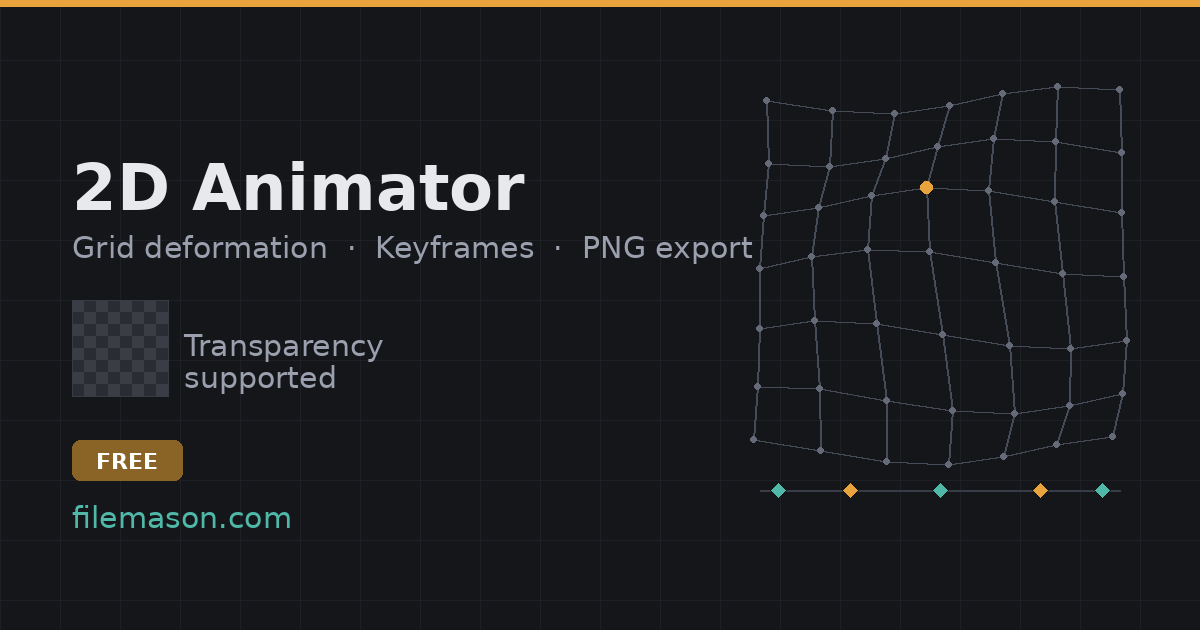
-Grid mesh deformation — drag control points to bend a flat image like a soft puppet, with adjustable smoothing radius for organic motion (breathing, hair sway, cloth).
- Full keyframe timeline: copy/paste/drag keyframes, per-keyframe easing (Linear, Ease In/Out, Ease In-Out), onion skinning.
-Custom rotation/scale pivot per layer, layer merging, multi-select, undo/redo.
-Zoom and pan on the canvas, exactly like a real editor.
Spritesheet Tools
- Unpacker/Cut Tools: slice a spritesheet by grid (columns × rows, or exact pixel cell size) with auto gap-detection, or freehand-cut irregular sprites with a lasso tool.
- Pack: arrange loose images into a single spritesheet by hand — drag tiles, swap positions, snap to a max-width guide.
- Rescale: batch resize with nearest-neighbor (crisp pixel art) or smooth resampling.
Background Remover
- Magic wand (connected or global color similarity) plus a manual eraser/restore brush with a live brush-size cursor.
- Send the result straight into the Animator, the Unpacker, or Rescale.
Export
- PNG sequences, packed spritesheets, GIF (with transparency), MP4.
- Every tool with meaningful state (Animator, Pack, Unpacker, Rescale, Background Remover) can save/load its own session as a project file.