Indie game storeFree gamesFun gamesHorror games
Game developmentAssetsComics
SalesBundles
Jobs
TagsGame Engines

GMod PM+

Port character models to Garry's Mod the easy* way · By Amaxivermis

Importing problem.

A topic by Hehutow created 51 days ago Views: 219 Replies: 10
Viewing posts 1 to 11
(1 edit)

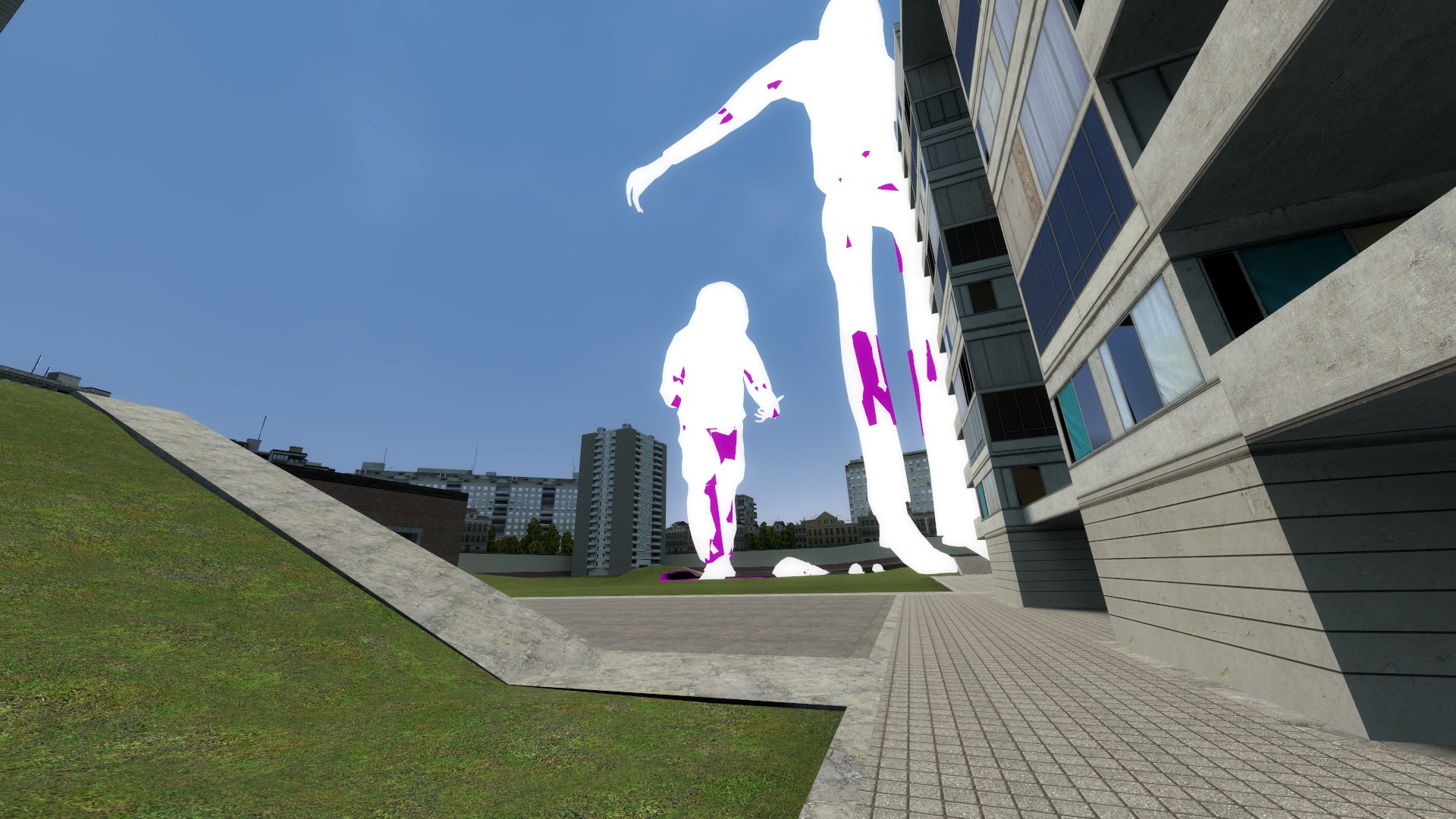
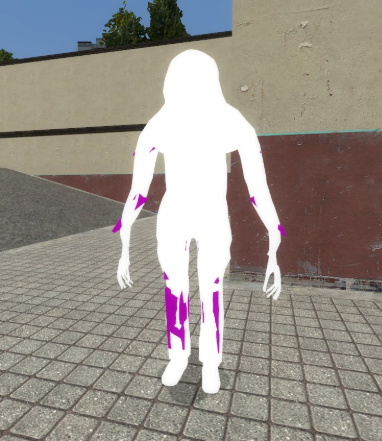
I have a problem with importing a model. When I import it, it is partially deformed and 50 times bigger than normal models. I think the problem is in my export of the model to GLTF. I just exported it through Blender. As a result, in GMod I ended up with some kind of creepypasta, where 50-meter-tall white titans with long deformed limbs are standing around the map.

Can you recommend guides for exporting models to GLTF or tell me what I am doing wrong? I am still quite new to Blender, and exporting models to another format is unclear to me.
Developer

Is the scale in Blender applied? In addition what is the size of the model compared to the reference model which is red and transparent in the program?

(1 edit)


Scale applied. Well, the size is about 75 meters larger than the red standard :) I tried manually reducing it to 0.03 in your tool - then the model is slightly taller than the standard. In that case, the model behaves more reasonably, although it’s still pretty weird. The limbs seem to be longer.

I don't think the problem is with the model. The problem is with my clumsy hands. Since I tried another model, which definitely has no problems. I exported it the same way and opened it in the tool – the result is the same – a 75-meter giant.

Developer

Garry's Mod measurements are in inches it seems which is why when doing the manual porting method that's always been you massively scale it up since Blender and most 3D software nowadays  is in metres, I should put that notice in the documentation soon. As for the hands you may want to check the bones and see if they're renamed and the correct amount since that might be why they look odd

If not a manual method? Is there a convenient way to import into GLTF?

Developer

By manual I meant the normal way you'd port models over, for GLTF you could just use Blender and export if you follow the instructions, I was going to add FBX but didn't just yet because it had a lot of bugs that made those models straight up not work as intended though it might be added soon

(1 edit)

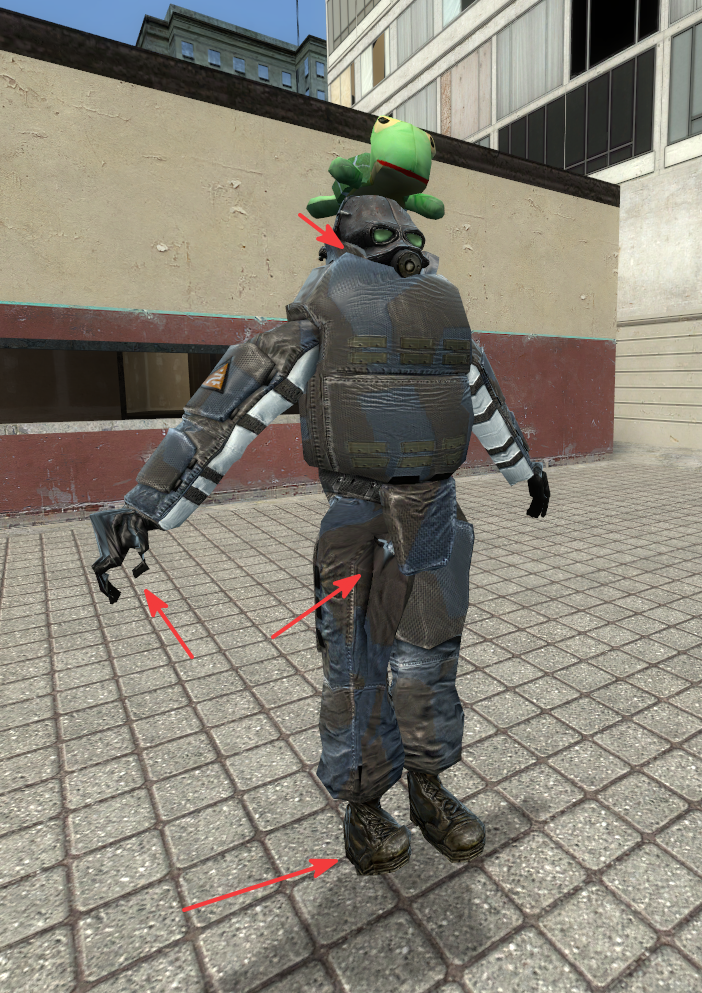
Using a bunch of crutches, I managed to relatively fix the reference model. But the problem still exists — the bones, especially noticeable on the arms. You said to check the names of the bones, their quantity, but everything is fine with that. Especially in A-pose, you can see that my legs, arms, and neck are deformed. I'm definitely doing something wrong.


Could it be a problem that in Blender the rest position is an A-pose, not a T-pose or something like that?

Developer

The model in the program should be in the T pose for the best results, you don't need to pose it in Blender like that, you can repose it in the program itself, if reposing automatically doesn't work you can just rotate them to be in the T pose

(2 edits)

I have already changed the pose in Blender and yes, it helped. Now the model looks correct, except for one foot. One foot is normal, and the other is raised up. But that's just a matter of fine-tuning the T-pose.

edit: No, everything is correct. Everything works perfectly, the main thing is to set the T-pose properly. My problem with the leg is an addon on the animation; in it, all the models have a crooked foot.

Developer

The foot is posed correctly I'm assuming, but just check the names one more time and it's pretty if there isn't an extra bone between the foot and toes and see if that helps

Everything is fine with the standard animations. The tool works perfectly. I checked on the original model, now everything is fine. There are no problems with the limbs.