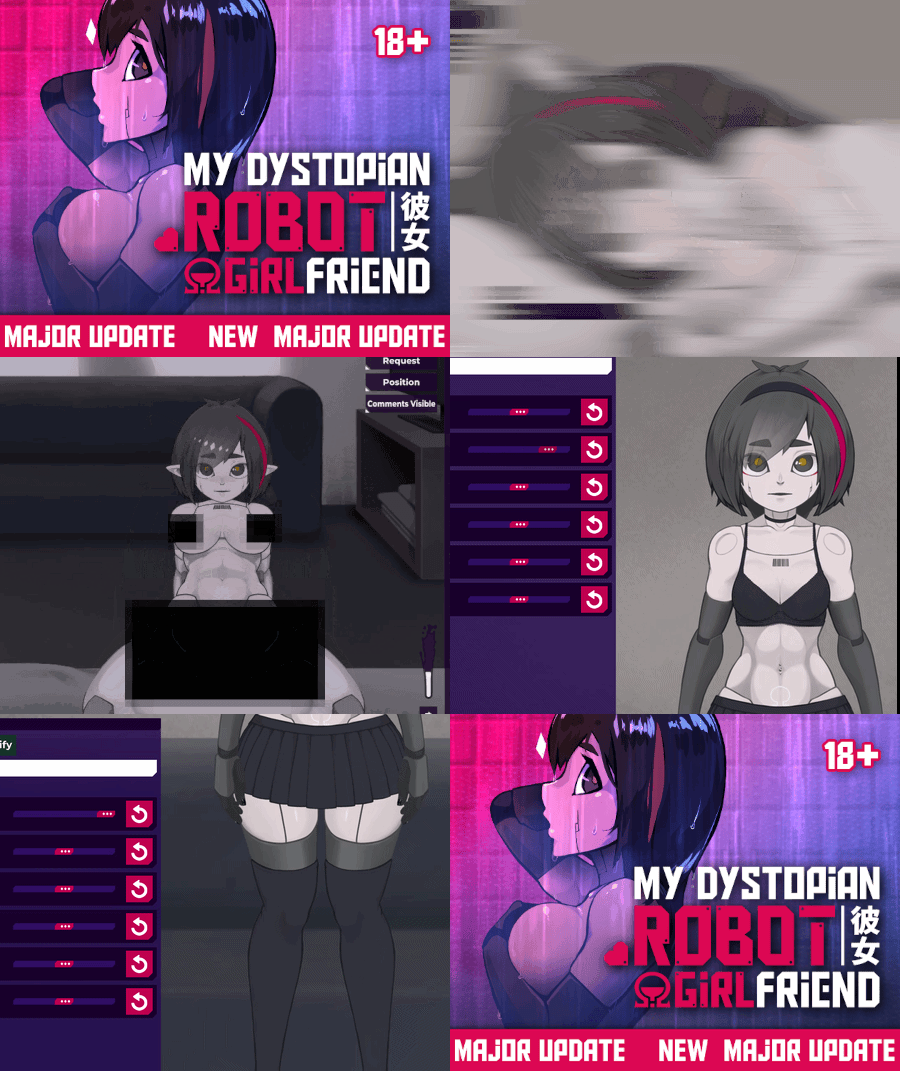
Headpat a sexbot in a dystopian world · By Incontinent Cell
I can't change the allowed screen
Please clarify what you mean, so we can properly help you.Your message is a bit unclear right now.
It looks like your antivirus might be blocking part of the game or a related process.This usually happens when:
This is a false positive in most cases.
If you are trying to access the social links manually, you can use this instead:
I play on phone
Still doesn't explain anything.
I don't know how to turn off the antivirus and just the screen resolution itself changed
If you just wanted the link, you can use this link instead.
Understood?


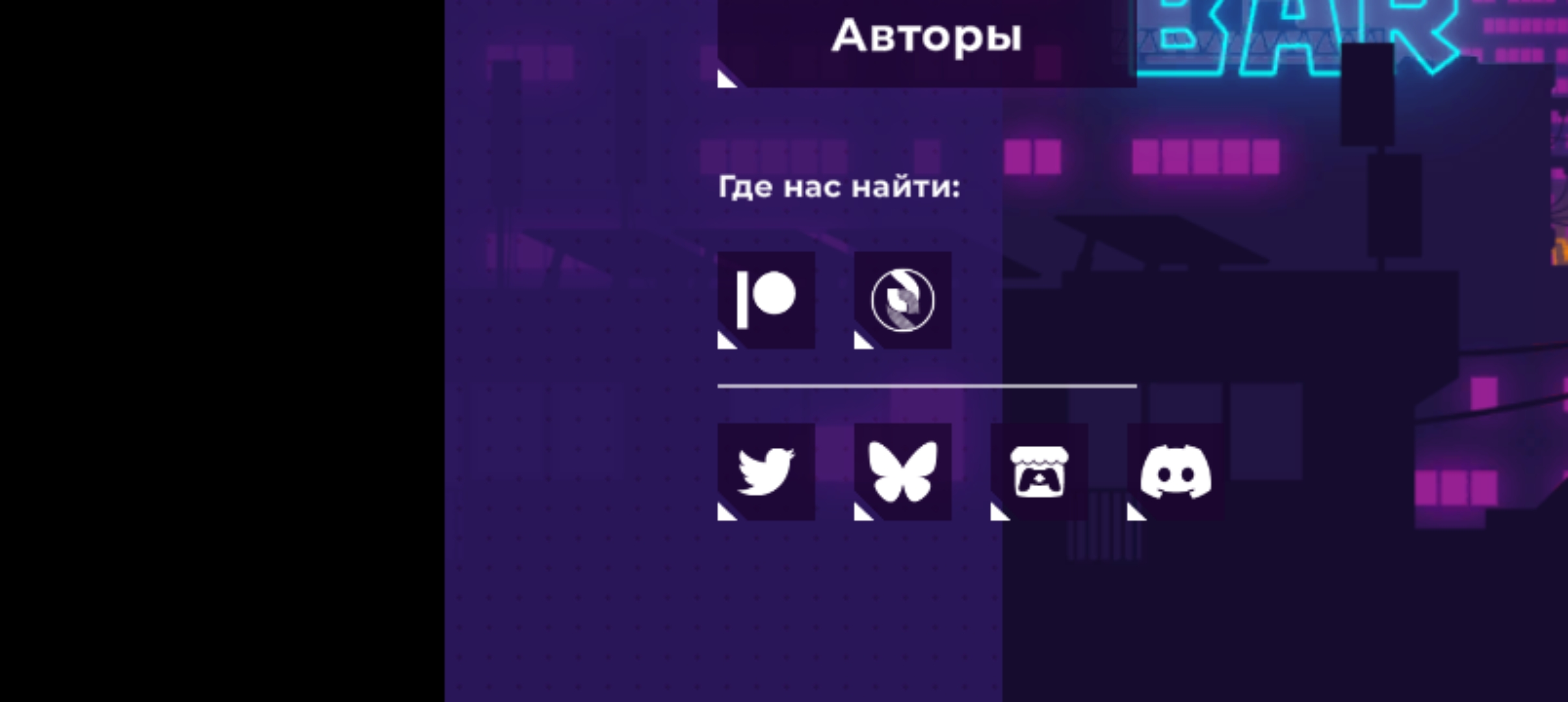 I can't change the allowed screen