


AJ Audio features a built-in Mini Player, allowing you to view your current track in a floating window
How to enable
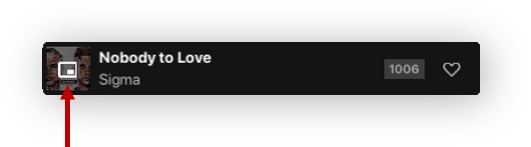
Simply click the button inside the current playing album art to enter the Mini Player:
Changing views
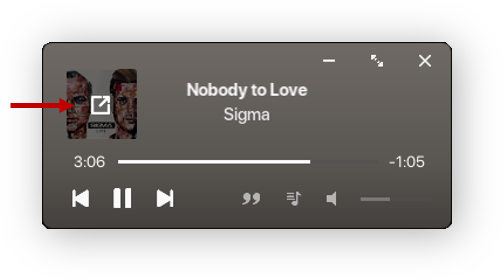
You can toggle the view by clicking the "Expand Album" option inside the album art:
Expanded view
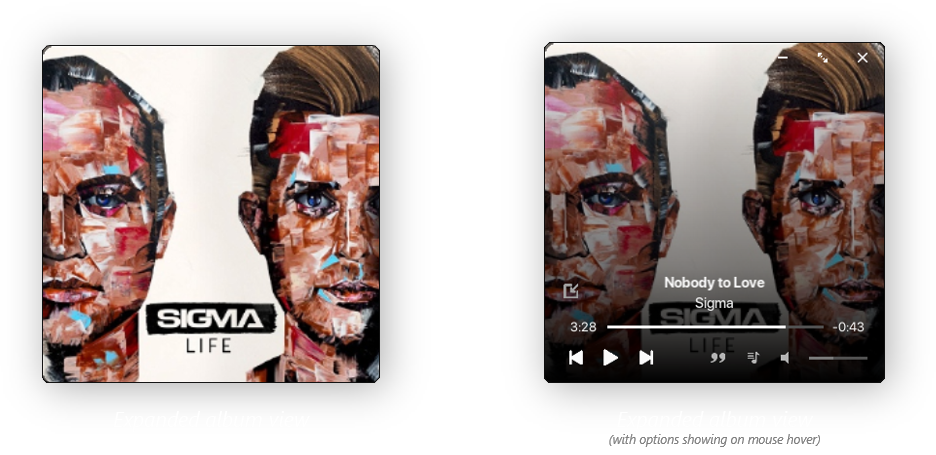
This view allows you to see the album art in a bigger size. The UI elements will be visible when interacting with the window
Exiting the Mini Player
To return to the mini player, simply click the maximize button
Making the Mini Player sit on top of other windows
You can do this through the settings menu, where there is an option to toggle this. By default, this option is enabled.