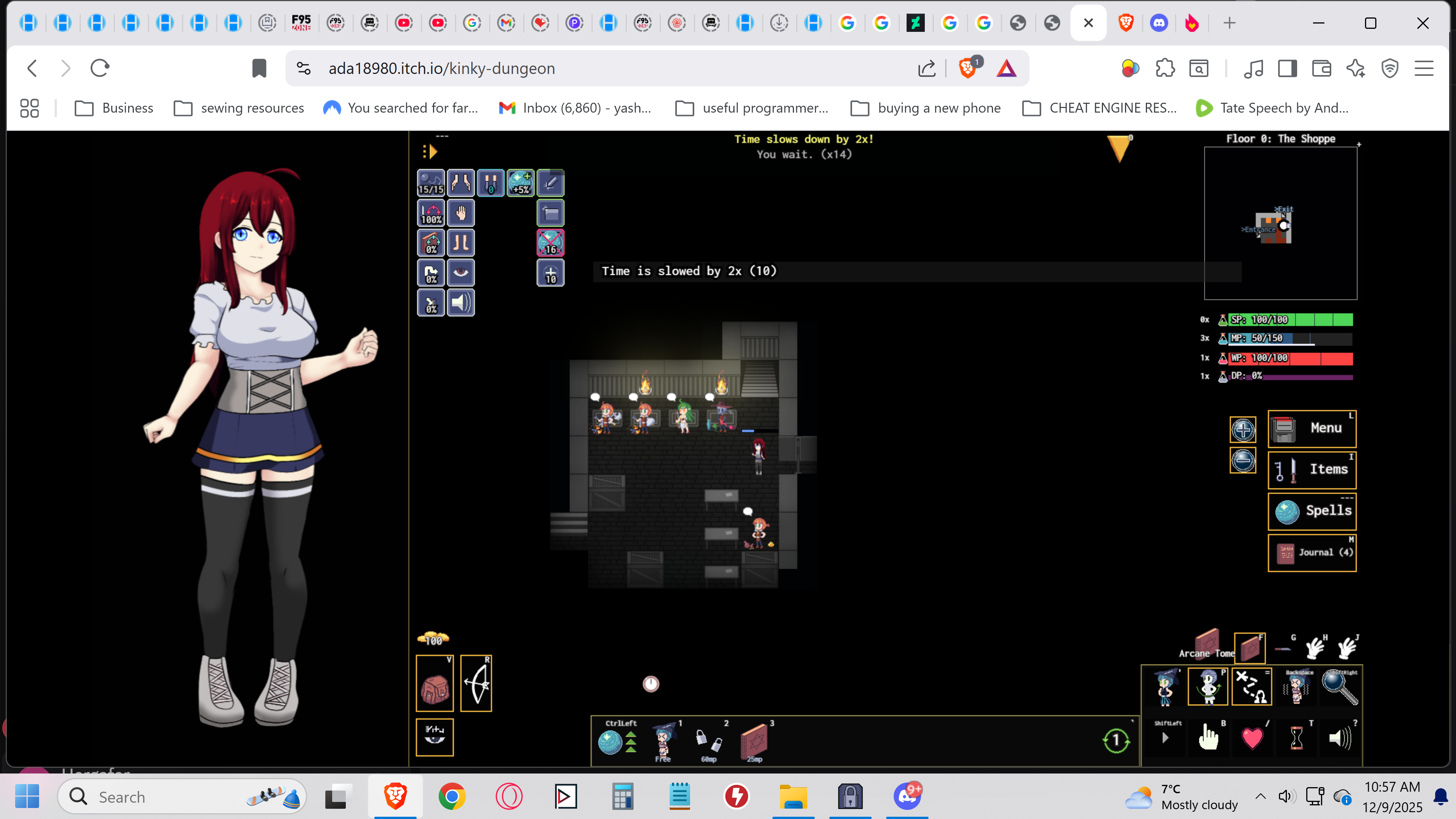
**Fixed **
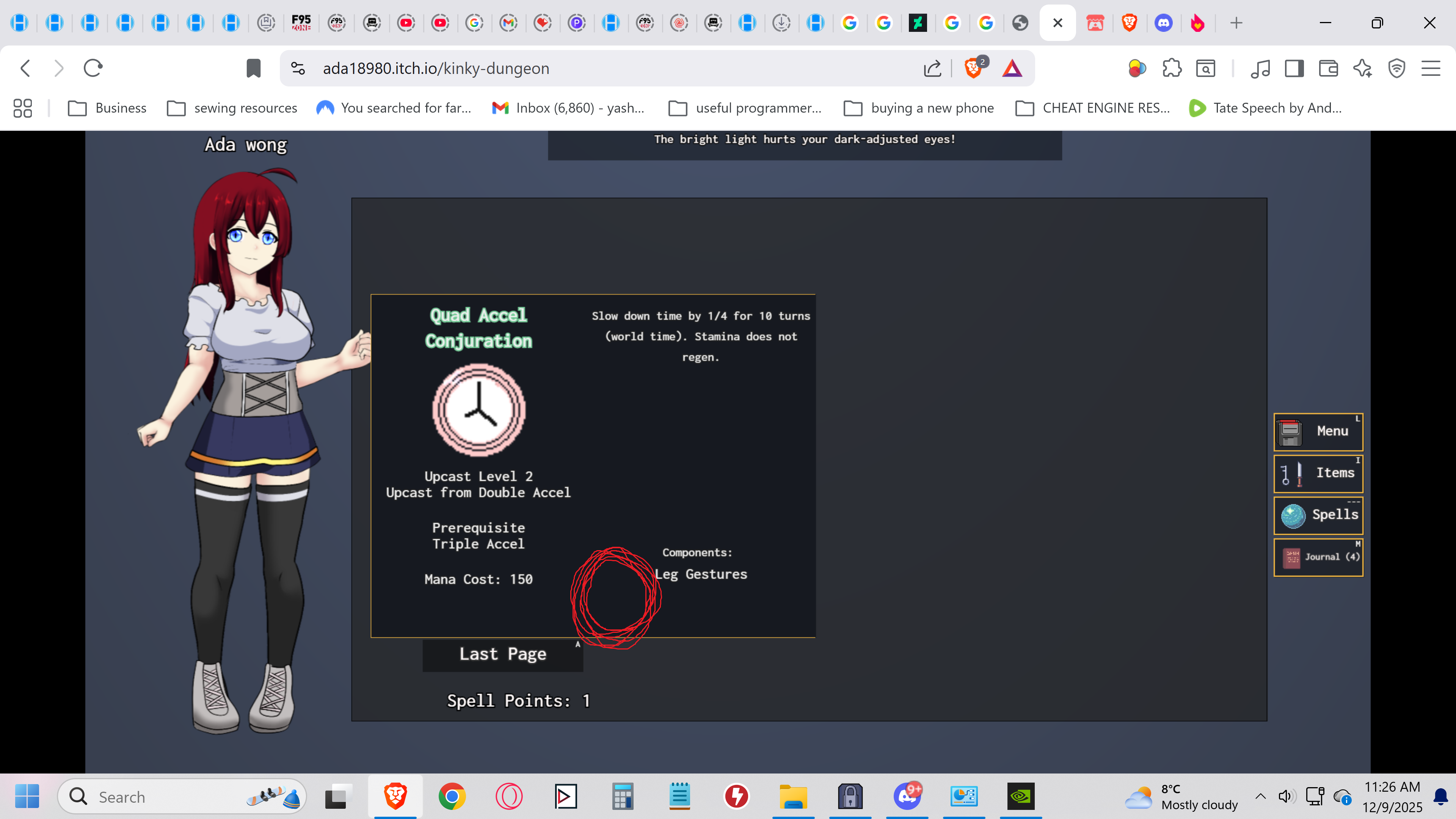
if you enter the spell page for your desired tier of that spell and press any number it will assign it to that spot on your hot bar and from there you can click it on the game and cast it as intended. im still gonna post this in the hopes that the creator sees it as a future patch to the spells UI for higher tiers of the same spell.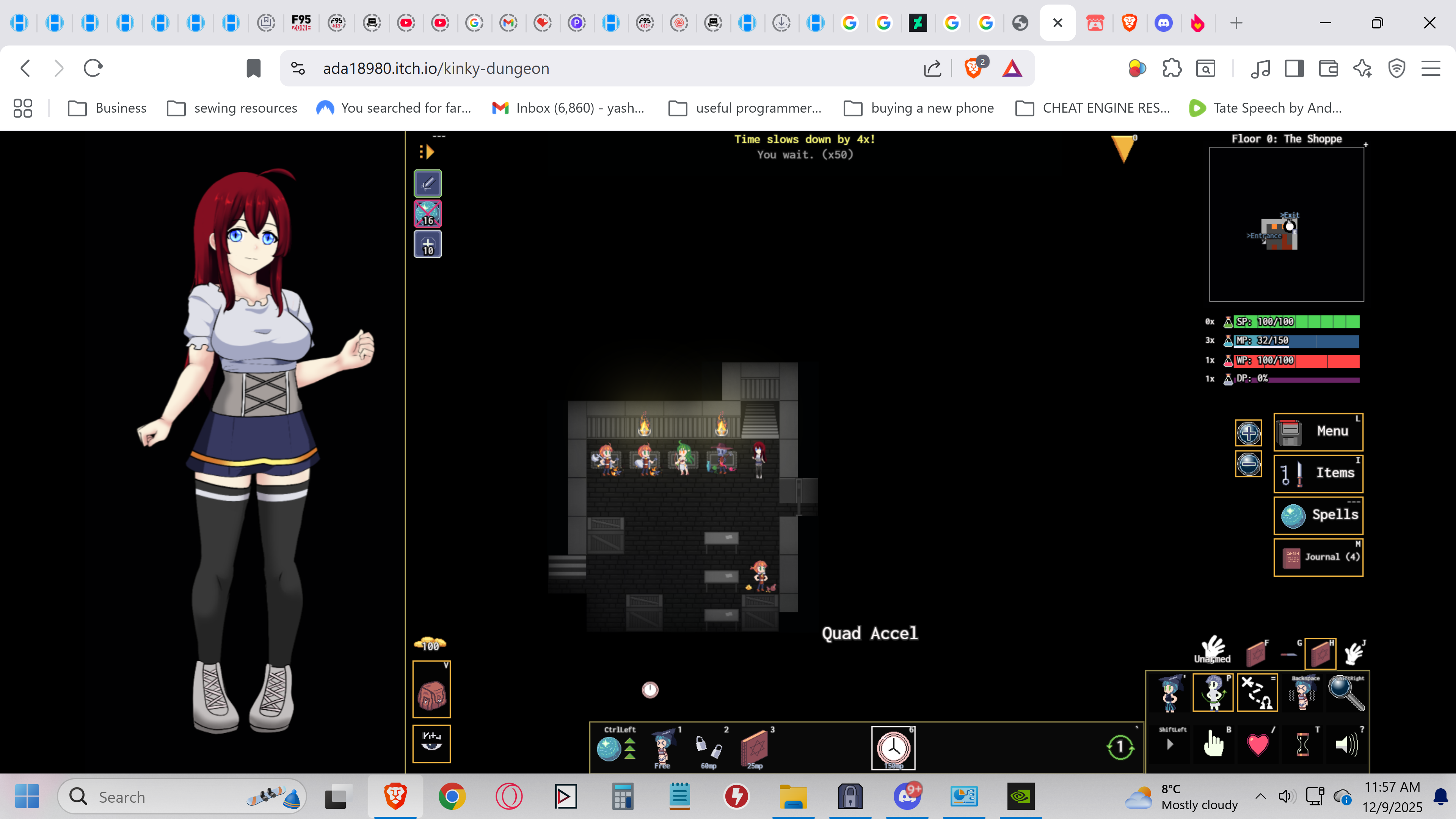
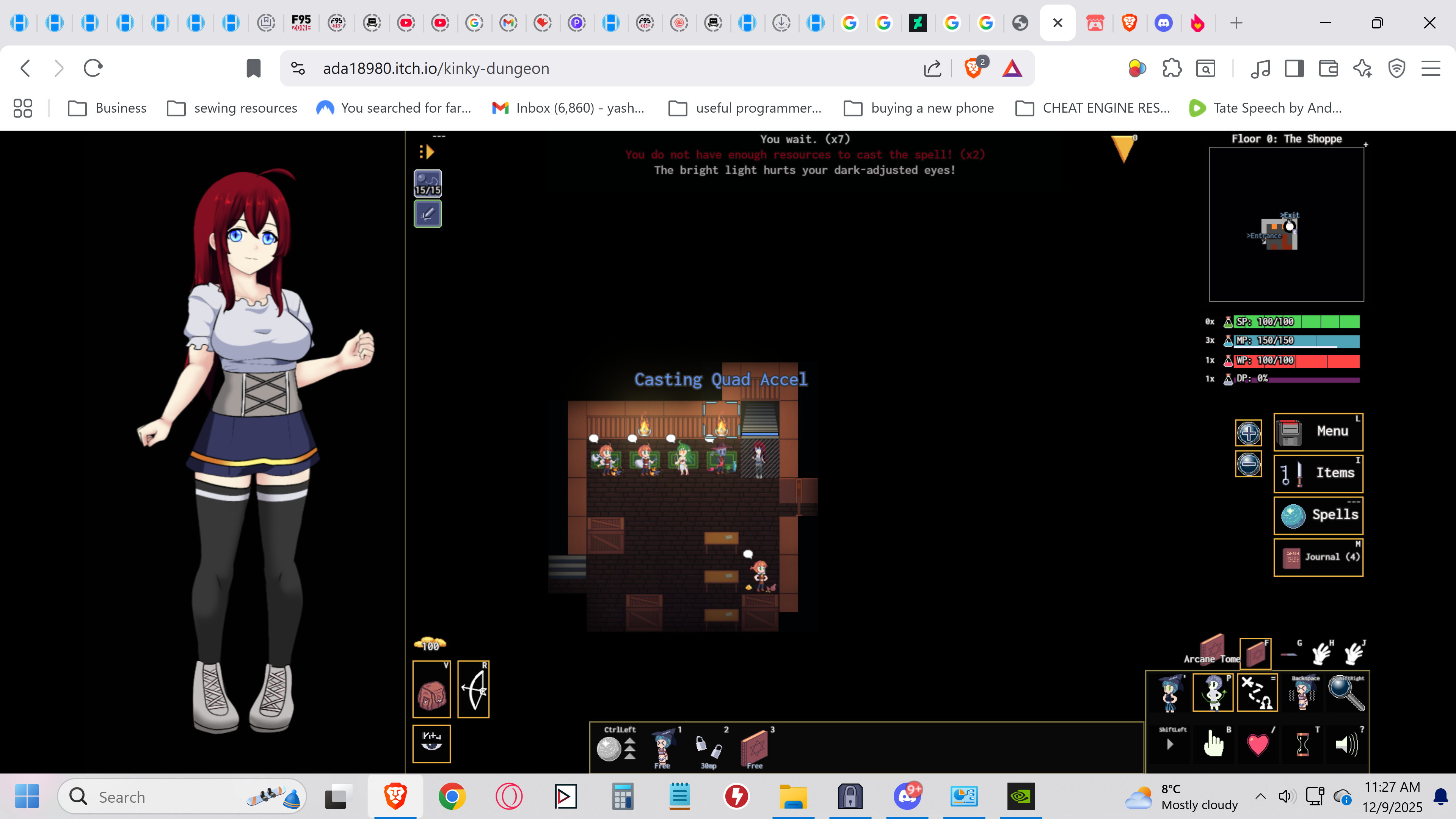
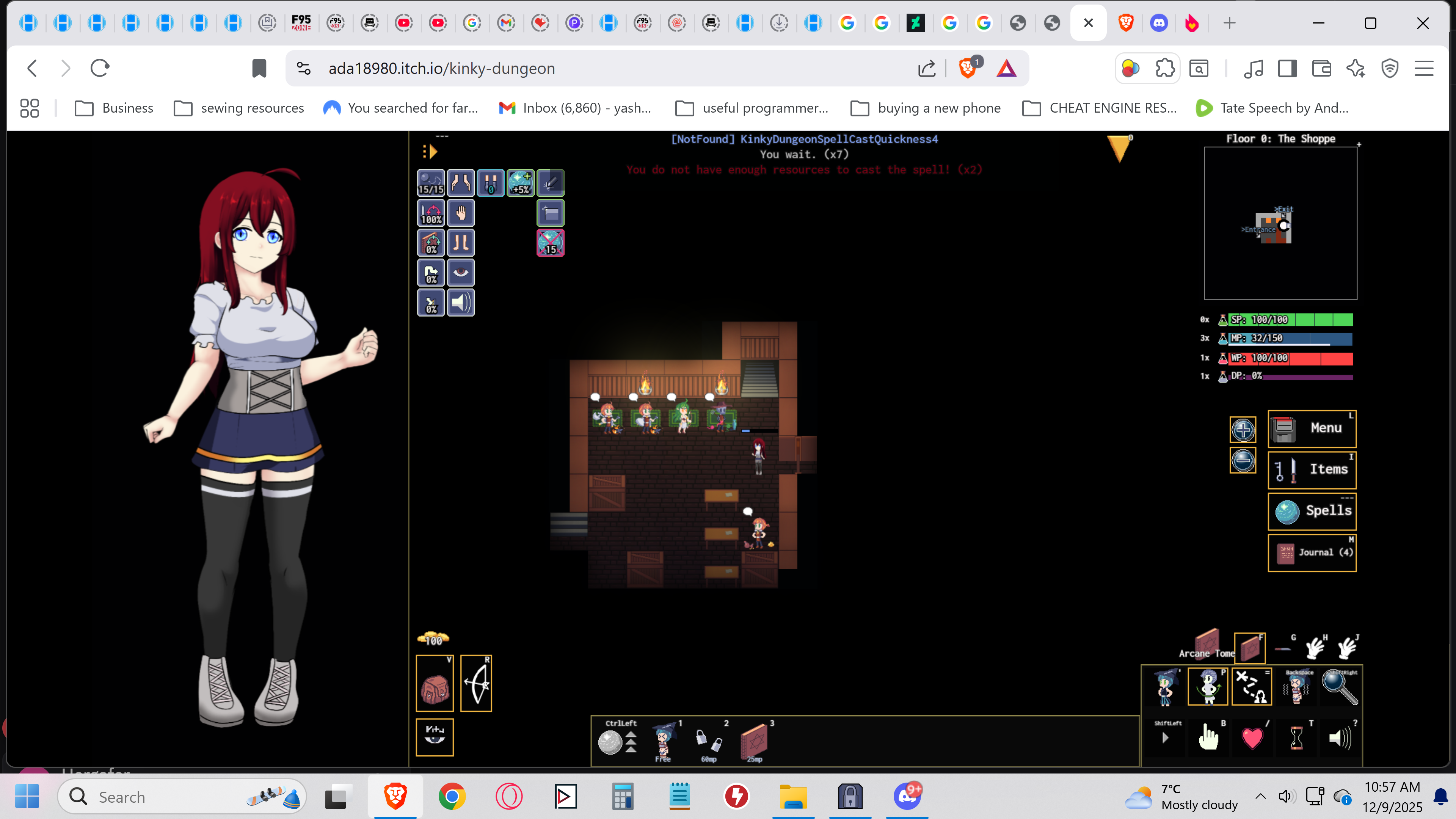
hello everyone, I'm loving this game so far. unfortunately I've ran into a bug. when i try to cast triple or quad acceleration (the higher tier form of double acceleration) it doesn't seem to do anything. by default there isn't a cast button or the ability to cast these spells from the spell book, i basically have to glitch the UI to make it work by clicking a specific spot on the spell page for triple and quad acceleration. it lets me click myself on the map and cast it on myself which works but unfortunately i don't get the effect that is supposed to give me. i get nothing. is there some sort of trick to it I'm unaware of? I've tested this sort of glitching the UI with blink 2 and 3 and it lets the spell work as intended, but unfortunately the same cannot be said of triple and above acceleration.
I've tested it on the standalone and web versions and the results are the same. my computer specs are as follows:
OS: Windows 11 pro
processor: Intel(R) Core(TM) i7 - 14700KF 3.40 GHz
system type 64-bit Operating system, x64-based processor
Gpu: NVIDA GeForce RTX 4070 Ti
Monitor: a Samsung flatscreen TV 4k x 2k, 3840 x 2160 (native) connected to it by a display port cable from by GPU to the TV directly
I'm including all this because i want help if there is a way to fix this issue myself and i don't know if its the game itself or something about my system that's making the issue happen. If you wanna try this for yourself you can do so easily. start a new game, choose the wizard class, toggle "spell choice" to "choose your spells", and at the bottom click "Advanced start (choose perks)". Go to the right until you get to the magic tab and you want to choose "Studious (4)" if its dark blue and wont let you click on it, you just need more perk points. go one to the right to the "threats" tab and pick a few of the ones with a (-2) or other -number until you can pick "Studious (4)". Click "Start Playing" on the bottom and you should start with enough spell points to get the acceleration spells, they are in the "Physics 101" spell tree and are conjuration spells. you can assign double acceleration onto your hot bar on its spell page to cast it.